Login
To log-in to LearningMiner user will access the main page and click the login button.
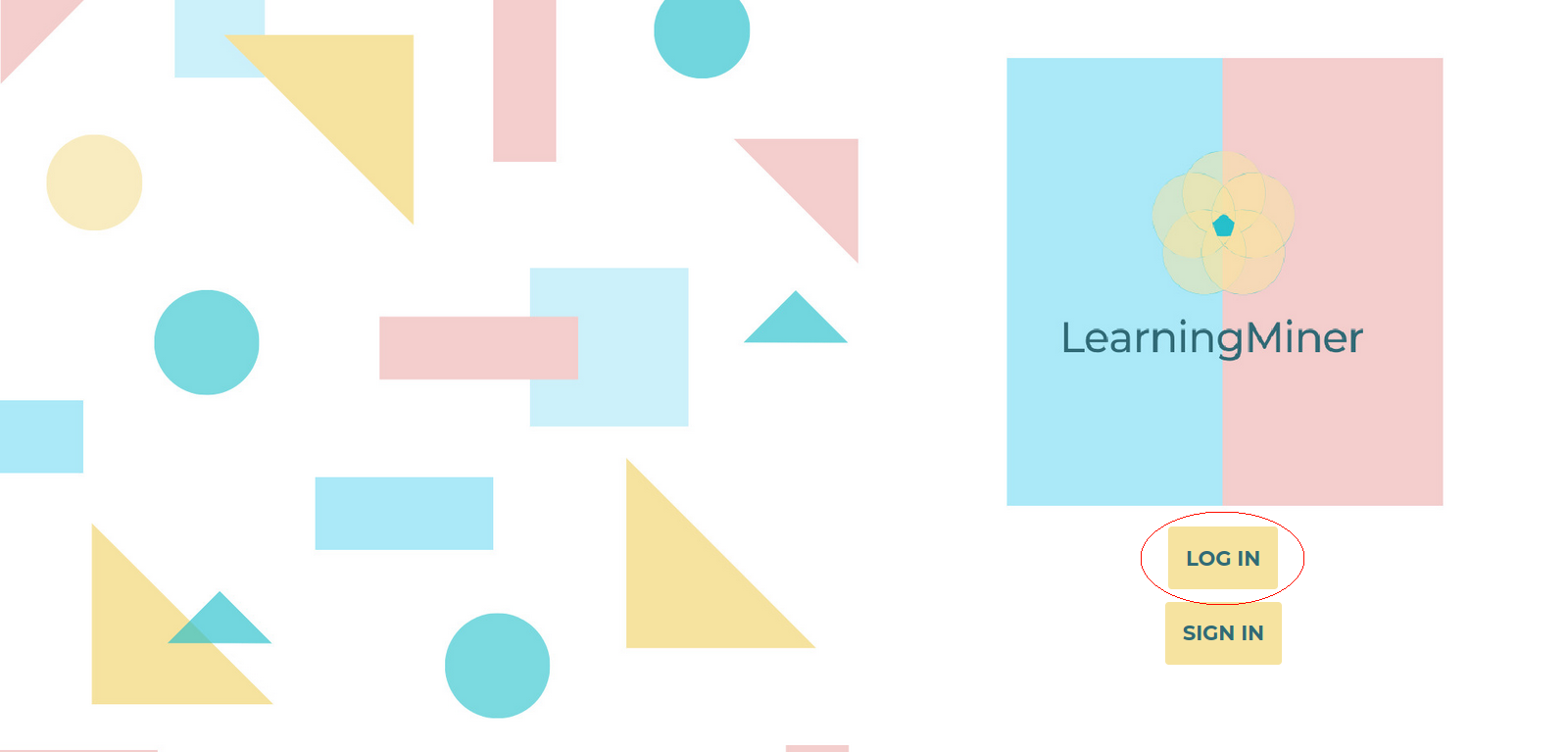
After clicking there, user will be redirected to the sign in form. User has to provide the following data:
Once user has filled all the fields in the form, must click the login botton.
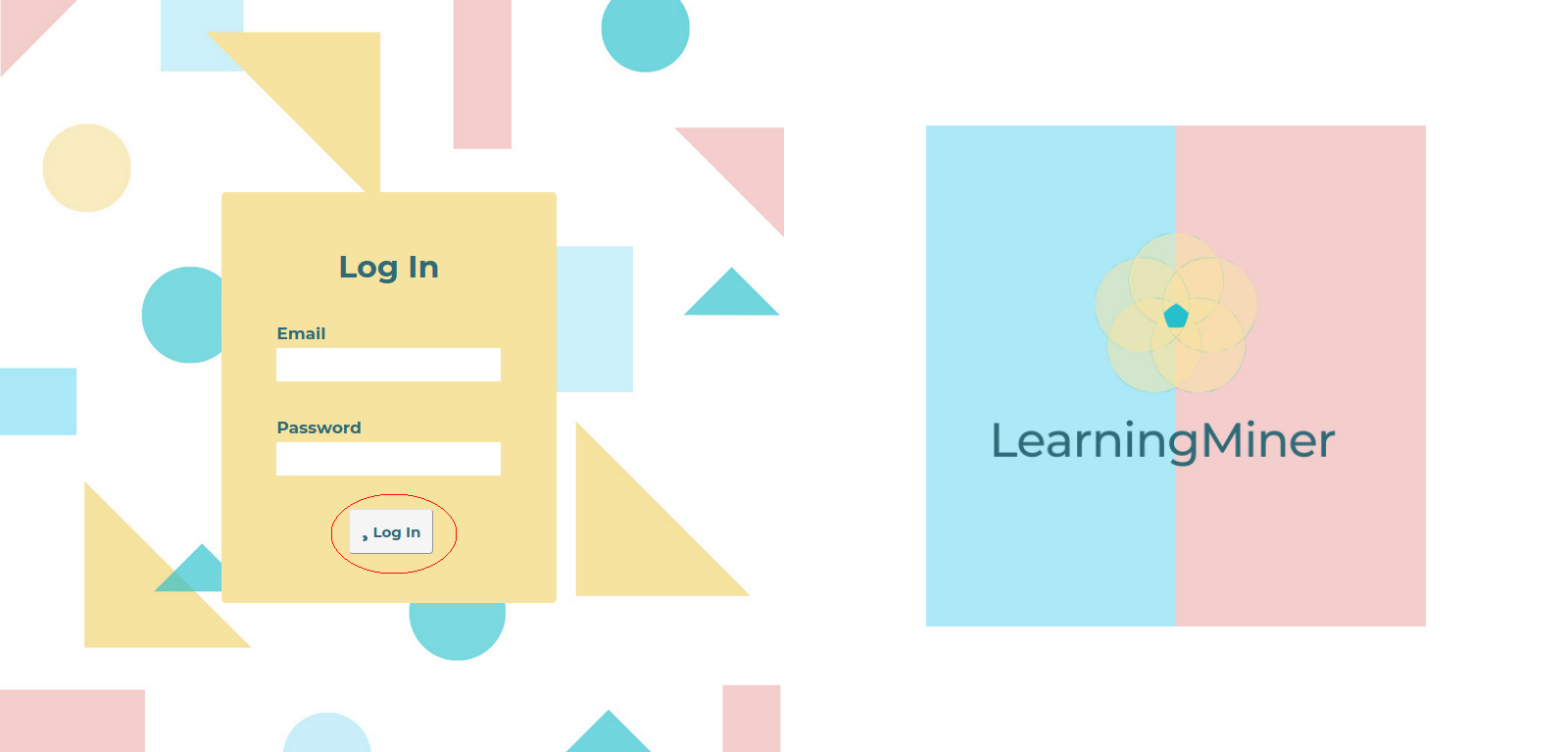
After that user will be redirected to the list activities page corresponding to its rol.
Return to users manual Home