Edit base concept map
To edit the base map of an activity, the Teacher has to select the see ongoing activities option from its list activities page. After selecting that option the Teacher will be displayed the list of ongoing activities he has previously created and that haven been closed.
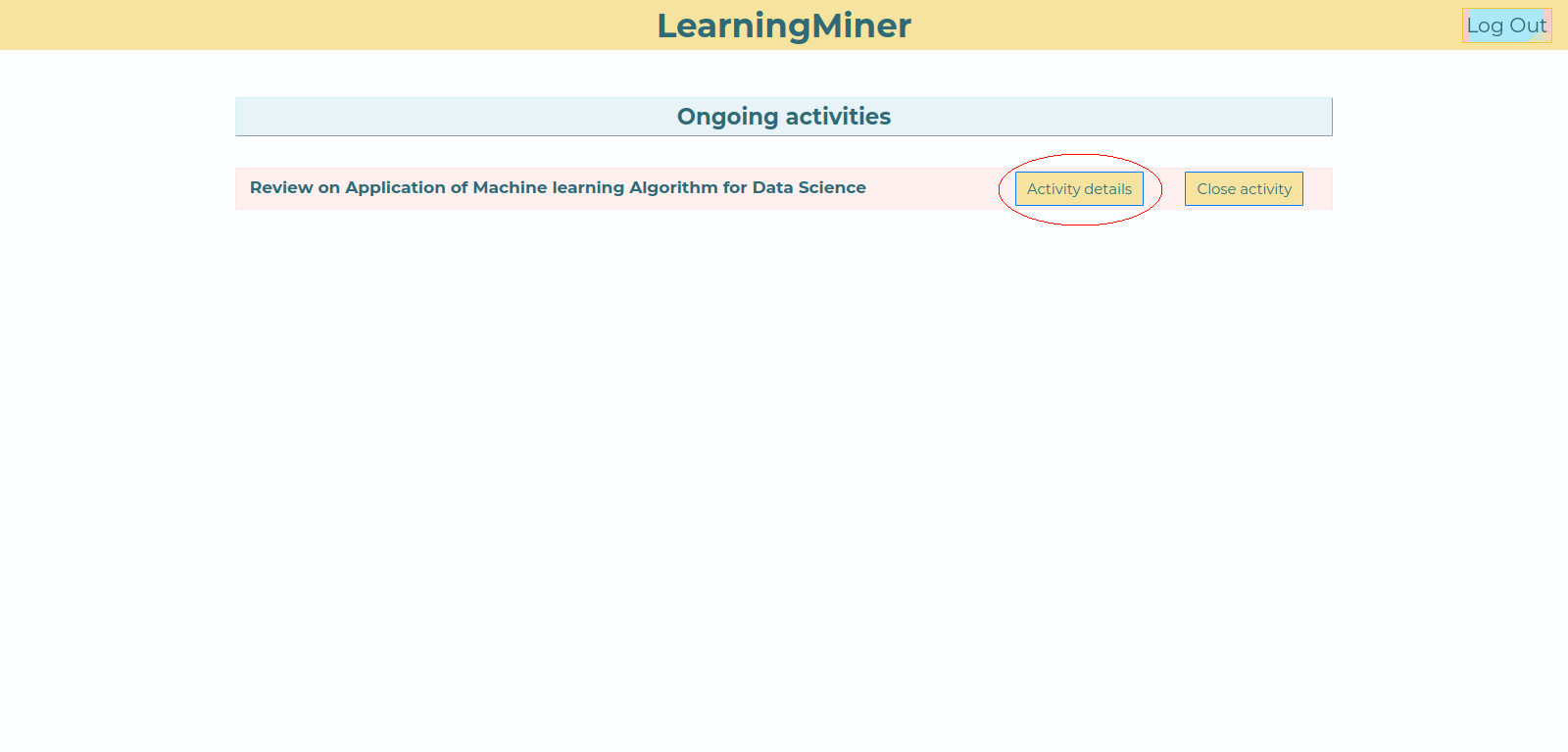
Each activity title has two buttons right next to it. The activity details button, which will redirect to the page where the keyword list and [base concept map] are editable, and the [close activity] button to close the activity.
The teacher has to click the activity details button to be redirect to the page. Here the Teacher will see the activity details, and also a button to go to the editor and could see the base map.
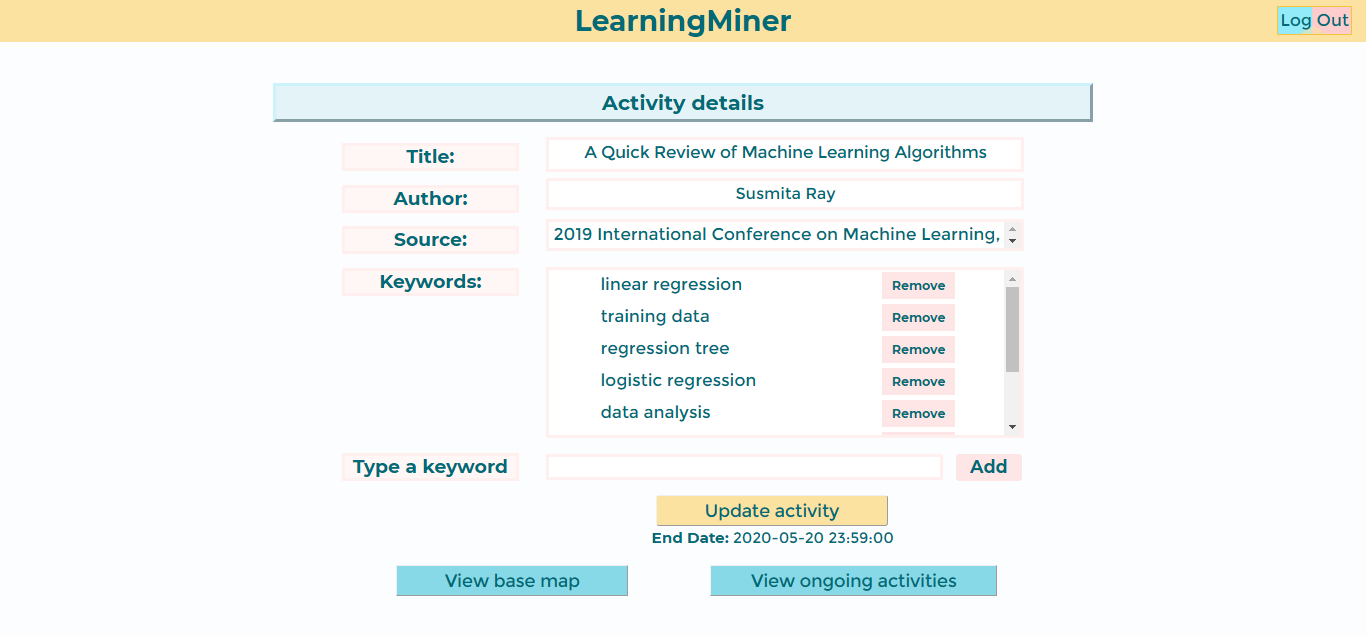
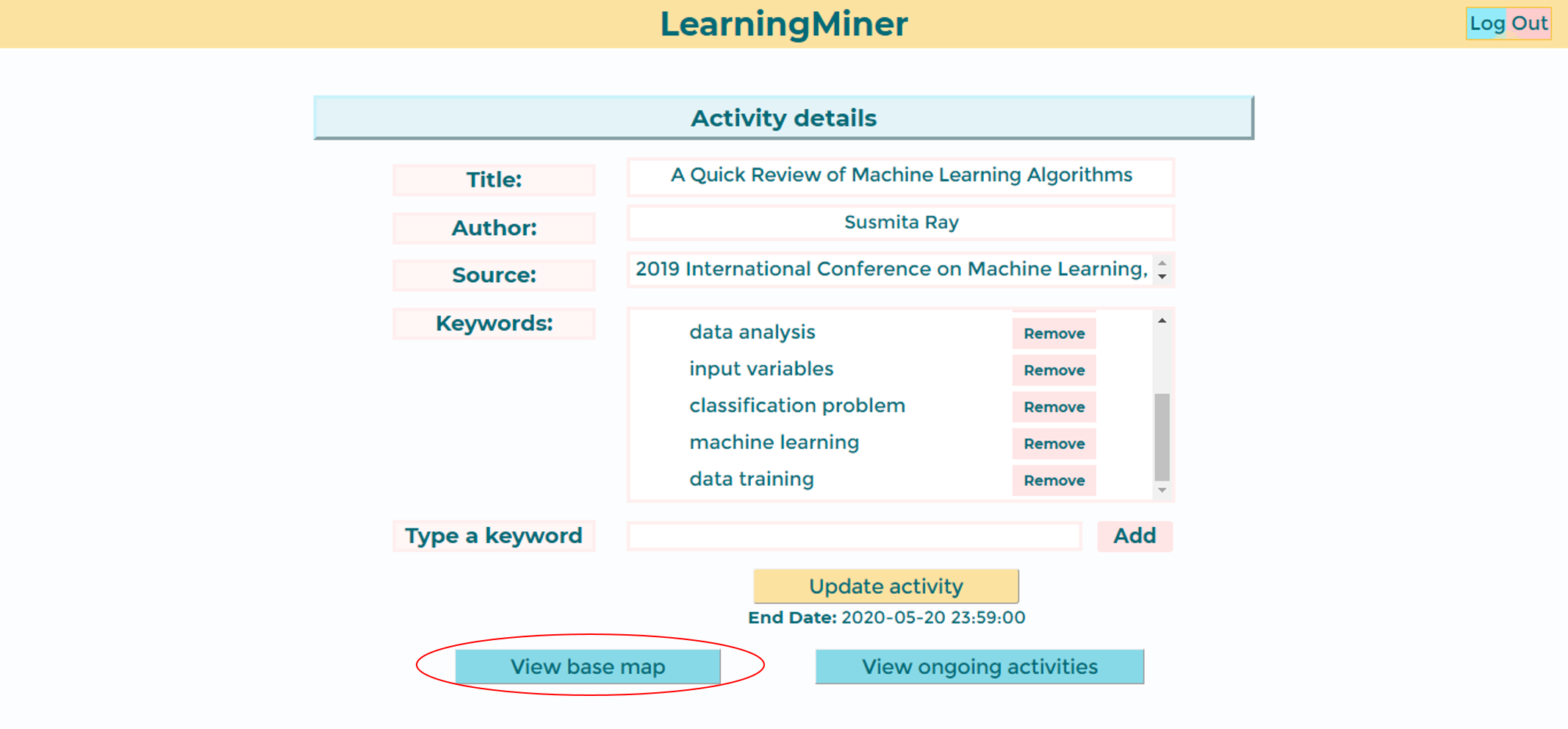
To edit the base map, the teacher should tap de "View base map button" as selected in the following image.
 After that the teacher will see the maps editor, with the base map deployed.
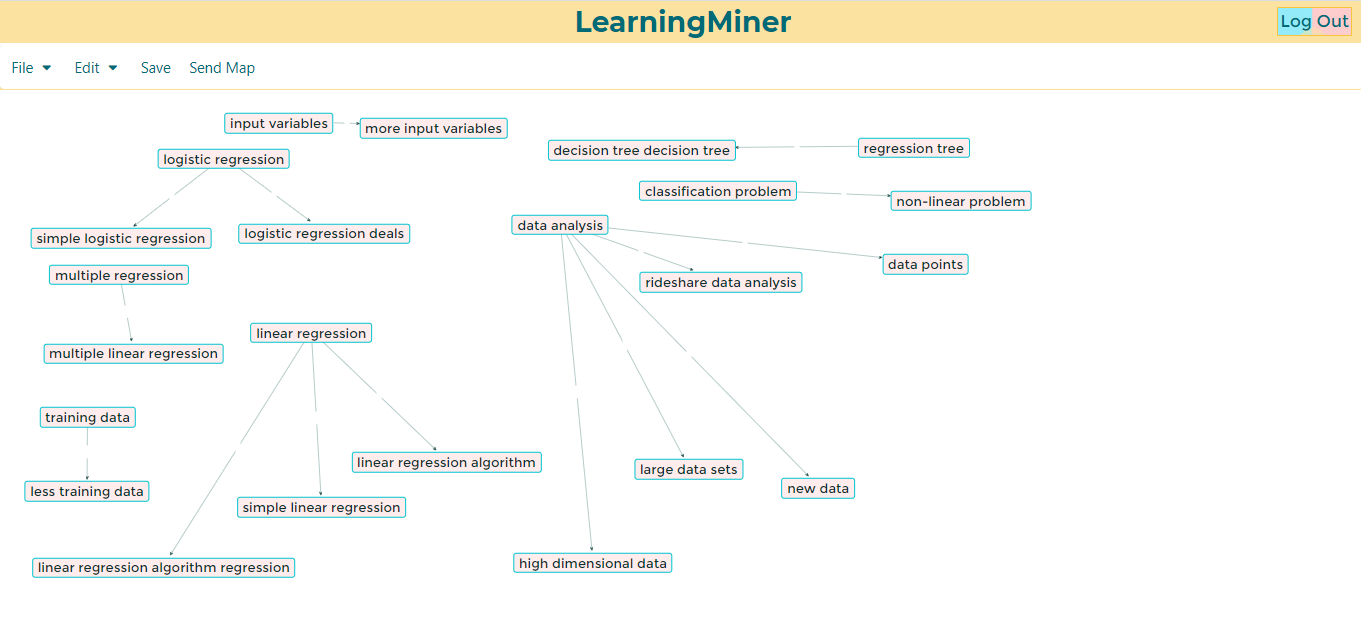
Then, the teacher will make the necessary changes, after that, should click the save button.
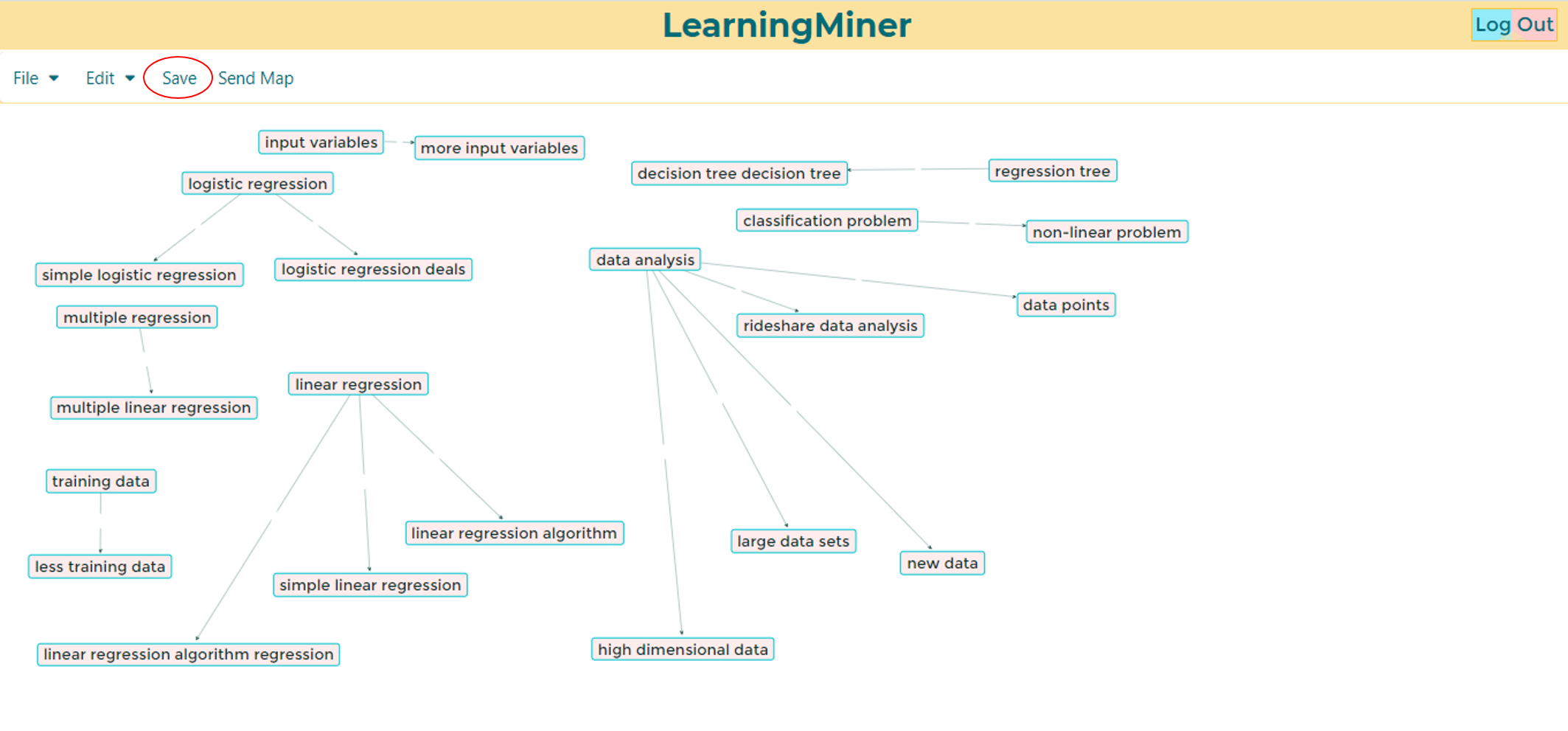
Then the map will be updated.
To save the changes the Teacher must click the Update Activity button.
Return to users manual Home
Go to edit keywords
Go to list activities as a teacher
Go to create activity
Go to close activity