Edit Concept map
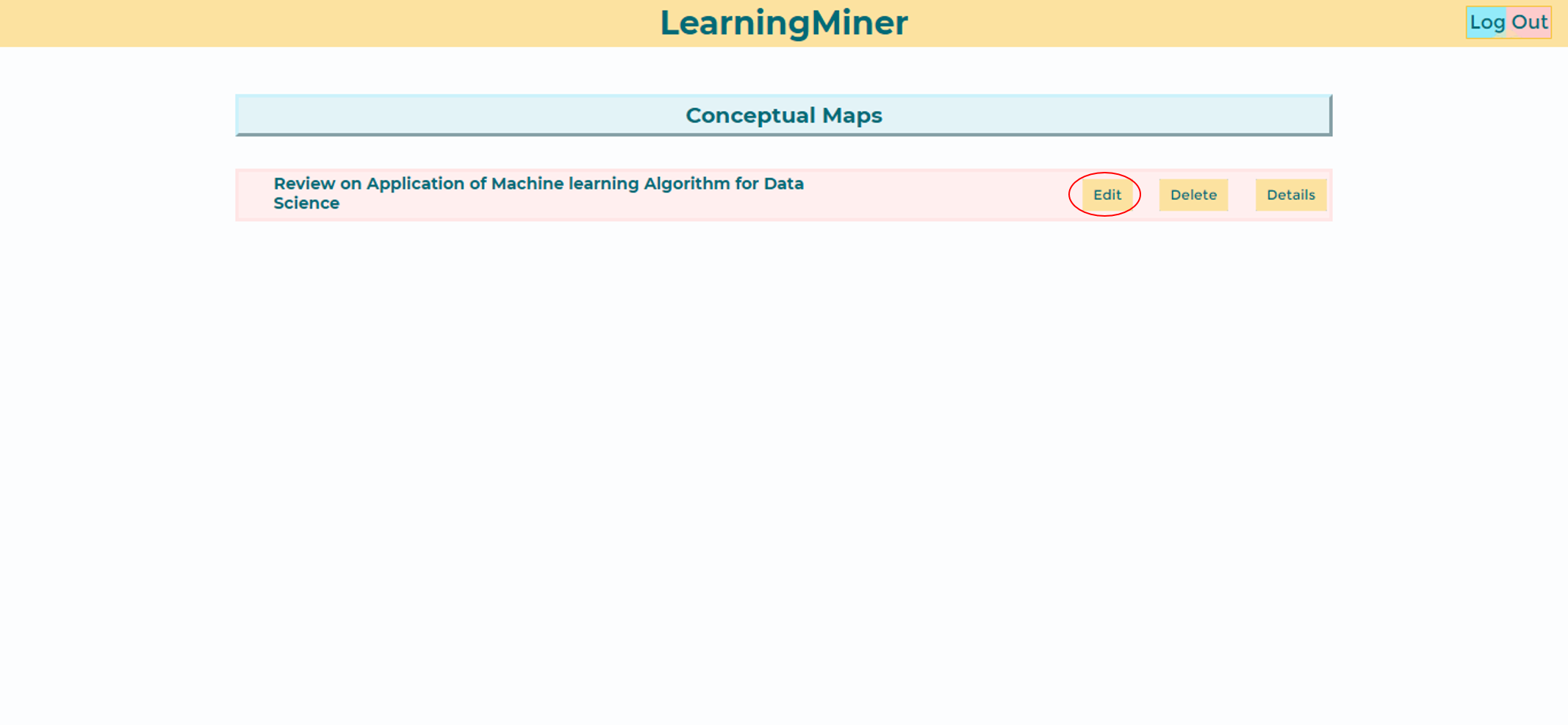
To edit a concept map, the student should select the option edit at the list of doing maps.
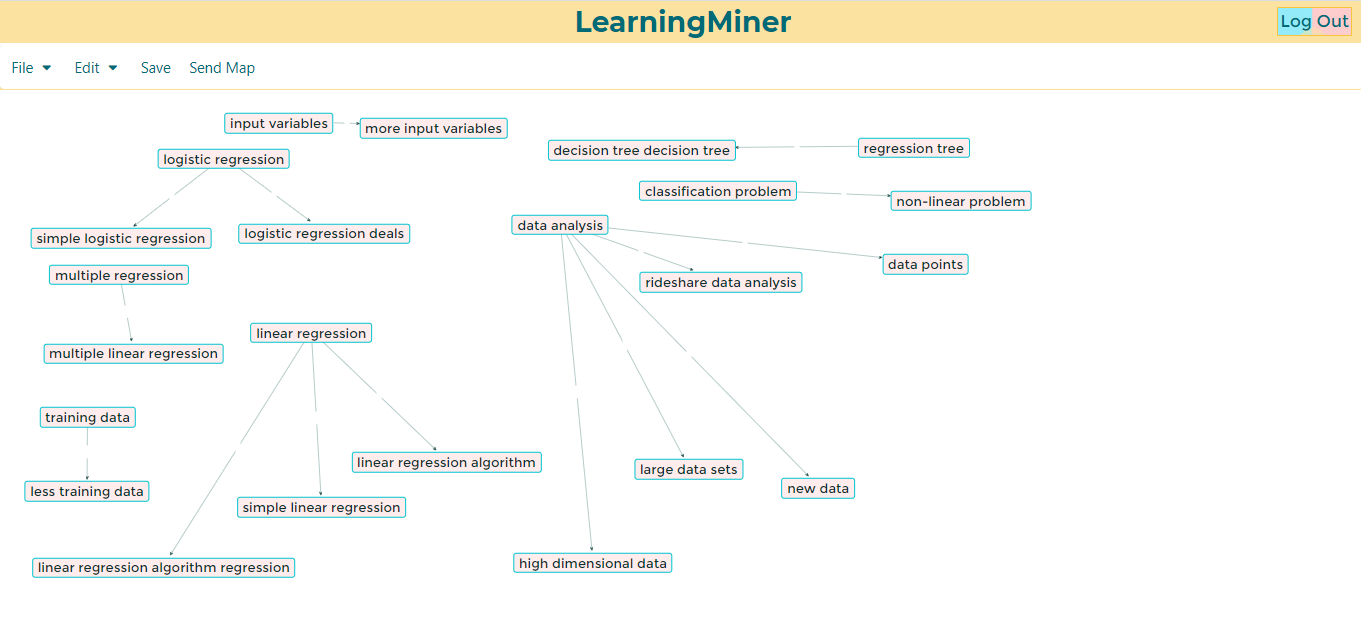
Once, the student enter into the editor, could see the map, and keep editing.
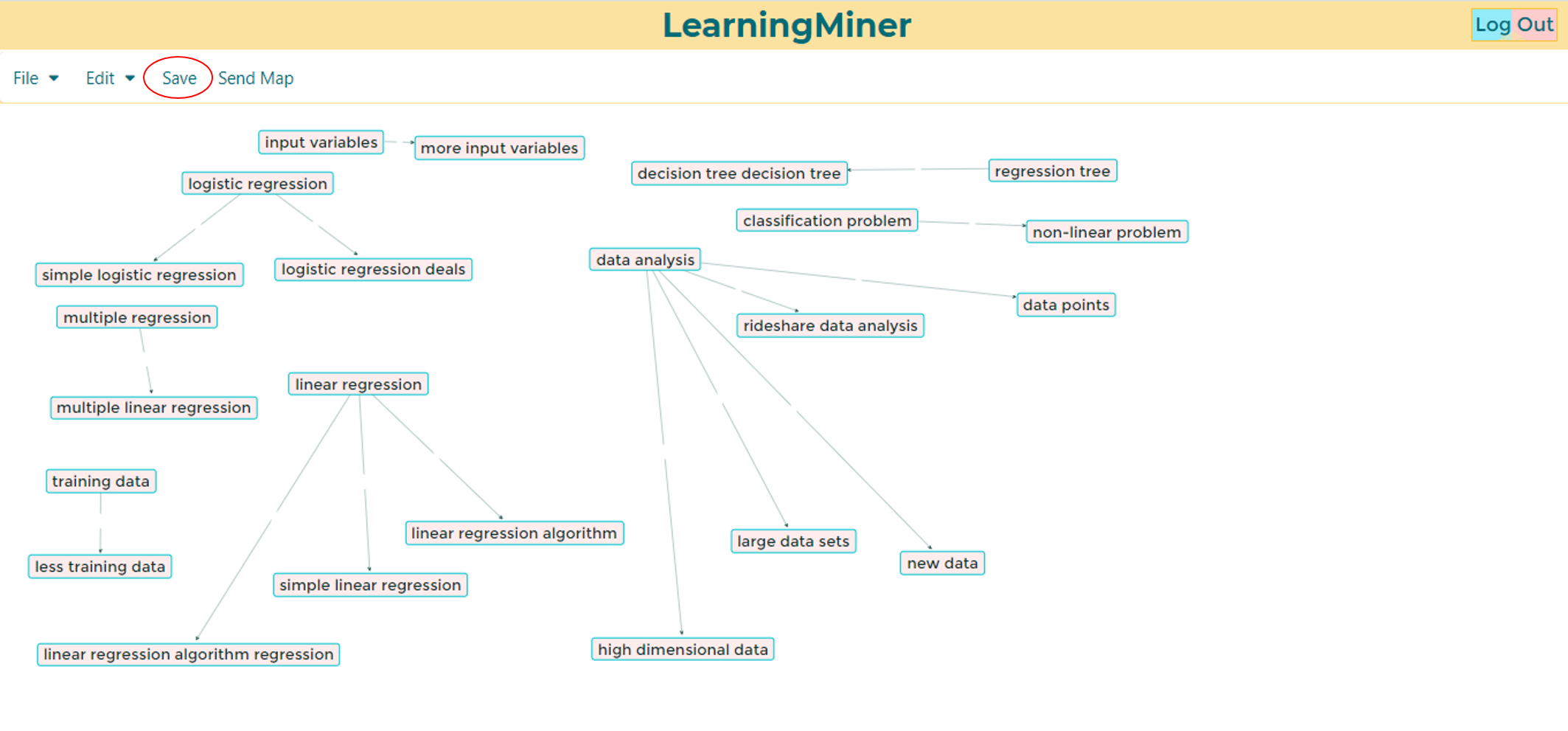
There, the student could make changes to the map, and save it using the save button at the bar.
Or, could send the map using then send map button.
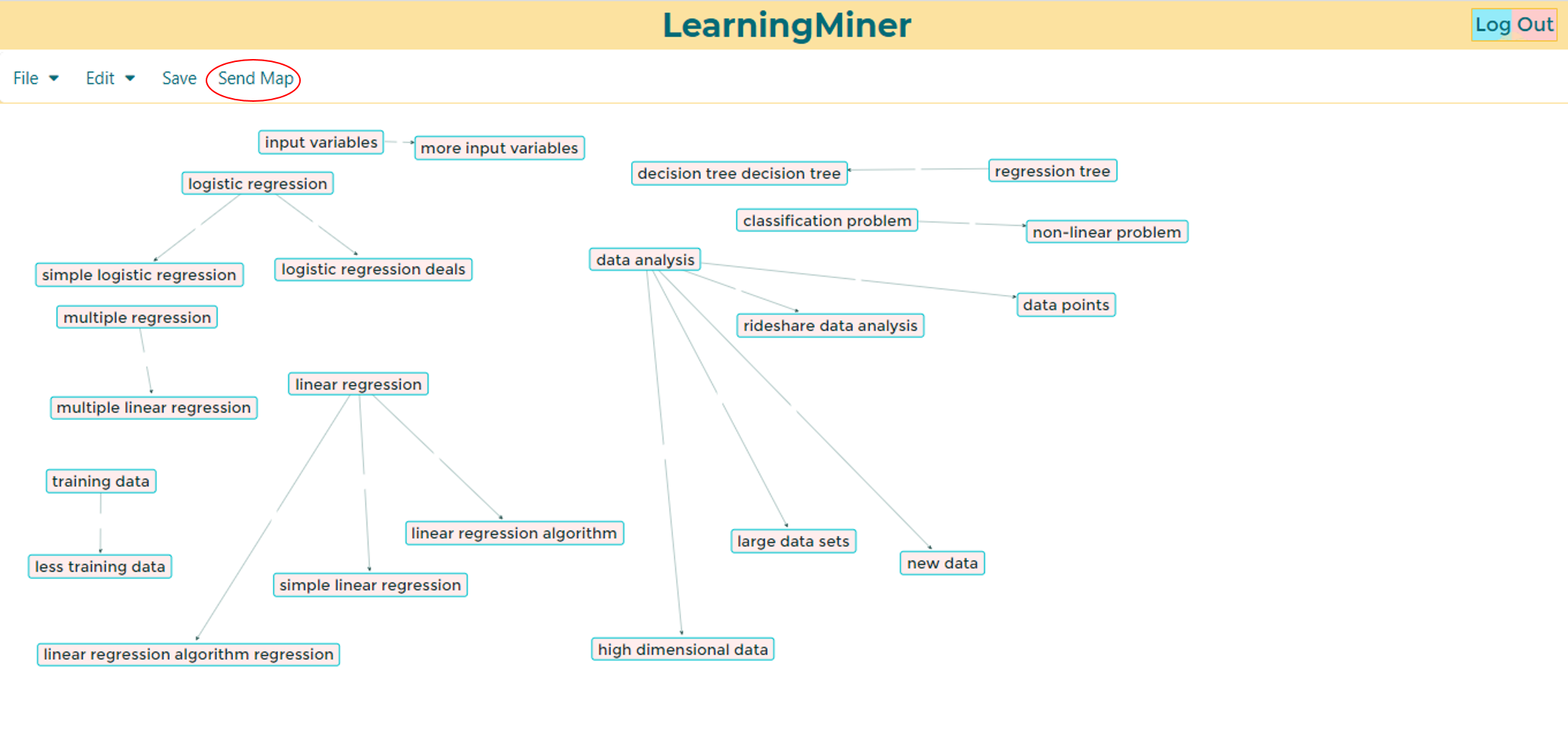
Then, the student will be redirected to done maps.
Return to home users manual.
Return to doing maps.