A very simple microservice example with NodeJS, Python, Redis, and Mongo
- Node
- MongoDB
- Redis
- python3
- pip3
- flask
- pymongo
- redis
- NGINX
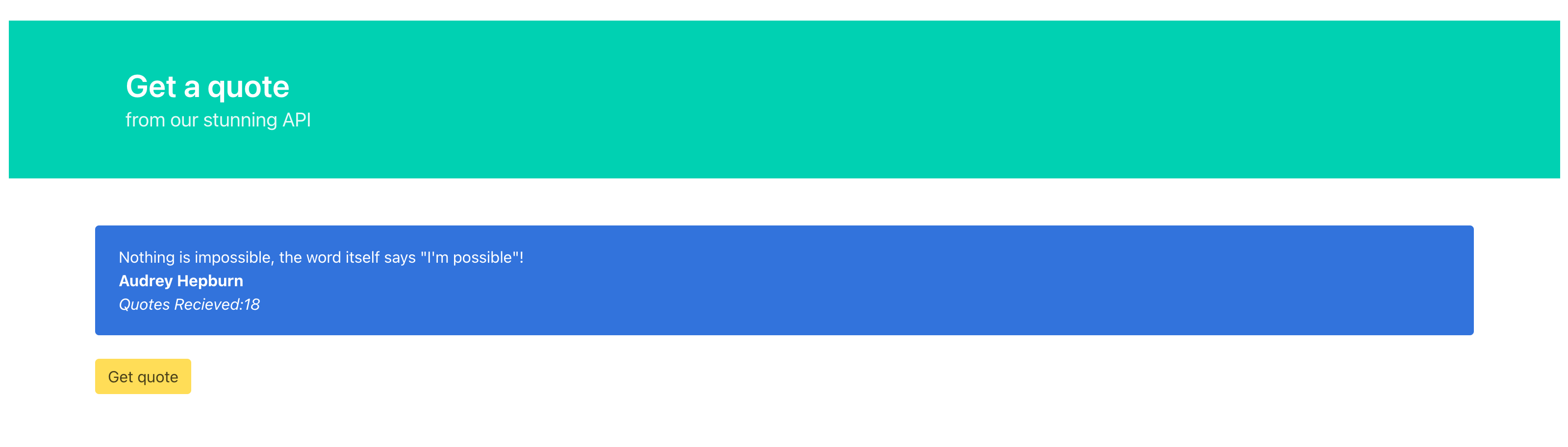
The application uses a frontend written with plain html with jQuery and to style with Bulma.
This is built with webpack. This default application is built assuming you are using the localhost.
To build this to fit your own IP Address please follow the steps before running the whole microservice.
-
Install NodeJs on your system
-
Go to FrontendApplication directory
-
Run
npm installor if you have yarnyarnto install packages -
Now you need to set the API Gateway for this frontend application. It can be any host you have.
- Let's say you are hosting this application on
http://example.comthen yourAPI_GATEWAYwould be this one. - If you are hosting in some machine with IP
123.324.345.1then yourAPI_GATEWAYwould be your IP.
- Let's say you are hosting this application on
-
To pass this setting to webpack build you need to set an Environment Variable
- Windows :
set API_GATEWAY=http://YOUR_HOST - Linux/Max :
API_GATEWAY=http://YOUR_HOST
- Remember no / at the end of the URL to get your web app work
- You will need to add a port if not using standard ports
- Windows :
-
Now you can do
npm run buildoryarn build -
Check
dist/folder for newly created index.html and the main.js
- check
http://YOUR_HOST:80to see web app