SynBioSuite Tutorial Design
- Introduction to the sc2 subcircuit of the MD5-hashing genetic circuit.
- Getting started with SBOLCanvas.
- Modelling sc2 subcircuit on SBOLCanvas:
- 3.1 Creating transcriptional units on SBOLCanvas
- 3.2 Importing components (genetic parts) from SynbioHub to SBOLCanvas
- 3.3 Creating molecular interactions on SBOLCanvas
- 3.4 Creating events to represent the addition/withdrawal of input inducer molecules
- Simulating sc2 subcircuit on SynbioSuite model analysis tool:
- 4.1 Running ODE simulations of sc2 subcircuit design
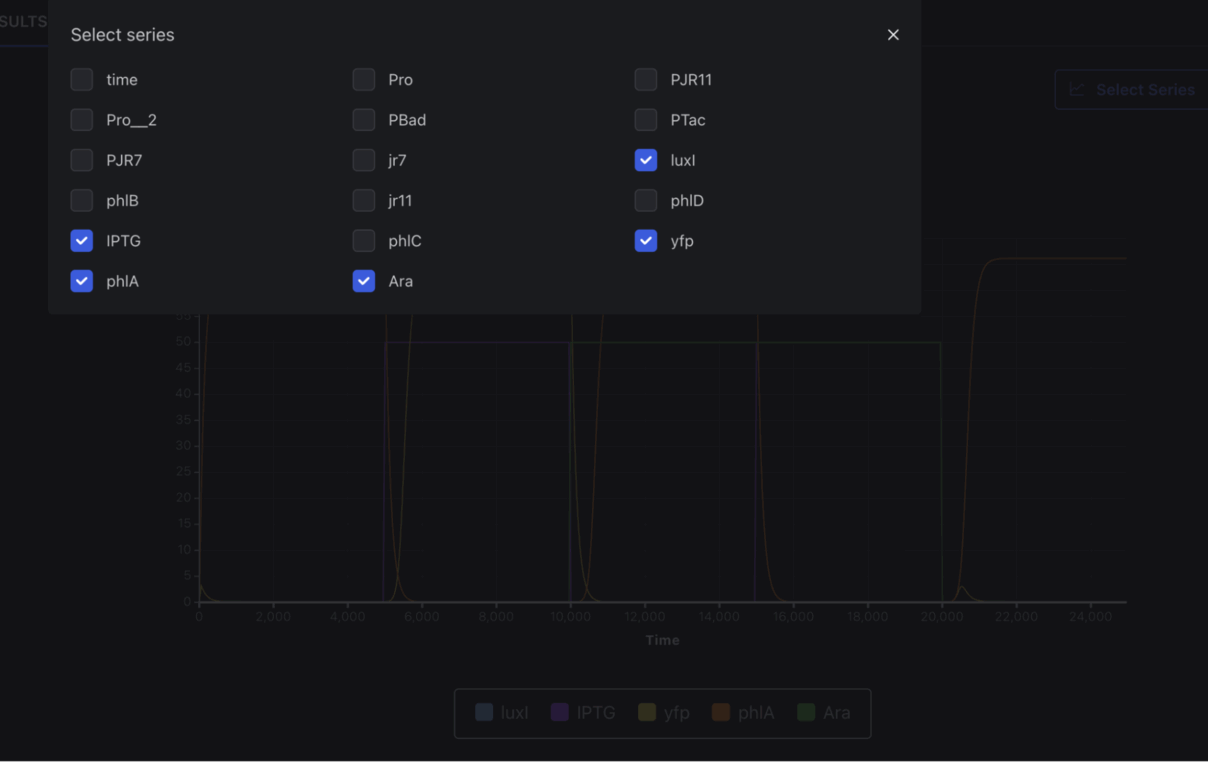
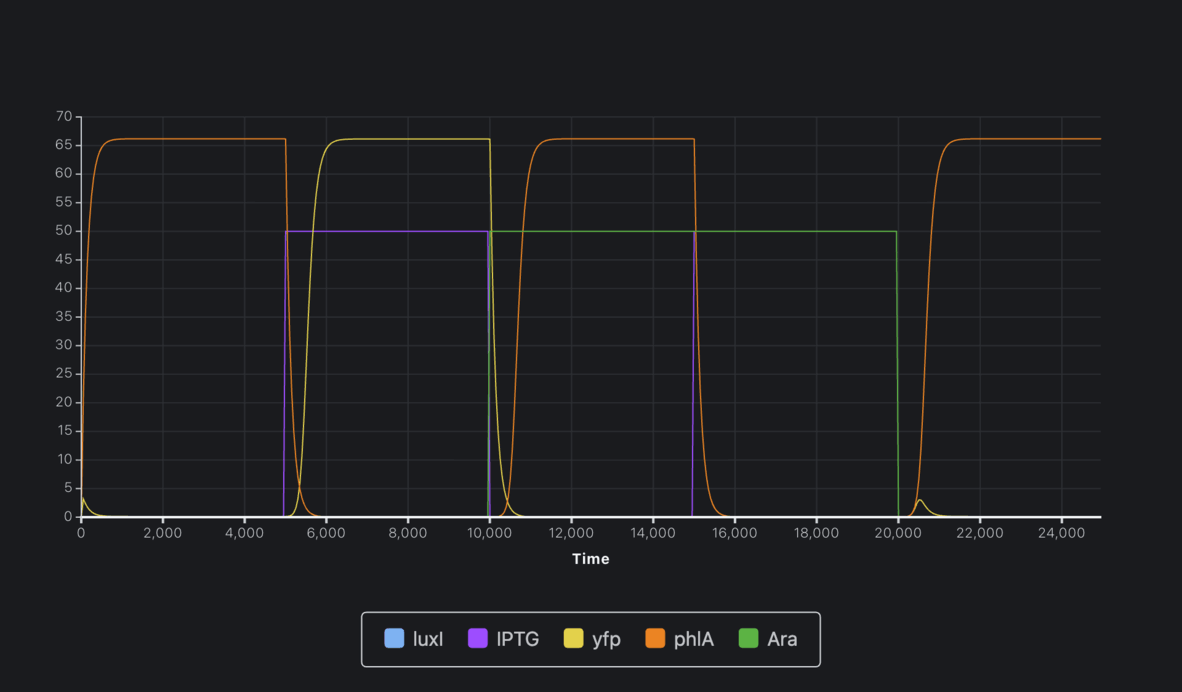
- 4.2 Analysis of circuit behavior using model simulation
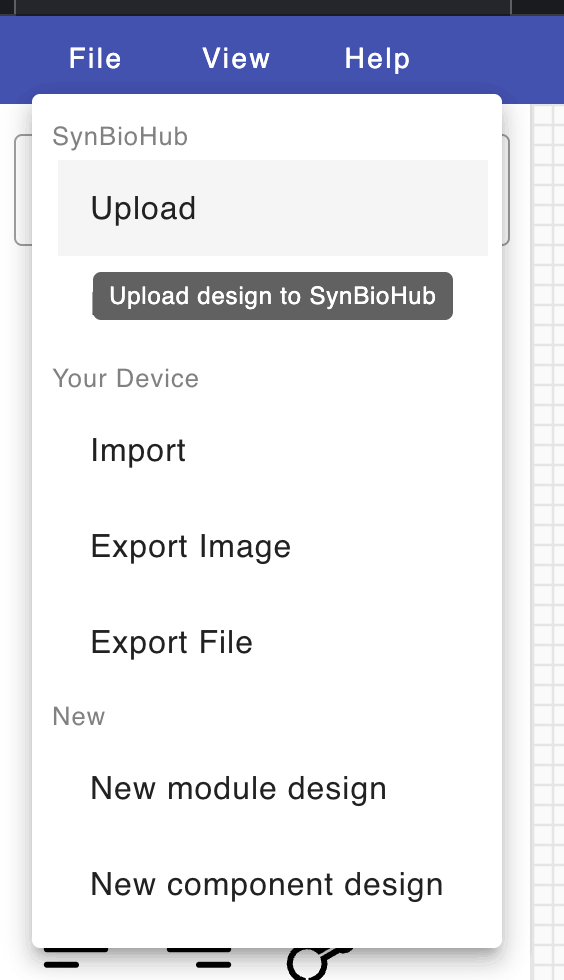
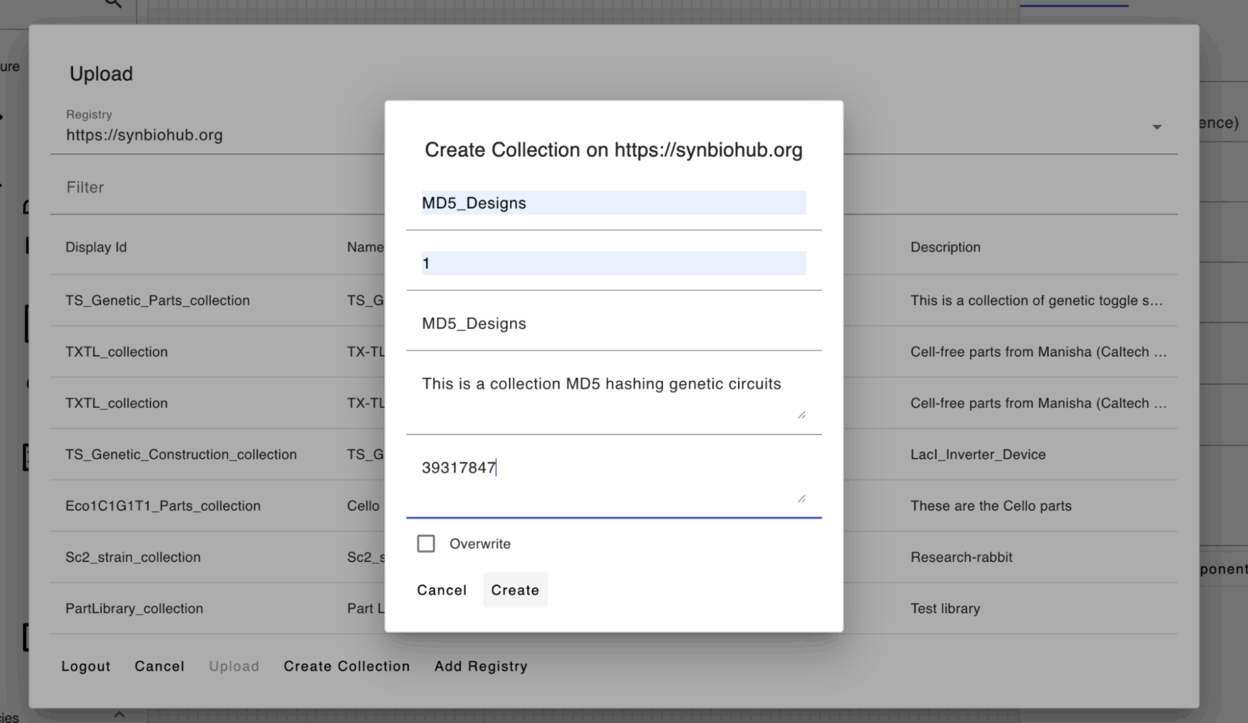
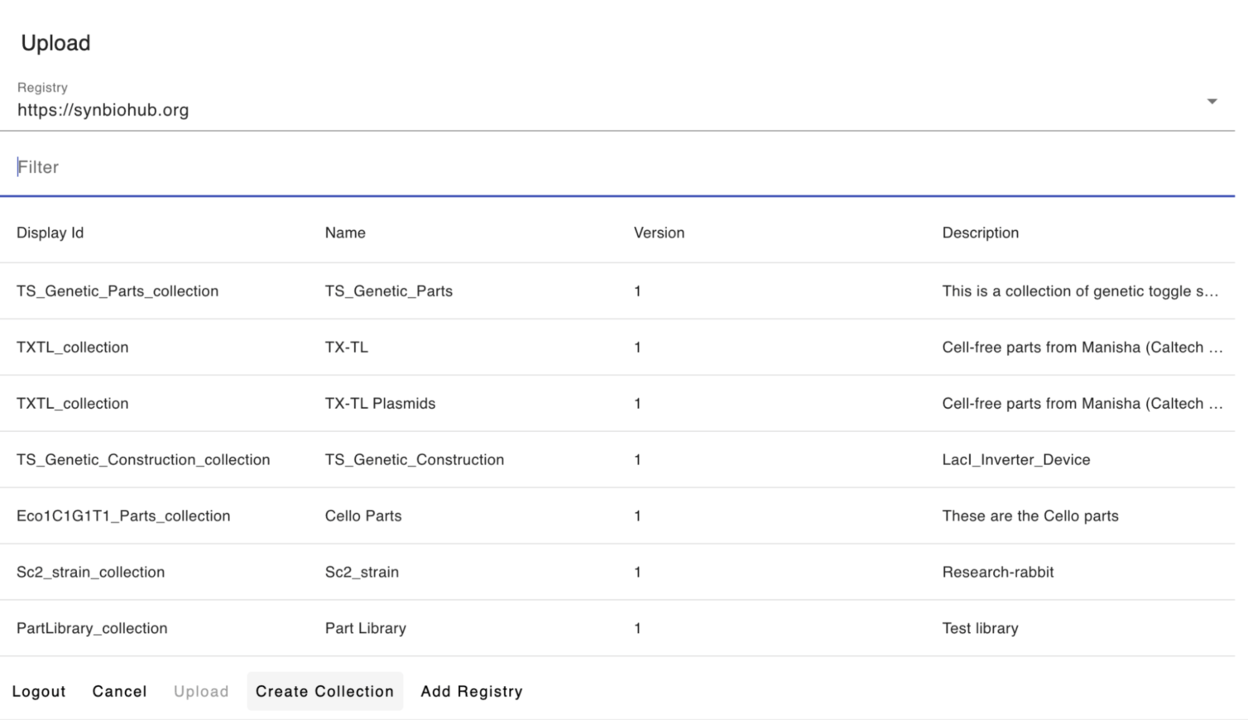
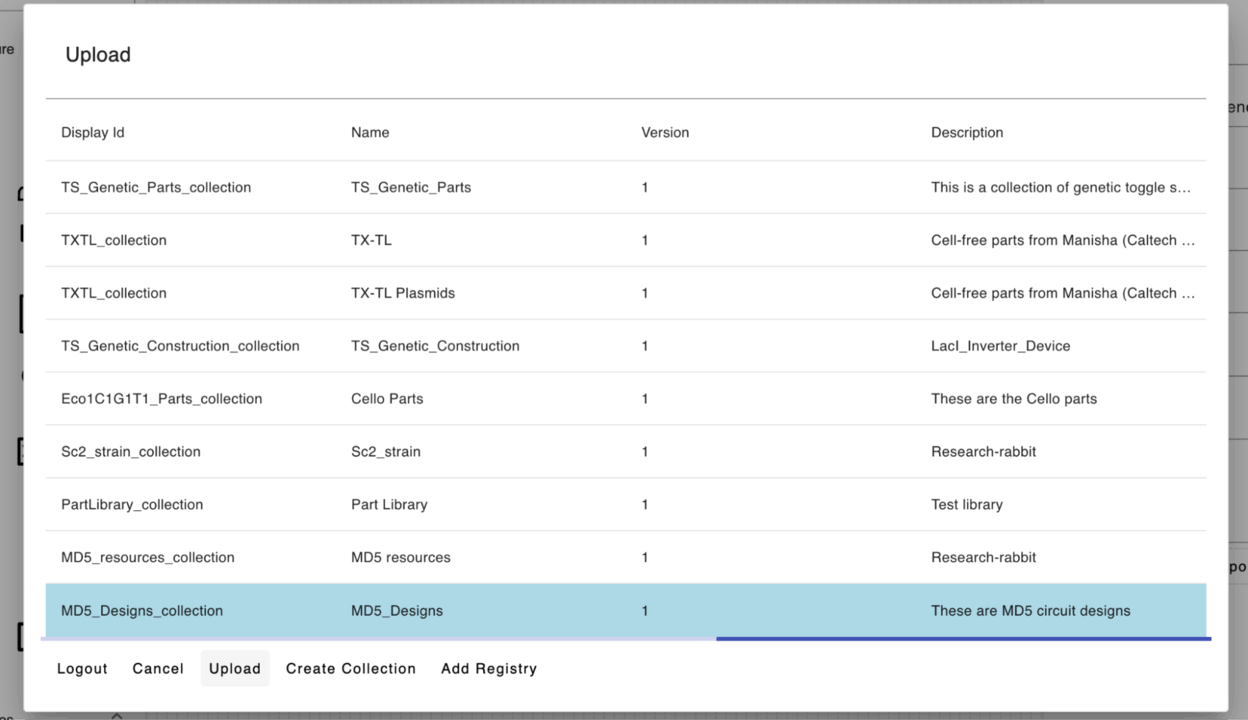
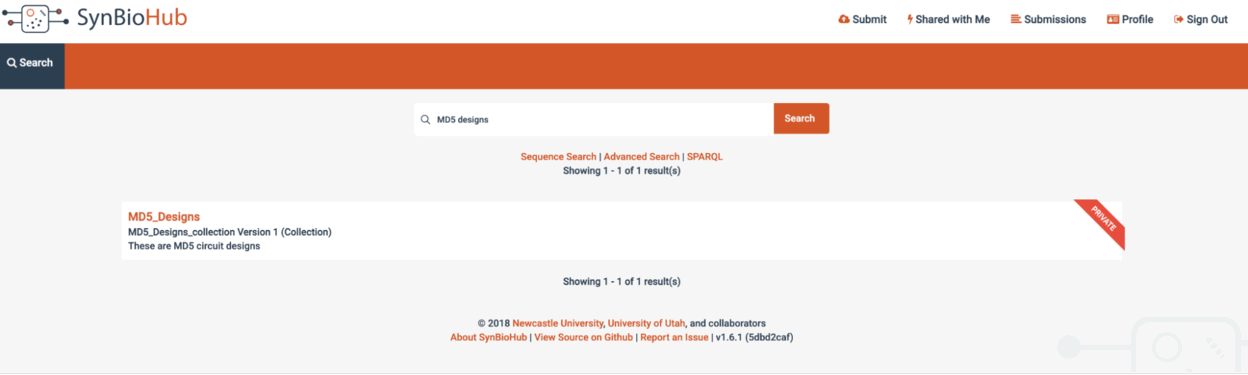
- Uploading sc2 subcircuit design to SynBioHub
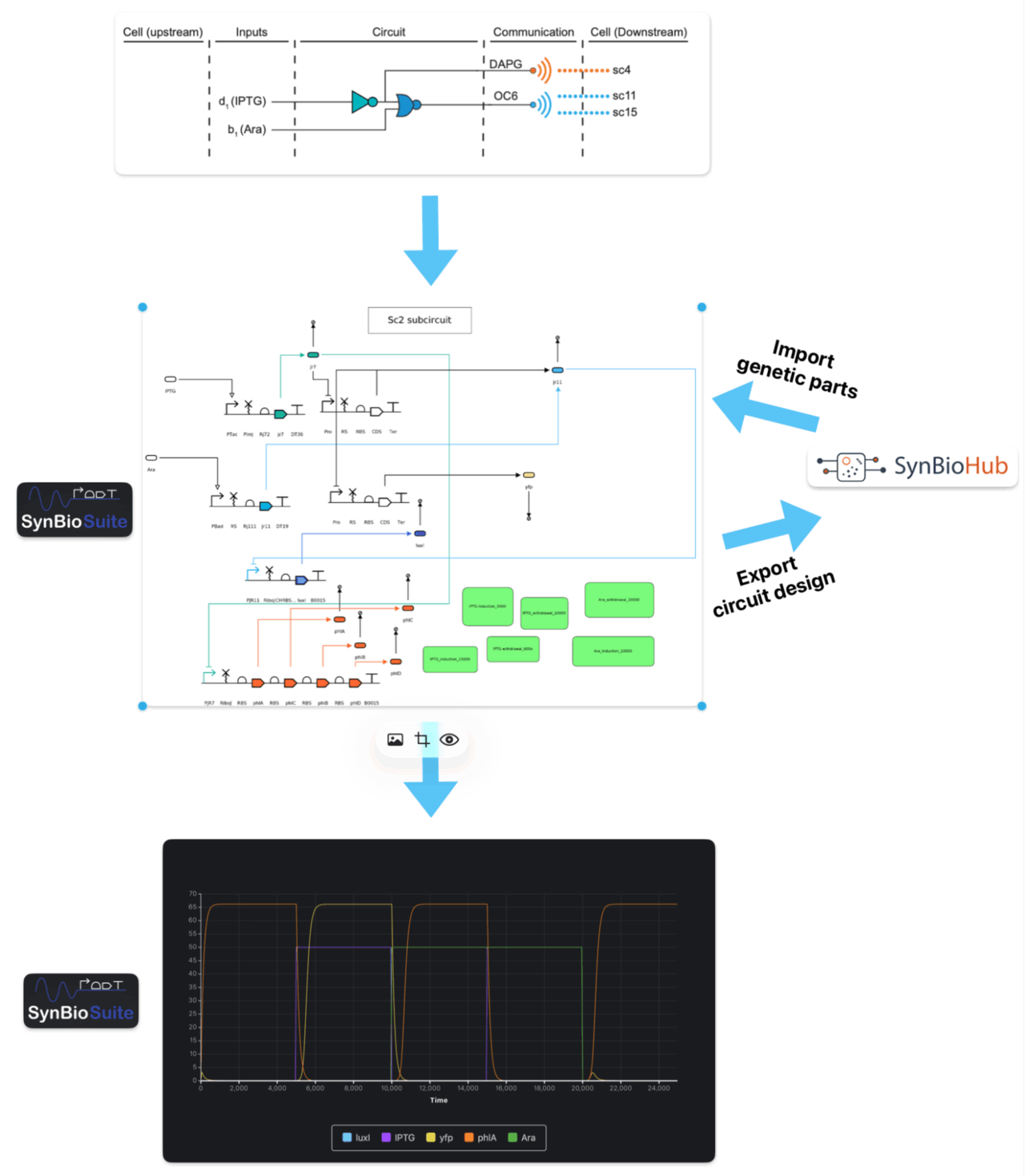
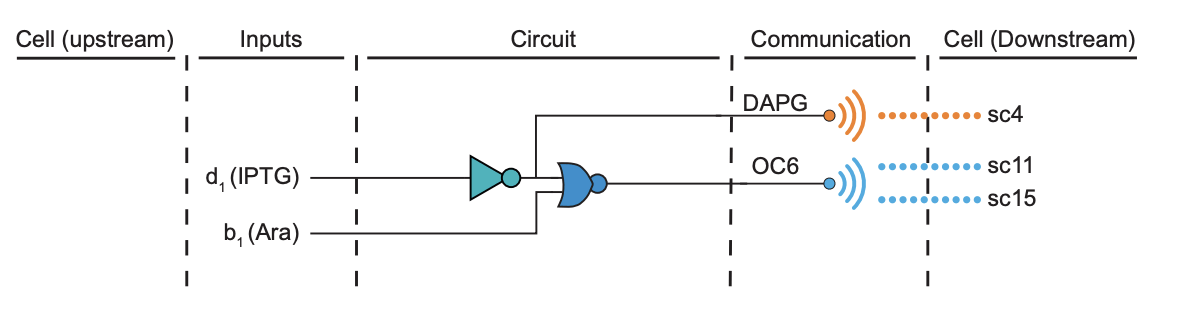
In this tutorial, we will learn how to model and simulate a combinatorial genetic logic circuit consisting of a NOT gate and a NOR gate connected in series such that the NOT gate inverts one of the inputs of the two-input NOR gate.
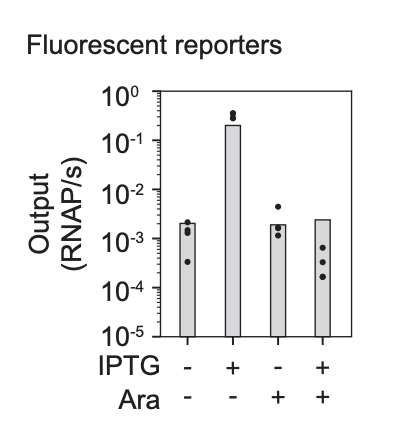
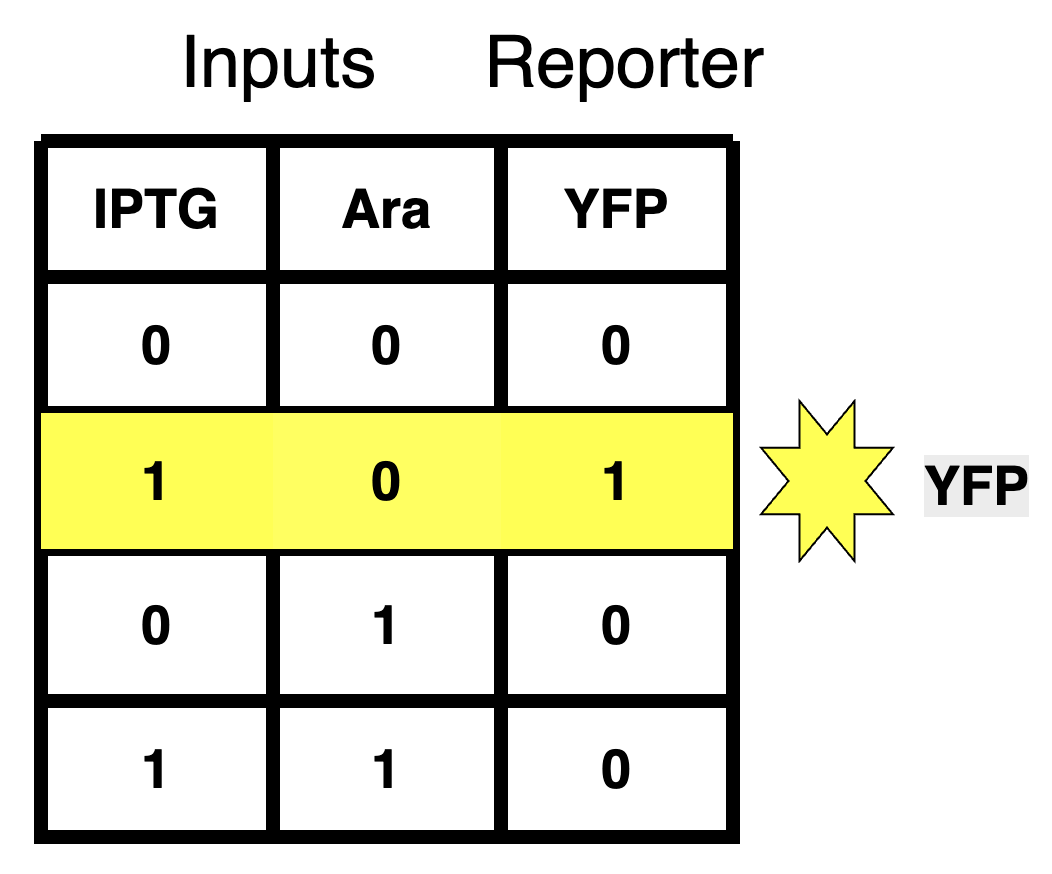
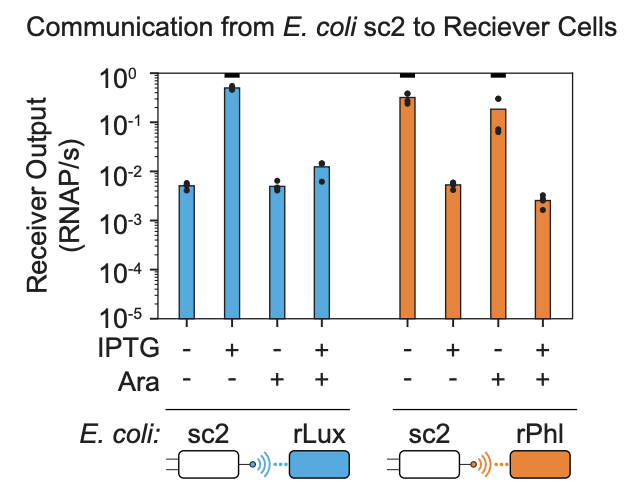
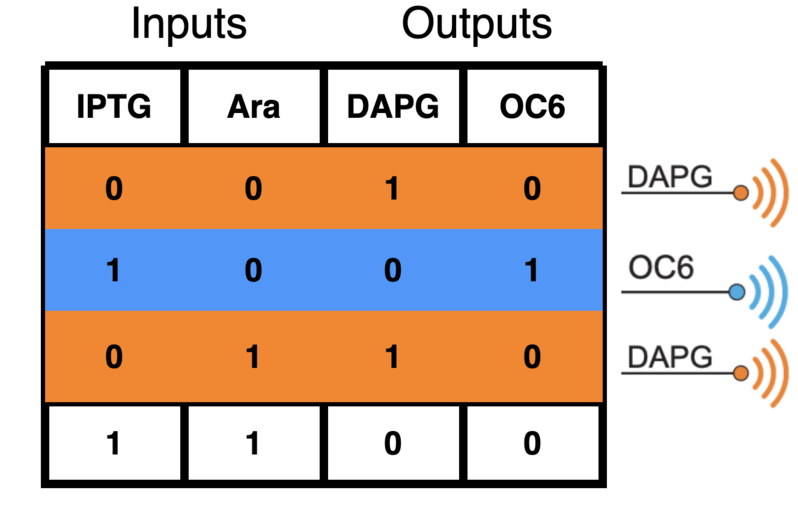
This circuit takes two chemical inducers (IPTG and Ara) as circuit inputs, performs boolean logic operations using transcriptional repressors and their cognate promoters, and then produces two small diffusible molecules (DAPG and OC6) as circuit outputs. OC6 is the output of the NOR gate while DAPG is the output of the NOT gate and is also one of the inputs of the NOR gate.
This circuit, also called sc2 subcircuit, is part of a larger multicellular genetic logic circuit created by Voigt's lab at MIT using the CelloCAD tool, which genetically implements a 2-bit version of the MD5 hashing algorithm using 110 NOT and NOR gates partitioned across 66 communicating Escherichia coli cells [1].
[1] Padmakumar, J.P., Sun, J.J., Cho, W. et al. Partitioning of a 2-bit hash function across 66 communicating cells. Nat Chem Biol 21, 268–279 (2025). https://doi.org/10.1038/s41589-024-01730-1
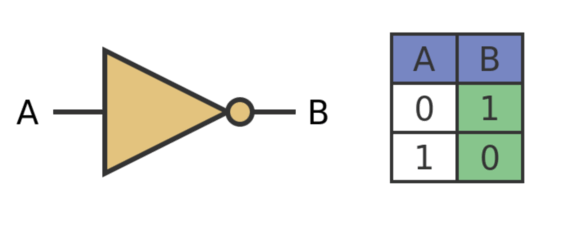
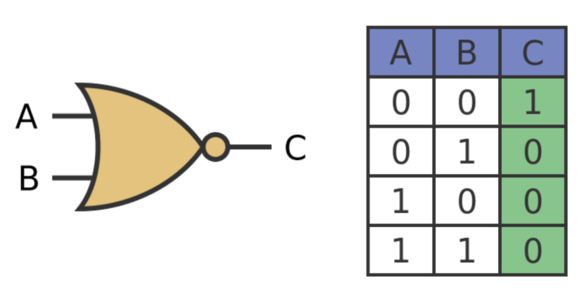
NOT Gate NOR gate
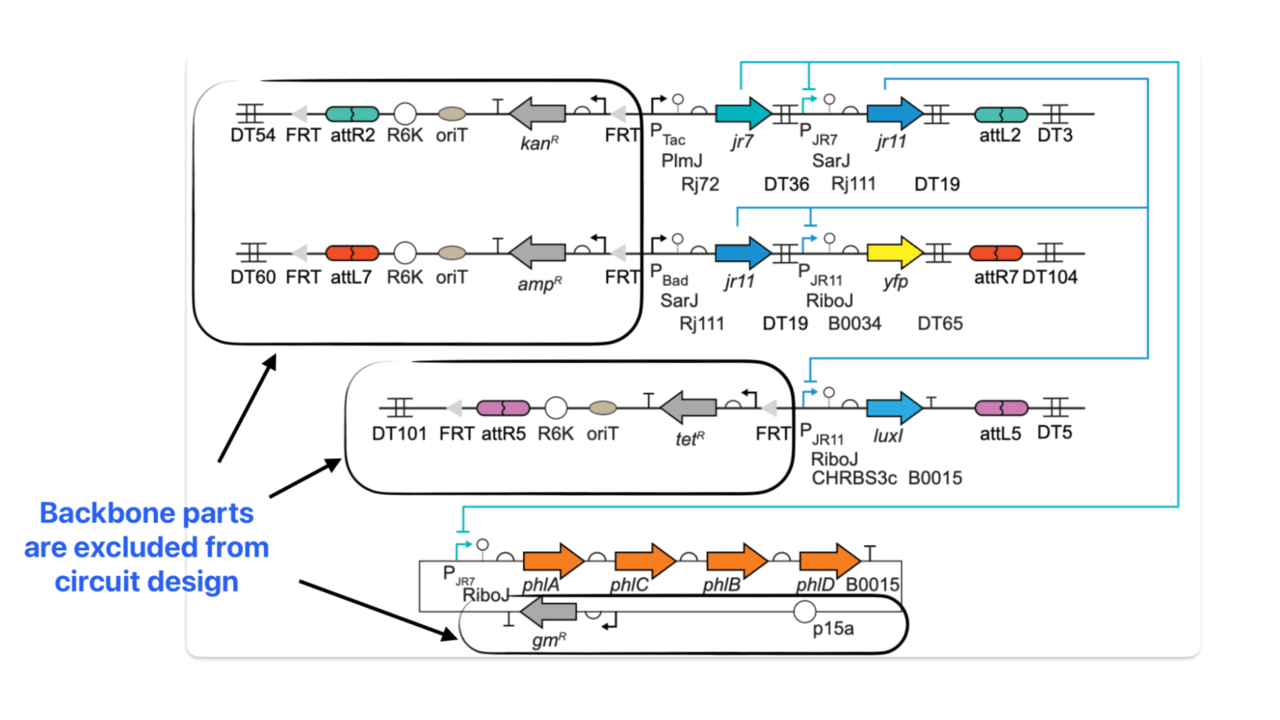
- Promoters: pTac, pBAD, pJR7, and pJR11
- Ribonuclease sites (ribozyme insulators): PImJ, SarJ, and RiboJ
- Ribosome binding sites: Rj72, Rj111, B0034, and CHRBS3c
- CDSs:
- Transcriptional repressors: LacI, AraC, jr7 and jr11
- Fluorescent reporter: yfp
- Output biosynthesis enzymes: luxI, phIA, phIC, phIB, phID
- Terminators: DT36, D19, DT65, and B0015
pTac and pBAD are the input inducible promoters that fire only in the presence of IPTG and Ara inducers, respectively. LuxI is an autoinducer synthase enzyme responsible for synthesizing the output signaling molecule: OC6 (N-(3-oxohexanoyl)-L-homoserine lactone) while the enzymes phIA, phIC, phIB, phID are responsible for synthesizing the other output molecule: 2,4-diacetylphloroglucinol (2,4-DAPG).
Please note that the rest of the parts shown in the diagram belong to the backbone and will not be used to create the sc2 subcircuit as they do not participate in circuit interactions. Please also note that LacI and AraC are not explicitly shown in the diagram above. However, as we will learn later in this tutorial, they should be explicitly represented during circuit modelling on SBOLCanvas. More precisely, we will represent their complexes with the input inducers (IPTG-LacI and Ara-AraC).
Quick notes before we start the tutorial to avoid any issues:
- Please use Google Chrome browser for this tutorial (Safari/Firefox are not supported)
- Create a folder on your computer for the circuit design and name it "sc2"
Let's get started!
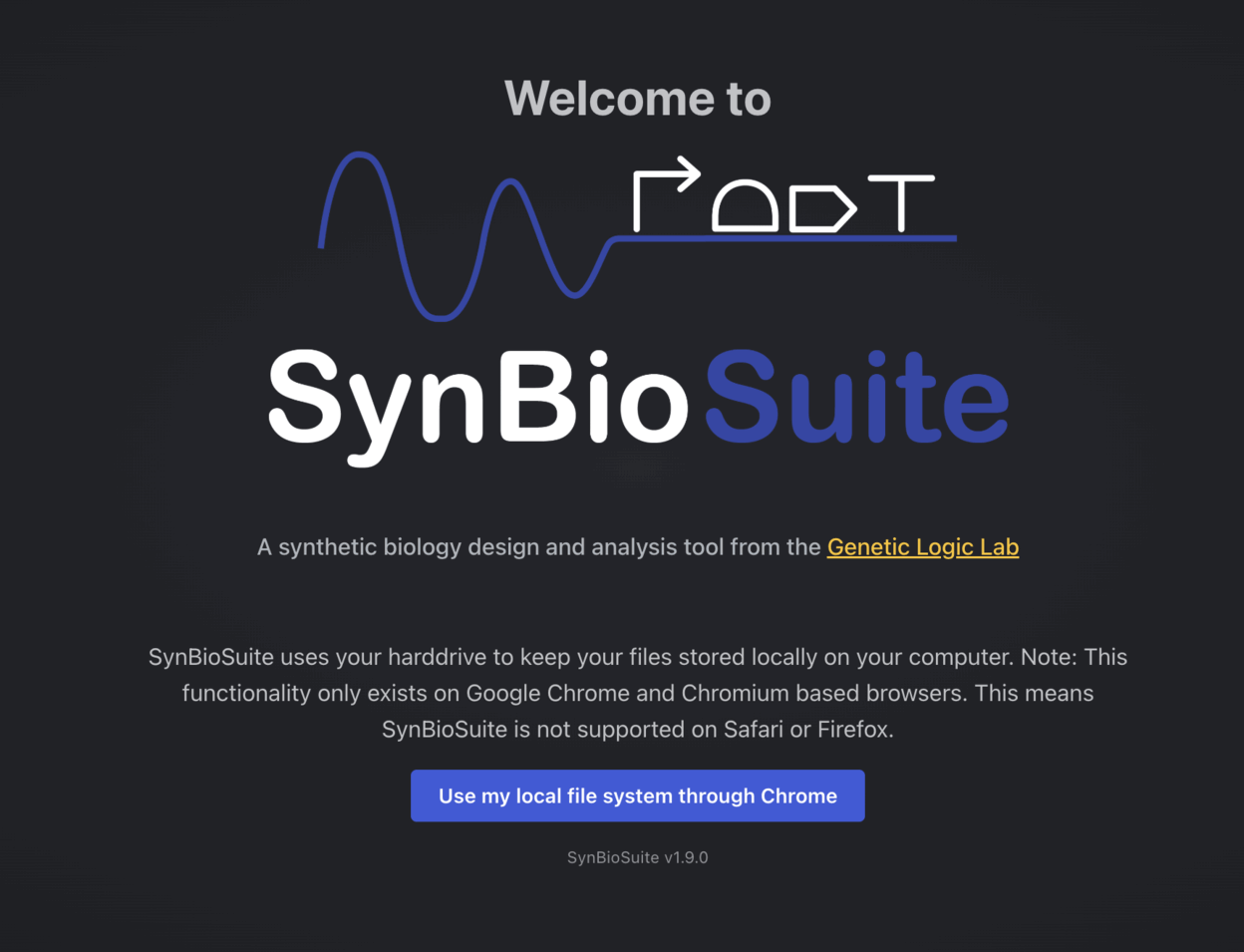
- Go to https://synbiosuite.org/ and click on "Use my local file system through Chrome".
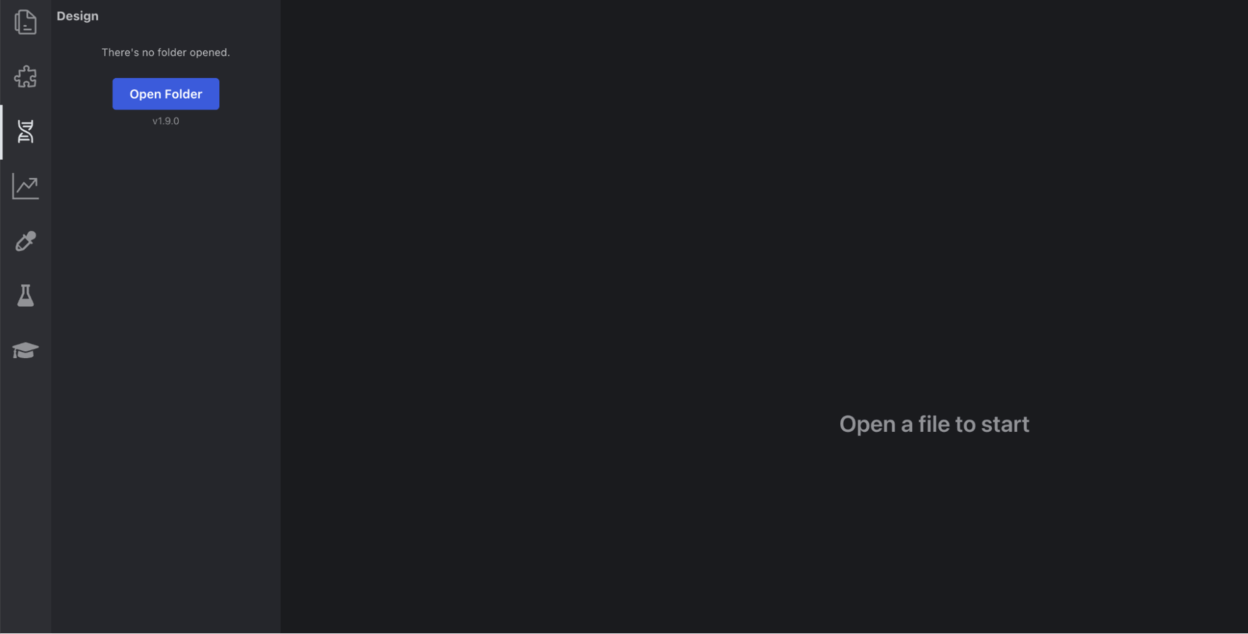
- Go to the "Design" tab on the side toolbar and click "Open Folder"
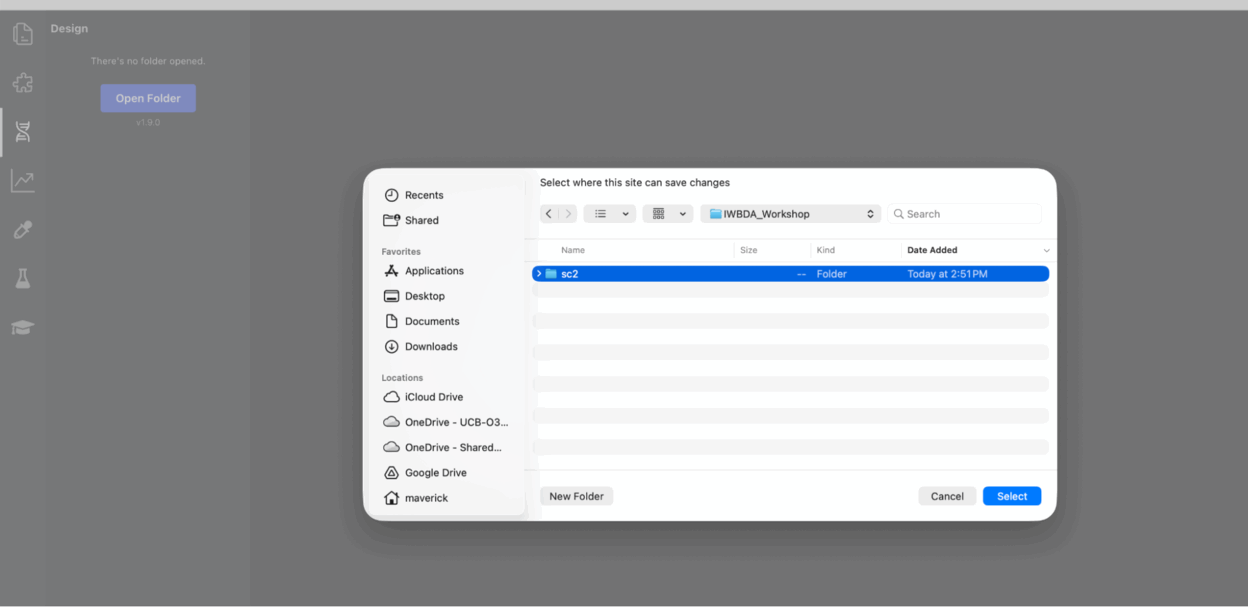
And select the folder you created earlier: "sc2"
- Once you open the "sc2" folder, click on "New Design" to open SBOLCanvas from SynbioSuite (name the new design: sc2).
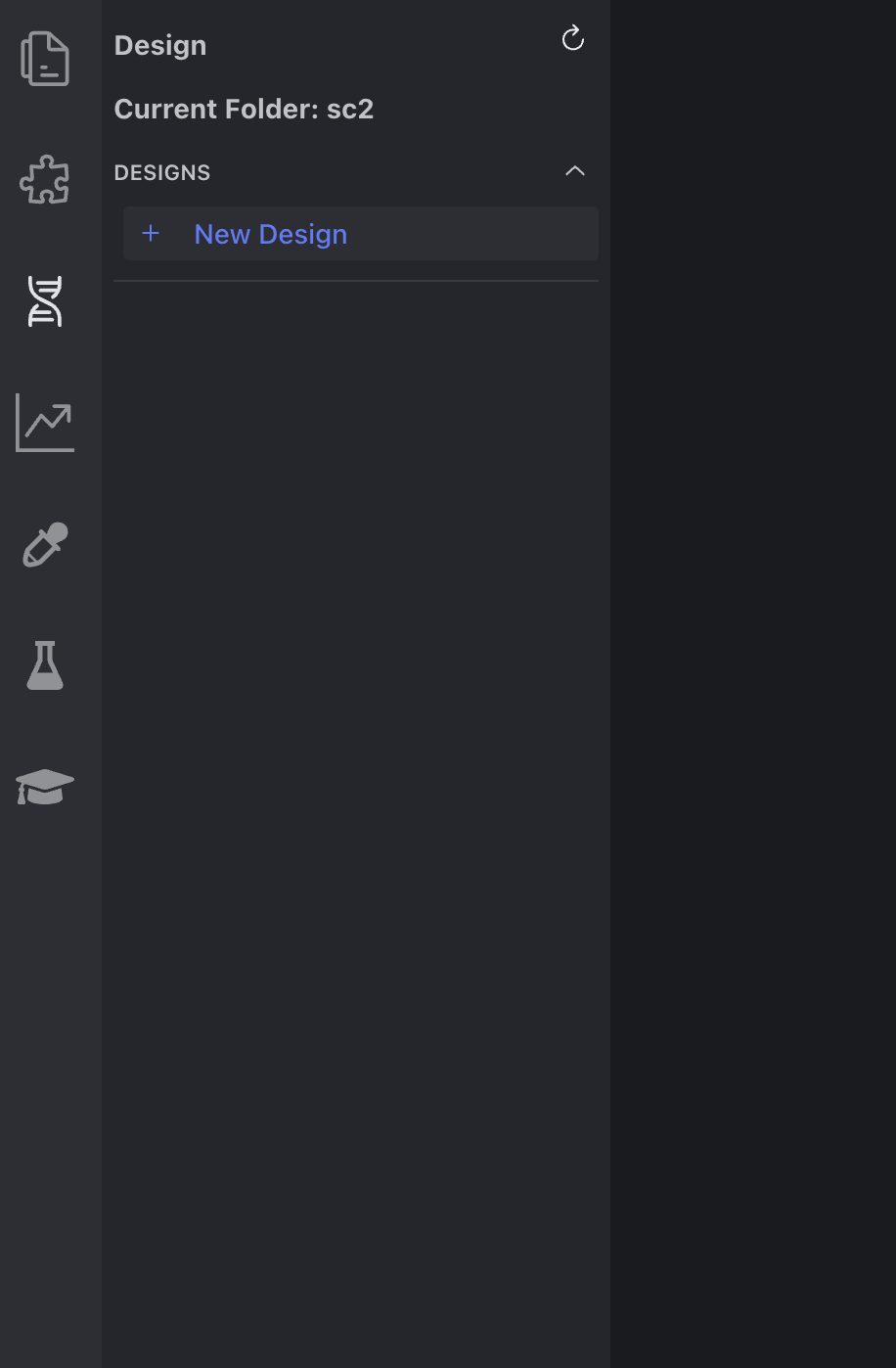
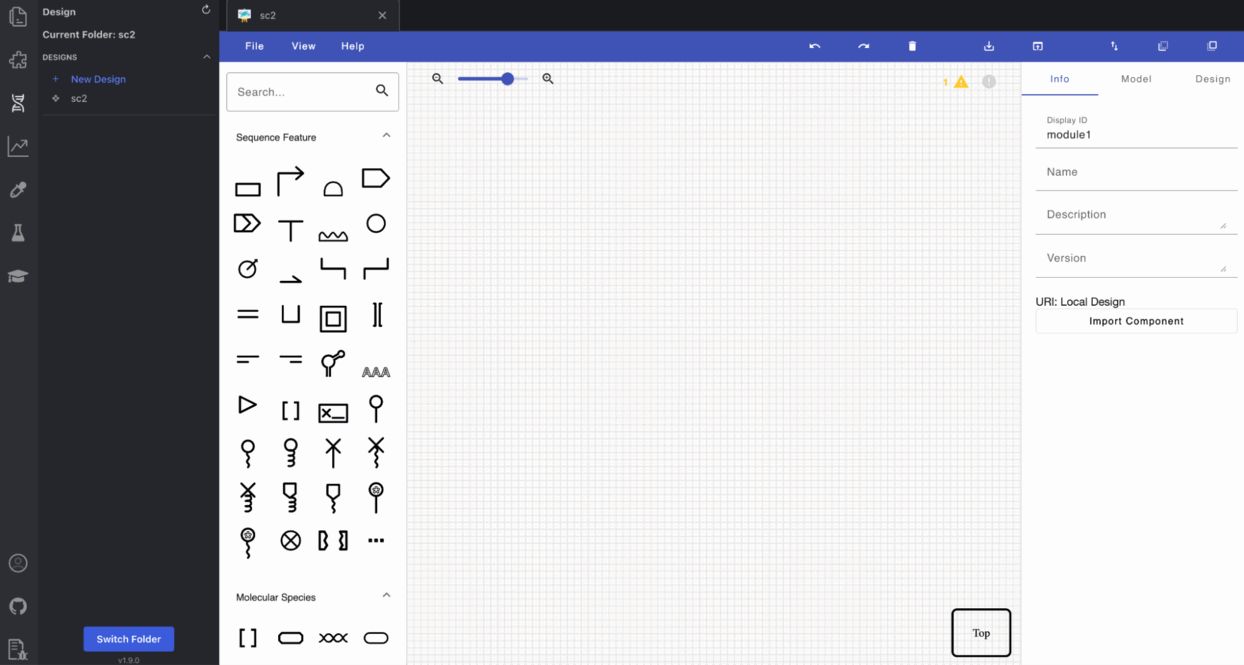
Your screen should now look like this:
Let's take a moment to get familiar with the SBOLCanvas UI. https://sbolcanvas.org/tutorial
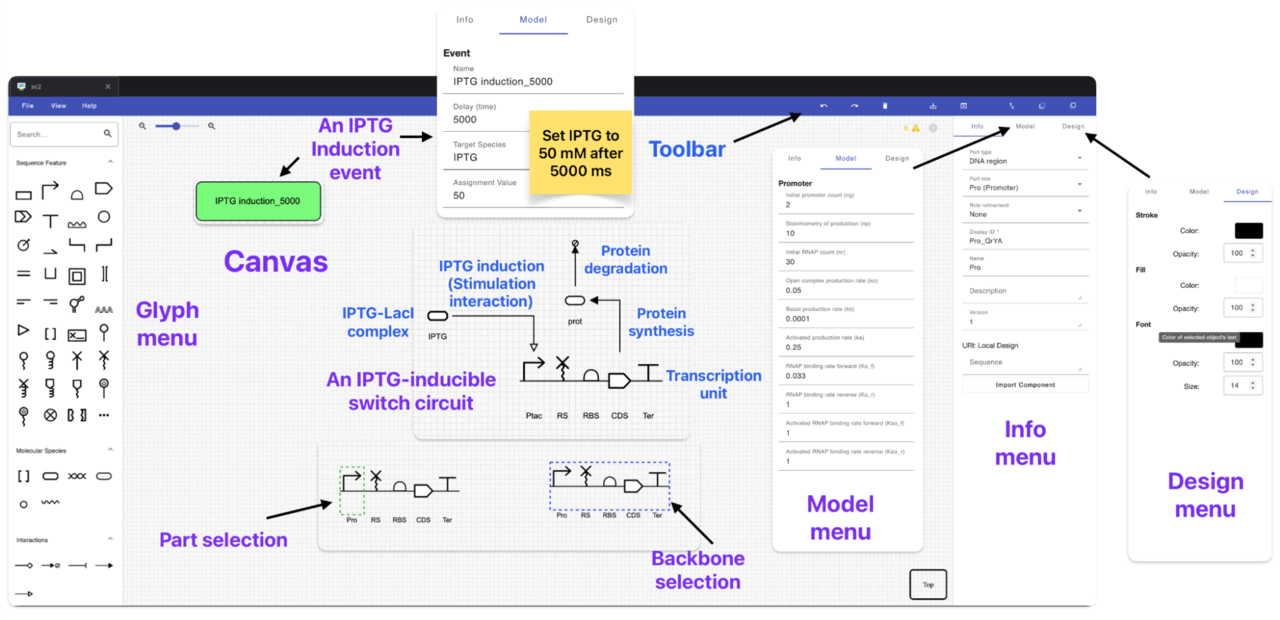
To model the sc2 genetic circuit on SBOLCanvas, we will use the glyphs on the left side toolbar to represent the genetic parts and their regulatory interactions. Please take a moment to familiarize yourself with the glyphs by hovering over some of them to see what genetic part/interaction they represent. We will also learn how to import genetic parts from SynbioHub to SBOLCanvas and how to create "events" to represent the addition/withdrawal of circuit inputs which will be used later for circuit simulations.
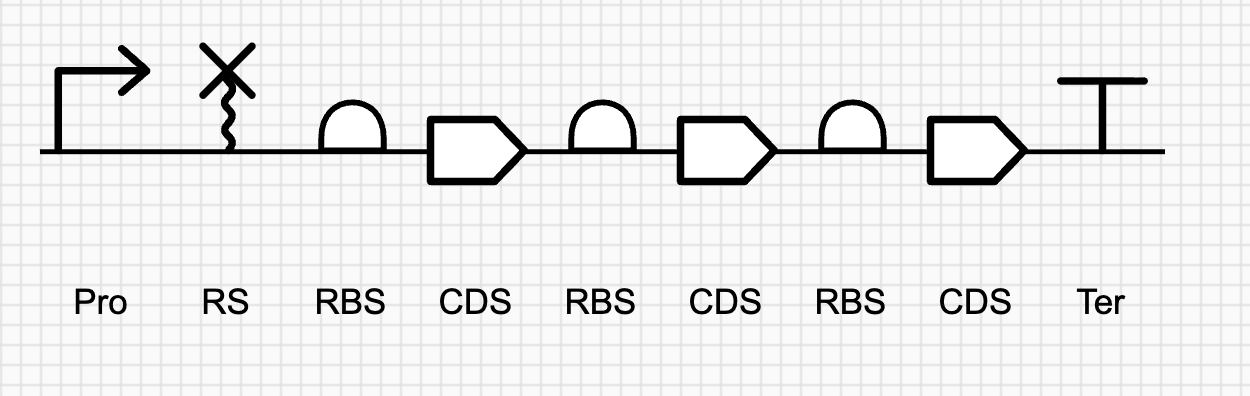
First, we will build 6 transcriptional units (TUs). To compose a TU, you need to click on each of the following glyphs consecutively:
-
a DNA backbone:
-
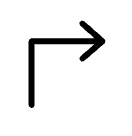
a promoter:
-
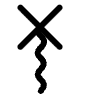
a ribonuclease site (RS) (also called ribozyme insulator):
-
a ribosome binding site (RBS)

-
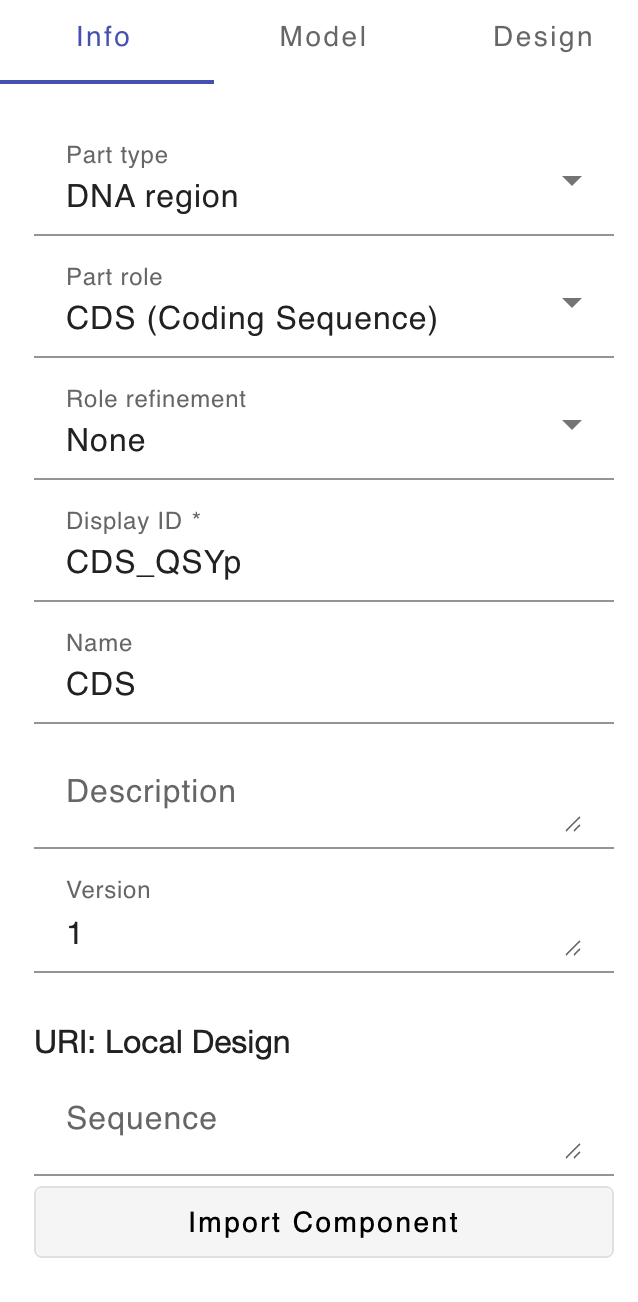
a coding sequence (CDS):
-
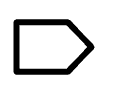
a terminator:

Repeat the TU creation process for the first five transcriptional units. Each one should look like this:
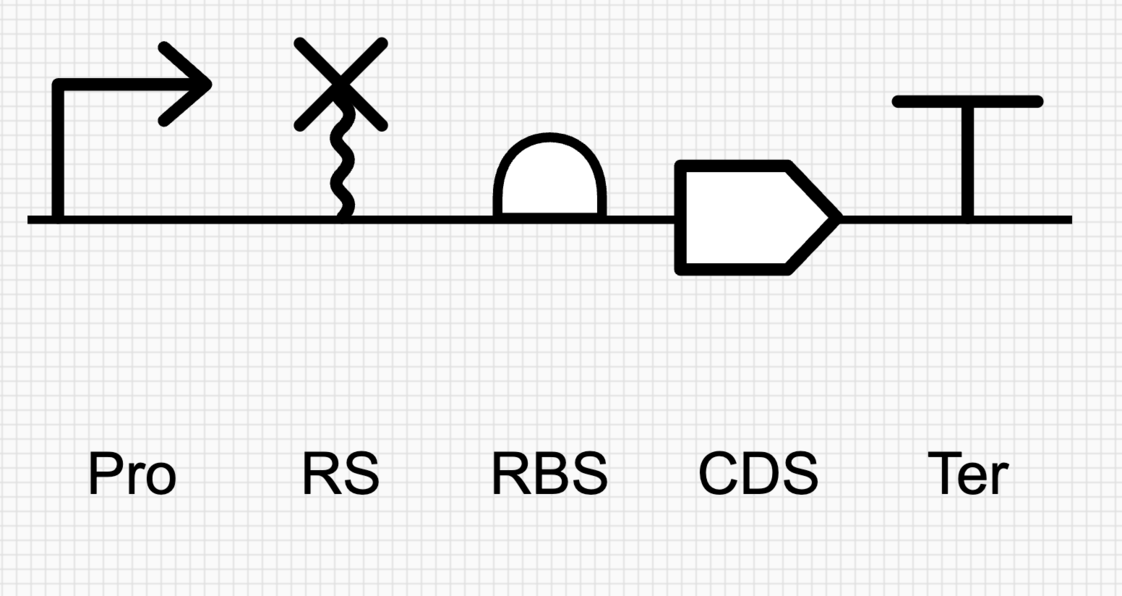
The last TU is polycistronic so we need to modify the TU creation process so that we have three RBS-CDS pairs instead of one RBS-CDS pair. This TU should look like this:
Creating protein production, degradation reactions, and regulatory interactions (repression and induction) between promoters and repressors
Second, we will represent the biochemical species and reactions/interactions involved in sc2 circuit by following these steps:
-
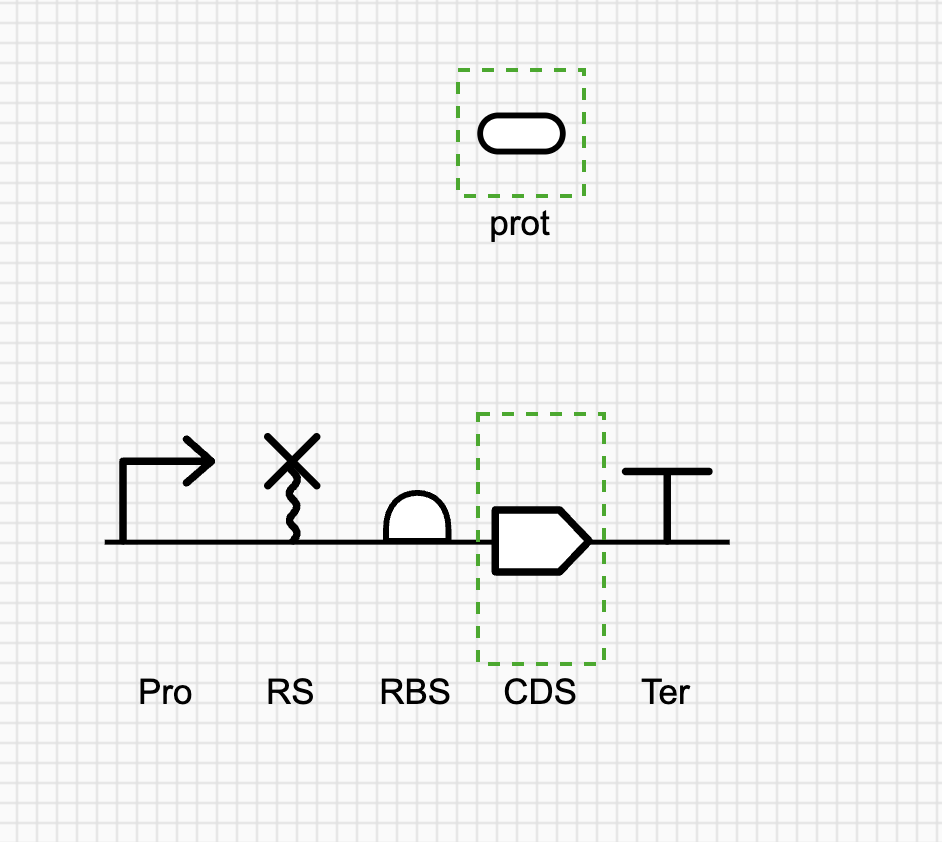
For each CDS, we will create:
1.1- a macromolecule species to represent the encoded protein (transcriptional repressors, fluorescent protein, and output enzymes). In case the same protein is encoded by multiple CDSs, we should create ONLY ONE macromolecule species to represent that protein.
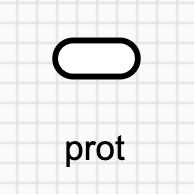
In order to connect a CDS to its encoded protein (macromolecular species), we need to create a genetic production reaction as shown in step 2.
1.2- a genetic production reaction to represent the transcription/translation process from that CDS.
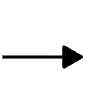
To do this, you need to simultaneously select CDS and its corresponding protein species from above. Once both are highlighted, click on the genetic production arrow from the side panel to add it to the circuit diagram. You can confirm this interaction, by dragging around the CDS or protein species where the arrow should follow along. You should select the CDS first then the protein before clicking on Process interaction glyph otherwise you will run into an error.
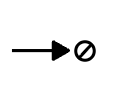
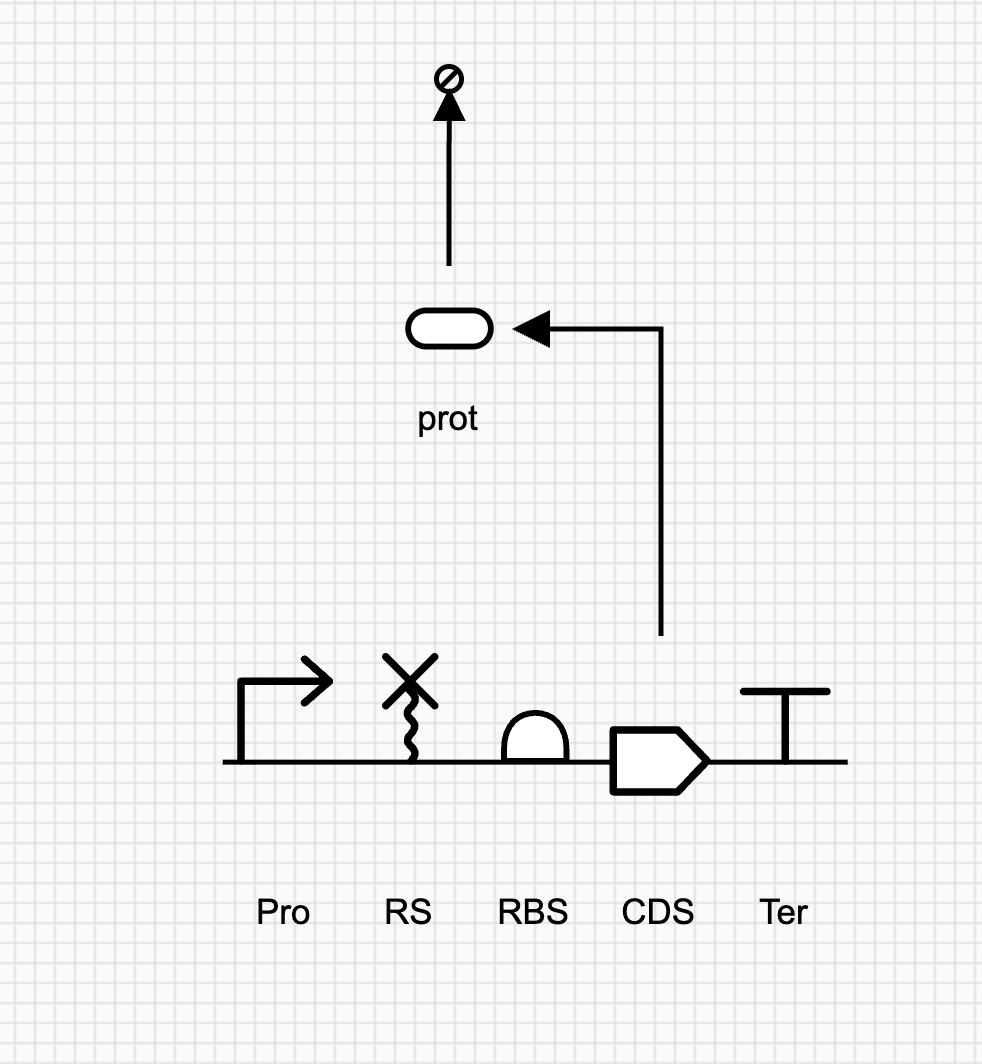
1.3- a protein degradation reaction for each macromolecule species. To do this, you just need to click on the protein species and then click on the degradation arrow from the left side panel (in the molecular interactions of the glyph menu).
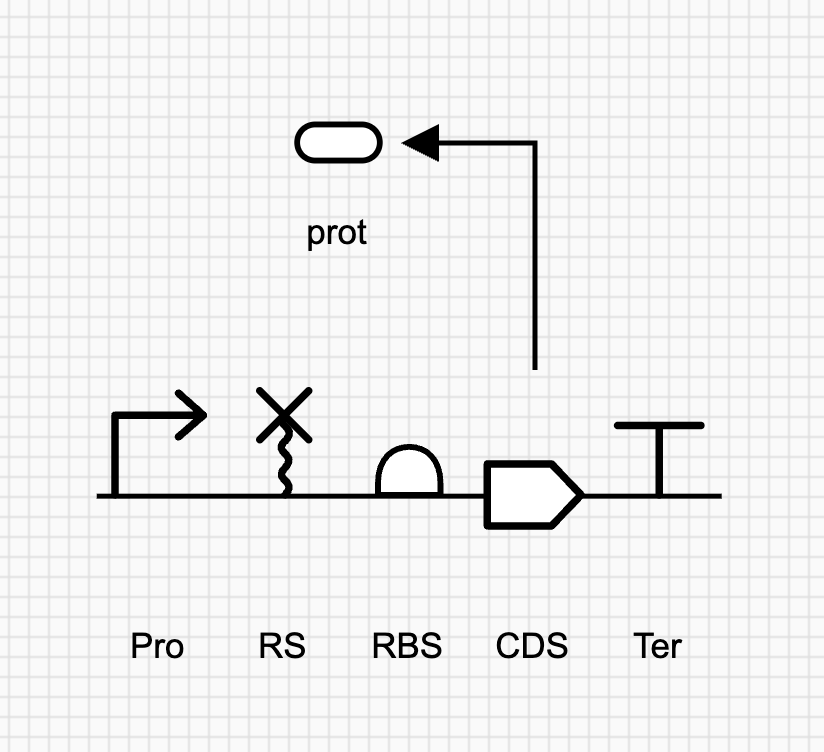
Repeat the above steps for CDS and until each CDS looks like this
-
For each promoter we need to create the repression/induction reactions as follows:
Except for pTac and pBAD promoters, we will create a repression reaction to represent the interaction between each transcriptional repressor (jr7 and jr11) and its cognate promoter (pJR7 and pJR11).
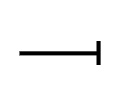
To do this, we need to simultaneously select the transcriptional repressor and its cognate promoter and then click on the genetic repression/inhibition glyph
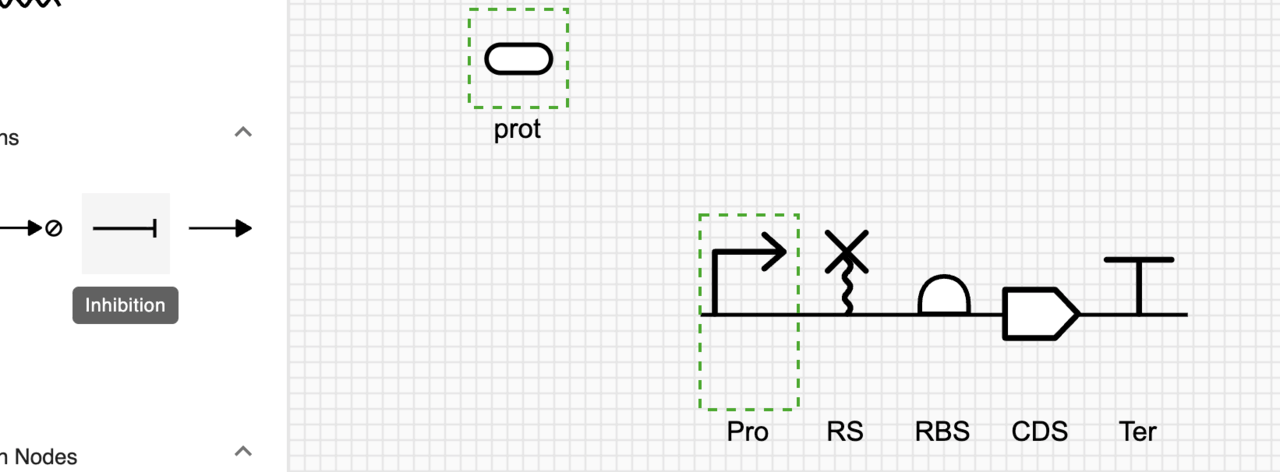
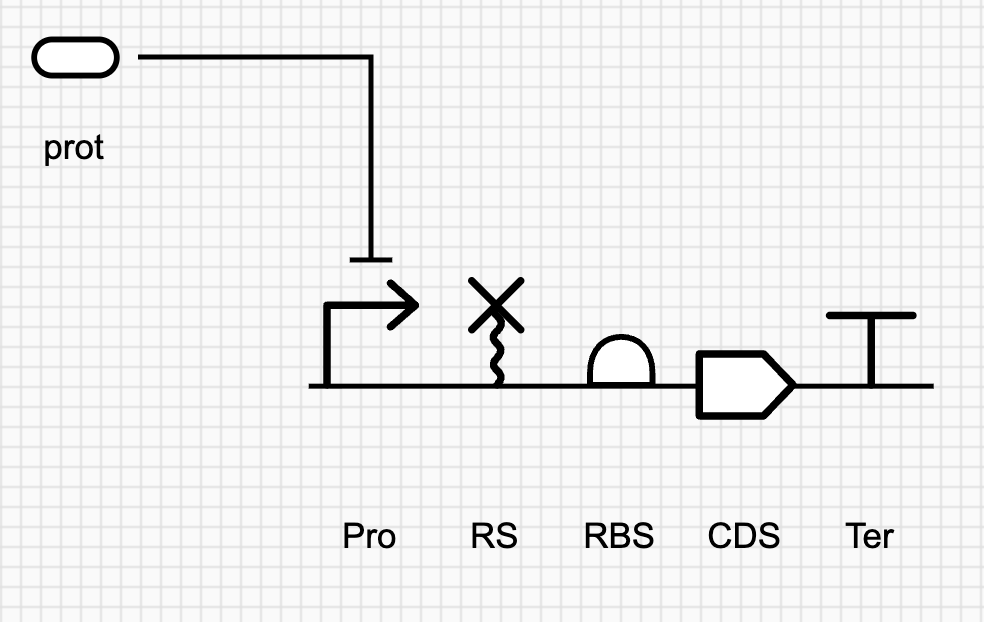
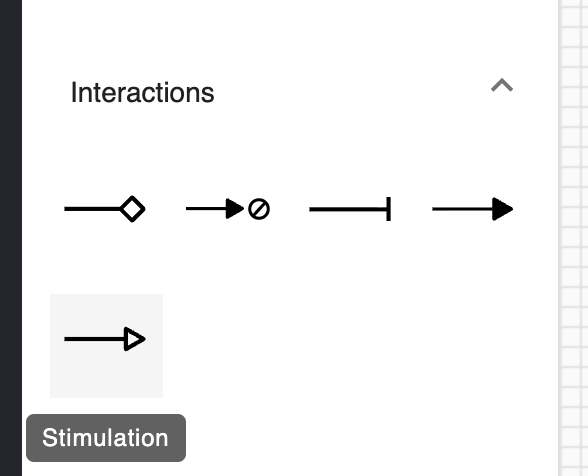
For the two input inducible promoters (pTac and pBAD) we will create stimulation interactions to represent IPTG and Ara inductions, respectively. But first we need to create two complex species to represent the inducer-repressor complexes (IPTG-LacI and Ara-AraC). To represent the induction reaction, we need to select each complex and its cognate promoter simultaneously and click on the stimulation reaction glyph.
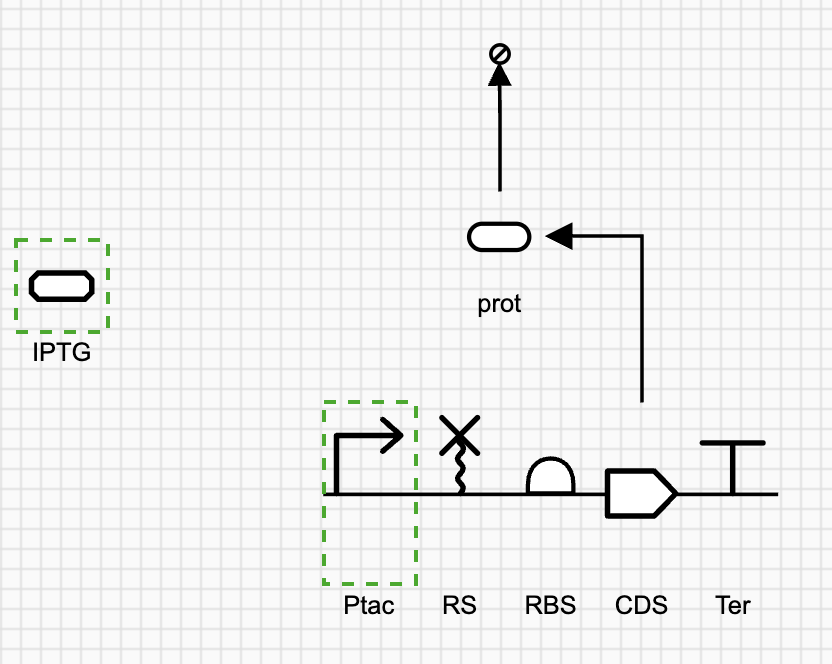
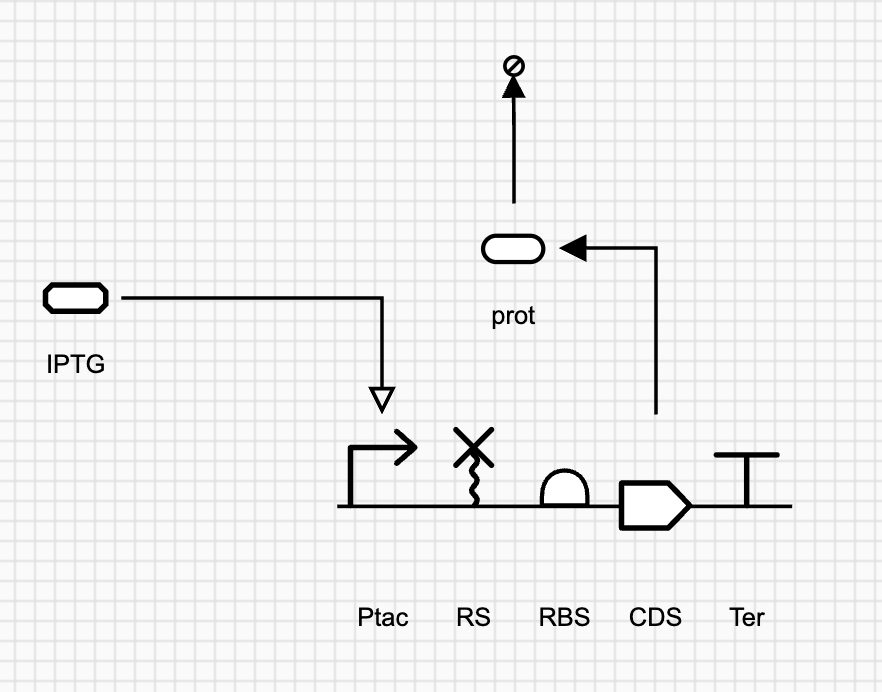
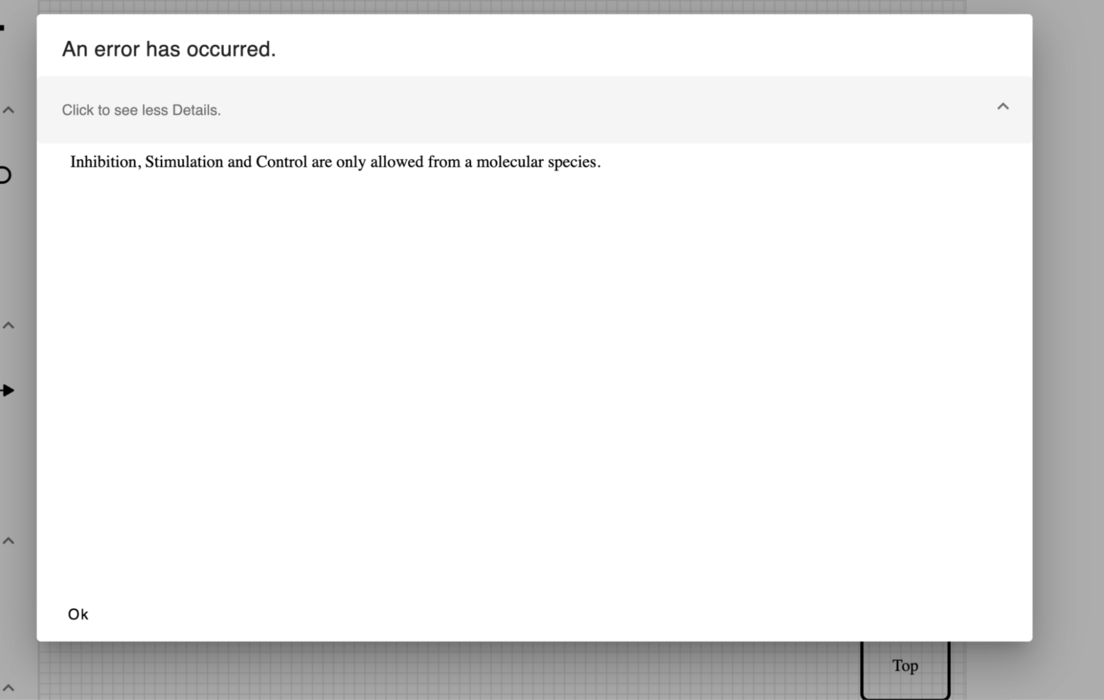
An error you get if the promoter is selected first before the complex when creating stimulation
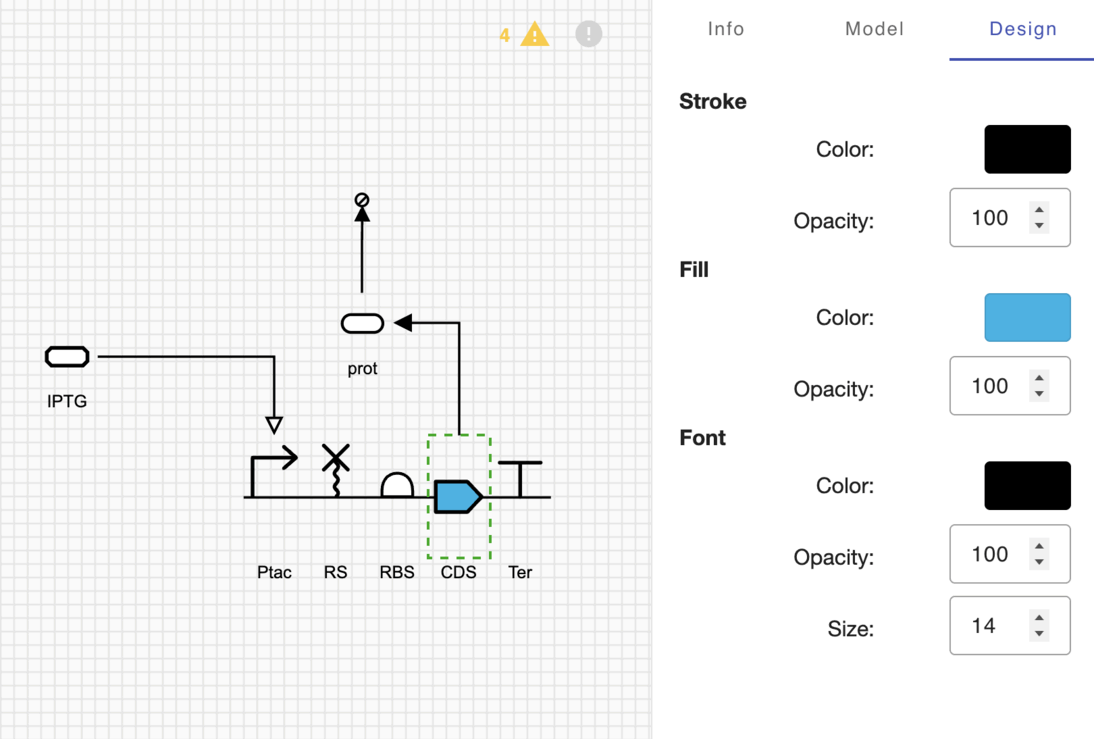
Customizing the color of the circuit components from the Design tab on SBOLCanvas.
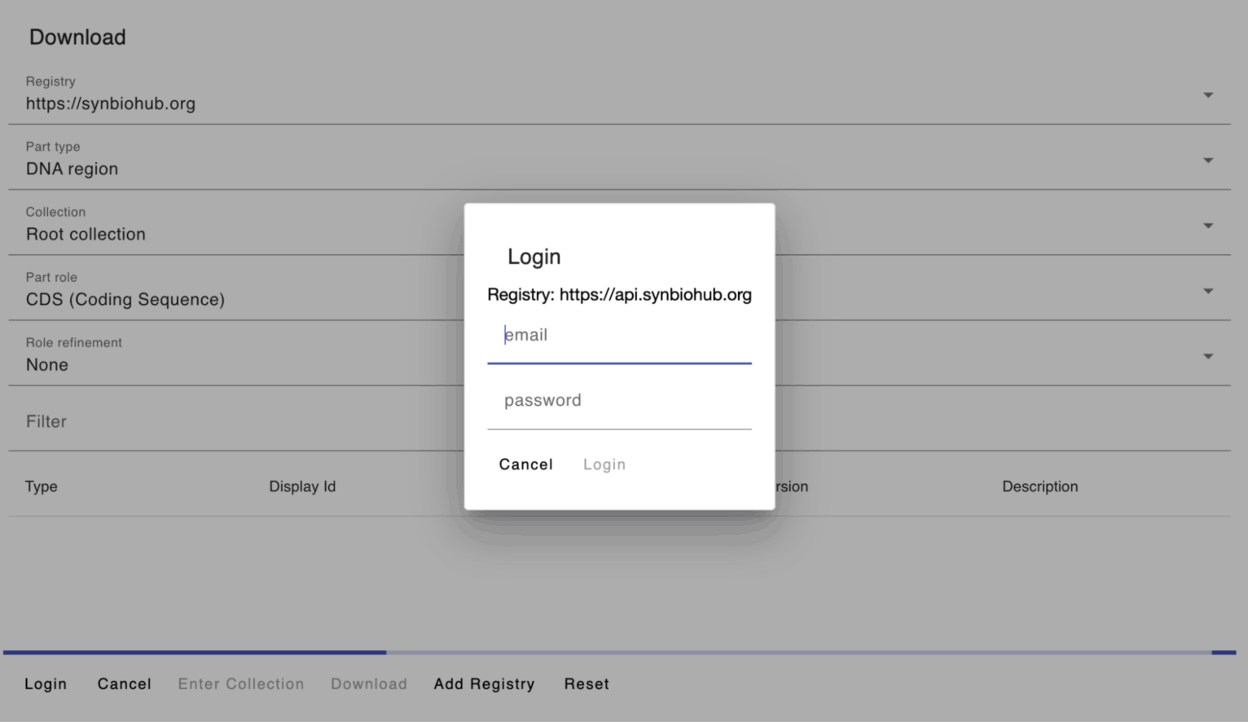
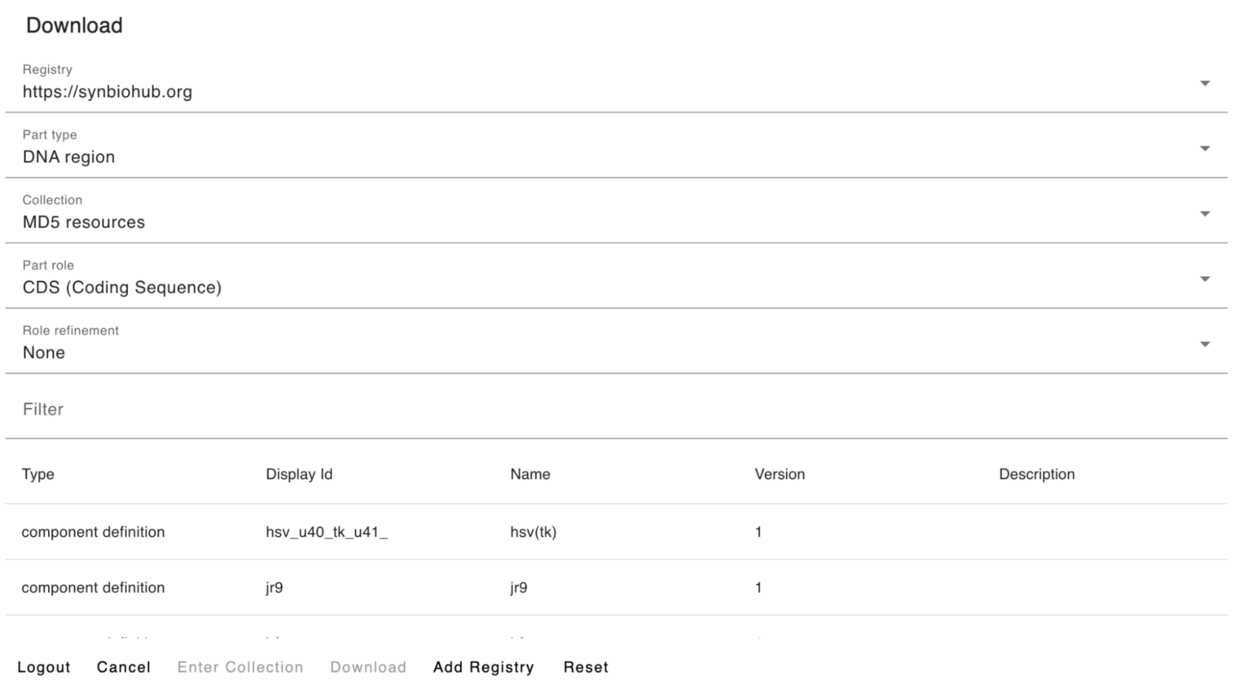
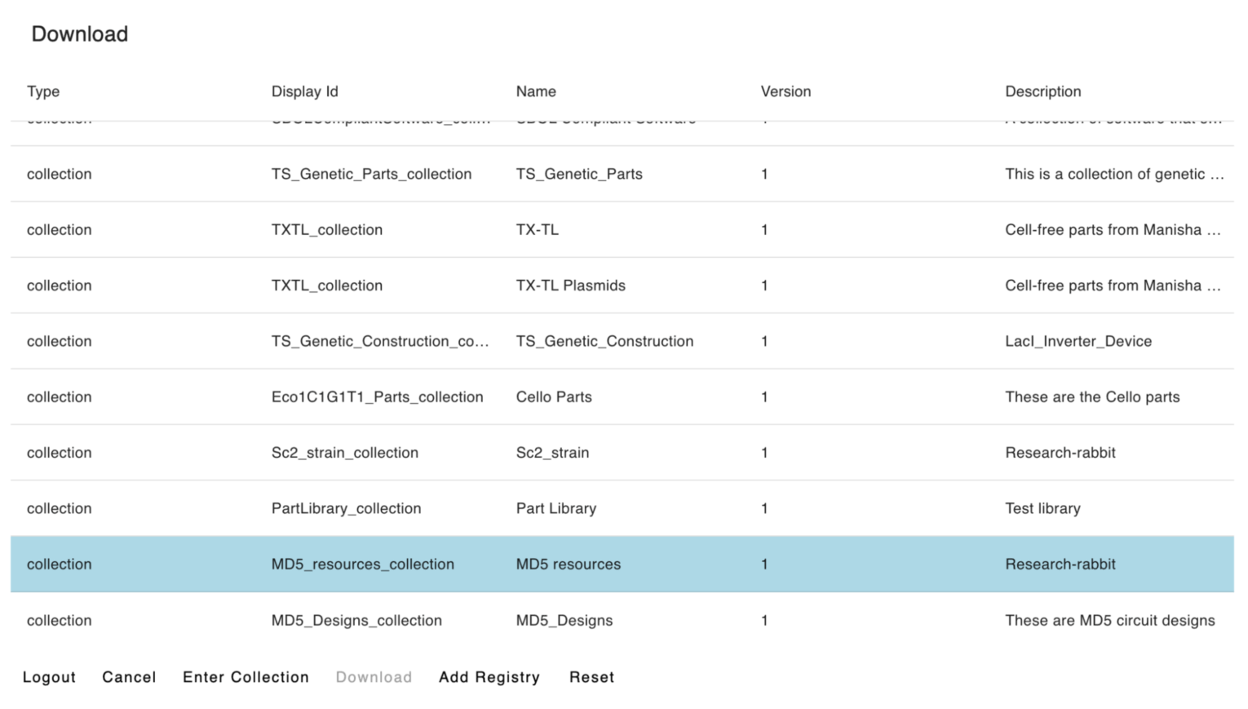
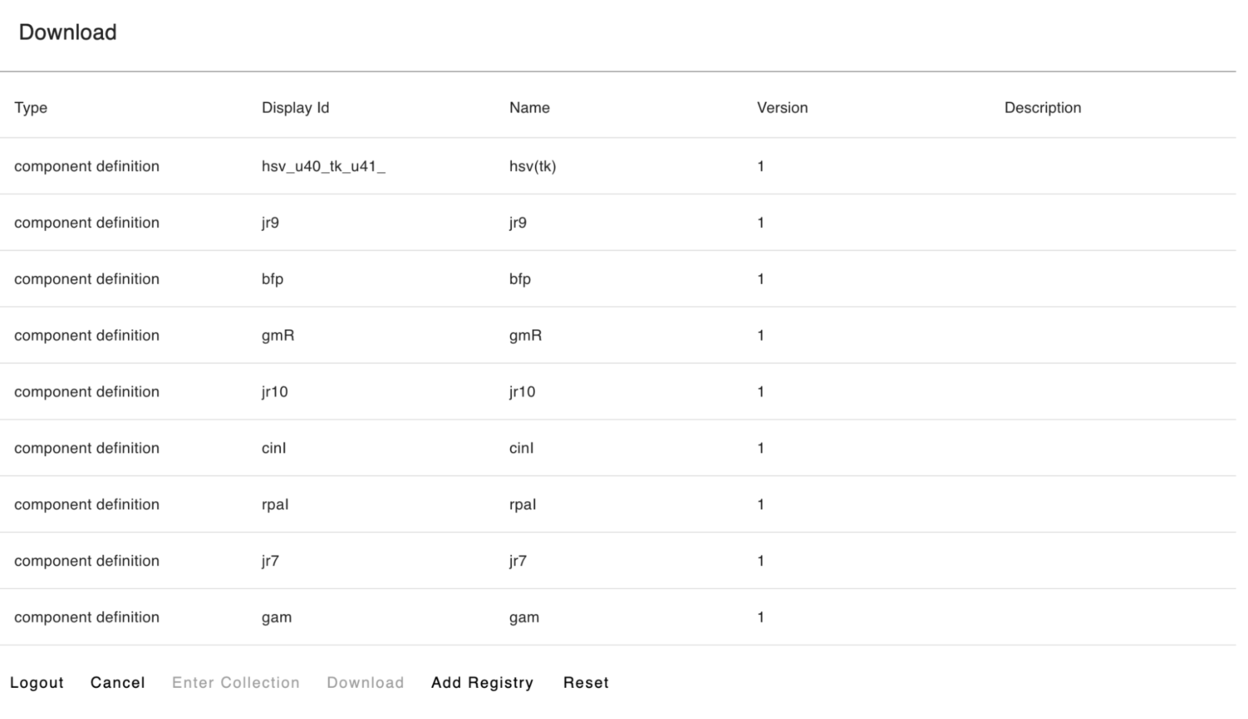
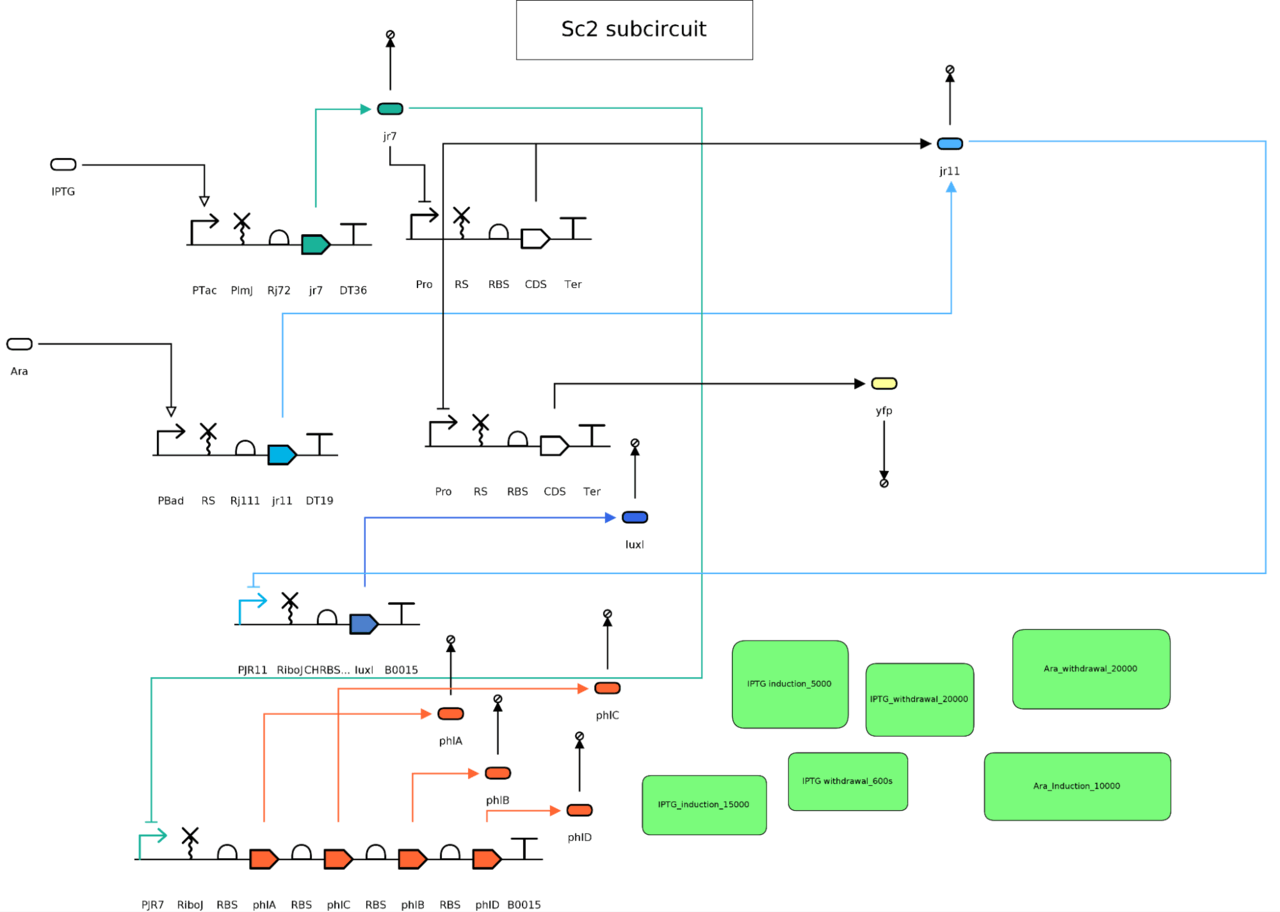
3.4 Creating events for the addition/withdrawal of input inducer molecules to simulate circuit behavior
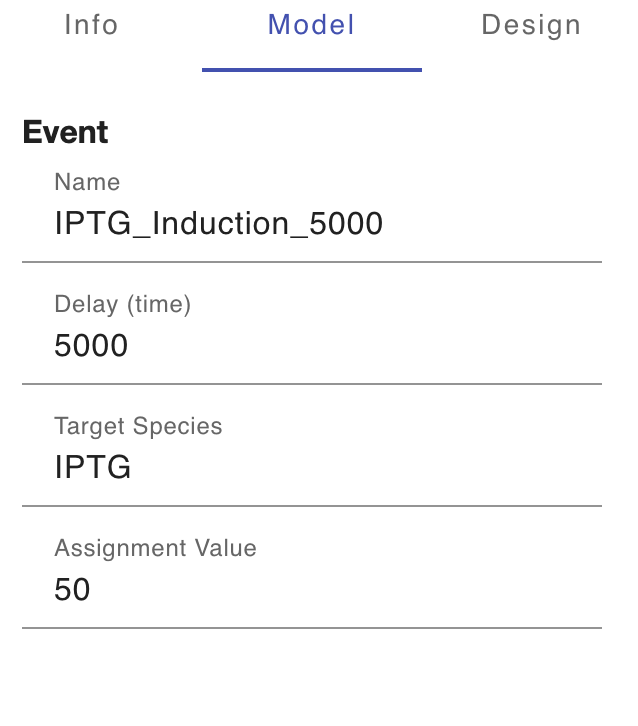
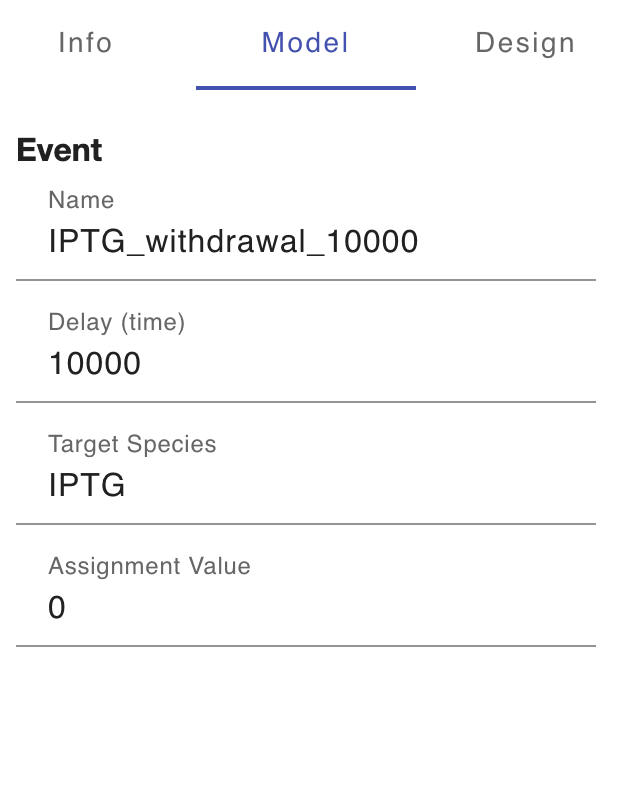
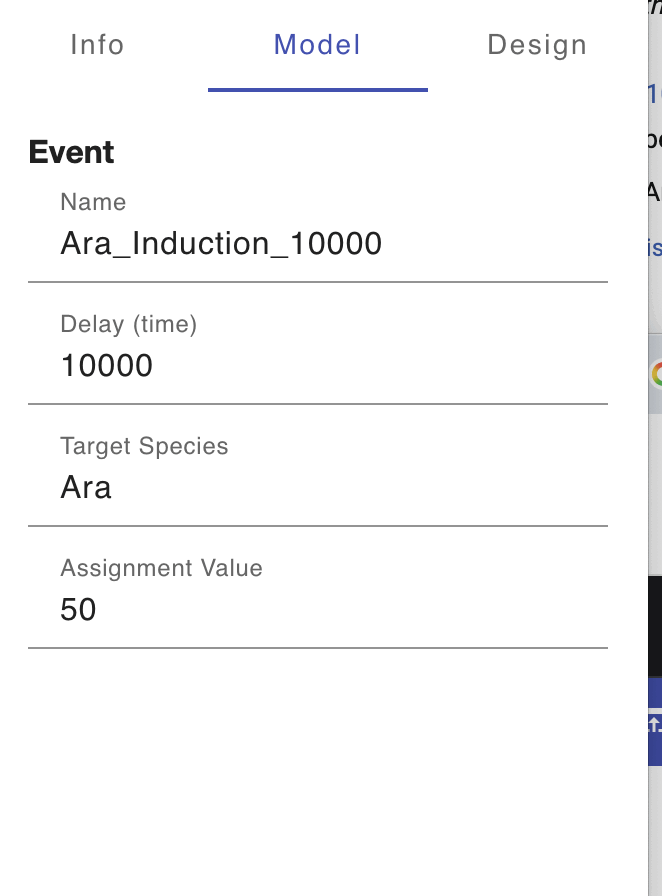
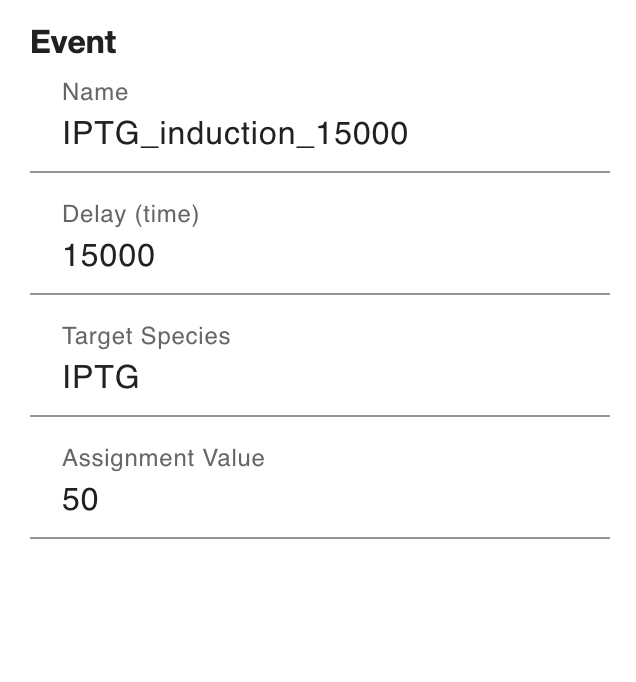
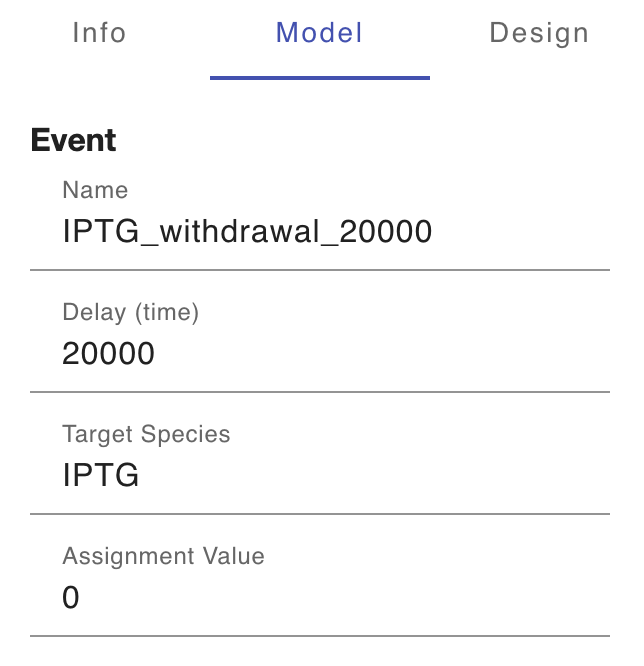
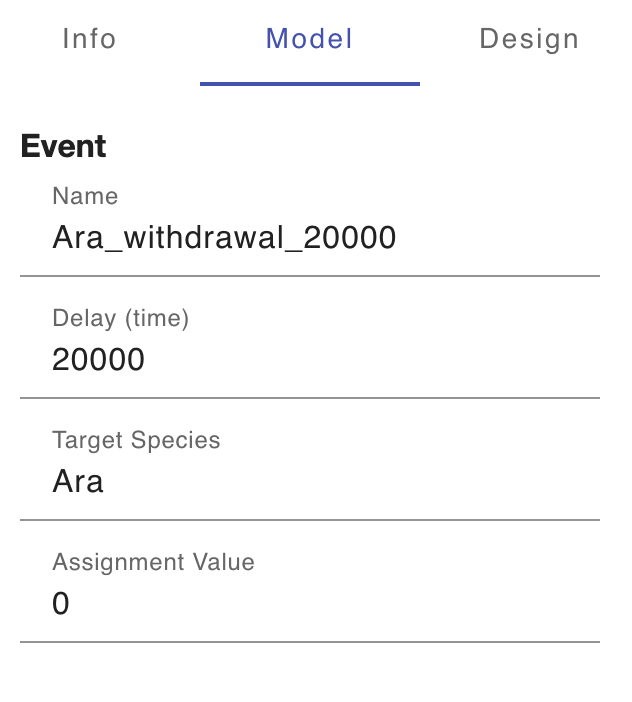
- Before we can simulate circuit behavior on SynbioSuite (iBioSim backend), we need first to represent the addition/withdrawal of inducer molecules (circuit inputs) over time. To do this, we need to create events by clicking on their green glyph in SBOLCanvas:

To find out what events should be created, we need to take a look at the truth table and take note of all the possible combinations of inputs (IPTG and Ara). There are four possible combinations:
- IPTG low, Ara low
- IPTG high, Ara low
- IPTG low, Ara high
- IPTG high, Ara high
For each inducer molecule, we need to create separate inducer addition and withdrawal events over the time course of circuit simulation (25,000 ms total with 5000 ms time intervals).
For each possible input combination, we need to create two events (one for each inducer molecule) except when the level one input remains unchanged when transitioning between different input combinations. For example, transitioning from (IPTG low, Ara high) to (IPTG high, Ara high) needs only one event for IPTG as Ara level remains unchanged.
For example:
2- IPTG high, Ara low: We need to create an event that represents the addition of IPTG