English | 简体中文
Edit local Markdown in your browser. One md command opens a file or folder: a local daemon does the file I/O (no browser permission prompts), external changes from AI agents sync in live, and every save is auto-formatted.
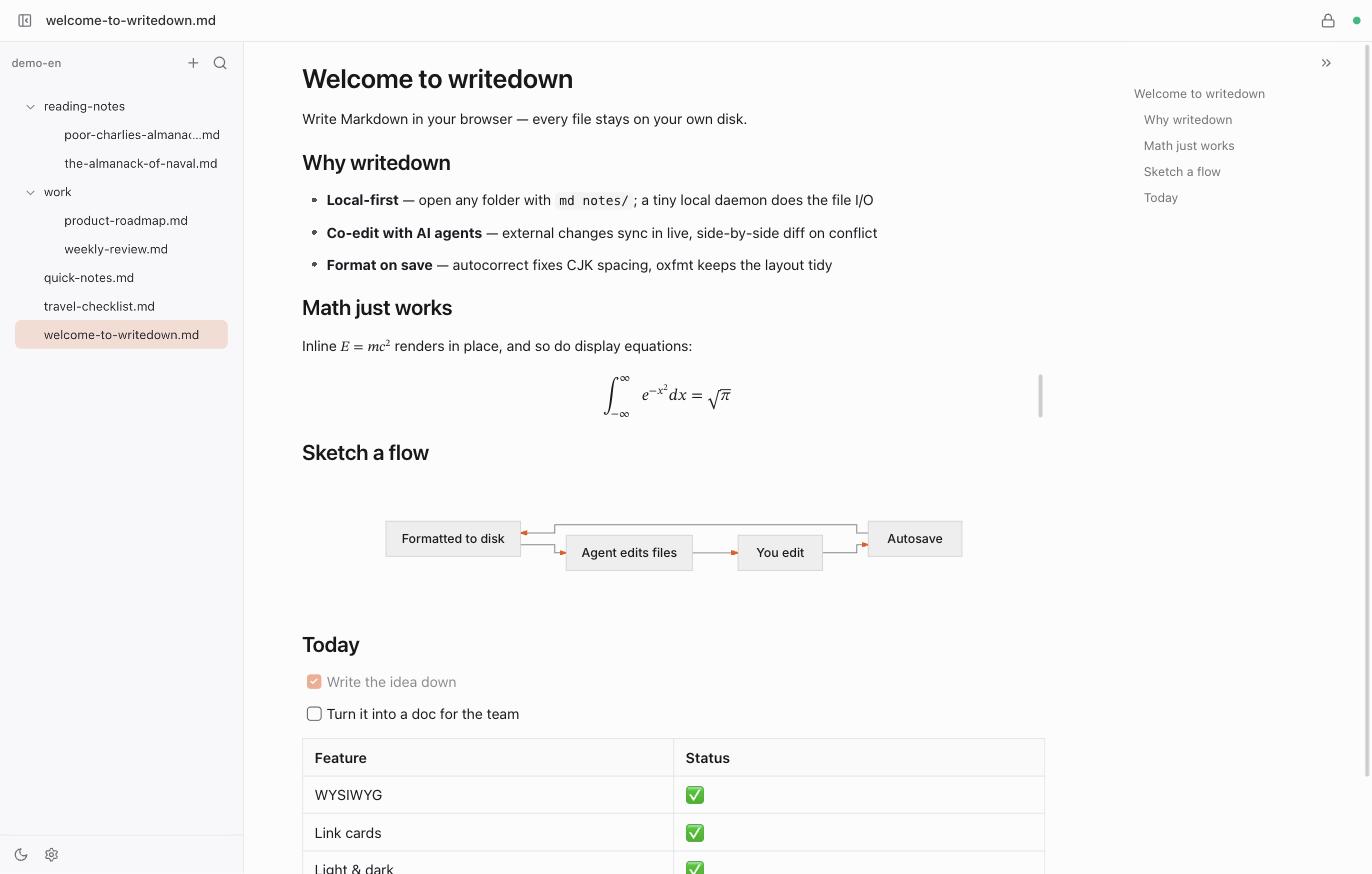
- Instant open:
md file.mdormd dirauto-starts the daemon - WYSIWYG: hybrid rendering by Meowdown — syntax peeks out only at the cursor
- Format on save: autocorrect for CJK spacing, oxfmt for layout; reflow never interrupts typing
- Co-edit with AI agents: external changes sync in live
- Link cards: a YouTube, X, or website URL on its own line renders as a player, tweet card, or site card — the markdown stays a plain URL
- Paste keeps images: remote images in pasted markdown are downloaded next to the document and relinked locally, before the signed URLs expire
- File tree with inline create/rename, fuzzy filename filter, outline, wikilinks, image paste, settings panel, light & dark themes
- Start at login:
md service install(launchd / systemd / Task Scheduler)
Requires Bun ≥ 1.2 — install it first if you don't have it:
curl -fsSL https://bun.sh/install | bash       # macOS / Linux
powershell -c "irm bun.sh/install.ps1 | iex"   # Windows
Then:
bun add -g @xlsama/md        # or: pnpm add -g @xlsama/md
mise use -g npm:@xlsama/md   # or via mise
Upgrades (bun add -g @xlsama/md@latest) need no manual restart: the next md run restarts the daemon and open tabs reconnect automatically.
md notes.md          # open a file; its folder becomes the workspace
md ~/notes           # open a directory
md                   # reopen the last workspace
md config            # print the settings file path and contents
md service install   # start at login
md service uninstall- Default port
2233(override with--port/MD_PORT), bound to127.0.0.1only - Settings live in
~/.config/md/settings.json, also editable in the in-app settings dialog