Cards
Cards are utilized to present data or to serve as a more interesting button. There are cards for faculty, academics, technical areas, and transitions to other pages.
Every set of cards should have a card container section that holds the cards. Every card is made up of an image with a hover effect, and the card's content which consists of the card's title, it's description, and a button.
.card-container {
    display: flex;
    justify-content: space-evenly;
    align-items: center;
    flex-wrap: wrap;
    flex-basis: 25%;
    flex-grow: 3;

}

.card{
    overflow: hidden;
    margin: 0 auto;
    position: relative;
    z-index: 1;
    width: 100%;
    height: auto;
    max-width: 450px;
}Full cover cards are cards that have an image fully covering the card with the card content being on top of the image and hover effect. This is used on the landing/front page and a variation of full cover cards are used on the shop academy pages.
      <div class="card card--full-cover">
        <img src="https://wordpress.techhigh.us/wp-content/uploads/2022/03/about-picture-2.jpg" alt="Admissions">
        <div class="card-content">
          <h2 class="card-title">Admission</h2>
          <p class="card-description">Interested in applying?</p>
          <a class="btn btn--ghost" href="/learn-more/admissions/">Apply here!</a>
        </div>
</div>&.card--full-cover {
padding: 50px 0;
img{
position: absolute;
z-index: 1;
left: 0;
top: 0;
width: 100%;
height: 100%;
object-fit: cover;
object-position: center center;
transition: $soft;
}
&:hover {
img {
transform:scale(1.1)
}
&::before {
background-color: rgba(0,0,0,0.4);
}
}
.card-content {
position: relative;
z-index: 3;
color: $white;
text-transform: capitalize;
.card-title {
color: $white;
}
.card-description{
text-transform: capitalize;
font-size: 1.5em;
}
}
&::before {
content:'';
position:absolute;
z-index: 2;
left: 0;
top: 0;
width: 100%;
height: 100%;
background-color: rgba(0,0,0,0.7);
transition: $soft;
}
}
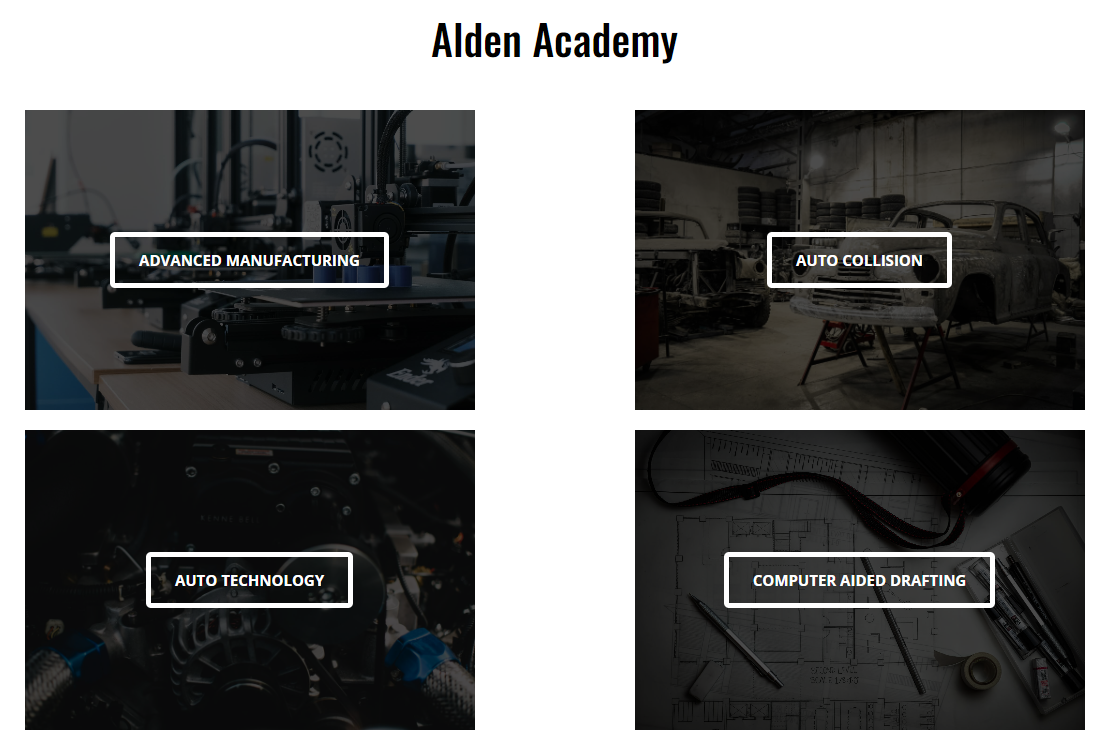
Academy cards are full cover cards that have their card content blank and have a specific size for the shop academy pages.
      <div class="card card--full-cover card--academy">
        <img src="{{ shop.featured_image }} ">
        <div class="card-content">
            <a class="btn btn--ghost" href="{{ shop.url }}"> {{ shop.title }} </a>
        </div>
</div> &.card--academy {
height: 300px;
max-width: 410px;
display: flex;
flex-direction: column;
align-items: center;
justify-content: center;
margin: 10px;
}
The student-life cards are very similar to the full cover cards with the key difference being that there's no button. The card content is above the image that enlarges instead of fading in. The entire card was made clickable in place of the button. (This was done for more convenience when navigating on mobile.)
      <a href="{{ sub.url }}">
        <div class="card card--student-life" >
          <div class="image-container">
            <img src="{{ sub.featured_image }}">
          </div>
          <div class="card-content">
            <h2>{{ sub.title }}</h2>
            <p>{{ sub.excerpt }}</p>
          </div>
        </div>
</a> &.card--student-life {
color: $white;
width: 425px;
height: 350px;
margin: 10px;
h2 {
position: relative;
color: $white;
font-size: 2em;
text-align: left;
display: inline-block;
&::before{
transition: $soft;
content: "";
width: 100%;
height: 3px;
background-color: $white;
position: absolute;
display: block;
left: 0;
bottom: 0;
transform: scaleX(0);
}
&:hover::before{
transform: scaleX(1);
}
}
.card-content{
position: absolute;
bottom: 0px;
text-align: left;
padding: 20px;
padding-top: 40px;
text-shadow: 0 0 8px black;
height: 70%;
background-color: rgba(0,0,0,0.6);
height: 100%;
}
a {
text-decoration: none;
}
.image-container{
width: 425px;
height: 350px;
}
img {
transition: $soft;
width: 100%;
height: 100%;
object-fit: cover;
}
&:hover {
img {
transform:scale(1.1)
}
}
}
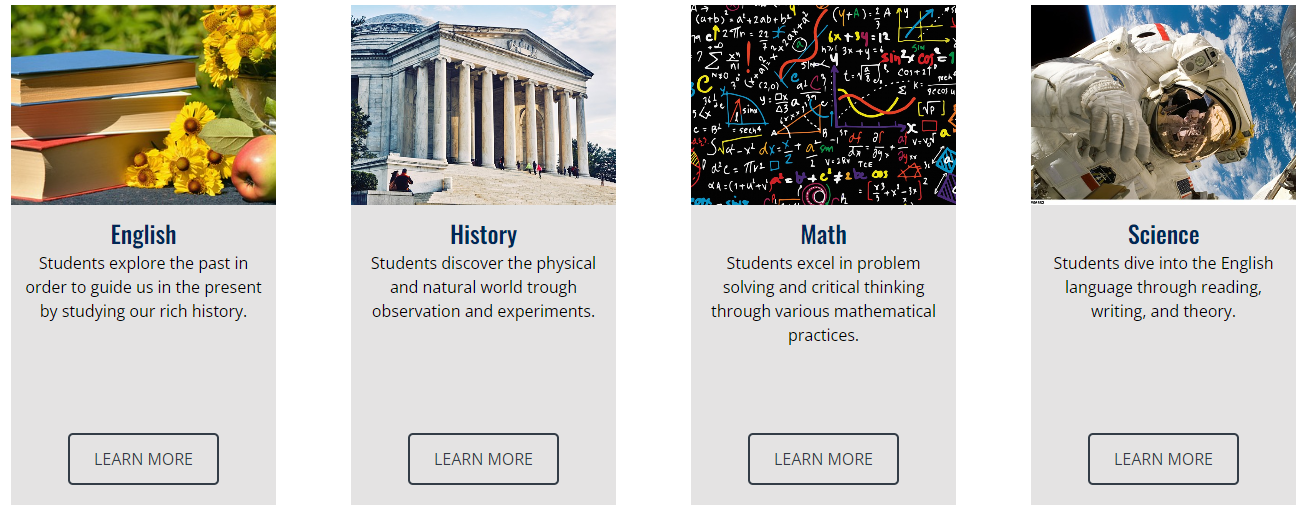
Academics cards are made up of an image, the card's title, its description, and a button. The difference is that these are all presented in a column instead of having the image and button be the focus of the card. They're primarily used on the academics and technical areas pages.
        <div class="card card--academics">
          <div class="image-container">
            <img src="{{ sub.featured_image }}">
          </div>
          <div class="card-content">
            <h2>{{ sub.title }}</h2>
            {% if sub.description %}
              <p>{{ sub.description }}</p>
            {% endif %}
            <a class="btn btn--click" href="{{ sub.url }}">Learn More</a>
          </div>
</div> &.card--academics{
display: flex;
flex-direction: column;
max-width: 265px;
min-height: 500px;
background-color: $lighter_grey;
padding: 0;
&:hover {
img {
transform: scale(1.2);
}
.image-container::before {
background-color: rgba(0,0,0,0.4);
}
}
.image-container {
width: 265px;
height: 200px;
overflow: hidden;
position: relative;
&::before {
content: '';
width: 100%;
height: 100%;
left: 0;
top: 0;
position: absolute;
background-color: rgba(0,0,0,0);
z-index: 4;
transition: $soft;
}
}
img {
width: 100%;
height: 100%;
display: block;
object-fit: cover;
object-position: center;
transition: $soft;
}
.card-content{
text-align: center;
flex-grow: 1;
display: grid;
grid-template-rows: auto 1fr auto;
height: 100%;
padding: 10px;
padding-bottom: 20px;
h2 {
margin: 0;
}
p {
margin: 0;
}
min-height:200px;
.btn {
margin: 0 auto;
}
.shop-links {
font-size: .7em;
display: inline-block;
position: relative;
color: black;
padding: 5px 10px;
&::before{
background-color: gray;
content: "";
position: absolute;
left: 0;
top: 0;
width: 100%;
height: 100%;
transition: $soft;
transform: scaleX(0);
z-index: -1;
border-radius: 15px;
}
&:hover {
text-decoration:none;
}
}
a:hover::before{
transform: scaleX(100%);
}
}
}

Faculty cards are unlike any of the previous cards. They're the only cards without hover effects and have classes in addition to the regular card-title and card-description.
              <div class="staff"> <!--for each individual staff-->
                <img src="{{ faculty.image_url }}" alt='{{ faculty.first_name }} {{faculty.last_name}}'> <!--Their image-->
                <p class="name card-title">{{ faculty.first_name }} {{ faculty.last_name }}</p> <!--their name-->
                <p class="title card-description">{{ faculty.title }}</p><!--Their staff role/title-->
                <p class="email card-description"><a href="mailto:{{ faculty.email }}">{{ faculty.email }}</a></p> <!--their email-->
</div> &.card--faculty{
padding: 50px 0;
text-align: center;
display: flex;
flex-direction: row;
justify-content: space-evenly;
width: 350px;
margin: auto;
img{
border-radius: 40px;
}
.card-title{
font-weight: bold;
}
.staff img {
width: 240px;
height: 320px;
object-fit: cover;
}
}