mint builds static binary flash blocks from TOML layout files and Excel or JSON data sources. It also generates matching C headers and ABI fingerprints from those layouts.
mint is available as:
mint-core- Rust library crate for layout parsing, data sources, bytestream assembly, output, C header rendering, ABI fingerprints, and in-memory build APIs.mint-cli- Implements themintcommand-line tool for building flash files and generating C headers and ABI fingerprints.
cargo add mint-core
cargo install mint-cli
From a checkout, install the CLI with:
cargo install --path crates/mint-clinix develop -c cargo build
nix develop -c cargo test
nix develop -c cargo clippy --workspace
nix develop -c cargo run -p mint-cli -- build block.toml --xlsx data.xlsx --variants Default
nix develop -c cargo run -p mint-cli -- header block.toml -o blocks.h
nix develop -c cargo run -p mint-cli -- fingerprint block.toml
nix develop -c cargo run -p mint-cli -- abi list# Excel data source
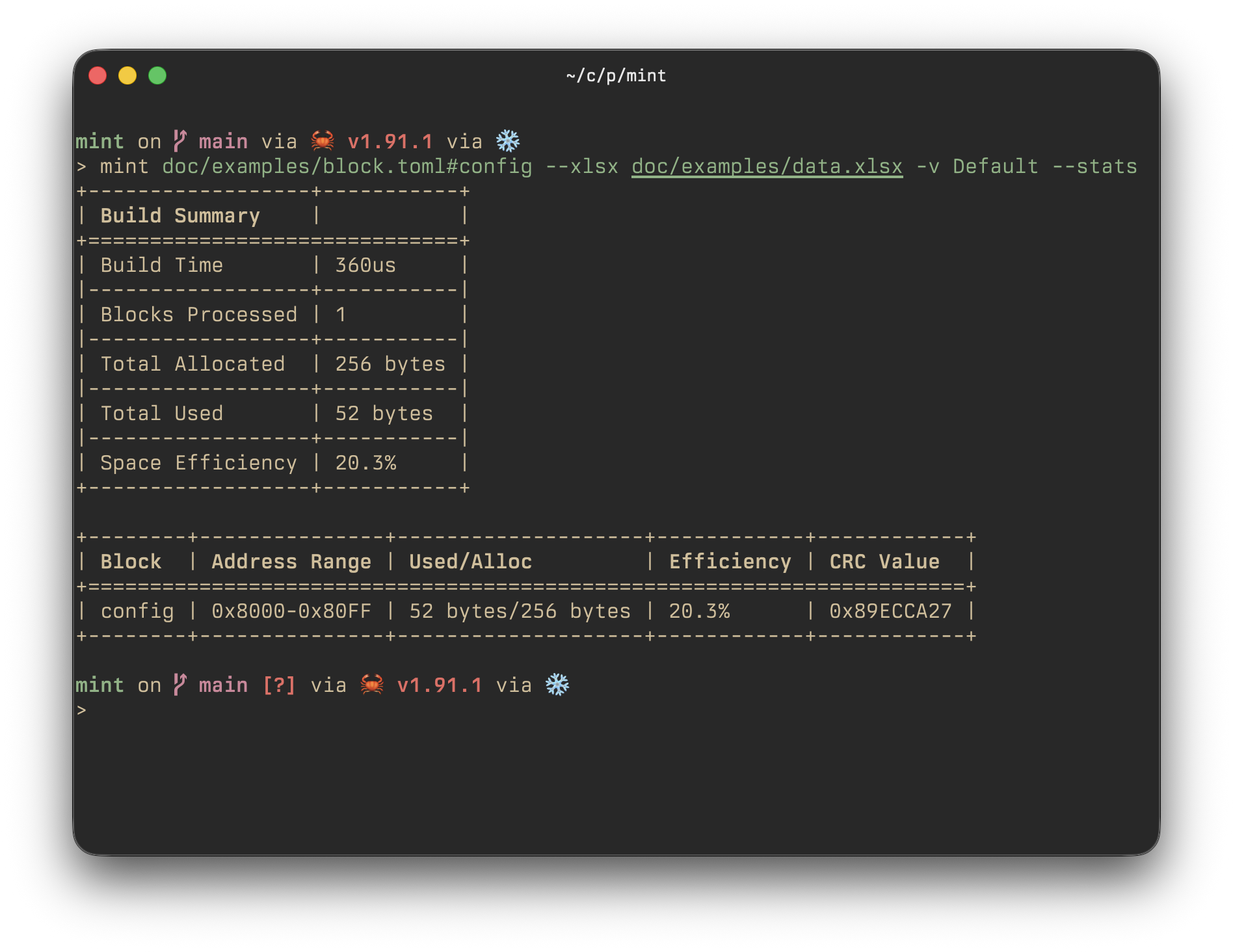
mint build block.toml --xlsx data.xlsx --variants Default --stats
# JSON data source
mint build layout.toml -j data.json --variants Debug/Default
# Multiple blocks with options
mint build layout.toml#config layout.toml#data --xlsx data.xlsx --variants Default --stats
# Generate matching C typedefs and array/bitmap macros
mint header layout.toml -o layout.h
# Print every block's ABI fingerprint
mint fingerprint layout.toml
# Discover supported layout ABIs
mint abi list[mint]
abi = "generic-le"
[config.header]
start_address = 0x8000
length = 0x100
[config.data]
schema = { fingerprint = true, type = "u64" }
device.id = { value = 0x1234, type = "u32" }
device.name = { name = "DeviceName", type = "u8", size = 16 }
version = { name = "Version", type = "u16" }
gain = { value = 1.5, type = "uq8.8" }
coefficients = { name = "Coefficients", type = "f32", size = 4 }
matrix = { name = "Matrix", type = "i16", size = [2, 2] }
[data.header]
start_address = 0x8100
length = 0x100
[data.data]
counter = { name = "Counter", type = "u64" }
message = { value = "Hello", type = "u8", size = 16 }See doc/examples/block.toml and its generated header for a complete example.