YAML Incremental Digger.
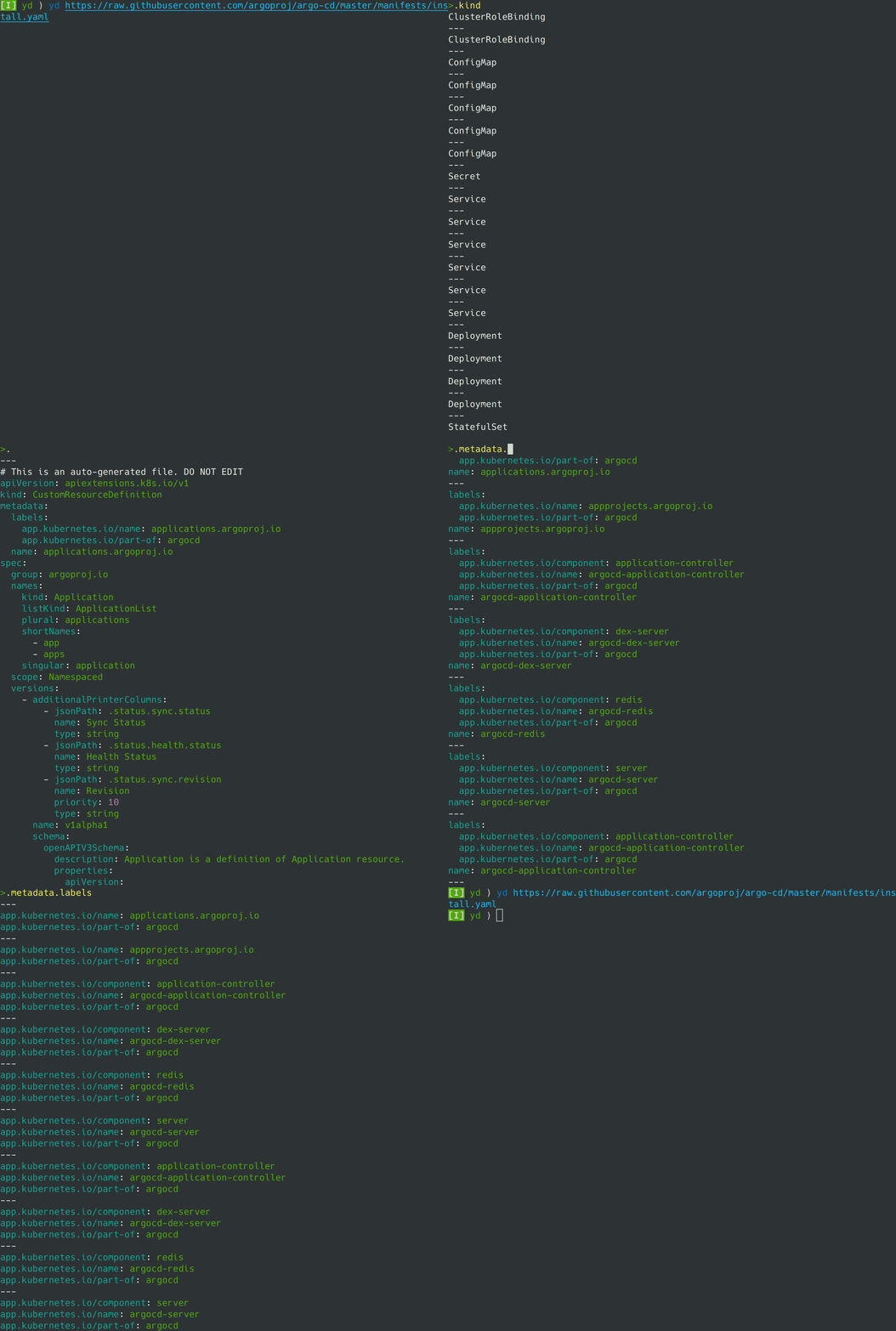
$ go install github.com/starrychasu/yd@latestAll of first, you can read yaml file as following.
$ yd file.yaml
$ yd https://sample.com/file.yaml
$ yd < file.yaml
$ yd -f file.yaml
Next, you can enter some query like select(.a == .b) to filter key or values.
yd is using yq so the query can enter as well as yq.
Please refer this document for learn how to use query of yq.
| Key | Description |
|---|---|
Enter |
focus view |
Esc |
focus input |
Ctrl-n |
scroll down view |
Ctrl-p |
scroll up view |
skanehira