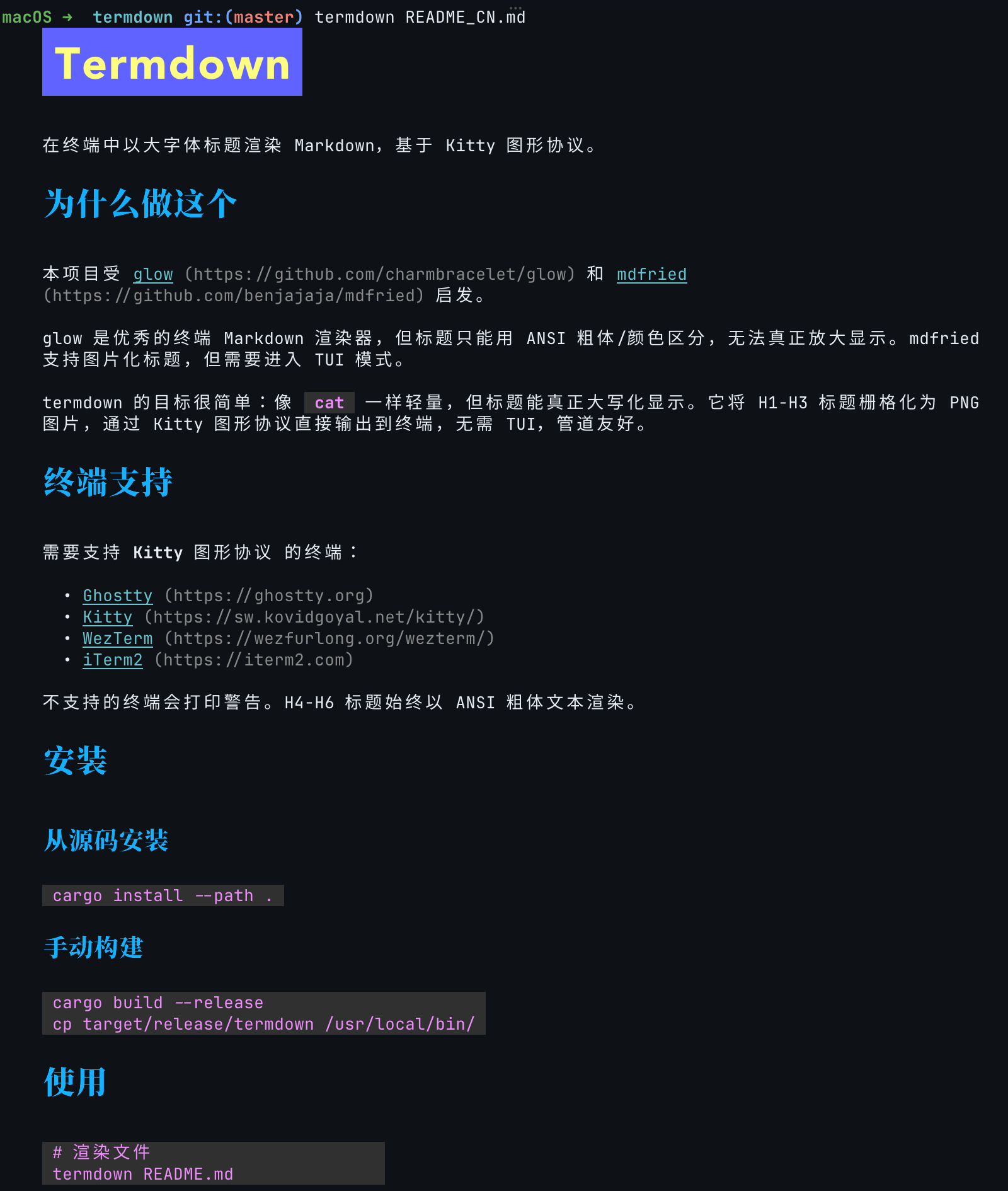
termdown uses the Kitty graphics protocol to render Markdown with large-font headings in the terminal, providing a reading experience closer to a GUI Markdown reader.
 |
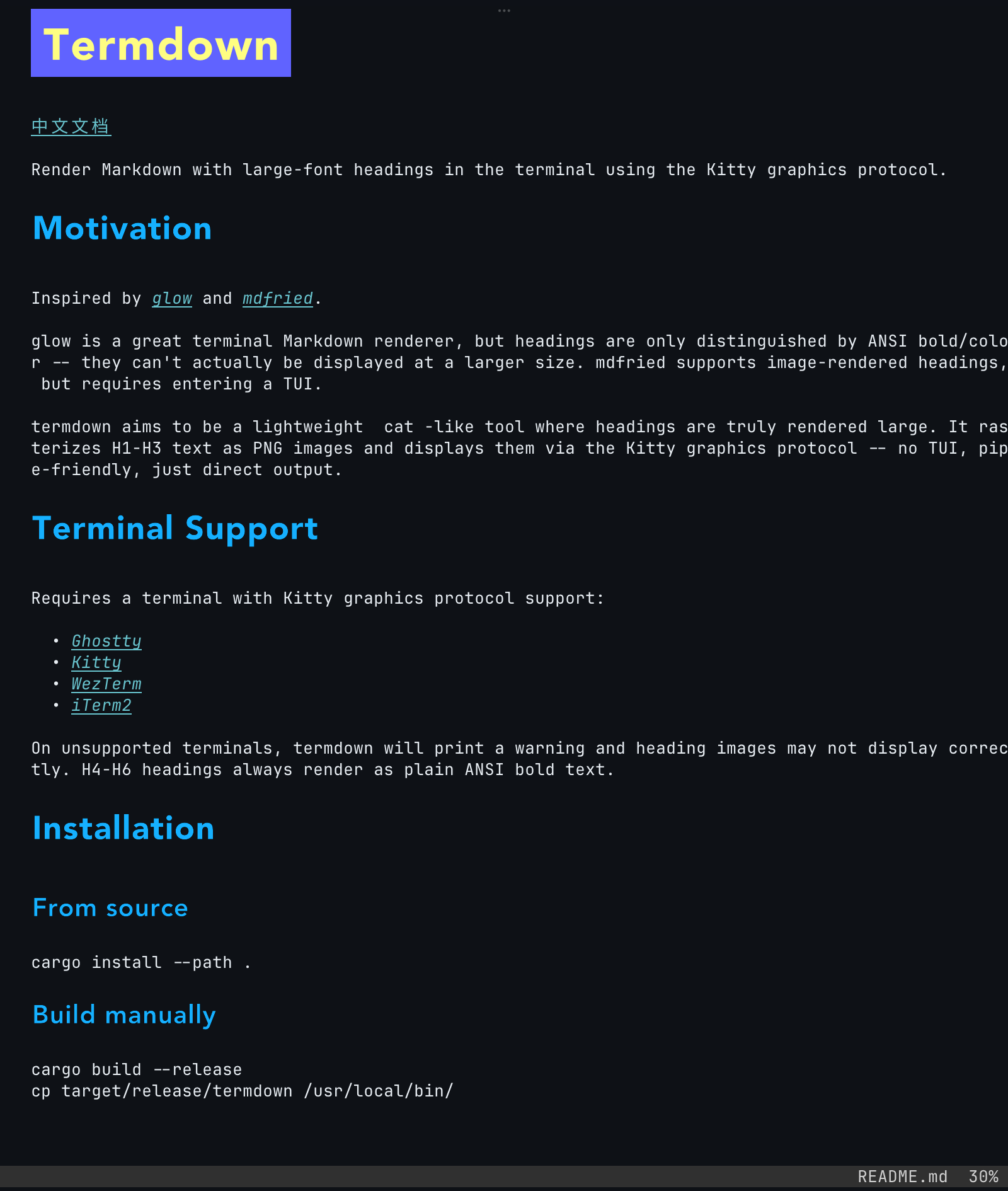 |
termdown rasterizes H1-H3 headings as PNG images and draws them directly in the terminal through the Kitty graphics protocol. It provides two modes:
- Interactive TUI (default) --
termdown README.mdprovides a vim/less-like experience with paging, search, a table of contents, and link navigation for longer documents. - Direct output --
termdown --cat README.mdprints rendered Markdown likecat, making it suitable for short documents. Piped or redirected output uses text headings instead of Kitty images.
H4-H6 headings always use ANSI bold text instead of simulating more font sizes and weights that could reduce readability in a terminal.
cargo install termdownInstalls into ~/.cargo/bin/. Requires Rust 1.95+.
curl -fsSL https://raw.githubusercontent.com/rrbe/termdown/master/install.sh | bashDefaults to /usr/local/bin. Override the target directory with TERMDOWN_INSTALL_DIR.
Manual download
TARGET=aarch64-apple-darwin
BASE="https://github.com/rrbe/termdown/releases/latest/download"

curl -LO "${BASE}/termdown-${TARGET}.tar.gz"
curl -LO "${BASE}/SHA256SUMS"
grep "termdown-${TARGET}.tar.gz" SHA256SUMS | shasum -a 256 -c -

tar xzf "termdown-${TARGET}.tar.gz"
sudo mv termdown /usr/local/bin/cargo install --git https://github.com/rrbe/termdowncurl -fsSL https://raw.githubusercontent.com/rrbe/termdown/master/uninstall.sh | bashManual uninstall
rm $(which termdown)
rm -rf ~/.config/termdown# Open a file in the interactive TUI (default)
termdown README.md
# Plain cat-style output (non-interactive, pipe-friendly)
termdown --cat README.md
cat notes.md | termdown
# Pick a theme; show help
termdown --theme light README.md
termdown --help
# Live preview: re-render on every save (edit in your editor, watch here)
termdown --watch notes.md- Usage guide
- Project overview
- Configuration and defaults:
config.example.toml - Configuration file:
~/.config/termdown/config.toml
Requires a terminal with Kitty graphics protocol support, such as: