
Pre-push security scanner for AI-era developers
Catch supply chain vulnerabilities, exposed secrets, malicious packages, and AI toolchain threats - before you git push.



Introduction
How to Use
DevGuard is a thin local agent that scans your project before every push and sends metadata - never your source code - to the Pentesterra cloud for analysis.
Your Machine                    Pentesterra Cloud
─────────────────               ────────────────────────────
DevGuard CLI                →   Risk Engine + CVE/KEV KB
  • lockfile parsing              • Supply chain analysis
  • secret pattern matching       • Malicious package detection
  • config file scanning          • SAST scoring
  • MCP / AI toolchain scan  →   • AI threat intelligence
  • endpoint map extraction       • Business logic risk model
─────────────────               ────────────────────────────
No source code uploaded.        Results → Web Dashboard / IDE
Philosophy: Privacy-first. Your code stays local. DevGuard collects only structural metadata (dependency lists, file paths, secret fingerprints, config flags). Full source is never sent.
pip install pentesterra-devguardOr download the archive:
curl -LO https://www.pentesterra.com/devguard.tar.gz
pip install devguard.tar.gz# Link to your Pentesterra account
pentesterra-devguard init
# Scan your project
cd /path/to/your/project
pentesterra-devguard scanResults appear in the Pentesterra Dashboard and as IDE notifications.
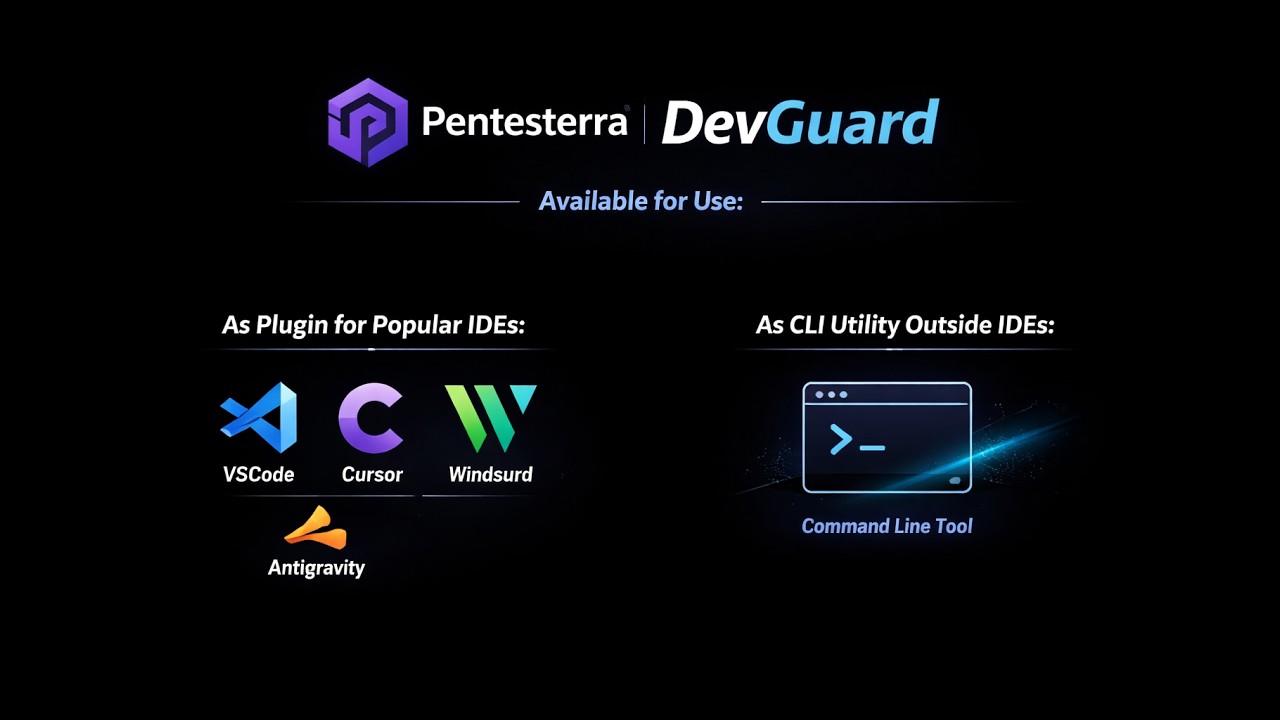
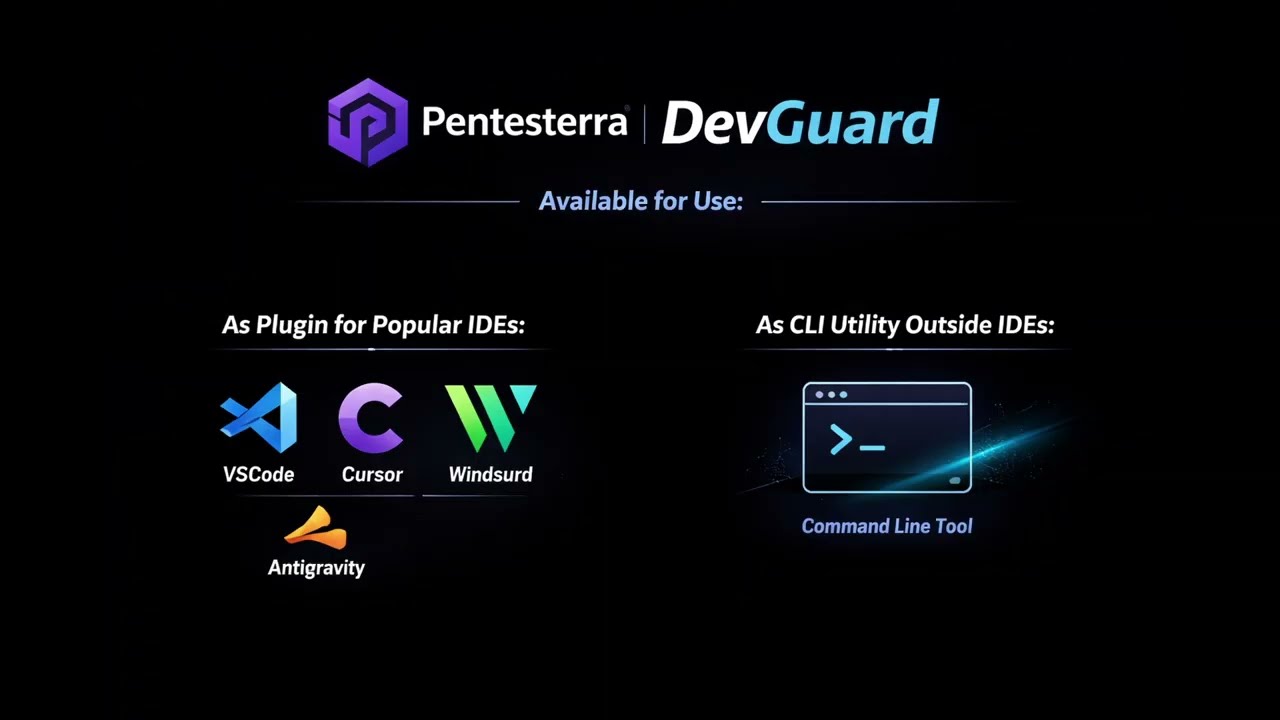
Install the VS Code extension for automatic scan-on-push, inline risk badges, and a full results panel - without leaving your editor.
Works with: VS Code · Cursor · Windsurf
Search "Pentesterra DevGuard" in the Extensions sidebar, or:
code --install-extension pentesterra.pentesterra-devguardcode --install-extension pentesterra-devguard-1.3.17.vsix
cursor --install-extension pentesterra-devguard-1.3.17.vsix
windsurf --install-extension pentesterra-devguard-1.3.17.vsix
Step 1 - Enter your API key directly in the IDE sidebar

Step 2 - Run a scan from the IDE or terminal

Step 3 - See findings in the IDE: Supply Chain, Secrets, AI Toolchain, SAST

Full results in the Pentesterra Dashboard - risk score, severity breakdown, remediation

Detailed scan view - dependency chains, CVE descriptions, fix guidance
| DevGuard | GitHub Advanced Security | Snyk | IDE plugins | |
|---|---|---|---|---|
| Pre-push local project analysis | ✅ | ❌ | ❌ | partial |
| Dependency vulnerability detection | ✅ | ✅ | ✅ | partial |
| Malicious package detection | ✅ | ❌ | partial | ❌ |
| Secrets detection before commit | ✅ | partial | partial | partial |
| Source code sent to cloud | ❌ never | partial | partial | partial |
| IDE extension security audit | ✅ | ❌ | ❌ | ❌ |
| AI / MCP toolchain analysis | ✅ | ❌ | ❌ | ❌ |
| LLM integration & prompt injection | ✅ | ❌ | ❌ | ❌ |
| Business logic vulnerability detection | ✅ | ❌ | ❌ | ❌ |
| SAST without source code upload | ✅ | ❌ | ❌ | partial |
| Auto re-analysis when new CVEs drop | ✅ | partial | partial | ❌ |
| Independent of Git hosting platform | ✅ | ❌ | partial | ✅ |
Python .pth execution hook detection |
✅ | ❌ | ❌ | ❌ |
Privacy-First - No source code upload. Only metadata and redacted findings leave the developer machine. Use --dry-run to inspect the payload before submitting.
IDE-Native - VS Code, Cursor, and Windsurf extensions. Auto-installs CLI on first use, auto-updates, sidebar integration, scan-on-push hooks, and inline results.
Re-Analysis - When new CVEs are published, previously scanned projects are automatically re-evaluated - no rescan needed.
Pre-Push Gate - Git hook blocks push on critical findings. Configurable thresholds. CI/CD mode with exit codes.
| Module | What it finds |
|---|---|
| Dependency CVE/KEV mapping | 15 lockfile parsers: npm, PyPI, Go, Rust, Ruby, PHP, Java, .NET, Swift, Dart - every dep mapped against CVE, KEV, CVSS, and exploit availability |
| Malicious package detection | 50+ confirmed malicious packages: event-stream, node-ipc, colors, crewai incidents, typosquats, dependency confusion |
| Typosquatting detection | Package names ±1 char from popular libraries |
| Transitive dependency chain | DIRECT / TRANSITIVE / DEV - risk-weighted scoring with breadcrumb chains |
| Python execution hook detection (NEW) | .pth files with executable code in site-packages (auto-run at every Python startup), credential-harvesting __init__.py, sitecustomize.py implants - the exact litellm 1.82.8 supply chain attack vector |
| Module | What it finds |
|---|---|
| Secrets exposure | AWS keys, GCP credentials, GitHub tokens, Stripe, JWT secrets, private keys, .env values |
| Cloud credential surface | .aws/, .gcloud/, .azure/, kubeconfig, terraform state |
| OS credential surface | SSH keys, .netrc, .npmrc tokens, Docker registry auth, macOS Keychain references |
Secret values are never transmitted - only type, file path, line number, and a SHA-256 fingerprint.
| Module | What it finds |
|---|---|
| MCP server threat intelligence | Malicious MCP servers in .cursor/, .windsurf/, .vscode/mcp.json; typosquatted tool names; exfiltration-capable configs |
| LLM integration risk | Hardcoded API keys in LiteLLM / OpenRouter / Portkey / Helicone configs; insecure agentic loops; LLM output piped to exec() / subprocess() (RCE chain) |
| Prompt injection risks | User input in f"...{user_input}..." → LLM call; system prompt built from DB/API responses; multi-agent trust boundary violations |
| AI agent configuration | ShellTool, BashTool, PythonREPLTool without sandboxing; persistent memory storage risks |
| Vector DB exposure | Unauthenticated ChromaDB / Qdrant / Weaviate ports; Pinecone, Weaviate, OpenSearch API keys in source |
| IDE extension threats | VS Code / Cursor / Windsurf / JetBrains / Zed extensions cross-referenced against malicious blocklist and typosquat patterns |
| Module | What it finds |
|---|---|
| SAST Lite (NEW) | SQL injection, XSS, command injection, SSRF, insecure deserialization, prototype pollution, prompt injection in Python and JavaScript/TypeScript - no source code sent, only {type, file, line, snippet_hash} |
| Endpoint & auth map | HTTP routes without auth from FastAPI, Flask, Django, Express, NestJS, Next.js, Rails, Gin, Spring |
| Business logic risk (NEW) | 7 logic vulnerability classes: Missing Authorization, IDOR, Bypassable Workflow, Unverified State Transitions, Privileged Op Exposed, Race Conditions, Mass Assignment. Composite risk score 0–10 |
| Business process detection (NEW) | Auto-identifies business processes from metadata - BP-PAY, BP-AUTH, BP-PII with regulatory mapping (PCI-DSS, GDPR, HIPAA, SOX) |
| Data asset classification | Field-level ORM inventory (SQLAlchemy, Django, Prisma, TypeORM, Sequelize, Mongoose, GORM, ActiveRecord) - classifies financial, identity, PII, health data |
| Module | What it finds |
|---|---|
| Dev environment exposure | DEBUG=True, 0.0.0.0 binds, Swagger / actuator endpoints in prod configs |
| CMS security | WordPress plugin inventory + known-risky plugins, Drupal modules, Joomla, Magento 2, PrestaShop - debug mode, xmlrpc, admin exposure |
| Automation platform risk (NEW) | n8n dangerous nodes (Execute Command, Code Node), missing webhook auth, CVE-mapped versions; Zapier / Make / IFTTT webhook secret exposure |
| Go security (NEW) | InsecureSkipVerify, pprof without auth, math/rand for crypto, SQL via fmt.Sprintf; full route enumeration for Gin, Echo, Chi, Fiber |
| PHP / Laravel security (NEW) | eval(), exec(), shell_exec(), unserialize() on user input; display_errors, allow_url_include; Laravel .env debug exposure |
| Crypto & TLS weaknesses | TLS 1.0/1.1, RC4/DES/NULL ciphers, MD5/SHA-1, weak RSA keys (≤1024 bit), deprecated crypto libs - LLM-powered contextual analysis reduces false positives |
| Runtime & EOL detection | Node.js, Python, Go EOL schedule; insecure Docker base images |
| Dev container security | Privileged containers, host network mode, sensitive volume mounts |
| Global tools & git hooks | Malicious curl/wget in git hooks; outdated global npm/pip packages |
| Peer dependency conflicts | Major-version mismatches causing runtime crashes; React 19 incompatibilities; missing required peers |
| Deprecated API detection | React legacy lifecycle methods, ReactDOM.render, deprecated Node.js Buffer constructors, obsolete built-ins |
| What DevGuard collects | What DevGuard never sends |
|---|---|
| Dependency names and versions | Your source code |
| File paths and line numbers | Secret values (only SHA-256 fingerprints) |
Config flag presence (DEBUG=True) |
Private keys or tokens |
| Structural metadata (route paths, ORM field names) | File contents |
Inspect exactly what will be sent before submitting:
pentesterra-devguard scan --dry-runWhen a new CVE drops, Pentesterra automatically re-scores your existing scans against the updated knowledge base. You get notified - no need to re-run the CLI.
# GitHub Actions
- name: DevGuard Security Scan
  run: |
    pip install pentesterra-devguard
    pentesterra-devguard scan --ci --wait --fail-on critical
  env:
    DEVGUARD_API_KEY: ${{ secrets.DEVGUARD_API_KEY }}
# Fail on critical findings or KEV-listed CVEs
pentesterra-devguard scan --ci --wait --fail-on critical --fail-on kevSee docs/ci-cd.md for GitLab CI, branch protection rules, and environment variable reference.
| Language / Platform | Lockfile / Source |
|---|---|
| JavaScript / Node.js | package-lock.json, yarn.lock, pnpm-lock.yaml |
| Python | requirements.txt, poetry.lock, Pipfile.lock |
| Go | go.mod, go.sum |
| PHP | composer.lock |
| Ruby | Gemfile.lock |
| Rust | Cargo.lock |
| Java | pom.xml, build.gradle |
| .NET | packages.lock.json |
| Swift | Package.resolved |
| Dart / Flutter | pubspec.lock |
| WordPress / Drupal / Joomla / Magento | CMS-specific config files |
| AI / LLM | LiteLLM, LangChain, LlamaIndex, CrewAI, AutoGen, DSPy configs |
pentesterra-devguard <command> [options]

Commands:
  init              Configure API key and project
  scan [path]       Run security scan (default: current directory)
  status <scan_id>  Check scan status
  results <id>      View detailed findings
  projects          List your projects
  scans             List recent scans
  quota             Check usage quota
  update            Update CLI to latest version

Options:
  --json            Machine-readable JSON output (used by IDE extension)
  --dry-run         Show what would be collected, without sending
  --ci              Non-interactive mode for CI/CD
  --wait            Poll until results are ready
  --fail-on         Exit non-zero on findings: critical / high / kev
  --scan-mode       standard (default) or deep
| Component | Link |
|---|---|
| CLI (pip archive) | devguard.tar.gz |
| IDE Extension (.vsix) | devguard.vsix |
| VS Code Marketplace | pentesterra.pentesterra-devguard |
Or install via pip:
pip install pentesterra-devguard| Tier | Projects | Scans/month | Modes |
|---|---|---|---|
| Free | 1 | 20 | Standard |
| Starter | 5 | 100 | Standard + Deep |
| Pro | Unlimited | Unlimited | All + CI/CD |
| Enterprise | Custom | Custom | Custom SLA |
DevGuard is the shift-left entry point to the Pentesterra platform:
DevGuard (pre-push) → Web App Pentest → Network Pentest → Continuous Monitoring
Start free with DevGuard. When you need a full pentest, your project history, business logic model, and attack surface map are already in Pentesterra - ready to use.
- Sign up at pentesterra.com - free tier, no credit card
- Get your API key from the dashboard
pip install pentesterra-devguard && pentesterra-devguard init
- Website
- DevGuard product page
- DevGuard Guide
- Changelog
- Dashboard
- VS Code Marketplace
- Report an issue
Pentesterra DevGuard - Write fast. Ship fast. Ship secure.