A Flutter plugin for on-device generative AI. It uses Apple's Foundation Models (iOS) and Google's Gemini Nano via ML Kit GenAI (Android) — no network calls, no cloud API keys, no data leaving the phone.
It uses the model the OS already ships with, so there's no model file to
manage; downloadModel() just triggers the OS's own on-demand delivery of
that shared system model when it isn't ready yet.
Important
Platform versions matter a lot here:
- iOS 26+ required, with Apple Intelligence enabled in Settings.
iOS 27+ required for image input (Foundation Models
Attachment, Beta). - Android API 26+ on a device with Gemini Nano/AICore support (e.g. Pixel 8+, Samsung S23+). Android's backend is Beta — ML Kit GenAI APIs have no SLA or backward-compatibility guarantee. See ML Kit GenAI.
Use checkAvailability() to detect unsupported OS versions, disabled
Apple Intelligence, or missing AICore support at runtime.
| Class | Task | Details | Screenshot |
|---|---|---|---|
EdgeGenAIPrompt |
generateContent() |
Free-form prompt, streamed response, optional image input and conversation memory. | 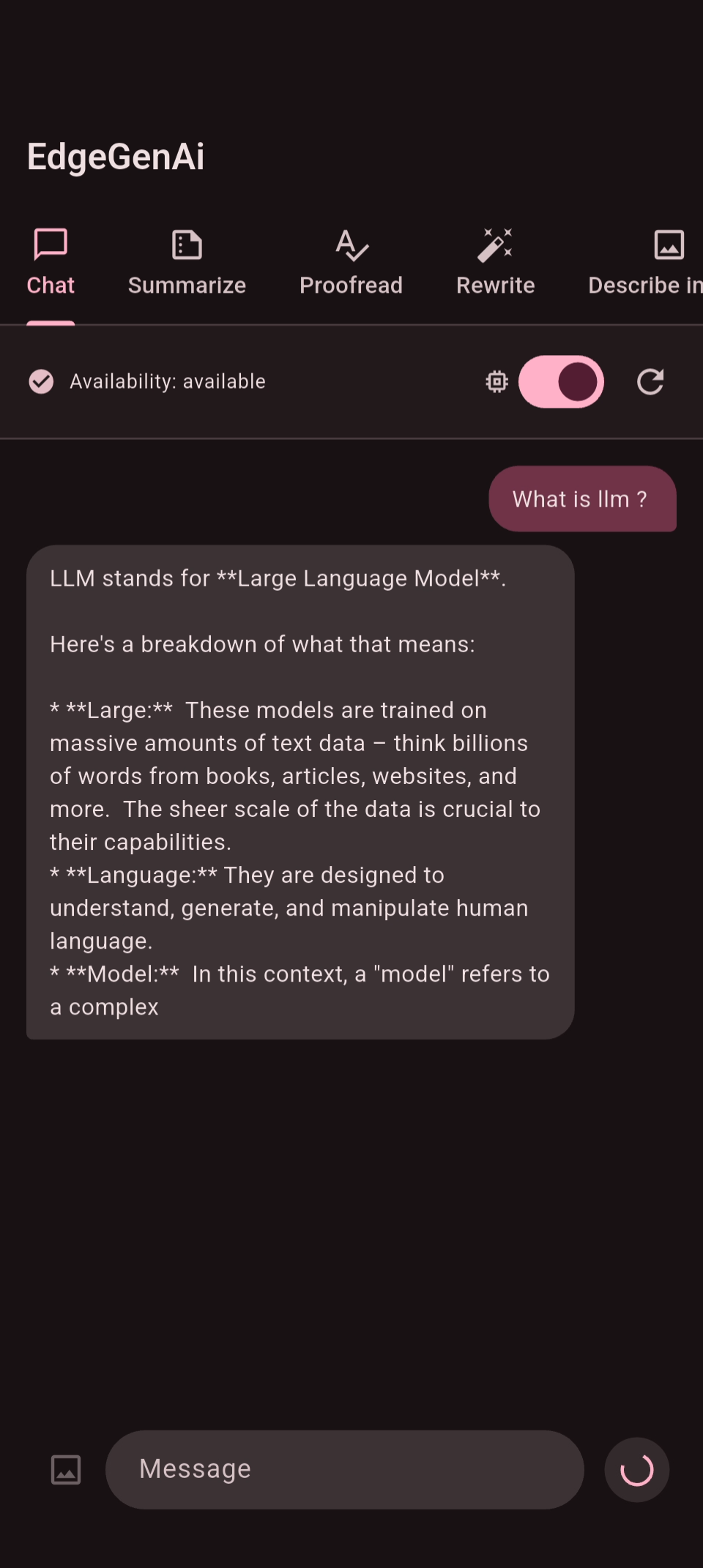 |
EdgeGenAISummarizer |
summarize() |
Summarizes text as bullet points. | 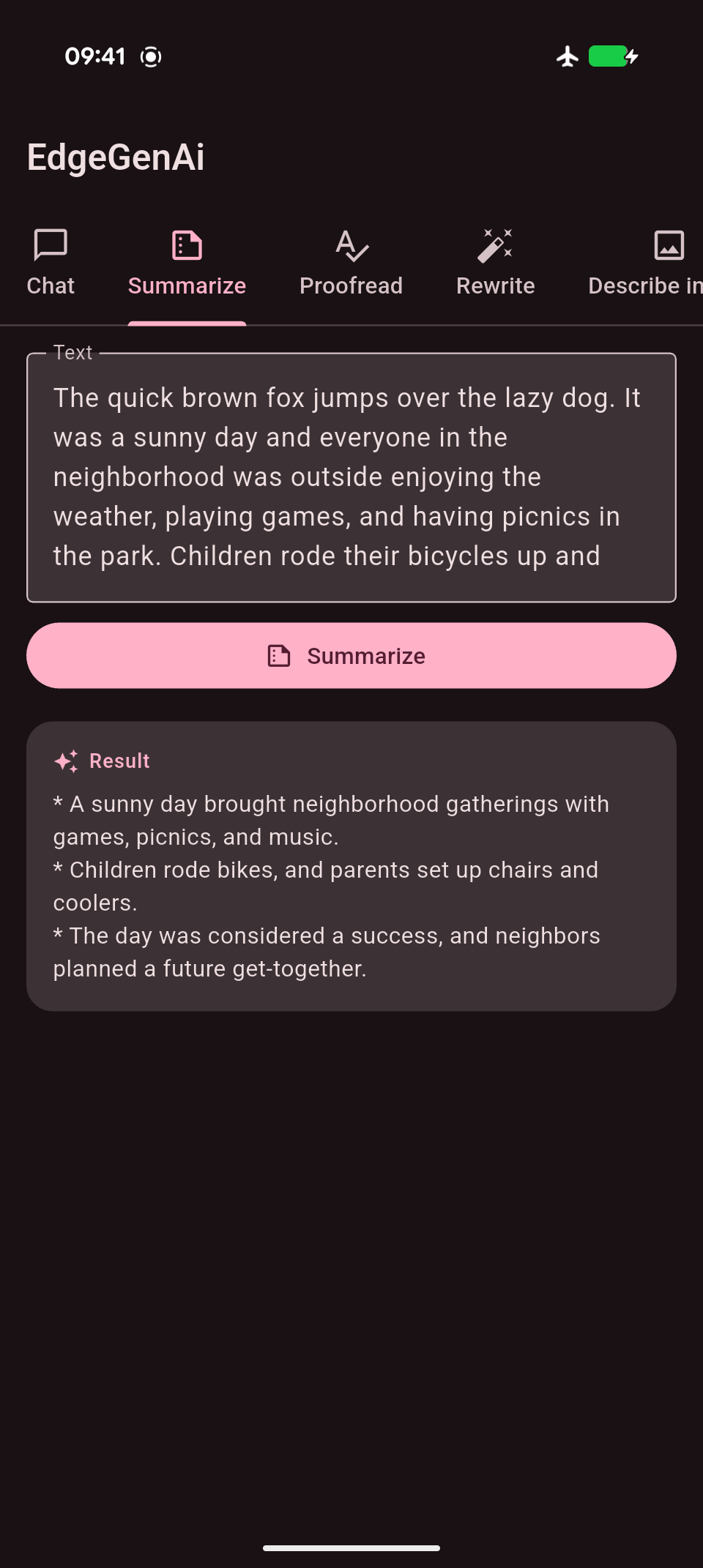 |
EdgeGenAIProofreader |
proofread() |
Fixes grammar, spelling, and punctuation. | 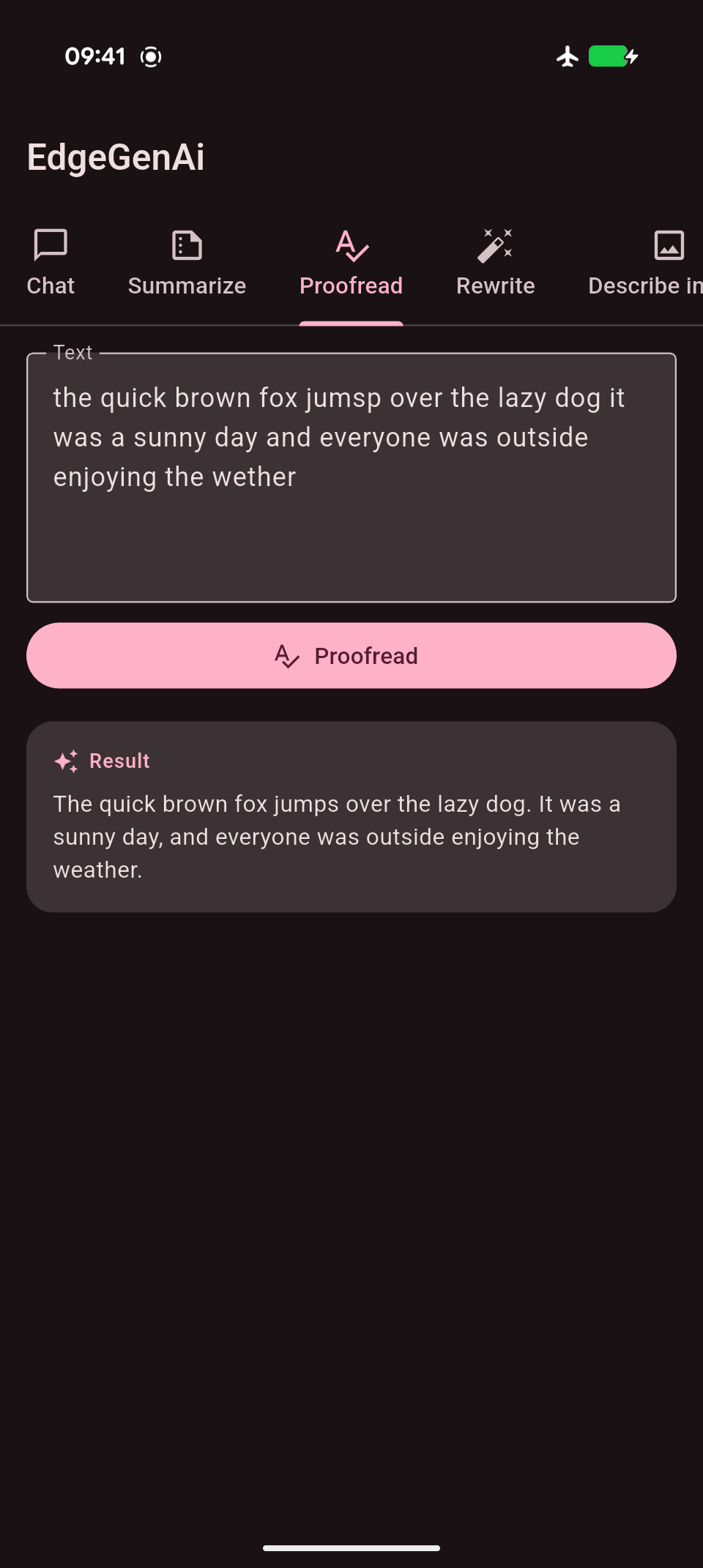 |
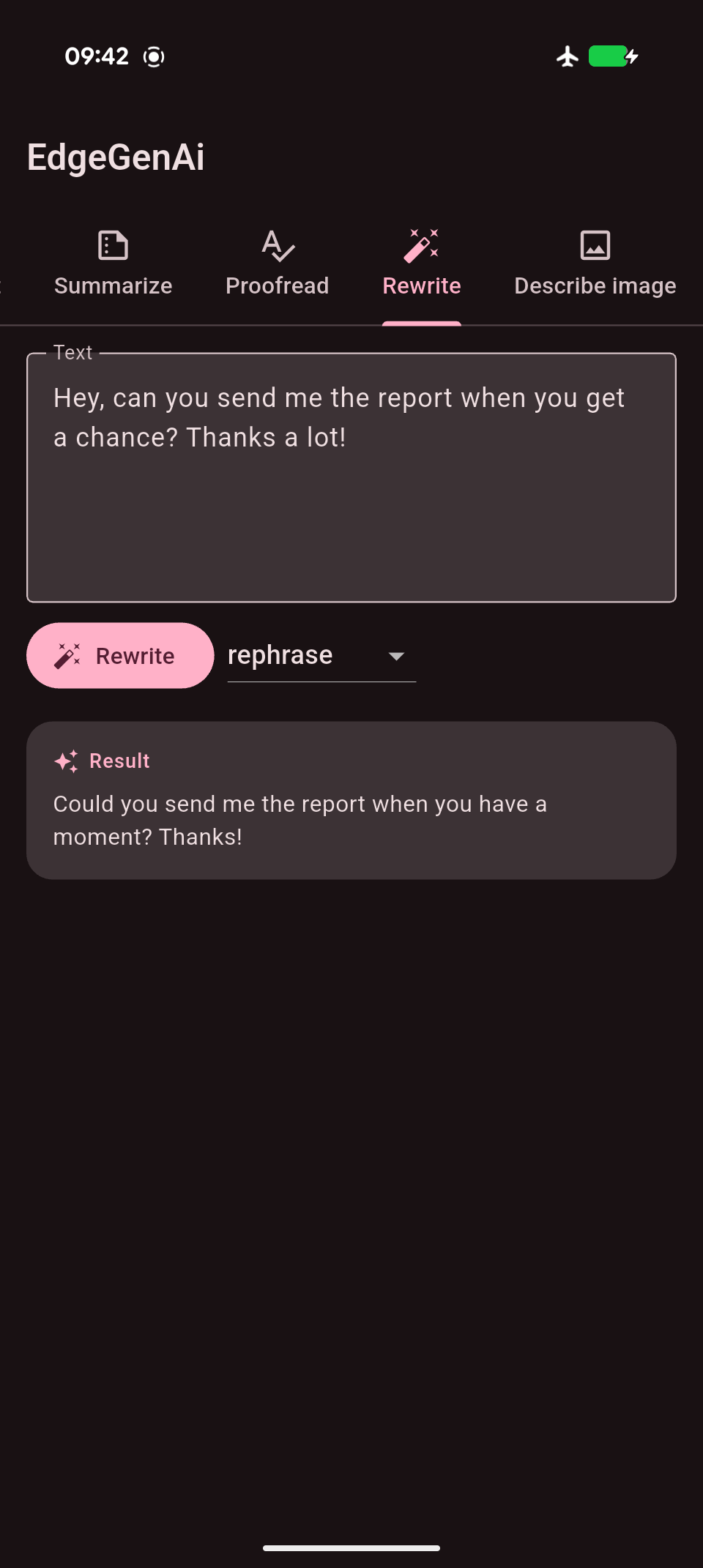
EdgeGenAIRewriter |
rewrite() |
Rewrites text in a chosen EdgeGenAIRewriteStyle. |
 |
EdgeGenAIImageDescriber |
describeImage() |
Describes an image. | 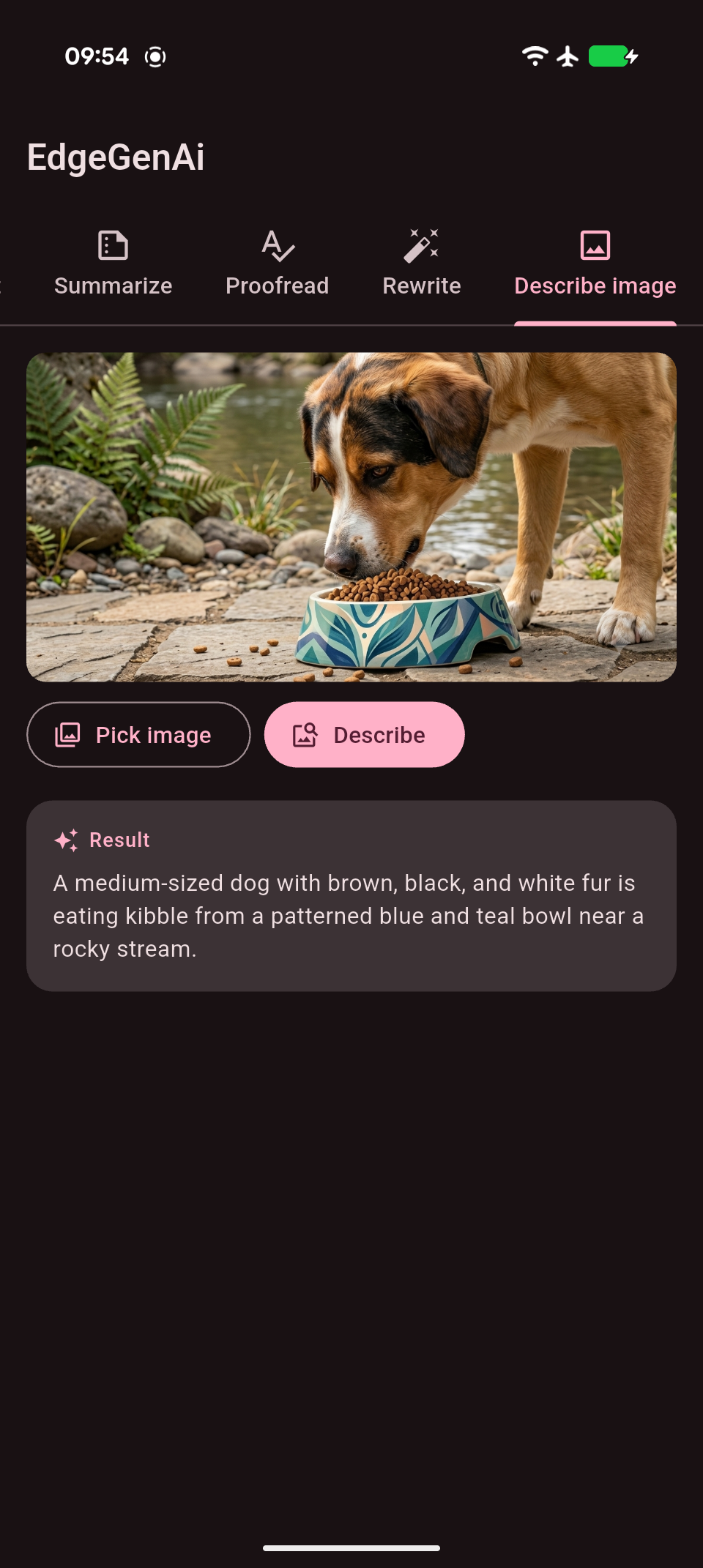 |
EdgeGenAITool |
Tool (function) calling | Runs a Dart callback when the model requests one of your tools. | 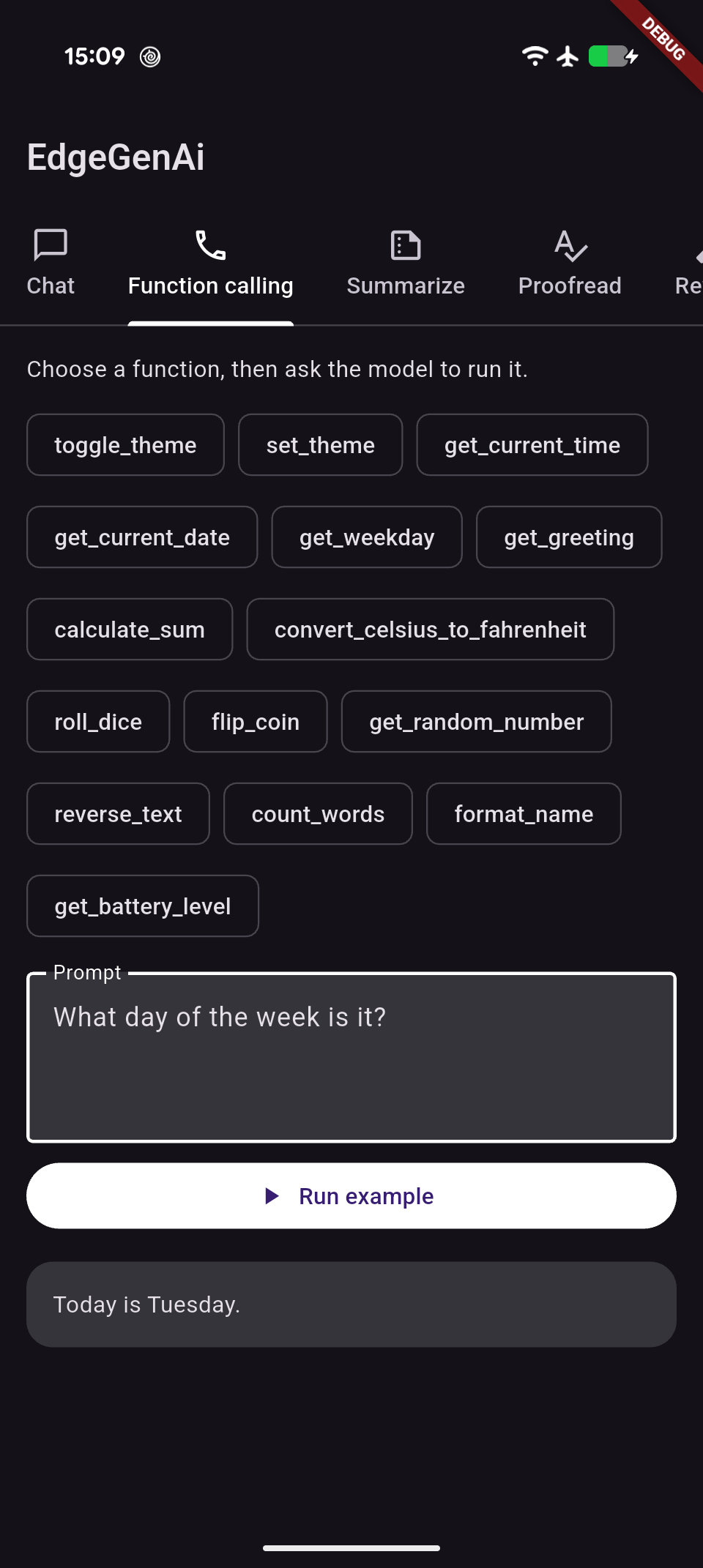 |
Add EdgeGenAITools to an EdgeGenAIPrompt. When the model uses a tool,
the plugin runs your Dart callback and gives its result back to the model.
Caution
Function calling is native on iOS. On Android it is emulated because the model does not currently support it natively, so test your function-calling flows carefully on supported Android devices.
import 'package:edge_gen_ai/edge_gen_ai.dart';

Future<void> runFunctionCallingExample() async {
  final calculator = EdgeGenAITool(
    name: 'multiply_numbers',
    description: 'Multiplies two numbers and returns the result.',
    parameters: [
      EdgeGenAIToolParameter(
        name: 'left',
        description: 'The first number to multiply.',
        type: EdgeGenAIToolParameterType.number,
      ),
      EdgeGenAIToolParameter(
        name: 'right',
        description: 'The second number to multiply.',
        type: EdgeGenAIToolParameterType.number,
      ),
    ],
    onCall: (arguments) async {
      final left = arguments['left'];
      final right = arguments['right'];

      if (left is! num || right is! num) {
        return 'Both left and right must be numbers.';
      }

      // This is ordinary Dart code. It can also call your database,
      // device APIs, or a remote service and return their result.
      return '${left * right}';
    },
  );

  final assistant = EdgeGenAIPrompt(tools: [calculator]);

  await for (final response in assistant.generateContent(
    'Use the calculator to multiply 17 by 24.',
  )) {
    // Each event contains the complete response generated so far.
    print(response);
  }
}
You can register multiple tools on the same EdgeGenAIPrompt, including tools
with no parameters or optional parameters. For a complete Flutter UI with
several examples, see
function_calling_page.dart.
Every class exposes checkAvailability() and downloadModel() alongside its
task method. On Android these map to ML Kit GenAI's dedicated APIs; on iOS
they're task-specific prompts to the same Foundation Model that backs
EdgeGenAIPrompt.
- Availability + download:
checkAvailability()reports ready / downloadable / not-enabled / unsupported.downloadModel()streams download progress on Android; on iOS it completes immediately (nothing to download). - Conversation memory:
EdgeGenAIPrompt(useMemory: true)remembers prior turns;resetConversation()starts over. Stateless by default.
import 'package:edge_gen_ai/edge_gen_ai.dart';

final prompt = EdgeGenAIPrompt();

// 1. Check whether the on-device feature is ready.
final availability = await prompt.checkAvailability();

// 2. If needed, download it (no-op on iOS).
if (availability == EdgeGenAIAvailability.downloadable) {
  await for (final progress in prompt.downloadModel()) {
    print('${progress.status}: ${progress.bytesDownloaded ?? ''}');
  }
}

// 3. Generate content. Each event is the full text generated so far.
await for (final chunk in prompt.generateContent(
  'Write a 3 sentence story about a magical dog.',
  options: EdgeGenAIGenerationOptions(temperature: 0.8, maxOutputTokens: 256),
)) {
  print(chunk);
}

// Optionally attach a single image (encoded bytes, e.g. PNG or JPEG).
await for (final chunk in prompt.generateContent(
  'What is in this picture?',
  image: imageBytes,
)) {
  print(chunk);
}
Hold a memory-enabled conversation across calls:
final chat = EdgeGenAIPrompt(useMemory: true);
await for (final chunk in chat.generateContent('My name is Alex.')) {}
await for (final chunk in chat.generateContent('What is my name?')) {
  print(chunk); // remembers "Alex"
}
await chat.resetConversation(); // start fresh
Use the task-specific features (each has its own checkAvailability() /
downloadModel(), exactly like EdgeGenAIPrompt):
final summary = await EdgeGenAISummarizer().summarize(longArticle);

final corrected = await EdgeGenAIProofreader().proofread('the quick brown fox jumsp');

final formal = await EdgeGenAIRewriter().rewrite(
  'hey, meeting is off',
  style: EdgeGenAIRewriteStyle.professional,
);

final description = await EdgeGenAIImageDescriber().describeImage(imageBytes);
See the example app for a chat UI and a text-tools demo built on top of this API.