A curated collection of Claude Code mods and original creator demos.
Browse the visual directory → · Installation guide
Public source means a repository and author setup instructions are linked. Demo only means a concrete demonstration was found, without a confirmed public install path. Entries are source-reviewed, not execution-tested or security-audited.
New to mods? The installation guide covers marketplace setup and an official local sample. Already installed one? Use the mod-not-working checklist to separate reload, version, display-surface, and loading problems. Examples follow original documentation; collected mod code has not been execution-tested.
简体中文:Claude Code Mods 安装与故障排查 — 版本检查、市场安装、加载确认与界面排障。其余目录内容仍为英语。
Built-in feature: You Should Know — enable, disable, and availability. A source-linked guide to the optional side-agent mod, including first-party session/telemetry conditions and the distinction from installed community mods.
See CONTRIBUTING.md. Please include the original source, a demo, creator credit, setup requirements, and the Claude Code version.
A weather forecast for your context window.
See your context fill and recent growth in a small band above the prompt. This sample turns session usage into an at-a-glance weather forecast.
Token Weather may be useful during a long coding conversation when you want context usage visible without leaving the prompt. Its turn history helps you notice changes in the session footprint. Use those readings as session information, not as a prediction of how many future requests you can make.
By Claude Code DevRel · Public source · Reviewed 2026-10-02

Original source · Repository & setup
Walk through Claude’s edits, one diff at a time.
Review the file edits captured in the last turn in a pane with previous and next controls. It offers a small replay interface rather than a single large diff.
Replay Theater may be useful after a multi-step coding task when the final diff does not explain the order in which changes were attempted. Stepping through captured edit events can help you reconstruct the session. Keep that event history separate from evidence that every edit succeeded or was committed.
By Claude Code DevRel · Public source · Reviewed 2026-10-02
Original source · Repository & setup
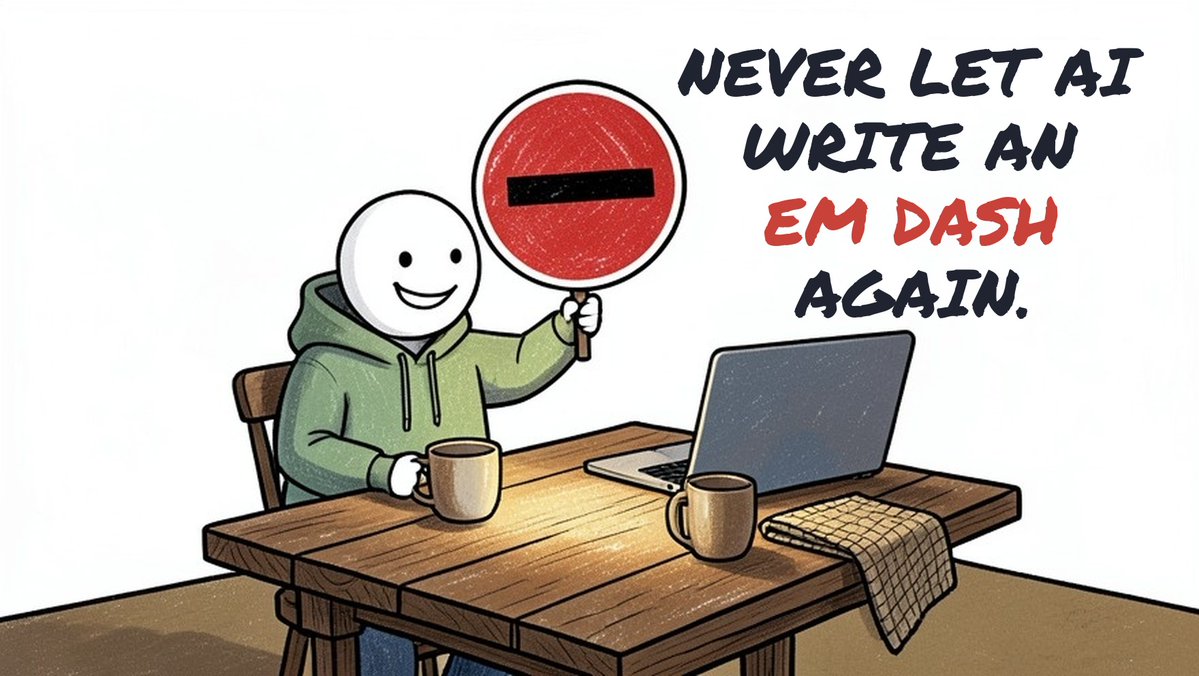
Remove em dashes before they land in your work.
A focused writing preference mod that rewrites em dashes in replies, file writes, edits, and supported commit or pull-request commands.
Dashless may fit a workflow with a consistent writing preference across replies and supported text-writing actions. Its purpose is broader than changing one answer after the fact. Read the source notes on punctuation exceptions and supported tool paths before expecting the same transformation in every kind of output.
By Murat Can Yuksel · Public source · Reviewed 2026-10-02
Original source · Repository & setup
Track stages and parallel tasks as your plan runs.
The creator demonstrates a live plan progress interface built in one session, with stages, sounds, and several tasks displayed side by side.
This demonstration is relevant if you want a plan to remain visible while Claude carries out a task. A progress display can make an ongoing session easier to scan, particularly when several steps are involved. The creator post shows the idea; this listing does not confirm a public plugin or its configuration options.
By Кирилл Сердитов · Demo only · Reviewed 2026-10-02

Know when Claude is working, done, or waiting for you.
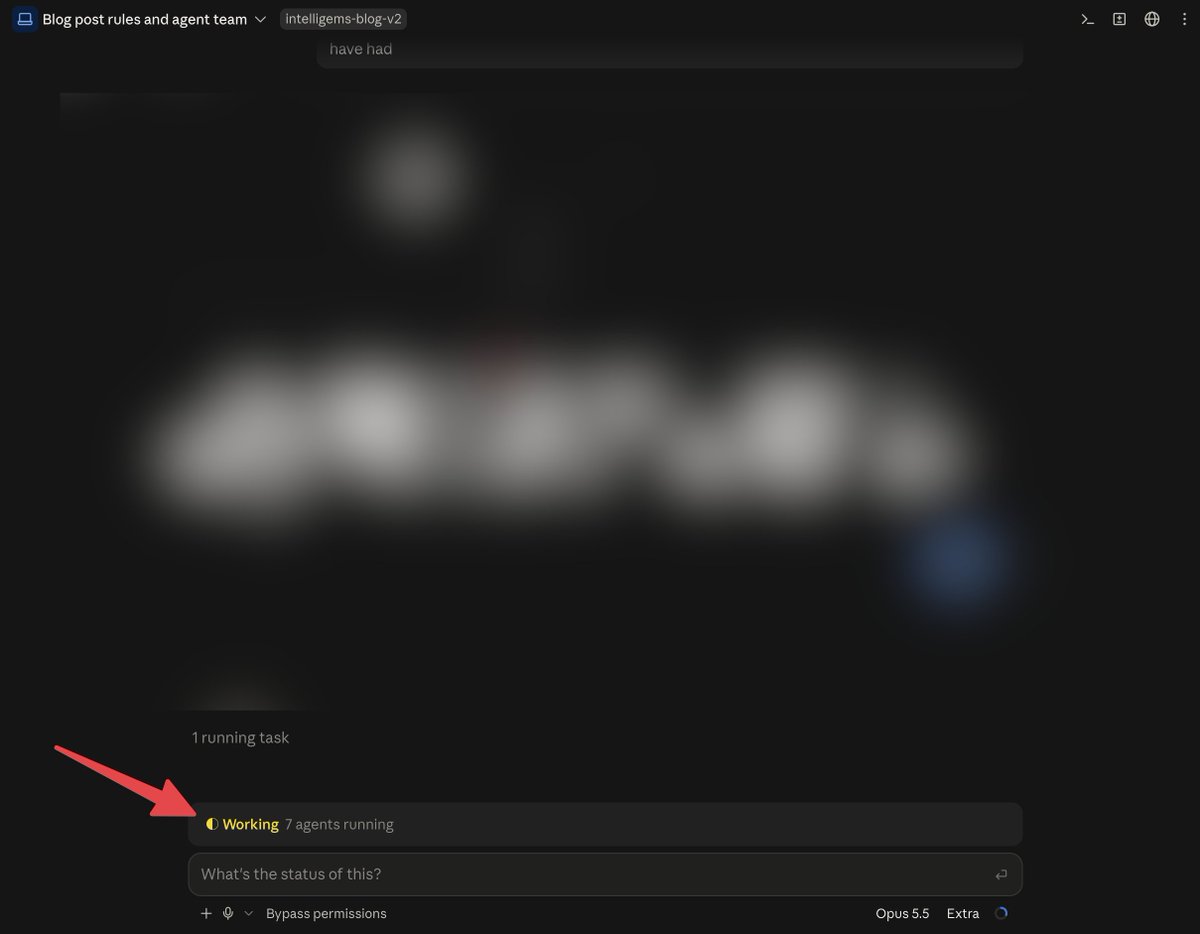
A creator-built banner makes the current session state easy to spot. The original post shows a simple answer to repeatedly asking whether work has finished.
This demonstration may be useful inspiration for sessions where a visible working, finished, or needs-attention state would reduce uncertainty. A banner can make status easier to notice while switching attention between tasks. The video is creator evidence of the idea, not confirmation of all possible session-state transitions.
By Victor Paycro · Demo only · Reviewed 2026-10-02
A little world above your prompt, with ambient sound.
Choose an aquarium, a fireplace, a train, a lofi desk, or another ambient scene. The author describes eleven scenes whose visuals respond to Claude’s work.
Claude Ambient suits sessions where you want a more personal terminal atmosphere while Claude works. Browse its scenes and choose one that fits your attention level; an animated background is a preference, rather than a task requirement. Follow the author’s instructions for scene controls and any audio configuration.
By Barış Demirhan · Public source · Reviewed 2026-10-02

Original source · Repository & setup
Switch model and reasoning effort from your keyboard.
Cycle model and effort settings with configurable shortcuts. A footer indicates the settings for the next request, and preferences persist between sessions.
Model Effort Shortcuts may help when you frequently switch model or effort settings between requests and prefer keyboard controls. The terminal’s handling of Meta keys matters to the setup. Confirm the required bindings and the author’s description of when a new setting takes effect before using the shortcuts in a long session.
By Richard Kuo · Public source · Reviewed 2026-10-02
Original source · Repository & setup
Turn the agent’s work into little live cartoons.
Anshu demonstrates a custom spinner that follows the main agent’s activity and uses a model to turn that activity into cartoons.
This demonstration may interest you if you want the working indicator to have more personality than a default spinner. It illustrates a small visual customization rather than a change to the coding task itself. Check the original creator post for the shown animation and any later release information.
By Anshu · Demo only · Reviewed 2026-10-02

Open your renders directly from Claude Code.
The creator demonstrates custom buttons that open renders with one click. It is an example of making a project-specific action available inside the Claude Code interface.
This demonstration explores bringing action buttons into the coding workspace. It may interest people who repeatedly launch a render-related action and want that control close to the conversation. Follow the original post for exactly what is shown; the listing does not infer additional integrations or an available installation package.
By strawhatsu4 · Demo only · Reviewed 2026-10-02

See what a risky command will change before it runs.
Pause supported destructive shell commands and review the affected files or commits before choosing Proceed or Cancel. The sample demonstrates an interactive tool-call guard.
Blast Radius may help when a task involves deleting generated files, resetting work, cleaning a repository, or applying another supported command with a large impact. The preview gives you another opportunity to inspect the target. It is most useful when you also understand the command and the mod’s documented pattern-matching limits.
By Claude Code DevRel · Public source · Reviewed 2026-10-02
Original source · Repository & setup
Grow an idle server farm while Claude does the work.
An incremental game above the prompt. Collect data, upgrade hardware, and expand your farm; completed turns and tool results affect the game.
Server Farm is for people who enjoy an idle-game layer alongside a coding session. The author connects game activity to real Claude Code work, so it is an example of turning waiting time into a workspace experiment. Check its display and session requirements before pairing it with another UI mod.
By Pierre Goutheraud · Public source · Reviewed 2026-10-02

Original source · Repository & setup
Play Doom with other people waiting for Claude.
Jarrod Watts demonstrates a mod that connects to a multiplayer Doom server while Claude is working. The other players are also waiting for their sessions to finish.
This demonstration explores playing a game during the wait for a coding response. It is an example of an unexpected interface inside the Claude Code workspace and may inspire other waiting-time experiments. The original post is the place to follow the creator; no public installation route is confirmed here.
By Jarrod Watts · Demo only · Reviewed 2026-10-02

An independent directory, not affiliated with Anthropic. Code and previews belong to their respective authors. Follow original licenses and setup requirements.
Generated from the CC Mods project’s reviewed catalog. Do not edit listings manually; submit corrections against the original source.