A system-tray application that pops up at configurable intervals to prompt you to log time against your ClickUp tasks. Tasks are fetched from one or more ClickUp lists, grouped by list in the dropdown. Tasks of type Release are expanded into their direct subtasks.
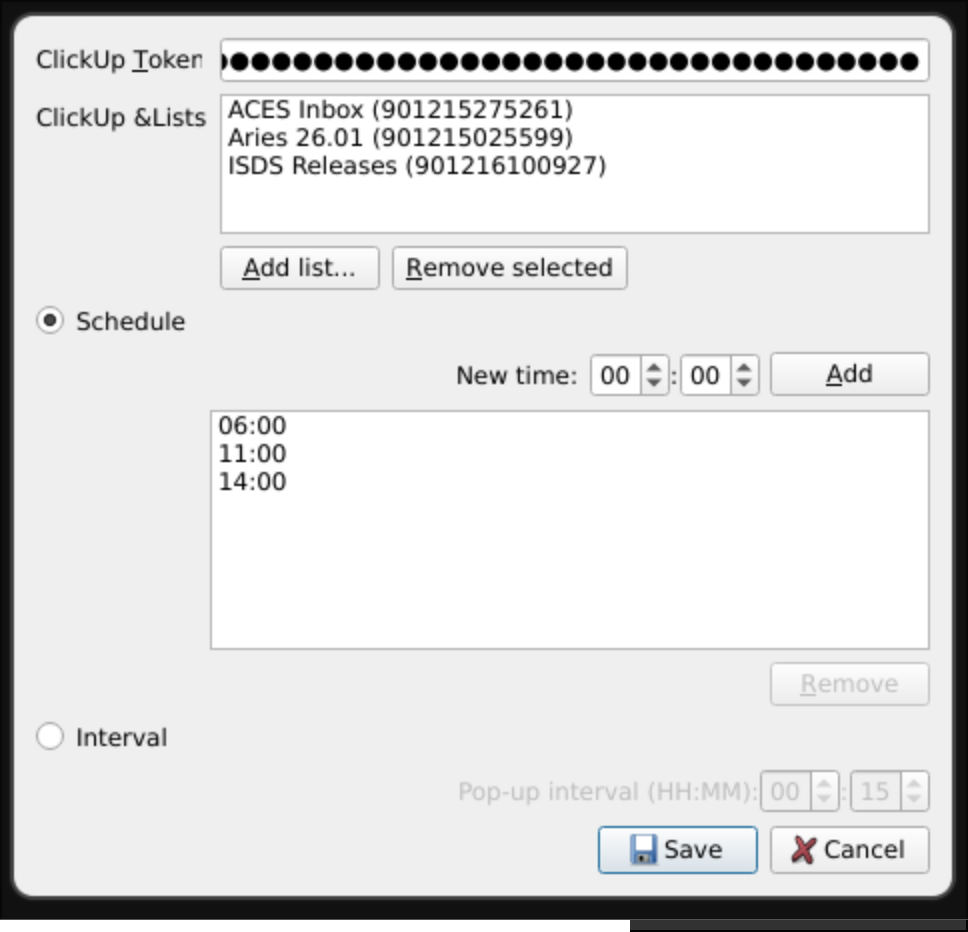
Open the settings dialog from the system-tray menu. Enter your ClickUp API token and add the lists you want to pull tasks from.
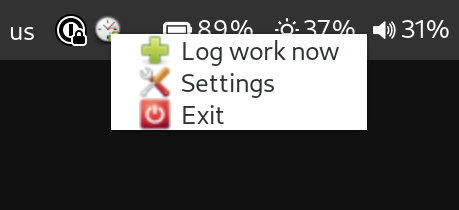
The application runs in the system tray. Right-clicking the icon gives you options to log work, open settings, or quit.
The dropdown shows all non-terminal tasks from your configured lists. Each entry is prefixed with the list name. Select a task, select a duration, and click Register.
The window can be snoozed if you are not ready to log time. Closing it with the window manager's close button also snoozes it for 15 minutes.

- ClickUp API token — found under ClickUp → Profile → Apps.
- ClickUp Lists — the lists to pull tasks from. Use the Add button to browse your workspace and select lists.
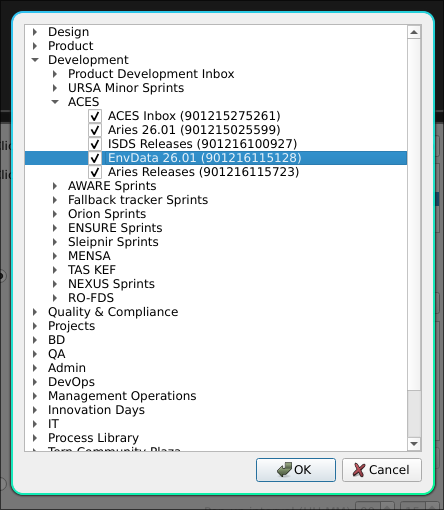
Clicking Add list... in the settings window opens a tree view of your ClickUp workspace, organised by space and folder. This list can take a LONG time to populate, please be patient. Expand the nodes to find the lists you want and tick their checkbox and then press OK.
Inspired by Task Reminder by Árni Þór Erlendsson.