
A computer-vision tool that tracks players in football match footage and turns it into player and team performance analytics.
KickTrack detects and tracks every player on the pitch from fixed/elevated camera footage in near real time, overlaying live markers on their positions. It's built to grow into a full analytics tool covering:
- Player-level insights: movement heatmaps, distance covered, speed/sprints, zone occupancy
- Match-level insights: team formations, possession, passing networks, tactical shape
Player tracking, team classification by kit colour, distance covered and heatmaps, ball possession and team pass counts work end-to-end, live, with a web UI to switch overlays while a video plays. See docs/PLAN.md for the full milestone checklist and what's next.
Tracked match clips: the distance each player has run, pitch lines from the calibrated homography, and a live minimap. Click a clip to play it, or watch them all on the demo page.
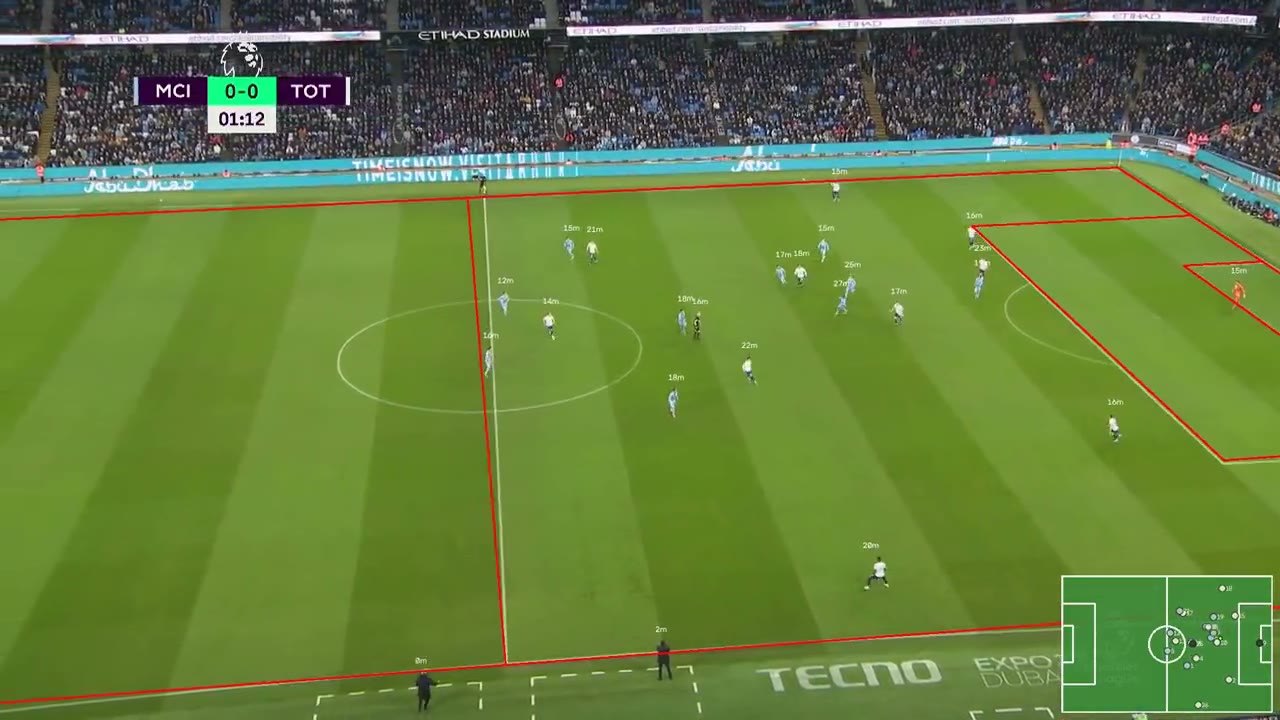
EPL · Man City v Tottenham |
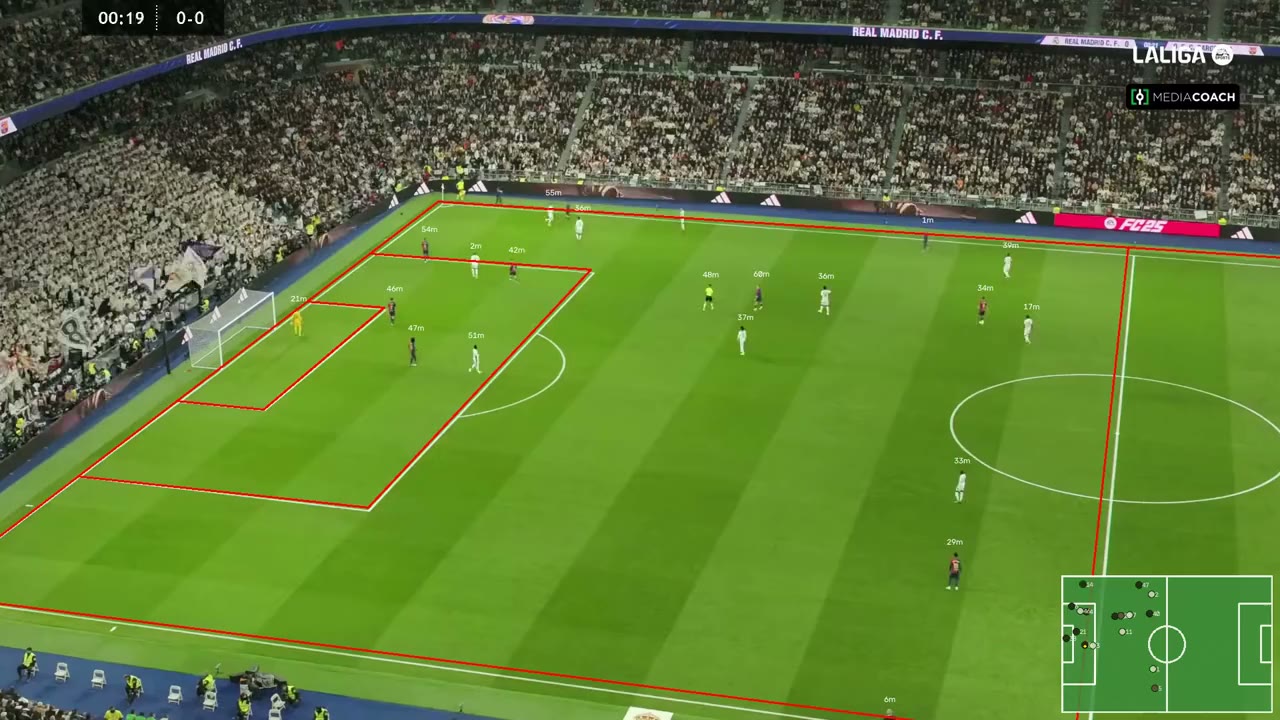
La Liga · Real Madrid v Barcelona |
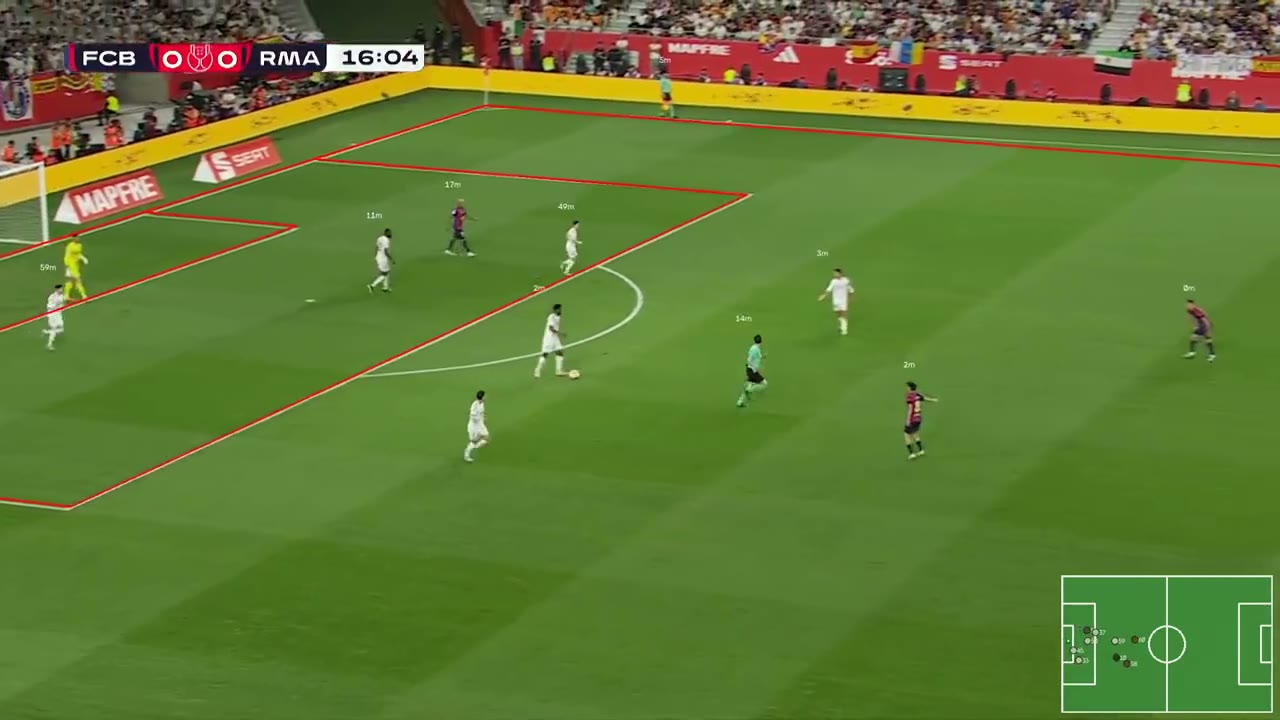
Copa del Rey · Barcelona v Real Madrid |
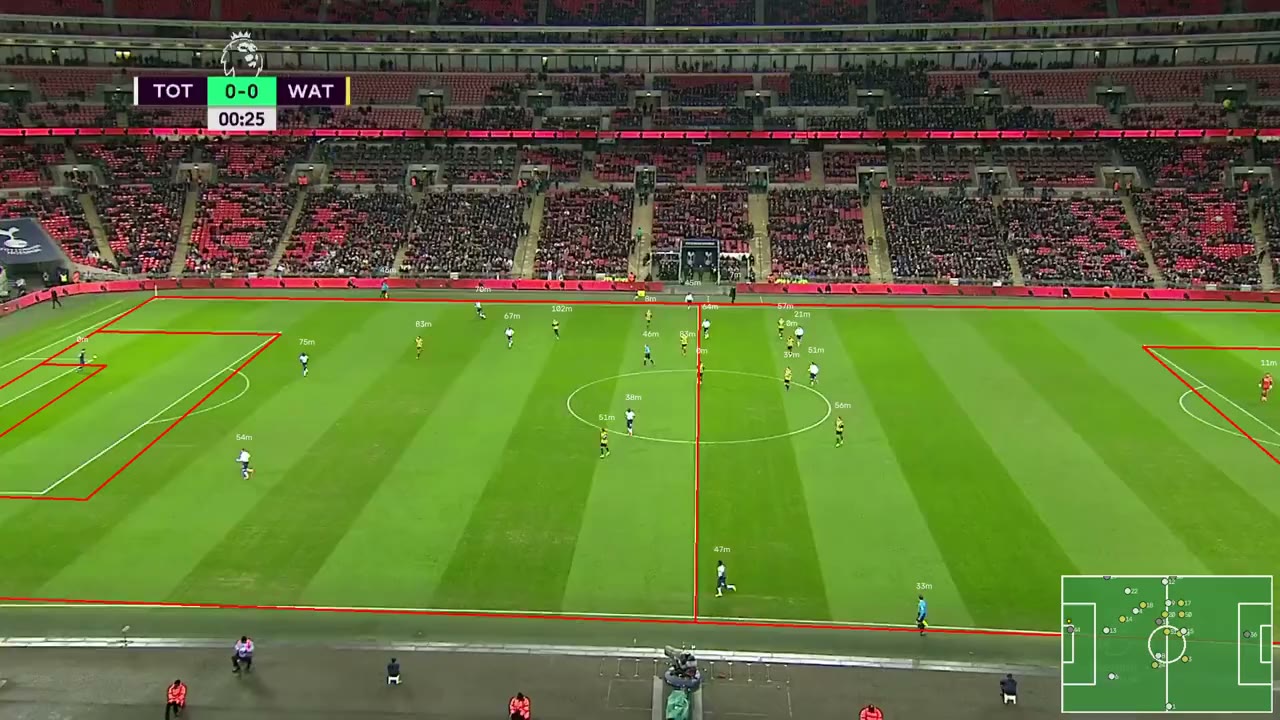
EPL · Tottenham v Watford |
Rendered with ./demo.sh and published to the gh-pages branch by ./demo.sh --publish.
- Detection: Ultralytics YOLO (
yolo26s, CoreML on the Neural Engine) - Tracking: BoT-SORT with camera motion compensation (handles panning/zooming footage)
- CV/video: OpenCV
- Package management: uv
- Linting/formatting: Ruff via prek pre-commit hooks
uv syncTo enable the pre-commit hooks (lint + format on every commit):
uv run prek installRun the tracker on a video (defaults to data/videos/sample.mp4 if no path given):
uv run python -m scripts.track_players data/videos/match_5.mp4This opens a live window playing the video with a marker + ID on each detected player. Press q to quit.
Or use the web UI: pick a video (from data/videos/, or any file through the
browser's file chooser), watch it tracked live, and switch overlays (pitch
lines, player pins and IDs, distance run, ball rings, pass panel, minimap, FPS)
on and off while it plays:
uv run python -m web                 # then open http://127.0.0.1:8000
uv run python -m web --port 9000 # another port; --host 0.0.0.0 for the LANscripts/track_players.py # CLI entrypoint (parse_args, main)
scripts/pipeline.py # tracking pipeline (PlayerTracker, InferenceWorker, detection, video source)
scripts/player.py # TeamClassifier, PlayerIdentityManager, StateManager
scripts/display.py # Overlays, MarkerRenderer, FramePacer, motion/fade/stats
web/app.py # FastAPI web UI: video list/upload, tracking sessions, overlay API
web/stream.py # annotated frames to the browser as MJPEG (FrameBroadcaster)
web/static/index.html # the page: videos, live video, overlay checkboxes
scripts/botsort_custom.yaml # tracker tuning (camera motion compensation, track buffer)
data/videos/ # test footage
docs/PLAN.md # milestone checklist
uv run ruff check .          # lint
uv run ruff format .         # format
See CLAUDE.md for architecture decisions and project-specific context.