

Hide app windows, taskbar buttons and system-tray icons with one hotkey — then restore them exactly as they were.
A boss key / focus & privacy tool for Windows 10 & 11 (x64 / ARM64).
🌐 gohide.net · ⬇️ Download · 🛍️ Microsoft Store · 📖 Docs · 💲 Pricing
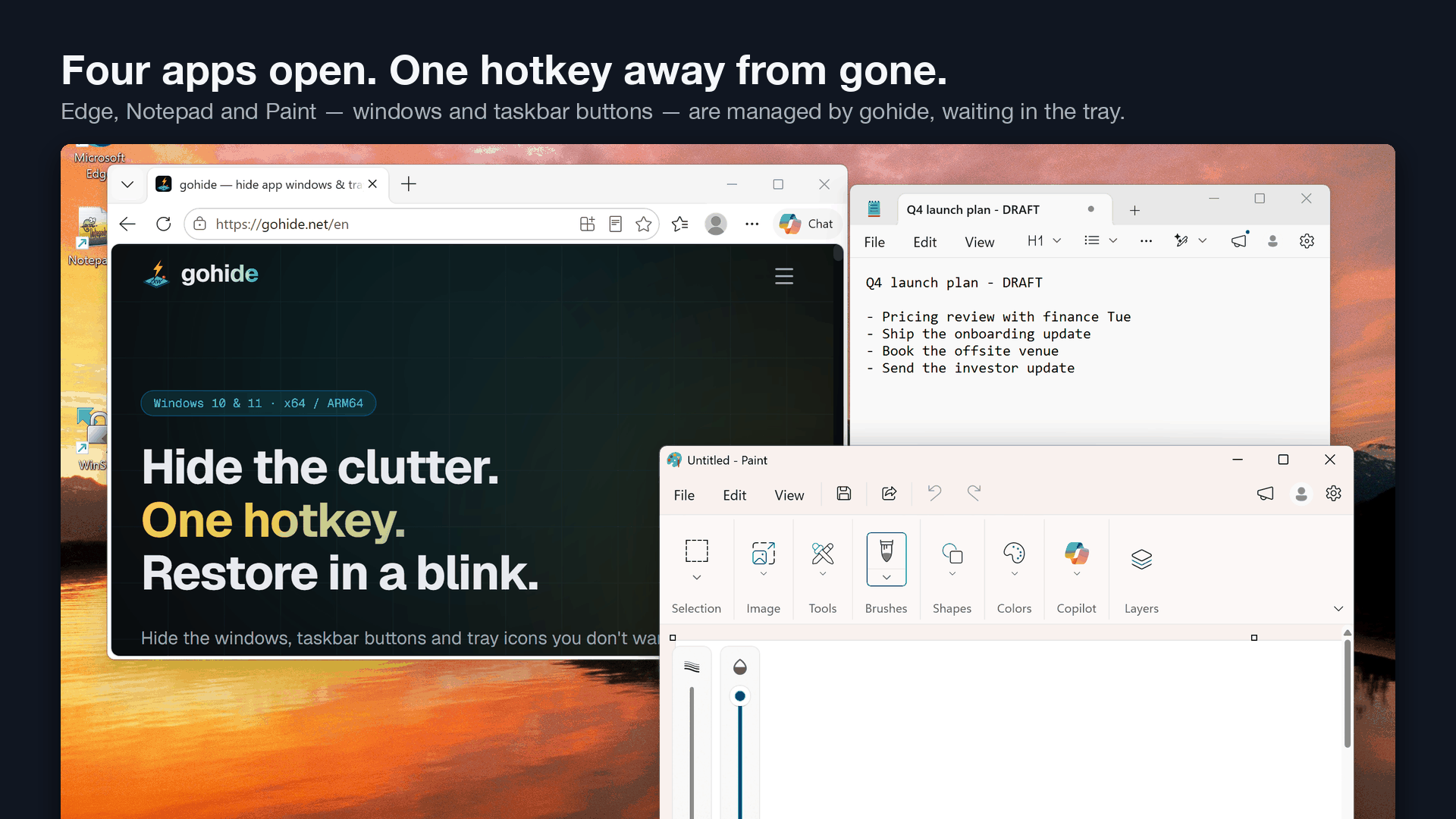
Press one global hotkey and the windows, taskbar buttons and tray icons you chose disappear — nothing flashes on screen, nothing lingers in Alt-Tab, no icon left behind. Press it again and everything comes back exactly where it was: same position, same size, same stacking order. Built for focus, screen-sharing, presentations and privacy.
Most "window hiders" leave a tray icon or a taskbar button behind. gohide removes every trace you choose — and restores it cleanly — even on the current Windows 11 notification area, where older tools quietly stopped working. How tray hiding works on Windows 11 →
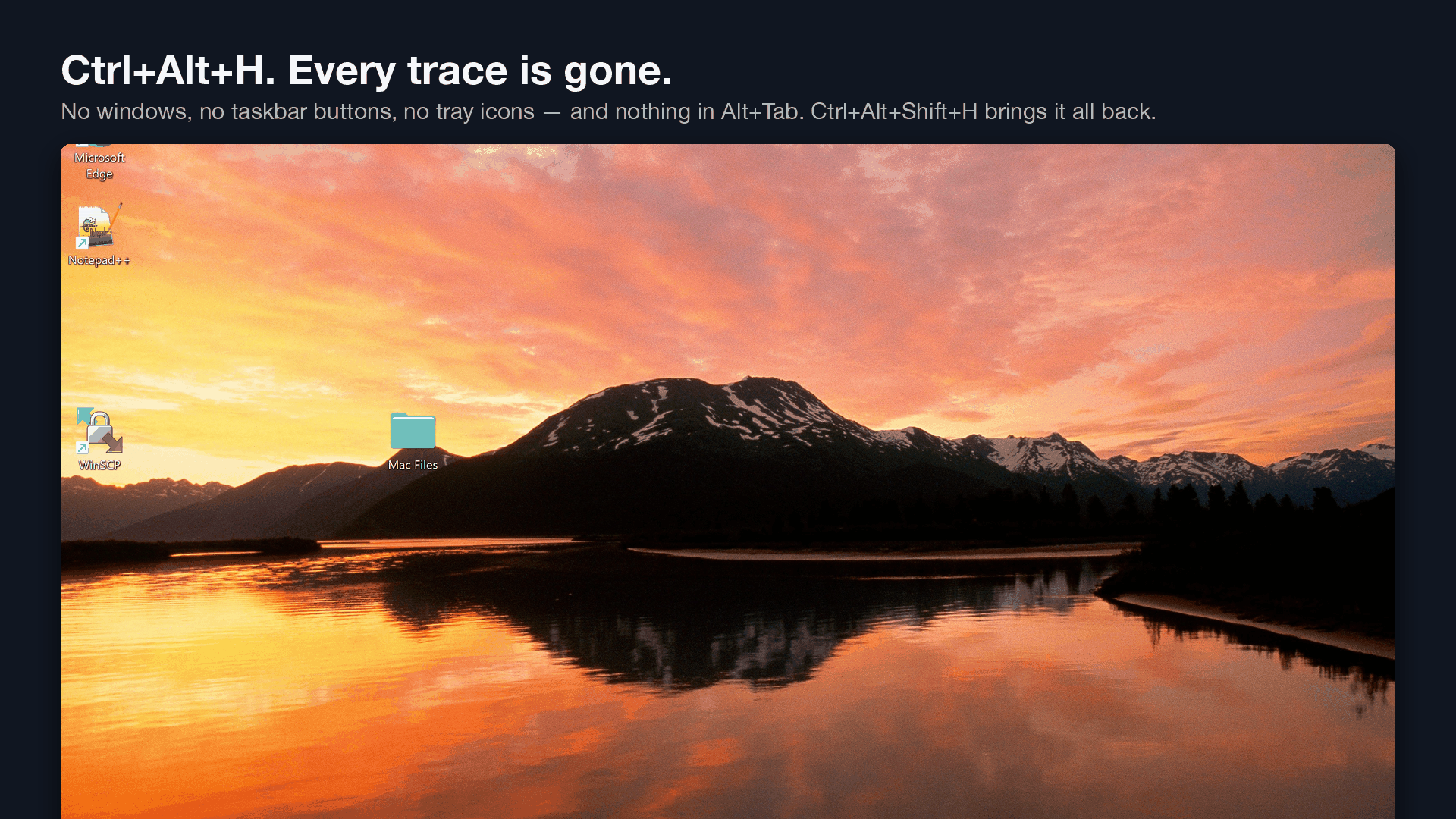
- Hide windows & taskbar buttons — remove an app's windows and its taskbar button in one move; nothing lingers in Alt-Tab.
- Hide system-tray icons — the part most tools get wrong. Works on current Windows 11 builds.
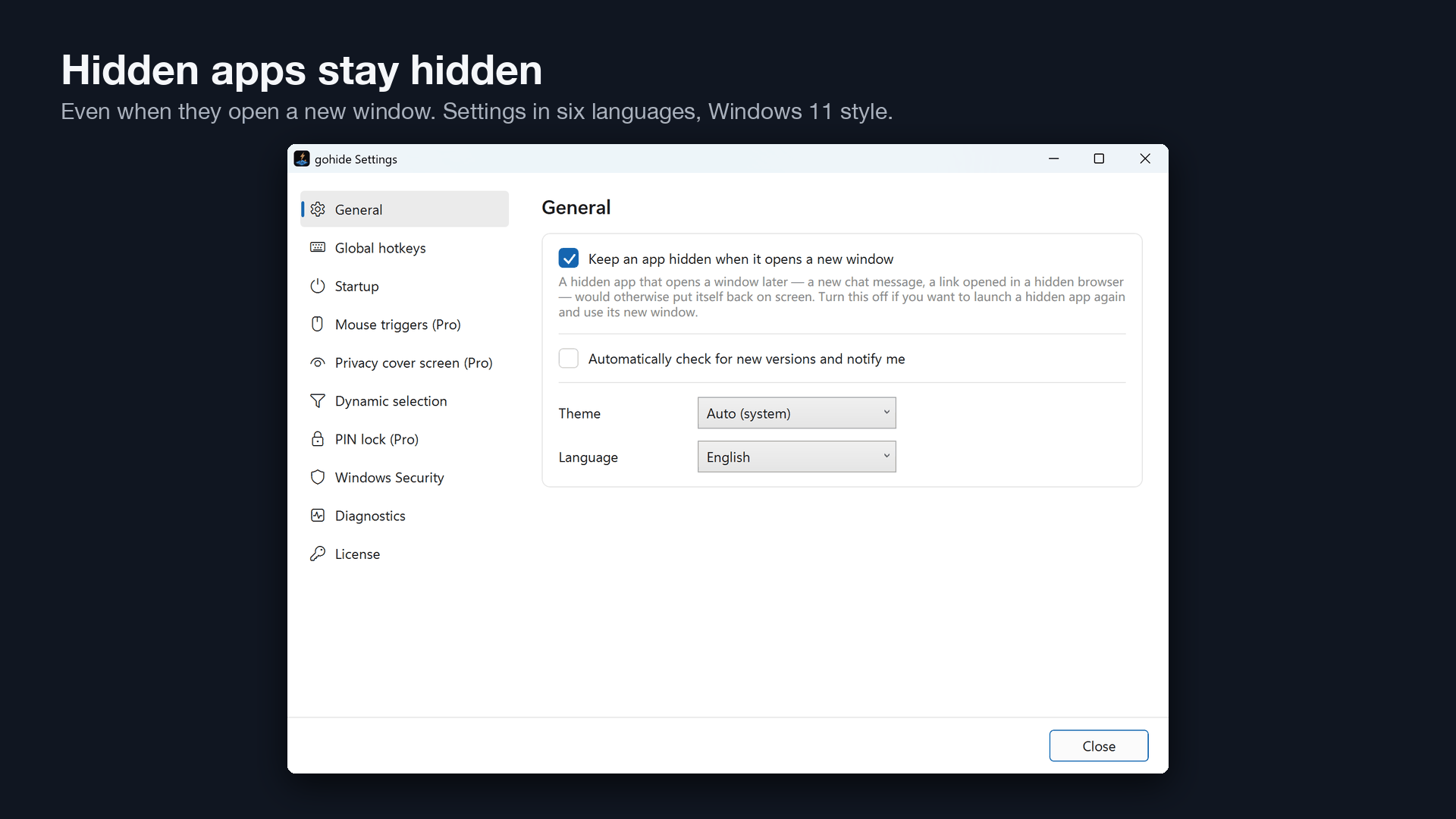
- Global hotkeys — one hotkey hides everything at once, one restores everything; per-app hide/show hotkeys and a lock-screen hotkey too.
- Restore in place — everything returns exactly where it was; nothing gets stranded.
- Mute or suspend while hidden — silence a hidden app, or pause its process so a background game stops using CPU/GPU (suspend is Pro).
- Privacy cover screen (Pro) — the moment you hide everything, a cover image or a cover-story app drops over the desktop.
- Hot corners & mouse triggers (Pro) — hide all by flicking the mouse into a corner or pressing a side button.
- Dynamic rules (Pro) — auto-hide apps by window title or class instead of picking each one.
- PIN lock (Pro) — nobody at your desk can change your rules or reveal hidden apps.
- Start with Windows, elevated — via a Task Scheduler task, no UAC prompt on every boot.
- English & 简体中文 — follows your Windows language automatically.
- Light and private — no account, no telemetry, works fully offline.
- Website: gohide.net/en/download — installer or portable zip.
- Microsoft Store: apps.microsoft.com/detail/9P8TJW0XK995 — Microsoft-signed, auto-updates.
- winget:
winget install gohide.gohide - This repo: Releases — the same installer the website serves.
The direct-download installer is not code-signed yet — if Windows shows a SmartScreen or publisher warning, see why that happens and how to proceed safely. The Store build has no such warning.
| Free | Pro (one-time purchase) | |
|---|---|---|
| Hide windows, taskbar buttons & tray icons | ✅ up to 5 apps | ✅ unlimited |
| Global, per-app & lock-screen hotkeys, restore-all, mute on hide | ✅ | ✅ |
| Suspend hidden processes (save CPU/GPU) | — | ✅ |
| Privacy cover screen | — | ✅ |
| Hot corners & mouse triggers | — | ✅ |
| Dynamic auto-hide rules (by title/class) | — | ✅ |
| PIN lock for settings | — | ✅ |
| Settings remembered across restarts | — | ✅ |
| Subscription or renewal fees | never | never |
No account, no trial nags — the free tier is free forever. Details: gohide.net/en/pricing
Honest side-by-side pages: Boss Key (MindGems) · Magic Boss Key · HiddeX · Taskbar Hide
Logo, screenshots, a 16-second demo video and copy-ready boilerplate: gohide.net/press
- Docs & guides: gohide.net/en/docs
- Email: support@gohide.net
- 简体中文官网:getgohide.com