


rad — a lightweight source-based package manager for Radian GNU/Linux and other LFS-built GNU/Linux systems. Manages system packages built from source using TOML package headers, ok?
rad is an abbreviation for Radian Automated TOML-packages Handler
but when it combines with Slavic God Radogost, who is the God of trade and seafaring, even easier to call it just rad.
It stays for managing system packages, user ones is better to manage with nix or other
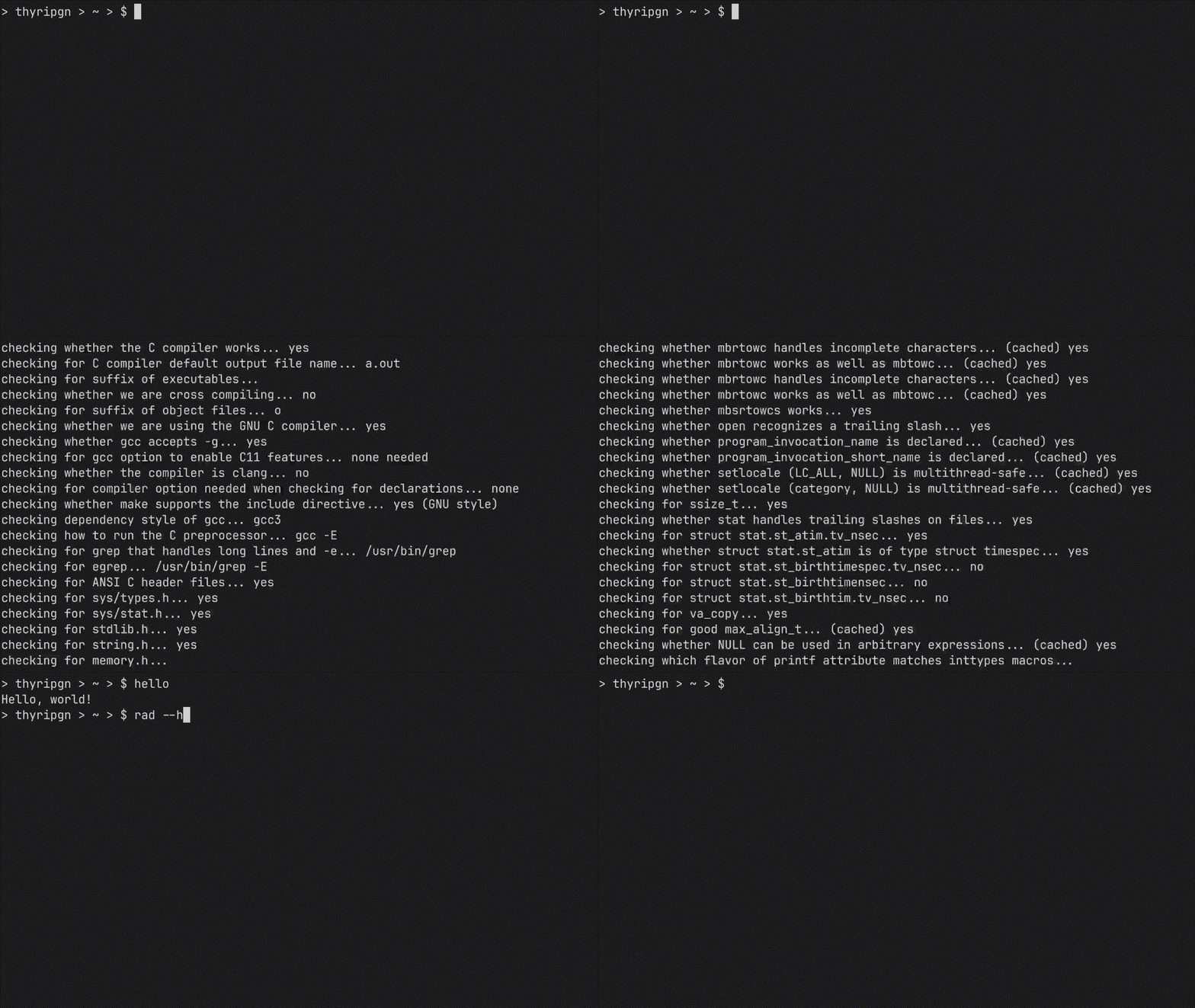
If you do use LFS, you maybe have got most of those dependencies, but be sure you've got everything, otherwise you'll get an error one day.
cargo(building rad and runtime)make(runtime)cmake(runtime)meson(runtime)ninja(runtime)pip(runtime)tar(runtime for unpacking tarballs)unzip(runtime for non-tar archives)git(runtime)sh(runtime, can be symlink on other POSIX shell)wget(runtime)which(runtime, for rad could in checking own dependencies in --info)
Make sure you have installed runtime dependencies
At the first clone rad with git
git clone https://github.com/dejuri/rad.git RadThen change directory to just cloned project
cd RadBuild it with cargo (you might want to firstly execute cargo update)
cargo build --releaseThen install rad into the system (execute as root)
cp ./target/release/rad /usr/binNow you have to create the config file (/etc/rad/config.toml), or just copy the example one and edit it (as root)
mkdir /etc/rad -p
cp ./examples/config.toml /etc/rad/
Rad is installed now. Check if all of runtime dependencies are seen by rad (look at DEPENDENCIES section)
rad -IThat's all!
rad -i radYou might execute rad -h firstly, to see available arguments and how to use rad properly.
Ok, you need now to understand how to describe own package. You can look for the examples in repository, or look at this example of hello package, remember, they must be at .toml format, or rad won't find them
[package]
name = "hello"
version = "2.12.1"
description = "GNU Hello - the classic greeting program"
source = "https://ftp.gnu.org/gnu/hello/hello-2.12.1.tar.gz"

[build]
system = "autotools"
multilib_support = false
depends = ""
configure_args = ""
Understand? And now if you created own packages repository, you can use them already without publishing somewhere and creating repository. This means you can just use local packages. How? Just specify full path of the package, or relative, how is comfortable (DON'T TYPE .toml IN THE END, JUST PACKAGE NAME!)
rad -P /home/thyripgn/radpkg/stable-13/<package>Or like that
rad -P ./<package>But if the basic repo is enabled in config, you already can try do as root
rad --syncThen the package index will be downloaded and used. Try to check info about some package
rad -P <atom>This will give you info for your package, if you see this package and rad give information about local package, you can use it. Try to install it (as root)
rad -i <atom>That's all, if no errors, you've installed your package. Now rad remember the installed files of package by the register, you can view
cat /var/lib/rad/installed/<atom>You will get the list of installed files. It also supports symlinks, don't worry about it.
Rad, like other basic package managers, can remove installed package (as root)
rad -r <atom>If you have an issue or some different bugs, create a new issue please and describe what happened and i will see it
You better know why you've installed it. Remember, the code is open, i think you have rights to know what are you installing, yes?
Ok, so what now, you can create your repository of packages, install it, and rad will control it, it is good. This is the stability.
You can just make a system built with rad, a Radian, and i have a project and done some progress. Good luck, comrade, do what you find needed