Libre8 is an educational, open-source 8-bit CPU and runtime environment, designed to be programmed in C, C++, and Assembly, and simulated in Logisim Evolution. It features a custom instruction set and a graphics subsystem.

- Features
- Getting Started
- Requirements
- Directory Structure
- Compiling and Assembling Programs
- Compiling from C/C++
- Generating Assembly from Java
- Running Programs in Logisim
- Writing Programs for Libre8
- Assembly Format and Structure
- C/C++ Integration
- Full Instruction Set Reference (MicroCodeV8GPT)
- Atomic Opcodes
- Extended/Indirect Opcodes
- Signals, Flags, and Hardware
- Custom Instructions
- Example Programs
- Contributing
- License
- References
- Custom 8-bit instruction set, direct/indirect addressing
- Graphics subsystem: pixel, row, coordinate operations
- C/C++ and Assembly toolchain
- Java-based code generators for demos/animations
- Logisim Evolution simulation
- Java 8+ (for toolchain/generators)
- GCC/Clang (for C/C++ programs)
- Logisim Evolution (for simulation)
- Python (optional, for conversion scripts)
toolchain/
  C_src/           # Example C programs
  convert_frames.cpp # Frame conversion utility (C++)
  src/org/elijaxapps/ # Java generators, assembler, microcode
  example/         # Java "twominutes" demos
  ...
README.md
Write your code in C (see toolchain/C_src/). Example:
int main() {
    // Your logic
    __asm {
        LDA a
        OUT
        JMP main
    }
    return 0;
}
Compile using:
gcc -o MyProgram toolchain/C_src/MyProgram.cUse the provided Java assembler to convert C output to assembly:
java org.elijaxapps.libre8.as.AssemblerV8 main.asSome demos use Java to generate assembly. Example: toolchain/src/org/elijaxapps/code2code/BadAppleV4.java
(you need to extract the frames from BadApple! video, and store them in ./frames).
public static void main(String[] args) {
    PrintWriter writer = new PrintWriter("main.as");
    writer.print(".data\n");
    writer.print(".code\n");
    writer.print(".main\n");
    // Generates pixel operations, animation frames, etc
    writer.print("POKE ...");
    writer.print("JMP run\n");
    writer.close();
}- Open Logisim Evolution.
- Load the Libre8 schematic.
- Import the assembled binary (
bin.hex). - Run the simulation.
Assembly files use:
.datasection for variables and offsets.codesection for instructions- Tags (
.Main,.funcName) for entry points and branching
Example:
;; Global Variables
.data
one 000000ffh 01  ;; Variable 'one' at offset '000000ff' with value '01'
addOne 000001ffh  ;; Function prototype with no arguments 'addOne' at offset '000001ffh'

;; Begin
.code
.Main       ;; Tag. Can be used to jump to.
B addOne    ;; Branch to addOne
OUTA

.addOne
LDA one     ;; Load var 'one' in REG A.
ADD one     ;; ADD one to one using REG B.
STA result  ;; STORE at offset 'result'
BX result   ;; RETURN 'result'
Embed assembly using __asm { ... } blocks:
void drawPixel() {
    __asm {
        ;; Y coordinate
        PIKY foo
        ;; X coordinate
        PIKX paddleLeftX
        ;; VGA Colour
        PXYD ff
    }
}Below is a comprehensive opcode list from MicroCodeV8GPT.java. Each opcode is atomic, with unique hexadecimal codes:
| Mnemonic | Hex | Description |
|---|---|---|
| LD | 0x1d00 | Generic load |
| LDA | 0x1a00 | Load register A |
| LDB | 0x1b00 | Load register B |
| LDC | 0x1c00 | Load register C |
| LDD | 0x1e00 | Load register D |
| LDIA | 0xda00 | Inmediate load to A |
| LDIB | 0xdb00 | Inmediate load to B |
| LDIC | 0xdc00 | Inmediate load to C |
| LDID | 0xdd00 | Inmediate load to D |
| MOV_AMem | 0xf000 | Move A to memory |
| MOV_MemA | 0xf100 | Move memory to A |
| MOV_AB | 0xf200 | Move A to B |
| MOV_AC | 0xf300 | Move A to C |
| MOV_AD | 0xf400 | Move A to D |
| MOV_BMem | 0xf500 | Move B to memory |
| MOV_MemB | 0xf600 | Move memory to B |
| MOV_BA | 0xf700 | Move B to A |
| MOV_BC | 0xf800 | Move B to C |
| MOV_BD | 0xf900 | Move B to D |
| MOV_CMem | 0xfa00 | Move C to memory |
| MOV_MemC | 0xfb00 | Move memory to C |
| MOV_CA | 0xfc00 | Move C to A |
| MOV_CB | 0xfd00 | Move C to B |
| MOV_CD | 0xfe00 | Move C to D |
| MOV_DMem | 0xff00 | Move D to memory |
| MOV_SP_BP | 0x0100 | Move Stack Pointer to Base Pointer |
| MOV_DI_I | 0x0200 | Move DI to I |
| MOV_REG_BP | 0x0300 | Move register to Base Pointer |
| STA | 0x5a00 | Store A in memory |
| STB | 0x5b00 | Store B in memory |
| STC | 0x5c00 | Store C in memory |
| STD | 0x5d00 | Store D in memory |
| ADD | 0xaa00 | Add |
| SUB | 0xa500 | Subtract |
| MUL | 0xa200 | Multiply |
| DIV | 0xad00 | Divide |
| DEC | 0xde00 | Read byte from keyboard |
| DECE | 0xdf00 | Read byte and echo |
| IADD | 0x6a00 | Inmediate add |
| ISUB | 0x6500 | Inmediate subtract |
| IMUL | 0x6200 | Inmediate multiply |
| IDIV | 0x6d00 | Inmediate divide |
| POKE | 0x9700 | Render 72-pixel row on GPU |
| POKX | 0x9a00 | Set X coordinate on GPU (direct) |
| POKY | 0x9b00 | Set Y coordinate on GPU (direct) |
| PXYD | 0x9c00 | Set pixel at X,Y (direct) |
| PIKX | 0x9d00 | Set X coordinate (indirect) |
| PIKY | 0x9e00 | Set Y coordinate (indirect) |
| PIYD | 0x9f00 | Set pixel at X,Y (indirect) |
| NOP | 0x1100 | No operation |
| HLT | 0x9100 | Halt CPU |
| JMP | 0xe100 | Jump |
| JZ | 0xe200 | Jump if Zero |
| JC | 0xe300 | Jump if Carry |
| JNZ | 0xe400 | Jump if Not Zero |
| JNC | 0xe500 | Jump if Not Carry |
| BZ | 0xe600 | Branch if Zero |
| BNZ | 0xe700 | Branch if Not Zero |
| BC | 0xe800 | Branch if Carry |
| BNC | 0xe900 | Branch if Not Carry |
| B | 0xea00 | Unconditional branch |
| BX | 0xeb00 | Return |
| OUTA | 0x0500 | Output A to LCD |
| OUTB | 0x0600 | Output B to LCD |
| OUTC | 0x0700 | Output C to LCD |
| OUTD | 0x0800 | Output D to LCD |
(Note: This list is based on the current MicroCodeV8GPT; see source for the latest opcodes or custom extensions.)
Libre8 uses signals for microcode control:
| Signal Name | Abbreviation | Function |
|---|---|---|
| r0-r3 | - | Register operations |
| FI | FI | Flags input |
| MI0, MI2 | MI | Memory address register |
| HALT | HALT | Halts the computer |
| ALU_SUB | ALU_SUB | ALU subtraction |
| ALU_EOUT | ALU_EOUT | ALU addition |
| COUT | COUT | LCD console output |
| II | II | Instruction register input |
| J0, J2 | J0, J2 | Jump registers (counter) |
| RI | RI | RAM input from bus |
| RO | RO | RAM output to bus |
| clpcr | clpcr | Clear program counter |
| CE | CE | Increment program counter |
| CO | CO | Output program counter to bus |
| LR0, LR2, LRO | - | Stack selection/output |
| MII | MII | One-cycle memory IN |
| CPP | CPP | Stack pointer increment |
| CMM | CMM | Stack pointer decrement |
| KBO | KBO | Keyboard out |
| KBI | KBI | Keyboard in |
Flags used for conditional branching: ZERO_FLAG, CARRY_FLAG, BORROW_FLAG, PARITY_FLAG, etc.
You may add new opcodes using the microcode generator (MicroCodeV8GPT.java). See below for how to add a new instruction:
setOffset(OPCODE_CONST, icuadrant);
write(Signals.CO + Signals.MII);
write(Signals.RO + Signals.II + Signals.CE);
// custom signals here
write(Signals.clpcr);See toolchain/C_src/Pong.c for a working Pong game, using graphics opcodes and input handling.
See the Java generators (BadAppleV4.java, Dino.java) for scripts that create .as files with GPU instructions for frame animations.
Want to see Libre8 actually running code, games, and demos?
Here is a curated list of videos that showcase the system on YouTube.
High-level introduction to Libre8: architecture overview, toolchain, and how to compile and run the first programs.
From pseudo-assembly to hex you can drop into RAM on your 32-bit Libre8 design.

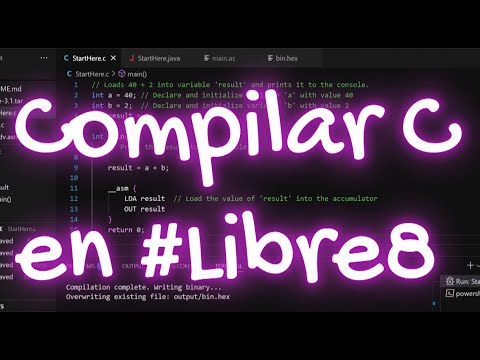
Short, practical tutorial showing the Mini C → Libre8 toolchain in action.
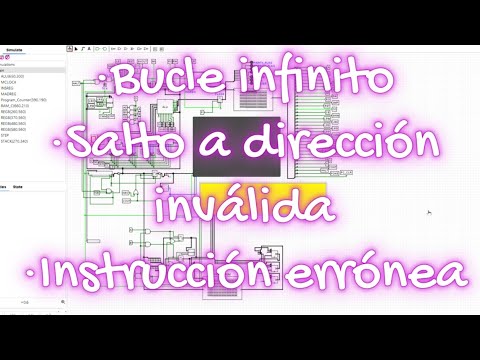
What really happens when the CPU hits an infinite loop, jumps to invalid memory, or executes a bogus opcode on Libre8.
Demonstration of loops built using JMP plus newly added micro-coded instructions.

Shows the FLAGS register in action and how conditional branching works on Libre8.
![#libre8 – Instrucciones de salto condicionales [JZ][JC]](https://img.youtube.com/vi/HWUx1ye7pqw/hqdefault.jpg)
All the game and graphics demos live under this playlist:
Playlist – libre8 x #videogames

The individual videos:
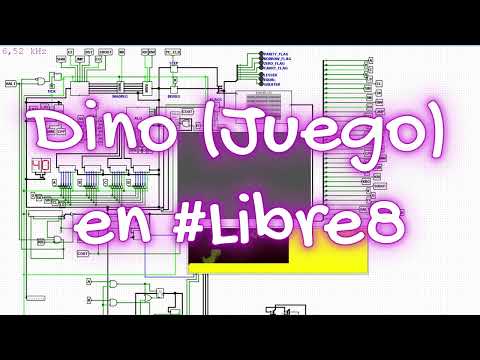
The classic offline Dino runner, brought to Libre8 with smooth sprite updates and basic physics.
A slice of The Secret of Monkey Island running on your home-built 8-bit computer.

Mario tackling the first levels, rendered and executed on the Libre8 system.
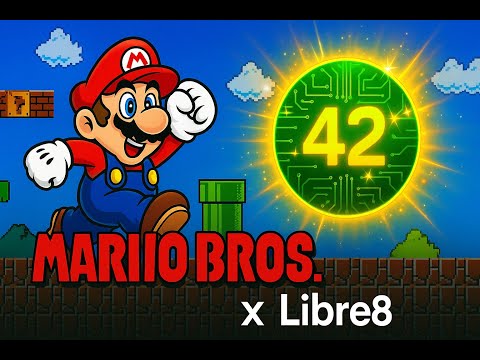
Sonic sprinting on a homebrew CPU and GPU designed from scratch.

The Final Fantasy VII “Prelude” theme, recreated for Libre8.
A chunk of FFVII gameplay running on Libre8, including combat and field scenes.
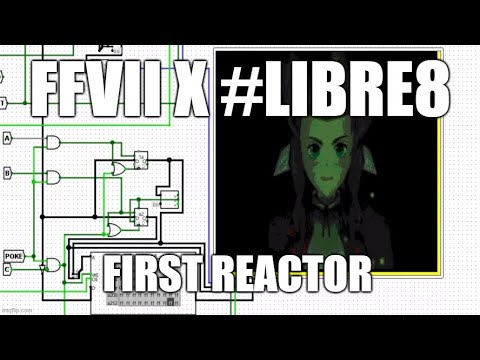
A scene inspired by Finding Paradise rendered with a custom Libre8 GPU.

The classic “Bad Apple” video rendered on Libre8 – a stress test for the graphics pipeline.

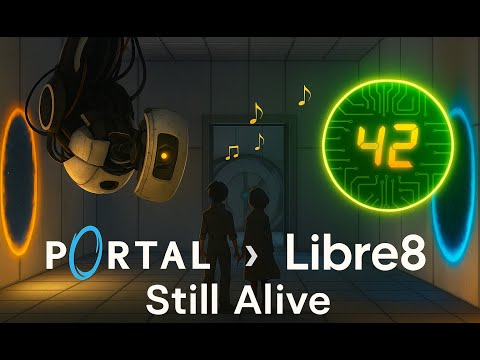
The original Portal ending song “Still Alive”, performed through Libre8’s audio/graphics stack.

You can find the complete, chronologically ordered list of Libre8 videos (including any new ones you upload) on the channel:
- All Libre8 videos in chronological order
👉 https://youtube.com/@elijaxapps
👉#libre8hashtag feed on YouTube
Pull requests and issues are welcome! Please see code and documentation for guidance.
MIT License (see LICENSE file).
- MicroCodeV8GPT.java
- MiniCCompilerGPT.java
- AssemblerV8GPT.java
- Explore more code examples
- Logisim Evolution