

A self-hosted command center for OpenCode. Sessions, git, terminal, and schedules in one web app.


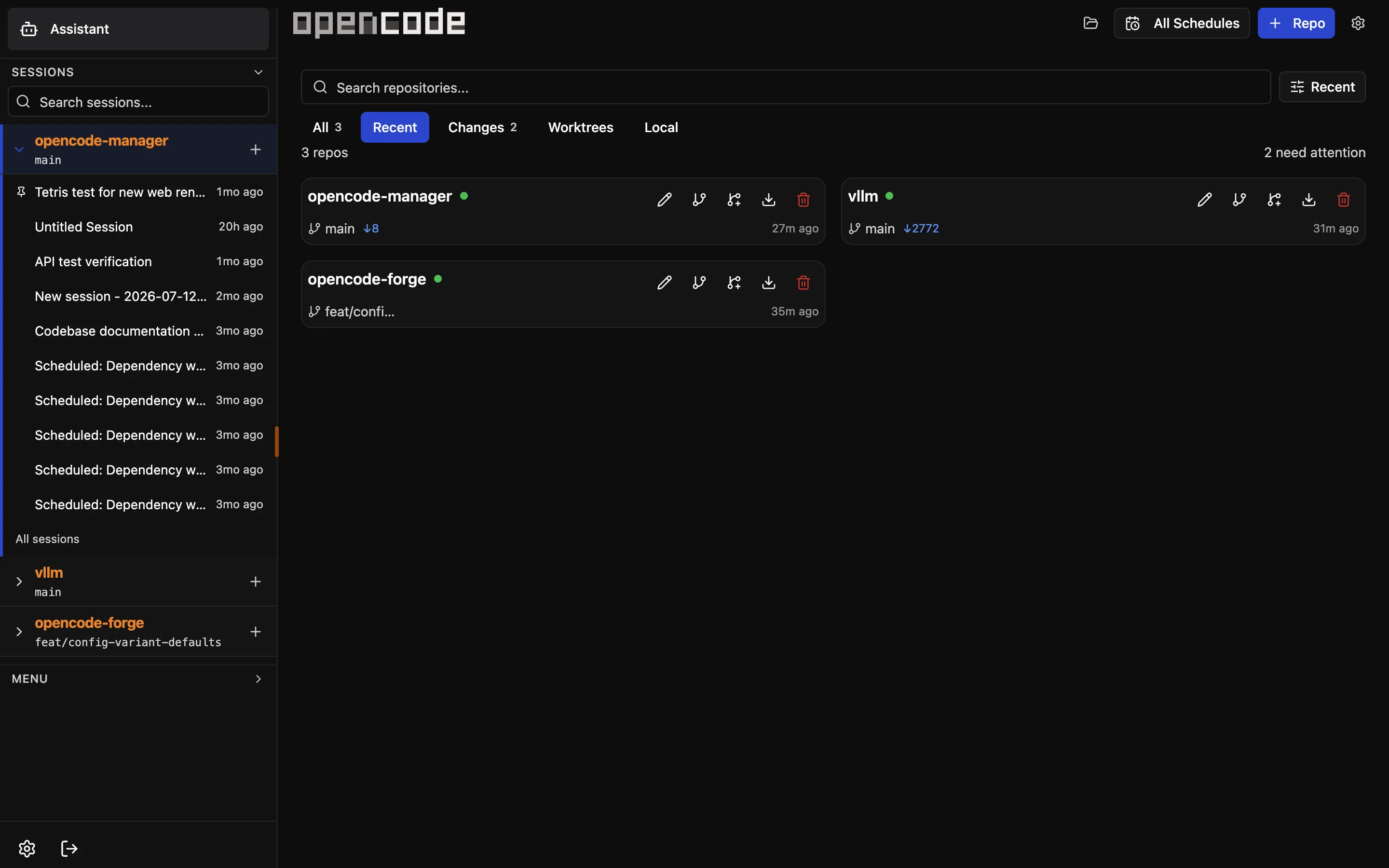
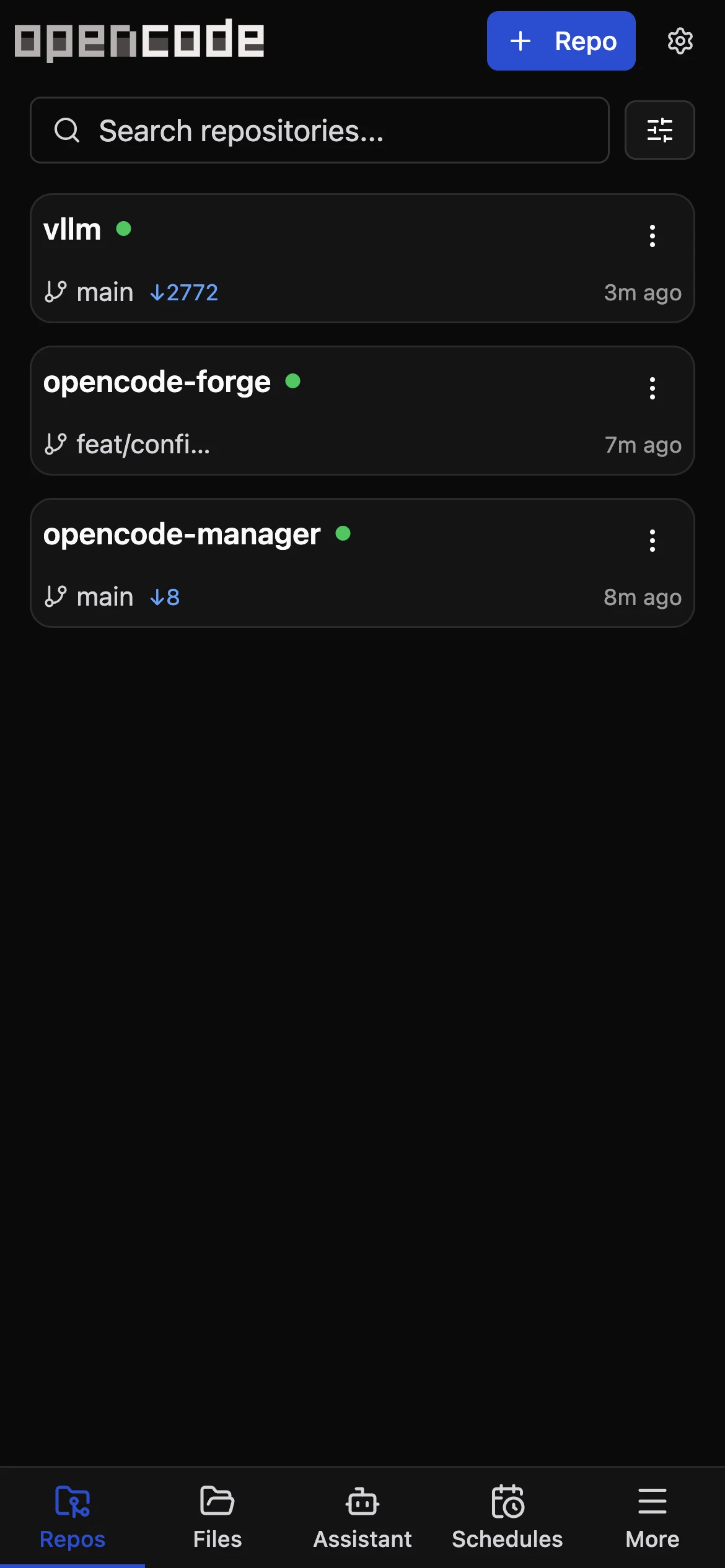
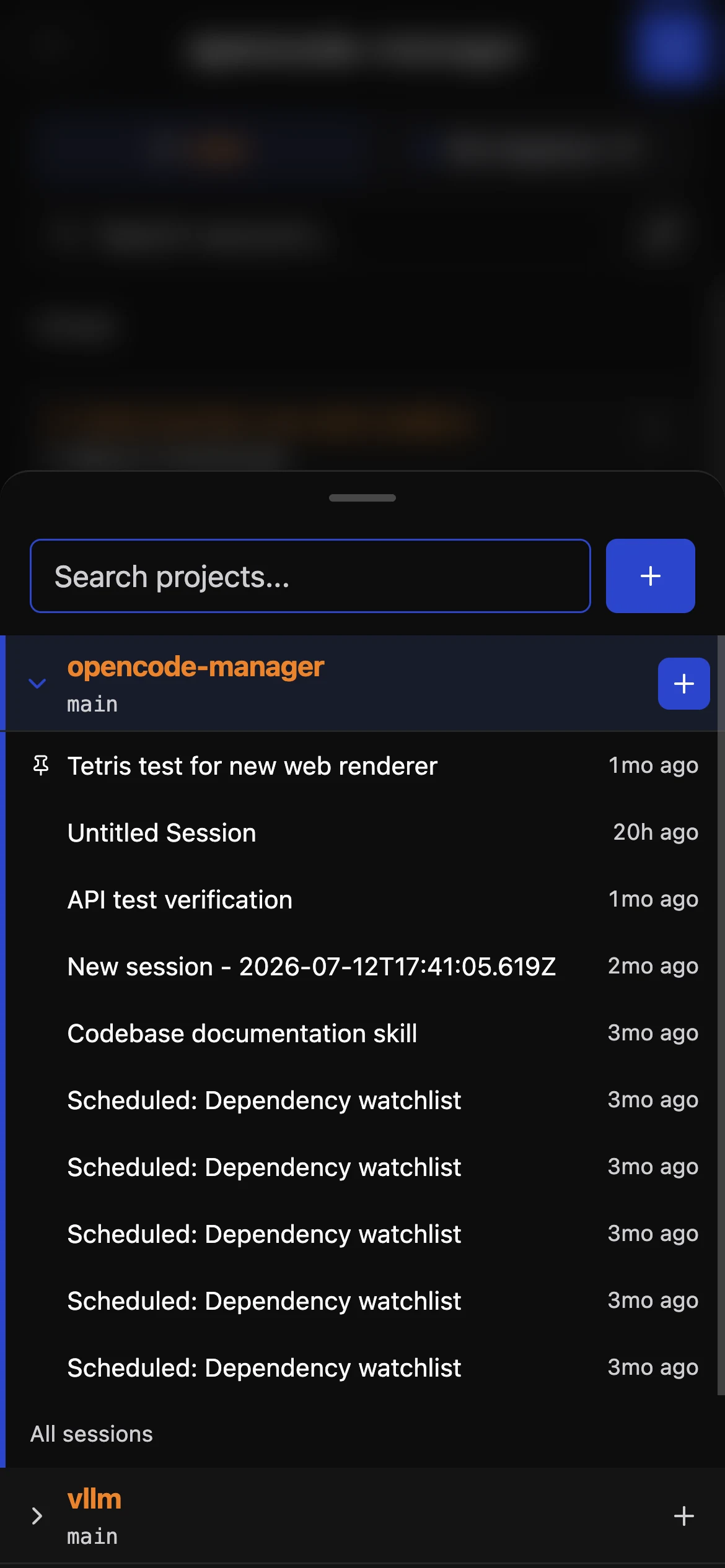
Explore all 37 themes, including matching syntax highlighting for Markdown code blocks.
opencode-manager-themes-1.5x.mp4
OpenCode Manager requires OpenCode 2.x at 2.0.15 or newer (bundled 2.0.15); OpenCode 1.x is not supported. Upgrading from 1.x? See the v1 → v2 migration guide. OpenCode 2 migrates V1 session history in the background on first start, so older sessions can be incomplete until it finishes; progress is reported at GET /api/experimental/migration/v1.
Requires Docker with Compose v2.
curl -fsSL https://opencodemanager.app/install | shThe installer pulls the published image into ~/opencode-manager, starts it, and opens on http://localhost:5003. It asks before sharing anything from your machine: importing an existing OpenCode config and chat history, sharing a folder of repositories, and allowing sign-in from your phone on the same network. Re-run it to update.
Prefer to run Compose yourself with the published image:
mkdir opencode-manager && cd opencode-manager
curl -fsSL https://raw.githubusercontent.com/chriswritescode-dev/opencode-manager/main/docker-compose.release.yml -o docker-compose.yml
docker compose up -d
Or build from source: in a clone of this repository, docker-compose.yml builds the image from the checkout, so docker compose up -d --build and ./scripts/docker-upgrade.sh work as before.
On first launch, you'll be prompted to create an admin account. AUTH_SECRET is generated on first start and kept in the data volume when you don't set one.
For local development setup, see the Development Guide.
- Repositories & Git — Multi-repo management, local discovery, SSH auth, worktrees, unified diffs, branch and commit management
- Chat & Sessions — Real-time SSE streaming, slash commands,
@filementions, Plan/Build modes, Mermaid diagram rendering - Files — Directory browser with tree view, syntax highlighting, create/rename/delete, ZIP download
- Assistant Mode — Dedicated AI workspace with auto-provisioned skills for schedules, notifications, settings, and repo operations
- Schedules — Recurring repo jobs with reusable prompts, run history, linked sessions, markdown-rendered output
- MCP Servers — Add, configure, authenticate, and manage local or remote MCP servers with OAuth support
- AI Configuration — Model/provider setup, API keys, OAuth for Anthropic and GitHub Copilot, custom agent definitions
- Skills — Extend agent capabilities with shareable, scoped skill definitions
- Notifications — Push notifications for session events, questions, errors, and completions
- Audio — Text-to-speech and speech-to-text (browser native and OpenAI-compatible APIs)
- Themes — Light/dark/system appearance plus a color theme picker with the Manager default and 36 bundled OpenCode palettes
- Mobile & PWA — Responsive mobile-first UI, installable on any device, iOS-optimized
OpenCode Manager is a pnpm workspace with four TypeScript packages:
backend/— Bun + Hono API server with Better Auth, SQLite migrations, OpenCode process management, SSE, schedules, and push notifications.frontend/— React + Vite SPA using React Router, TanStack Query, Radix UI/Tailwind, service worker support, and mobile-first navigation.shared/— shared Zod schemas, config helpers, types, and utilities consumed by both backend and frontend.ocm-cli/—ocmCLI that attaches your local OpenCode TUI to a repo hosted on the Manager.
Guides, feature docs, configuration, and troubleshooting are published at opencodemanager.app/docs.
This repo uses pnpm workspaces for shared, backend, frontend, and ocm-cli.
pnpm install
pnpm dev
pnpm lint
pnpm typecheck
pnpm test
See the Development Guide for local setup, scripts, database notes, and testing.
# Generated automatically in Docker; required for production outside Docker
AUTH_SECRET=your-secure-random-secret  # Generate with: openssl rand -base64 32

# Pre-configured admin (optional)
ADMIN_EMAIL=admin@example.com
ADMIN_PASSWORD=your-secure-password

# For LAN/remote access
AUTH_TRUSTED_ORIGINS=http://localhost:5003,https://yourl33tdomain.com
AUTH_SECURE_COOKIES=false  # Set to true when using HTTPS
For OAuth, Passkeys, Push Notifications (VAPID), and advanced configuration, see the Configuration Guide.
OpenCode Manager ships an ocm CLI (from ocm-cli/) that attaches your local OpenCode TUI to a repo hosted on the Manager. It lists ready repos, attaches with opencode --server through the Manager's repo-scoped /api/opencode-proxy/repos/:repoId route (so prompts run on the Manager's filesystem against a single shared OpenCode server), and can sync the working tree up or down with ocm push / ocm pull (fast git bundle + working-tree patch by default; pass --full for the legacy tarball mirror). Running ocm inside a local clone auto-detects the matching Manager repo by origin URL.
See the ocm CLI guide for setup and commands.
- Getting Started — Installation and first-run setup
- Features — Deep dive on all features
- Configuration — Environment variables and advanced setup
- Troubleshooting — Common issues and solutions
- Development — Contributing and local development
ocmCLI — Attach local OpenCode TUI to Manager repos
MIT