
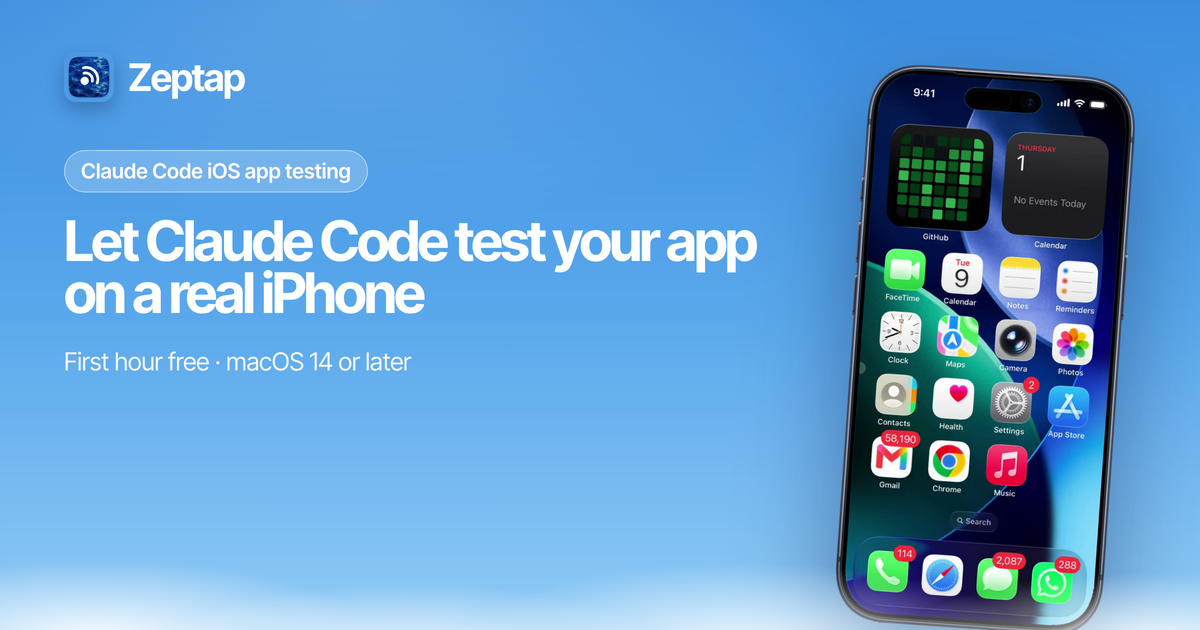
Let AI agents see, tap, swipe and type on a real iPhone, from your Mac.


Zeptap is a Mac app that lets AI agents like Claude Code, Codex and Cursor operate a real iPhone through a local MCP server. The Mac reads the screen over the USB cable and sends taps and typing over Bluetooth through AssistiveTouch, so nothing is installed on the phone: no Xcode, no Developer Mode, no Apple Developer account. Everything runs on your Mac, with no account and no cloud relay.
Use it to test your own iOS apps on a physical device, or to hand everyday phone tasks to the agent you already use.
"open my app and walk through signup" · "screenshot every screen in dark mode" · "turn on Low Power Mode"
brew install --cask zeptap/tap/zeptap
claude mcp add --transport http --scope user zeptap http://127.0.0.1:47801/mcp
Connect your iPhone by USB, pair Bluetooth in the setup assistant, then ask your agent to take a screenshot. Setup for Claude Desktop, Codex, Cursor and other clients is in the docs.
| Repo | What's in it |
|---|---|
| mcp | MCP client configs, a Claude Code plugin, an agent skill and the @zeptap/mcp stdio relay |
| releases | Downloads and release notes for the Mac app |
| homebrew-tap | brew install --cask zeptap/tap/zeptap |
Website · Docs · MCP tool reference · Claude + iPhone guide · Blog · Support
Requires a Mac on macOS 14 or later with Bluetooth, and an iPhone with a USB cable. The Mac app is closed source with the first hour of live use free; the repos here are MIT.