
- Intro
- Installation
- Quick Start
- Debugging
- Documentation
- License
- Frequently Asked Questions (FAQ)
- TODOs
GdPlanningAI (shortened as GdPAI) is an agent planning addon for Godot 4. Agents work out their own chains of actions at runtime, based on their attributes and the objects around them, instead of following hand-written state transitions or behavior trees. This can greatly reduce the developer overhead of creating AI behaviors, but it is a more complex, less intuitive system.
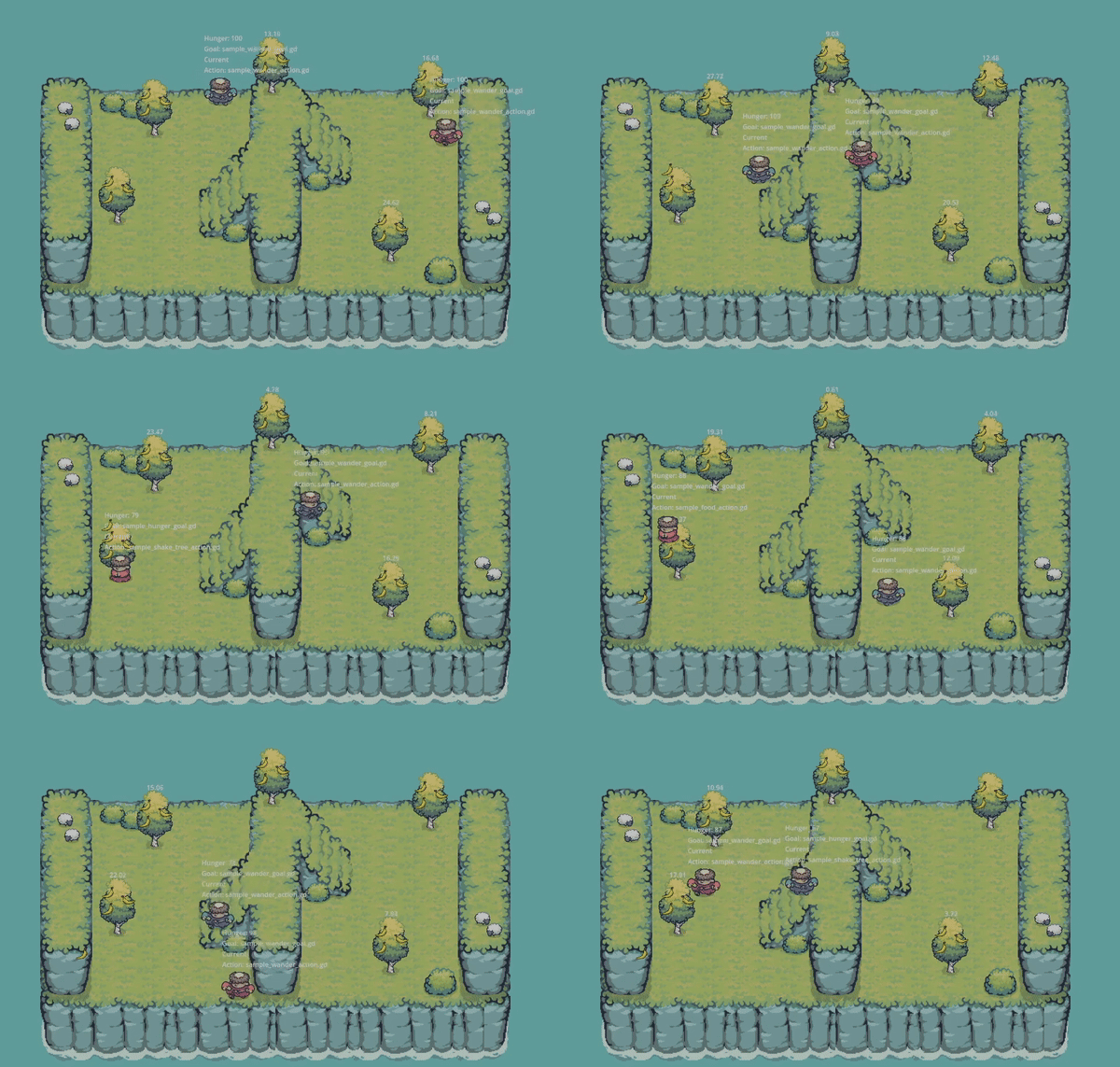
The framework is based on Goal Oriented Action Planning (GOAP), the planning system Jeff Orkin developed in the early 2000s and used in games like F.E.A.R., Fallout 3, and Middle-earth: Shadow of Mordor. It started as a reimplementation of GOAP, then expanded the planning logic and put more emphasis on interactable objects.
The planner is written in Rust and searches on background threads. Agents, goals, and actions are written in GDScript. docs/ALGORITHM.md explains how a plan is found.
The original motivation and "making of" process is covered here:


This repo is structured as a Godot addon, so it installs through Godot's asset library. Installing copies addons/GdPlanningAI and the related script_templates folder into your project.
Release versions are available on the Godot asset library at https://godotengine.org/asset-library/asset.
Script Templates
The script_templates folder has templates for subclassing Action, Goal, GdPAIObjectData, and the other core classes. Using them is the easiest way to start your own.
The examples/ folder has demo scenes you can run right away. Open one and press Play Scene (F6); the project has no main scene. See examples/README.md for setup and docs/EXAMPLES.md for what each scene shows.
hunger_basic_2d.tscn: one agent that wanders and eats when it gets hungry. Start here.hunger_multi_agent_2d.tscn: several agents sharing the same food.hunger_stress_test_2d.tscn: the same setup with a configurable agent count, for testing performance.campfire_2d.tscn: agents keep a campfire fueled with wood and cook potatoes on it to eat.campfire_3d.tscn: the campfire scene in 3D.campfire_large_3d.tscn: six agents in a larger 3D scene, each pair tending its own fire.agent_showcase_3d.tscn: character skins, animations, and carried items, with planning turned off.
The main classes you'll work with:
GdPAIAgent: the agent node. Each agent keeps twoGdPAIBlackboardinstances: one for its own attributes (hunger, health, inventory) and one for the world state (time of day, interactable objects).Goal: what the agent wants. Each goal computes a reward from the two blackboards, and the agent pursues the most rewarding goal it can achieve. Make rewards change with the agent's needs (for example a hunger goal whose reward is the agent's currenthunger) so its priorities shift over time.ActionandPrecondition: actions are the steps of a plan. Validity checks decide whether an action can be used at all; preconditions are conditions that earlier actions in the plan can make true.GdPAIObjectData: attached to world objects, it lists the actions that object offers (a tree offers "shake tree", food offers "pick up"). While planning, the agent works on copies of this data, so it can try out actions without touching the scene.GdPAIBehaviorConfigandGdPAIAgentConfig: reusable behaviors that group related goals, actions, and property updaters. The agent config combines behaviors into an agent type and picks when it plans (CONTINUOUS,ON_INTERVAL,ON_DEMAND,ON_INTERVAL_FORCED).GoToAction: the built-in navigation action. Actions that happen at a place require the agent to be there, andGoToActioncan satisfy that for any location, so the planner adds the walking steps itself (for exampleGoToAction->PickupAction->EatHeldFoodAction).
Full authoring guide: docs/AUTHORING_GUIDE.md.
The interactive debugger tab was removed as part of the Rust rewrite and hasn't been brought back yet. Until it is, GdPAIPlanScheduler.get_debug_tree(agent) returns a text printout of the agent's most recent planning search.
The docs live in this repository; the asset library install copies only the addon and its script templates, so read them on GitHub.
| Doc | Purpose |
|---|---|
docs/AUTHORING_GUIDE.md |
How to write your own goals, actions, preconditions, and world objects. |
docs/EXAMPLES.md |
What each demo scene shows and which scripts to read. |
docs/ALGORITHM.md |
How the planner finds a plan. |
docs/PLANNER_PSEUDOCODE.md |
Pseudocode of the planner, for working on the Rust engine. |
docs/CODEBASE_OVERVIEW.md |
Where things live in the repo, how the Rust and GDScript code talk to each other, building, testing. |
docs/DOCUMENTATION_GUIDELINES.md |
Comment and docstring style for contributors. |
GdPlanningAI, Copyright 2025 Ethan Wilson
This work is licensed under the Apache License, Version 2.0. The license file can be viewed at LICENSE.txt and at http://www.apache.org/licenses/LICENSE-2.0.
Demo Assets
The demo scenes use these asset packs. Their license files are in examples/licenses/.
- 2D scenes: Tiny Swords by Pixel Frog.
- 3D characters and animations: KayKit Adventurers by Kay Lousberg (kaylousberg.com), CC0.
- 3D props (campfire logs, wood piles, rocks, barrels, ruins): KayKit Resource Bits by Kay Lousberg (kaylousberg.com), CC0.
What is the difference between GdPlanningAI and behavior tree frameworks (like Beehave or LimboAI)?
These are all structured frameworks for developing agents, NPCs, and enemies inside a game world. Behavior trees give you defined transitions that enable agent actions based on conditionals, but they require a lot of developer oversight as they become more complex. Planning systems like GOAP and GdPlanningAI are more dynamic and can lead to emergent behaviors: even if the developer created every possible action, there may be combinations they did not anticipate. Because of this, planning systems can fit better for projects with large numbers of possible interactions.
Below is an abridged quote from a blog post with a good breakdown of the differences:
Behavior trees are, roughly speaking, a way to encode complex sequences of rules. They react to the current world state, but there is no search and no thought about the future outcome of actions; it is the developer's job to specify which action is right in a given situation. Plan-based techniques like GOAP work differently: you give the character a goal and a set of actions, then tell it to find its own rules. There is no predefined sequence, and every run generates a different sequence of actions depending on the situation. That power comes with three main drawbacks: much higher implementation complexity, generally higher computational cost for real-time games, and less direct control over how the AI reaches its goals.
The framework is stable for creating planning agents but is still in an early phase of development. I am open to feedback or contributions from the community. Please raise issues on GitHub to discuss bugs or requested features, and feel free to fork the repo and submit pull requests.
- Bring back the interactive debugger.
- A true project logo (the current one is a quick placeholder; artwork welcome).
- Icons for the custom nodes.
- More varied and complex demo scenes.
- More baseline action templates.
- A tutorial video.
- Extending agent configuration (planning strategy, world-state sourcing, and more).