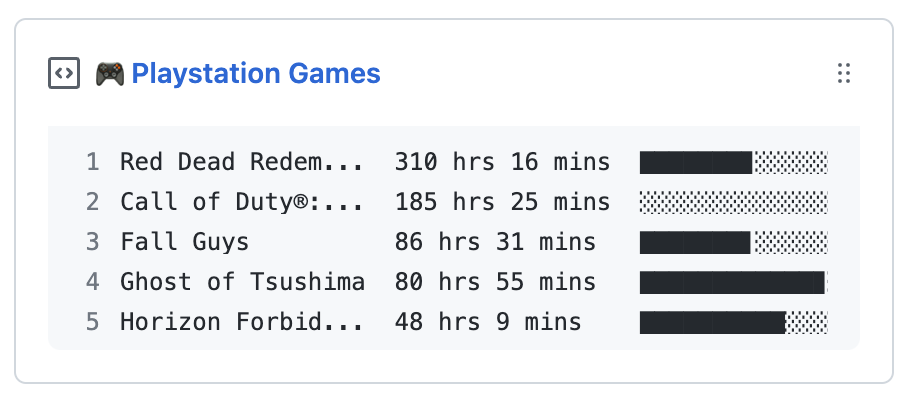
Update a pinned gist to contain your PlayStation stats
-
Fork this repository.
-
Create a new public GitHub Gist at https://gist.github.com/.
-
Create a new token at https://github.com/settings/personal-access-tokens/new with the following settings:
- Expiration: Select Custom and set it to 1 year. (Note: You will need to renew the token annually.)
- Repository access: Select
Only select repositoriesand choose your forked repository. - Repository permissions: Enable
Secretswith read and write access, andMetadatawith read-only access. - Account permissions: Enable
Gistswith read and write access. - See the complete setup reference for details.
-
Sign in to the PlayStation Store at https://library.playstation.com/recently-purchased.
-
Open the following link: https://ca.account.sony.com/api/v1/ssocookie, and copy the
npssovalue. -
Go to your repository's Settings > Secrets and add the following environment variables:
- PSN_NPSSO: The
npssovalue you copied in step 5. - GH_TOKEN: The token you created in step 3.
- GIST_ID: The ID portion of your gist URL:
https://gist.github.com/your_name/<GIST_ID>.
- PSN_NPSSO: The
