Queasy is a Mobile Quiz Application developed by a group of 9 students (referenced at the bottom of the README.md) as part of a Software Project class in the Winter Semester 22/23.
University: Technische Hochschule Ulm / University Of Applied Sciences Ulm
Location: Ulm, Germany
Professor: Baer, Klaus, Prof.Dr.-Ing.
Time Frame: WS 22/23
- Possibility to edit questions & answers
- Sign in, choose nickname
- Play quiz via mobile or browser
- Leaderboard
- Technology: Open To Preference
- The user can create a Question
- The user can add Answers to his own Question
- The user can edit a Question that was committed to the Application by himself
- The user can edit an Answer comitted to one of his own Questions
- The user can register to the application using the traditional way of providing information
- The user can choose a nickname while registering
- The user can sign into his own account by using the information provided at registration
- The user can access the App through a web browser or a mobile device
- If the user is able to access the App, he is supposed to be able to use it
- The App is supposed to have a Leaderboard for the best performing users
- The leaderboard shows the ranking of the top users and their nicknames & points
- Used to develop the backend
- In Combination with Flutter used to develop the frontend
- Chosen because of good implementation with firebase (both by Google)
- Used to develop the frontend in combination with Dart
- Allowed to develop for Web, iOS and Android at the same time
- Used as the database for the application
Chosen because:
- Free
- Good implementation with Dart
- Easy to use
- Extra features like: authentication, security, reset emails, free deployment, etc.
- Most commonly used IDE in the development process
- Allowed for easier testing/development due to implemented features (i.e. Emulators)
- Less used IDE in the development process
- Used to manage iOS packages
- Used to change iOS specific configuration files
- Used to design the UI of the App
- Used to manage tasks
- Used for common organization of the project
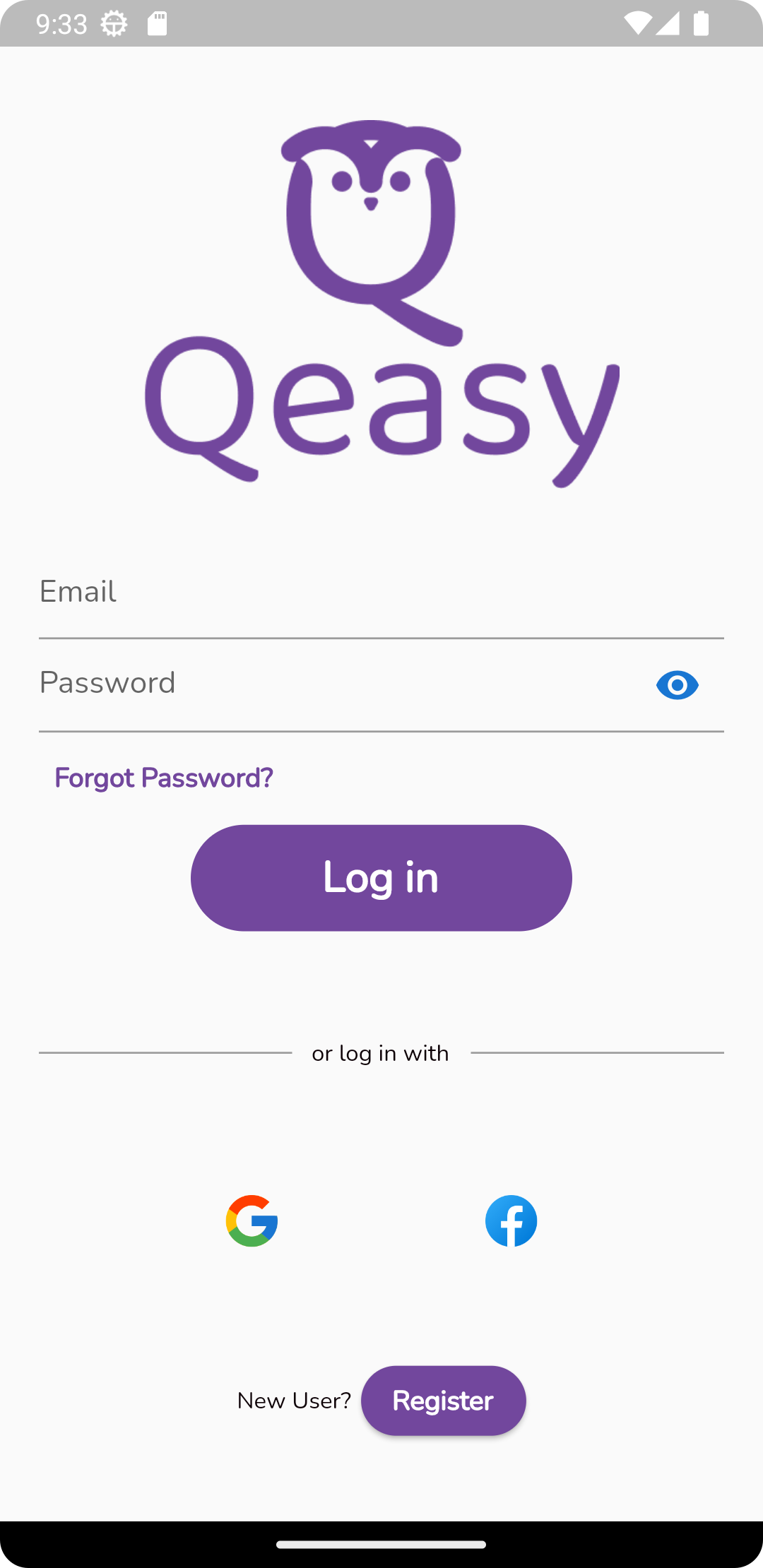
- The user can log in with their data that was previously registered
- The user can reset their password if forgotten
- The user can log in with a previously registered Google or Facebook account
- The user can go to Register View
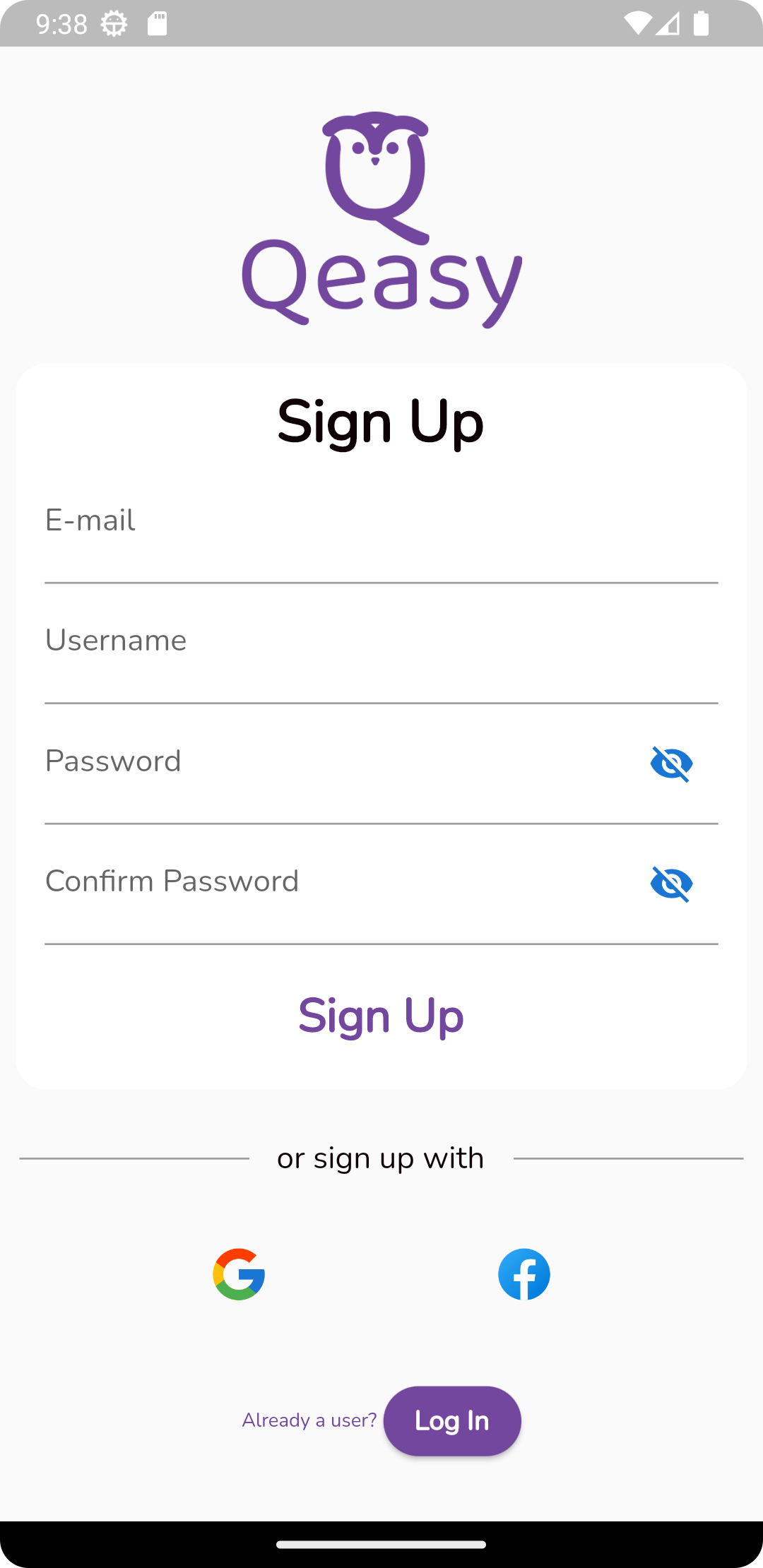
- The user can register by using the traditional way of providing information (Email, Username, Password, cPassword)
- The user can register by using a Google or a Facebook account
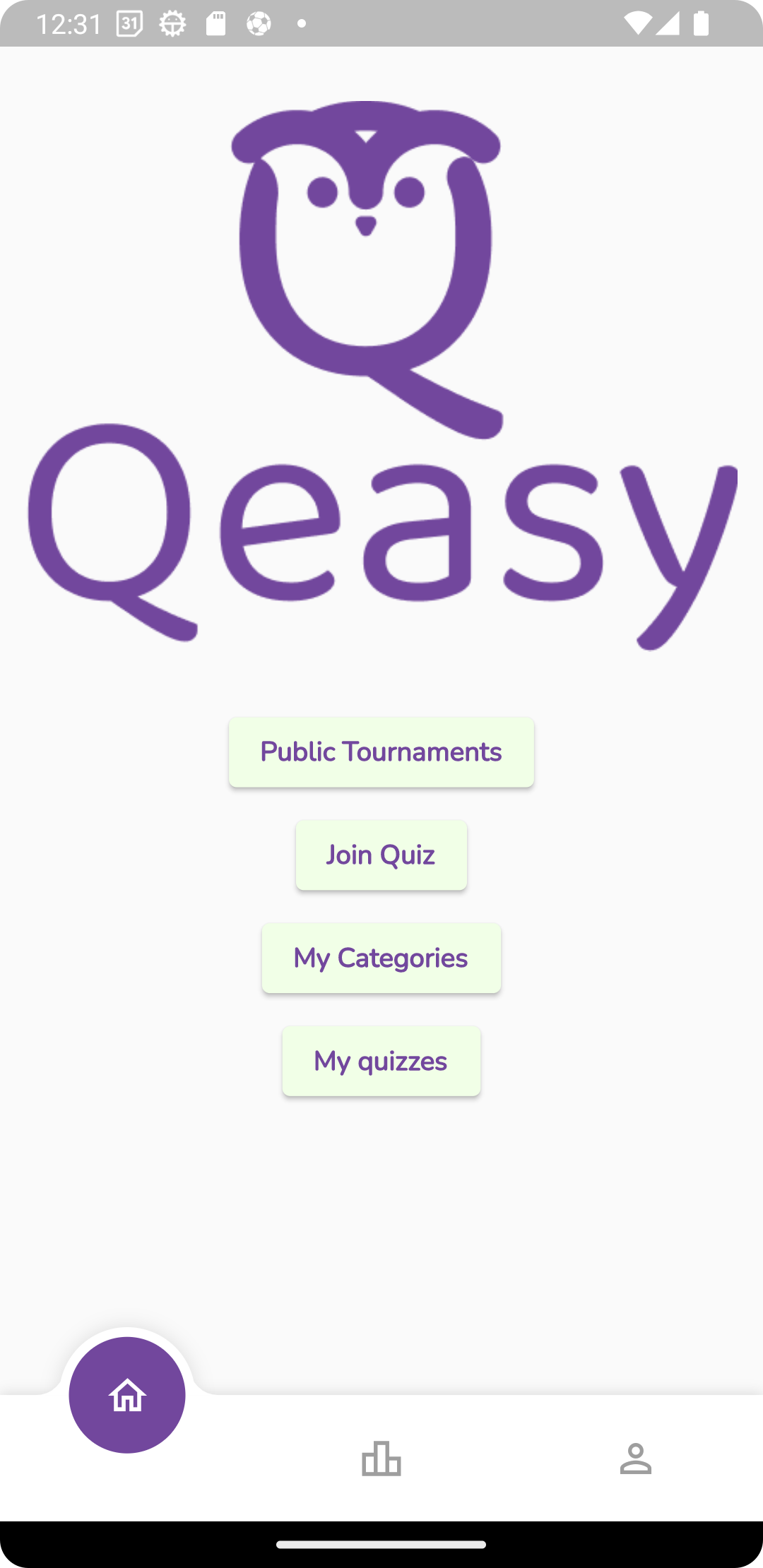
- The user can go to the Public Tournaments View
- The user can open the Join Quiz View
- The user can go to the My Quizzes View
- The user can navigate the app through a navigation bar at the bottom of the screen
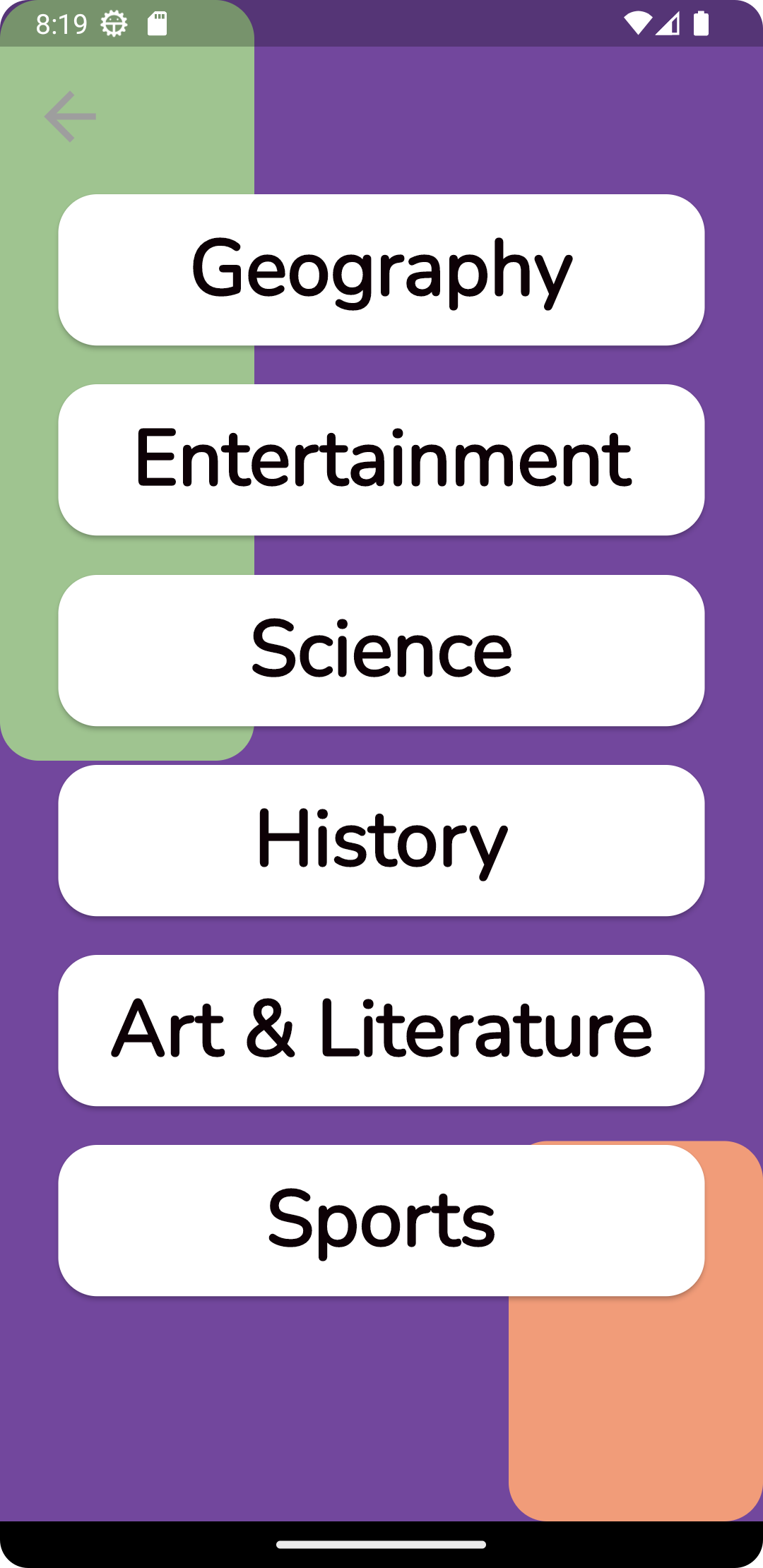
- The user can choose a category to play a public quiz in
- Choosing a category will send the user to the Quiz View
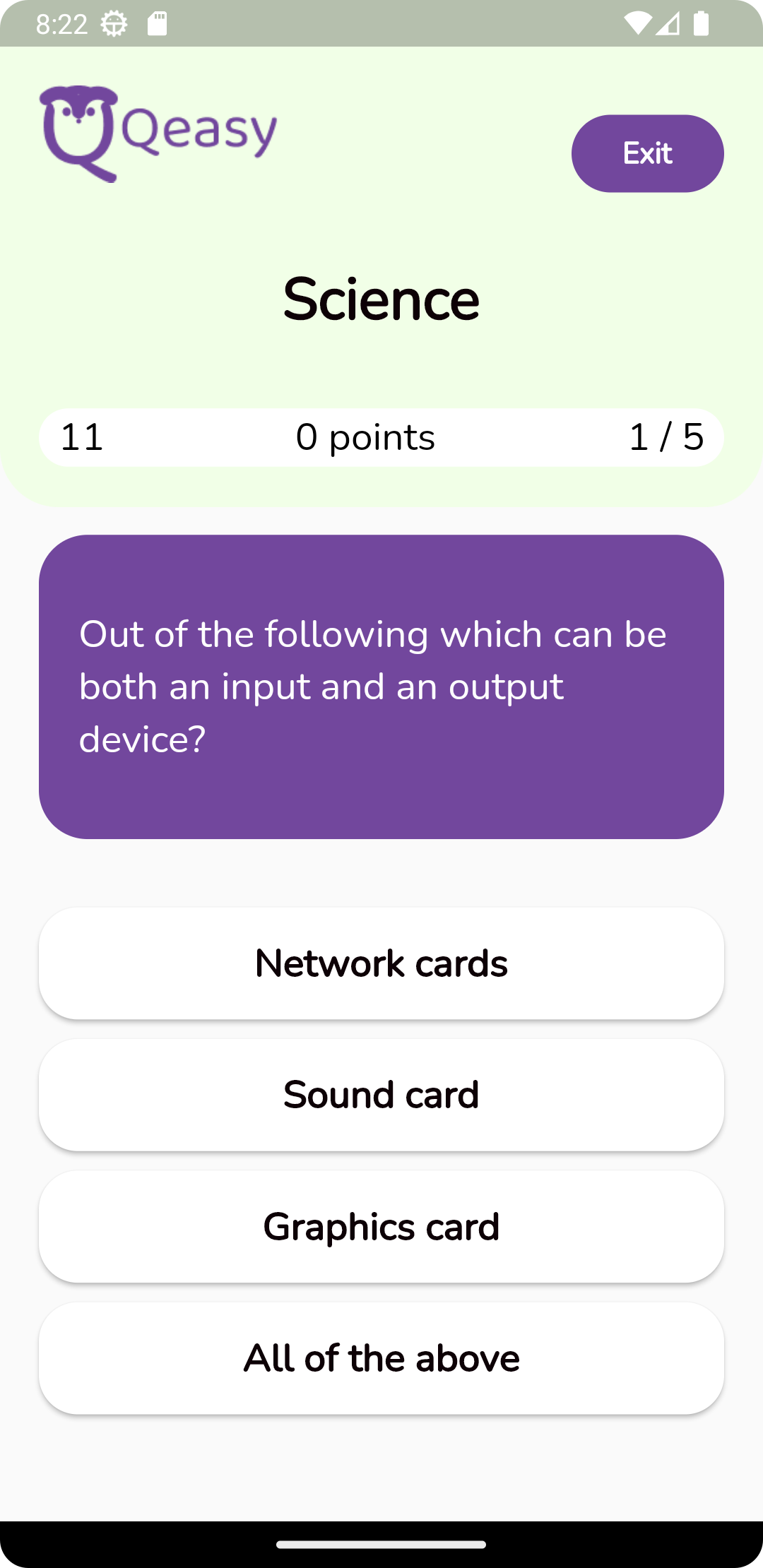
- The user can play a selected quiz
- In the top left corner is a counter of 15 seconds - prevents users from cheating & allows more accurate points calculation
- Top center of the screen is a point counter, which tells the user how many points they have at the moment
- For each correct answer the user is awarded 5 points + the time left for that answer
- For each incorrect answer the user is deducted 2 points
- At the end of the quiz, the user is redirected to Statistics View
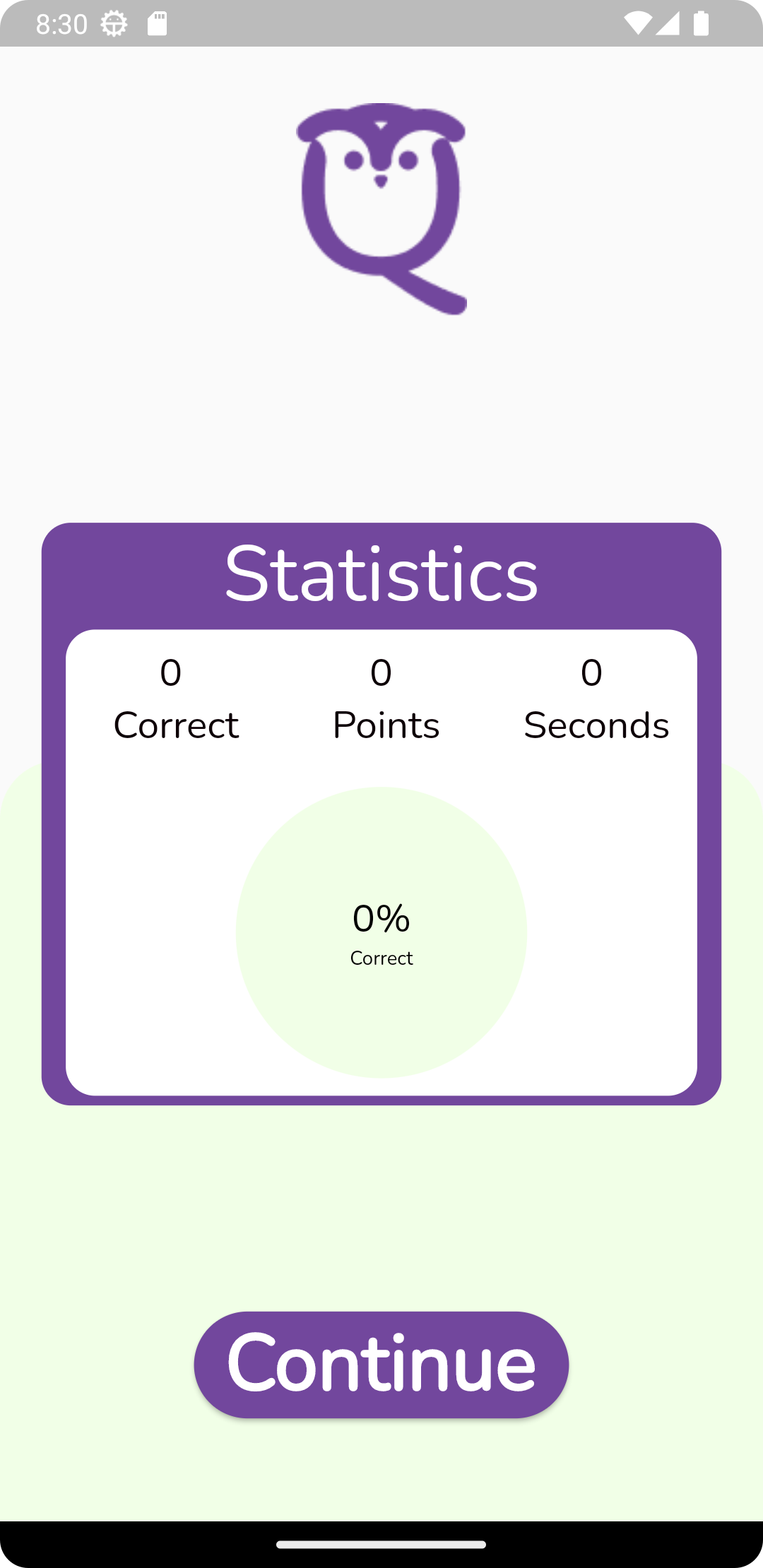
- At the end of every quiz, the user is redirected to this view
- The view shows to the user how they performed in the quiz
- After the user clicks Continue they are redirected back to the Home View
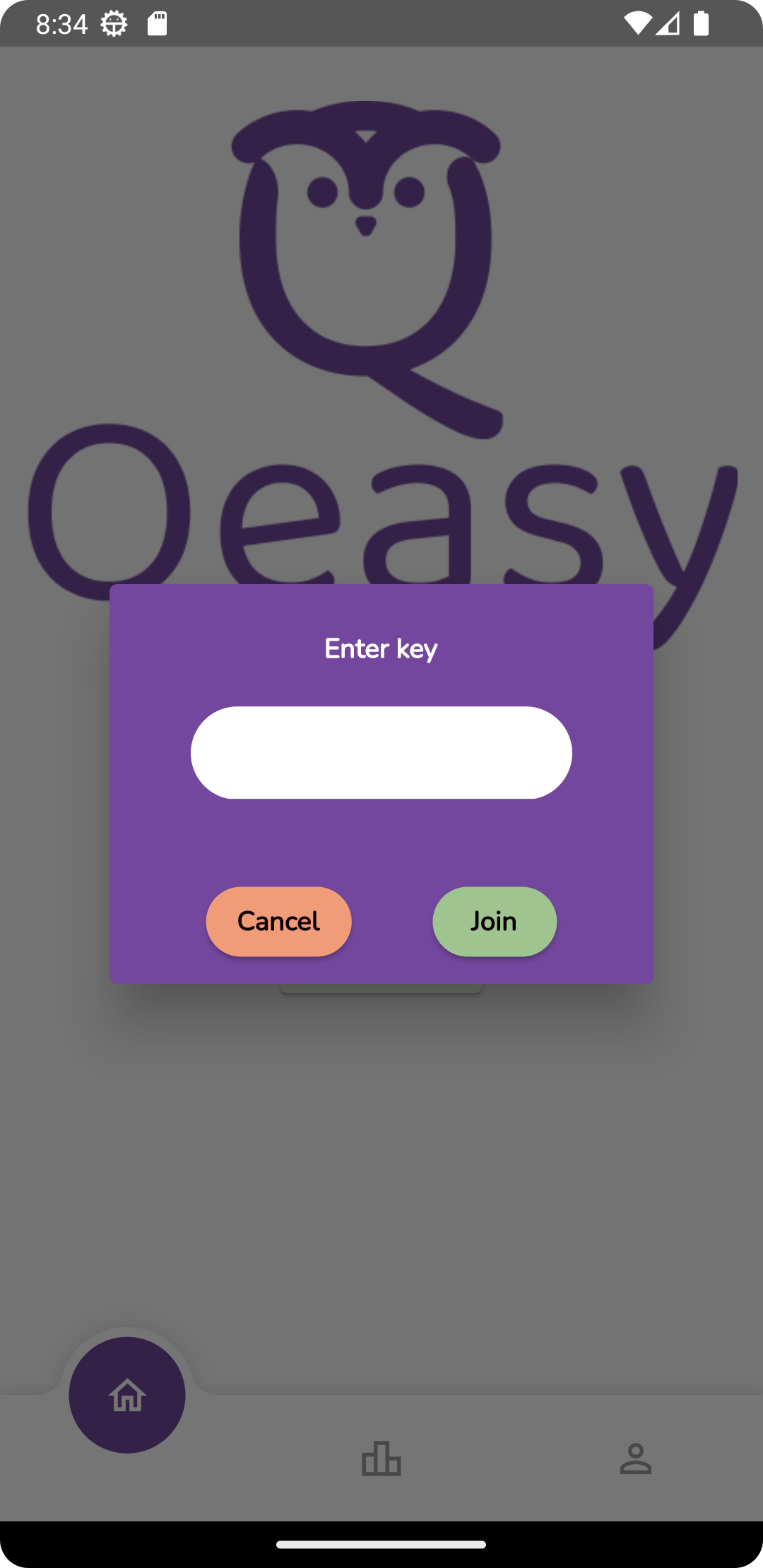
- The user is promted with a pop up box and the text "Enter Key"
- The user can input a private key of a quiz and click join or cancel
- If the user clicks join and the key is correct, they will be redirected to the Quiz View with the chozen quiz
- If the user clicks join and the key is incorrect, the user is notified with a text "Invalid Quiz Key"
- If the user clicks cancel, the App goes back to Home View
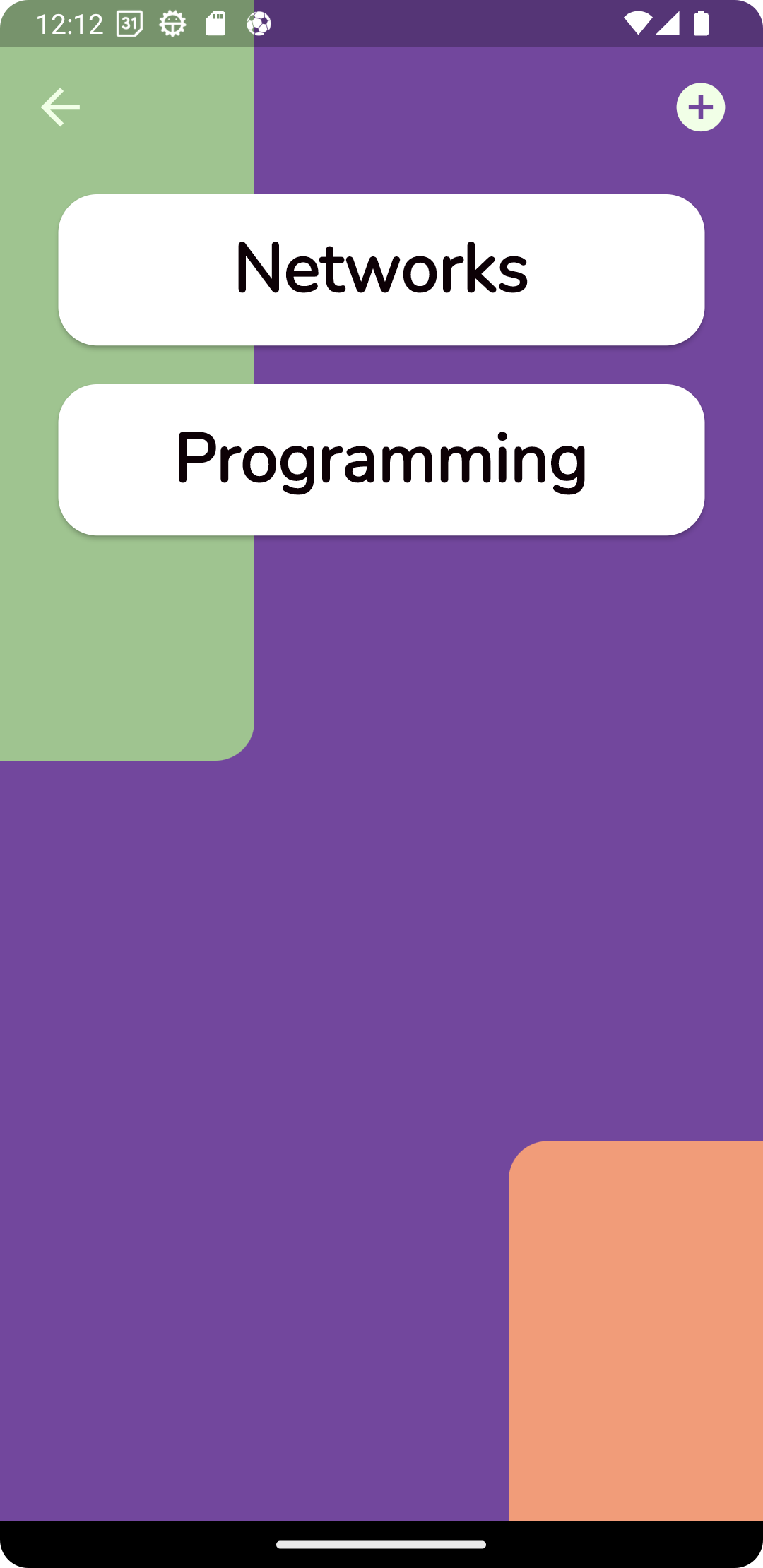
- The user can create a category by clicking the plus in the top right corner
- Clicking the pop up will promt the user with a pup up requesting a name
- After giving a name to the new category the user can confirm or cancel the creation of a new category
- The user can enter their category to Category View inside where questions can be seen/edited or a quiz created
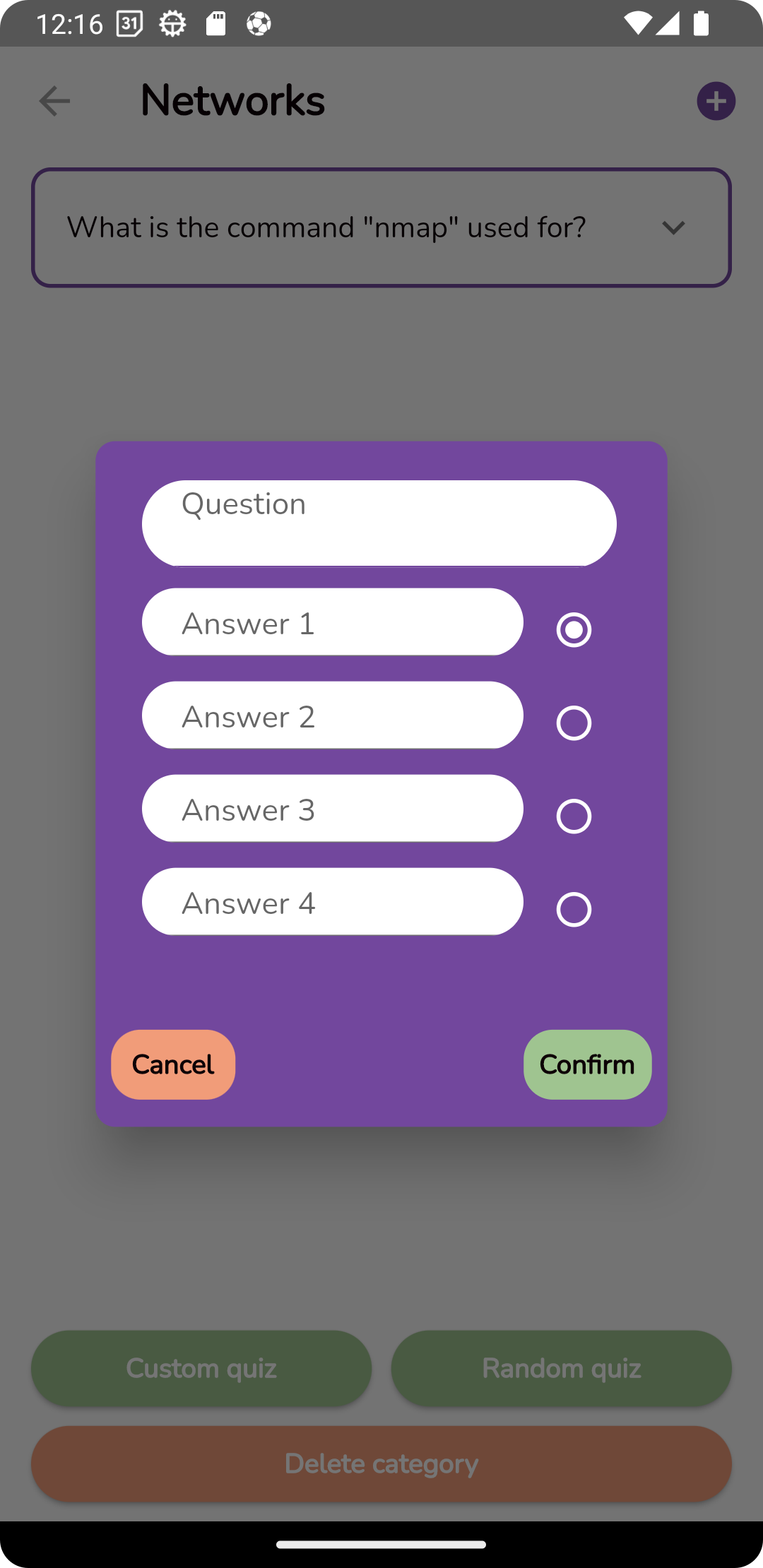
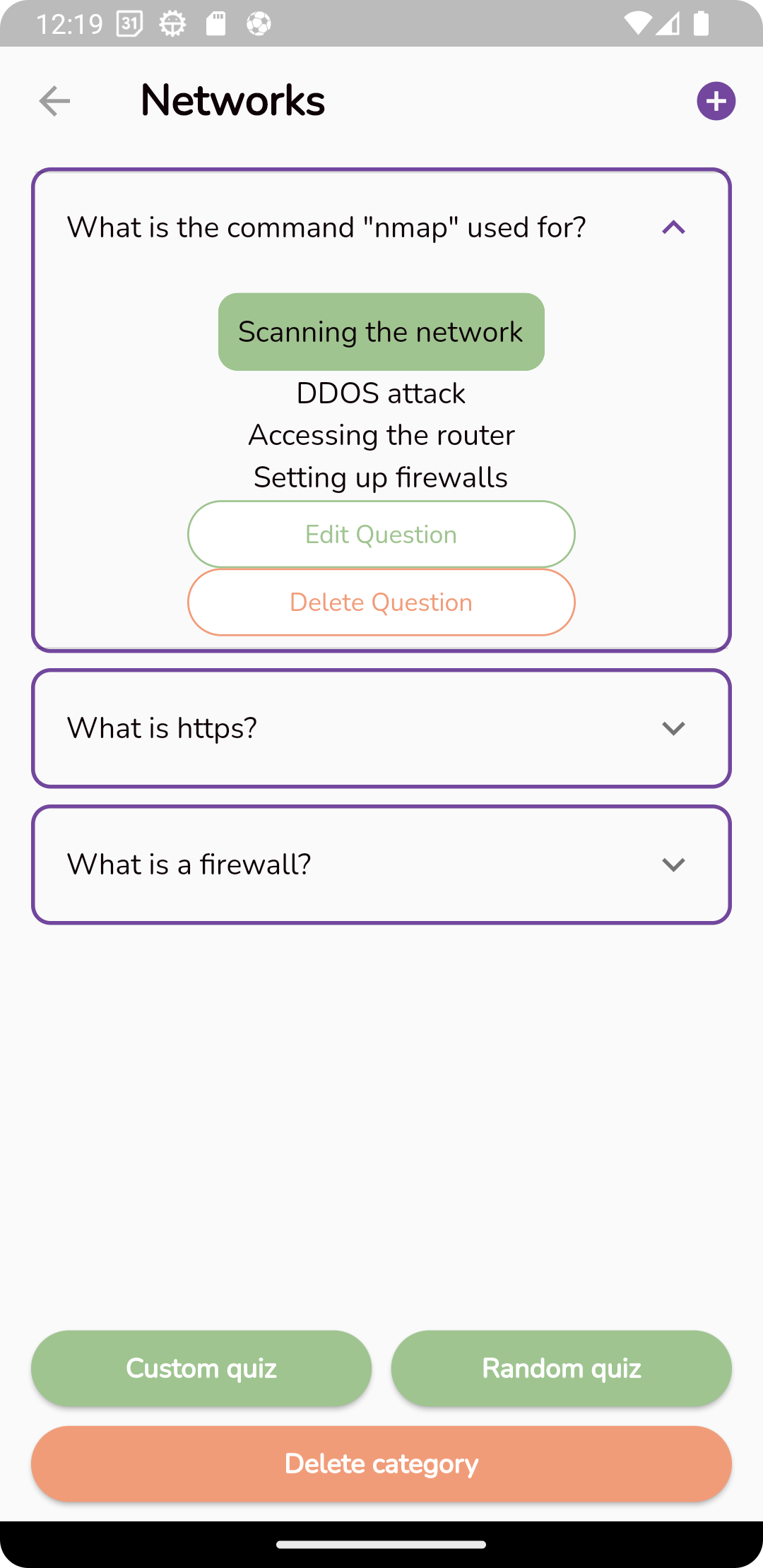
- The user can edit his questions and answers
- The user can create a new quiz with random/chosen questions (with a custom name)
- The user can delete the category
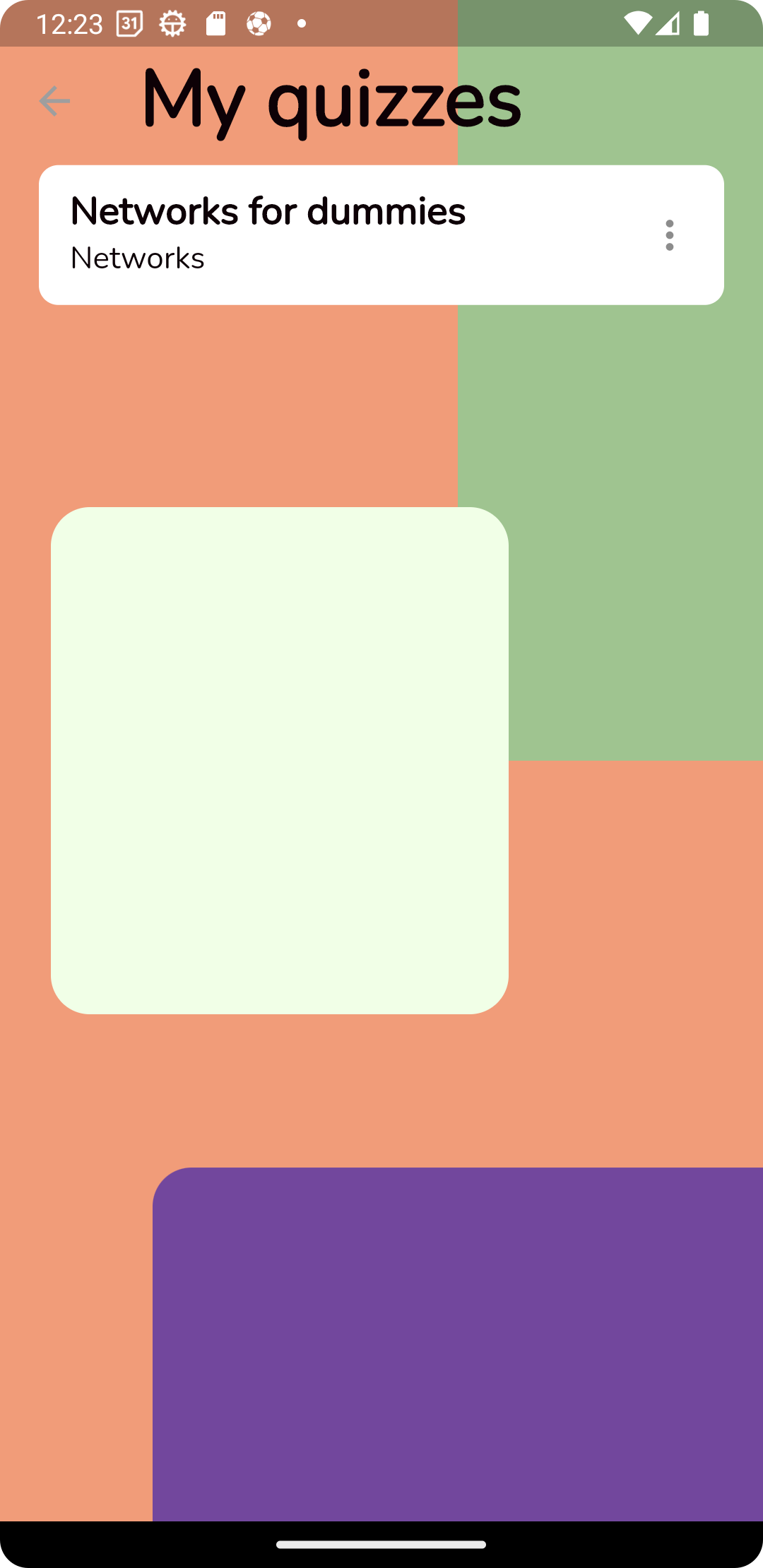
- User can see his own quizzes
- User can share or delete a quiz by clicking on the "..." on the right
- User can enter inside of the Quiz Management View to play/delete a quiz
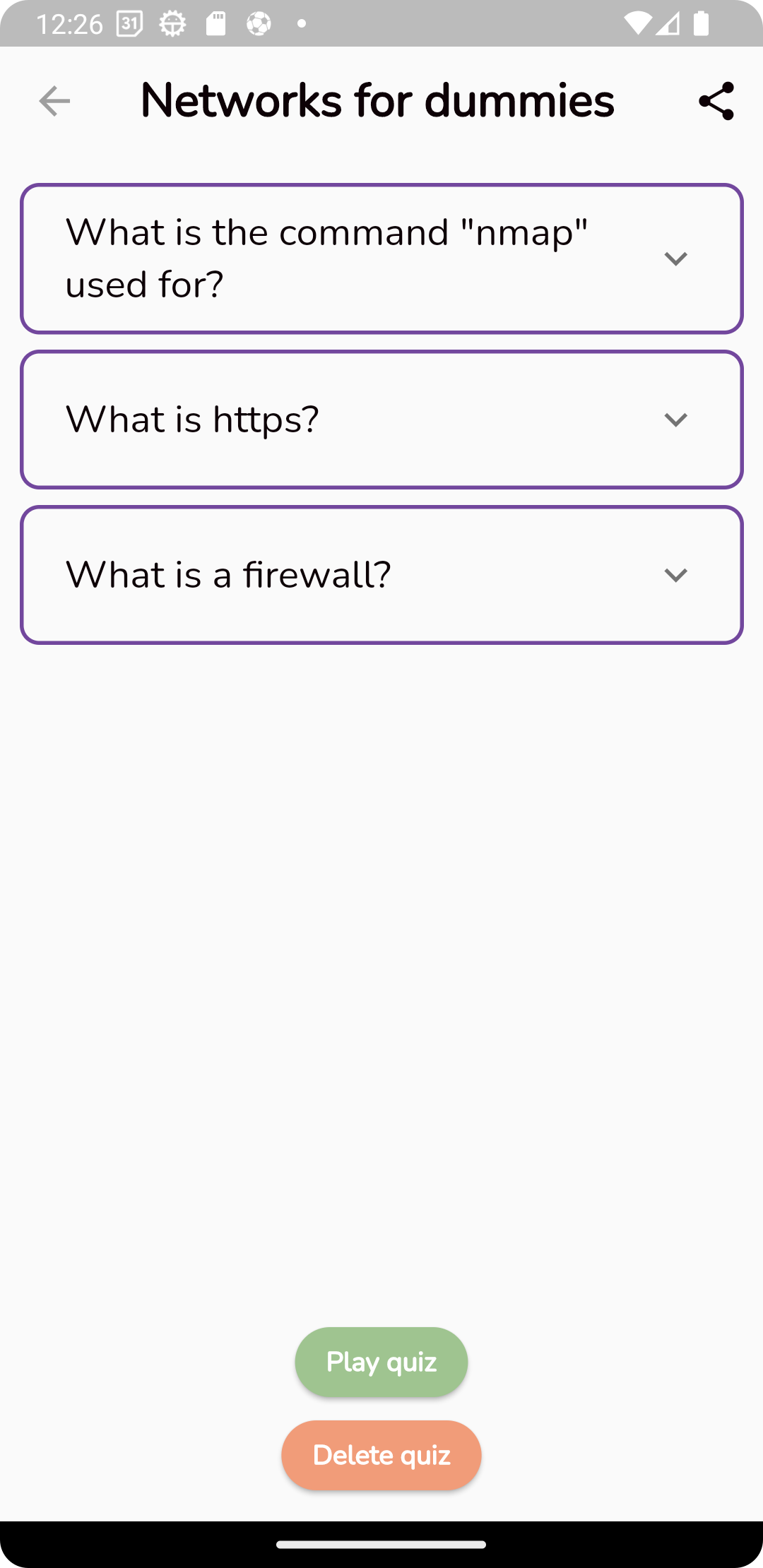
- The user can see their quiz in detail
- The user can delete the quiz
- The user can play the quiz
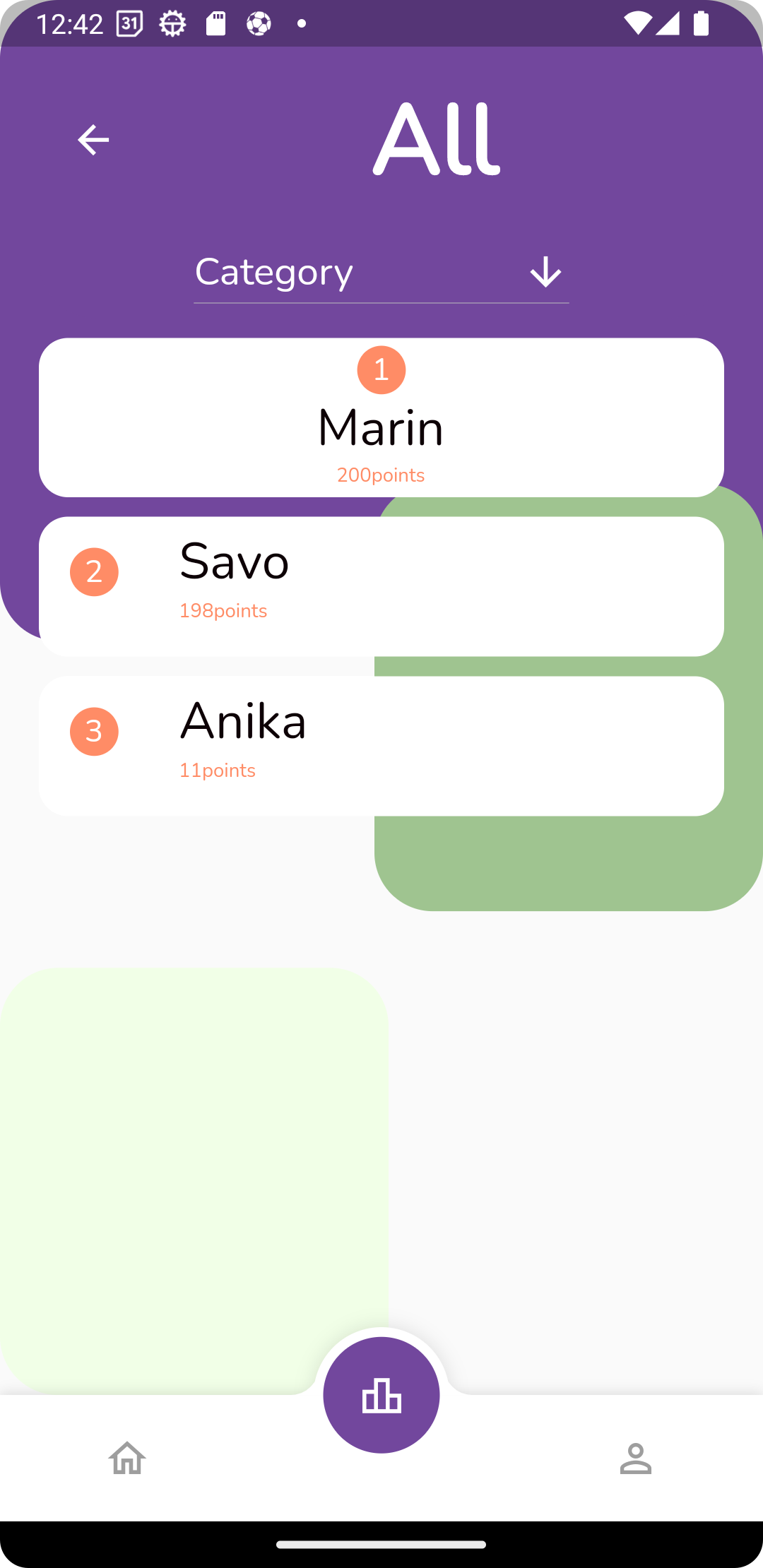
- The user can view the global tournament (All categories combined) leaderboard top 10
- The user can view the particular tournament category top 10
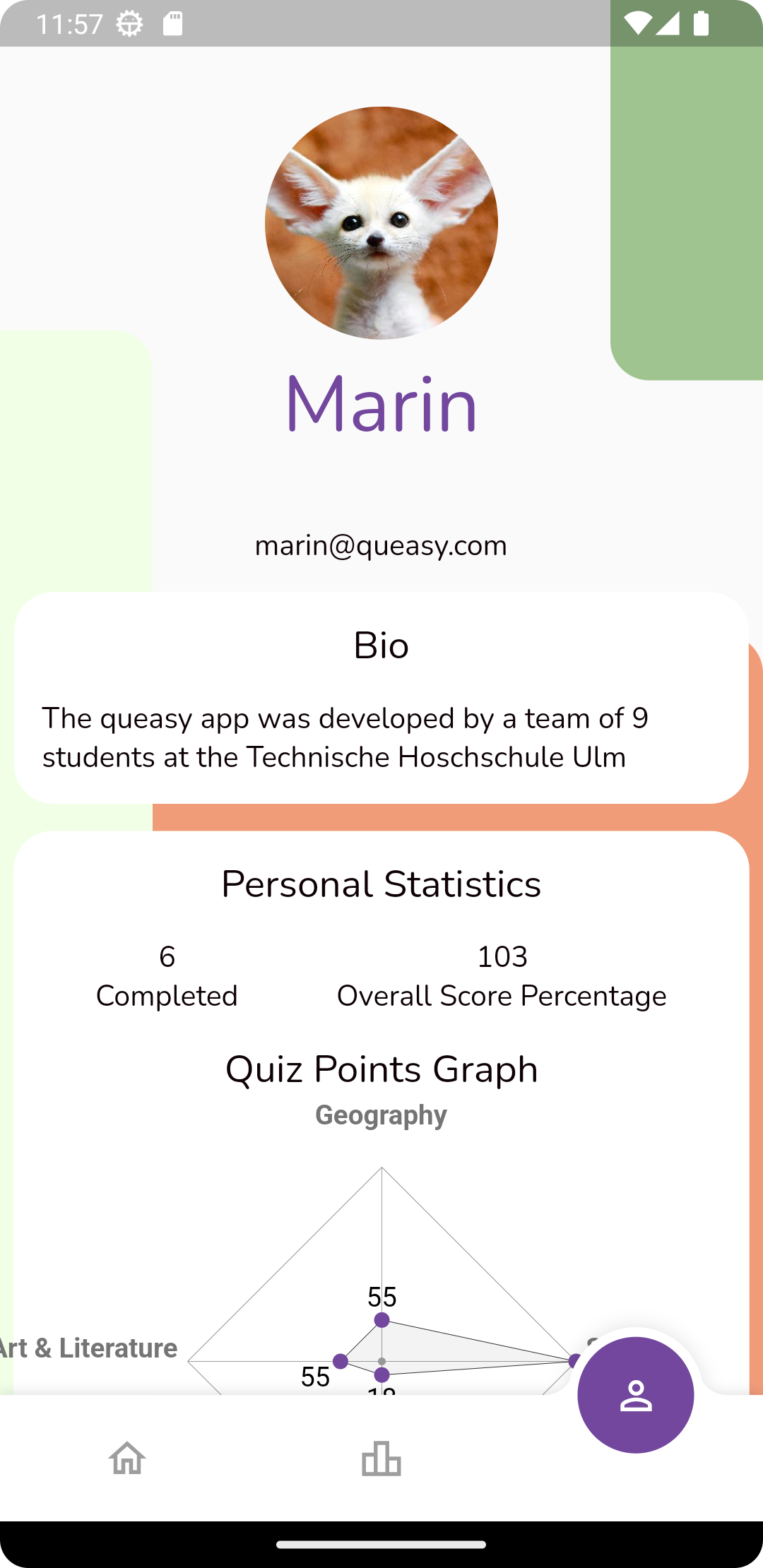
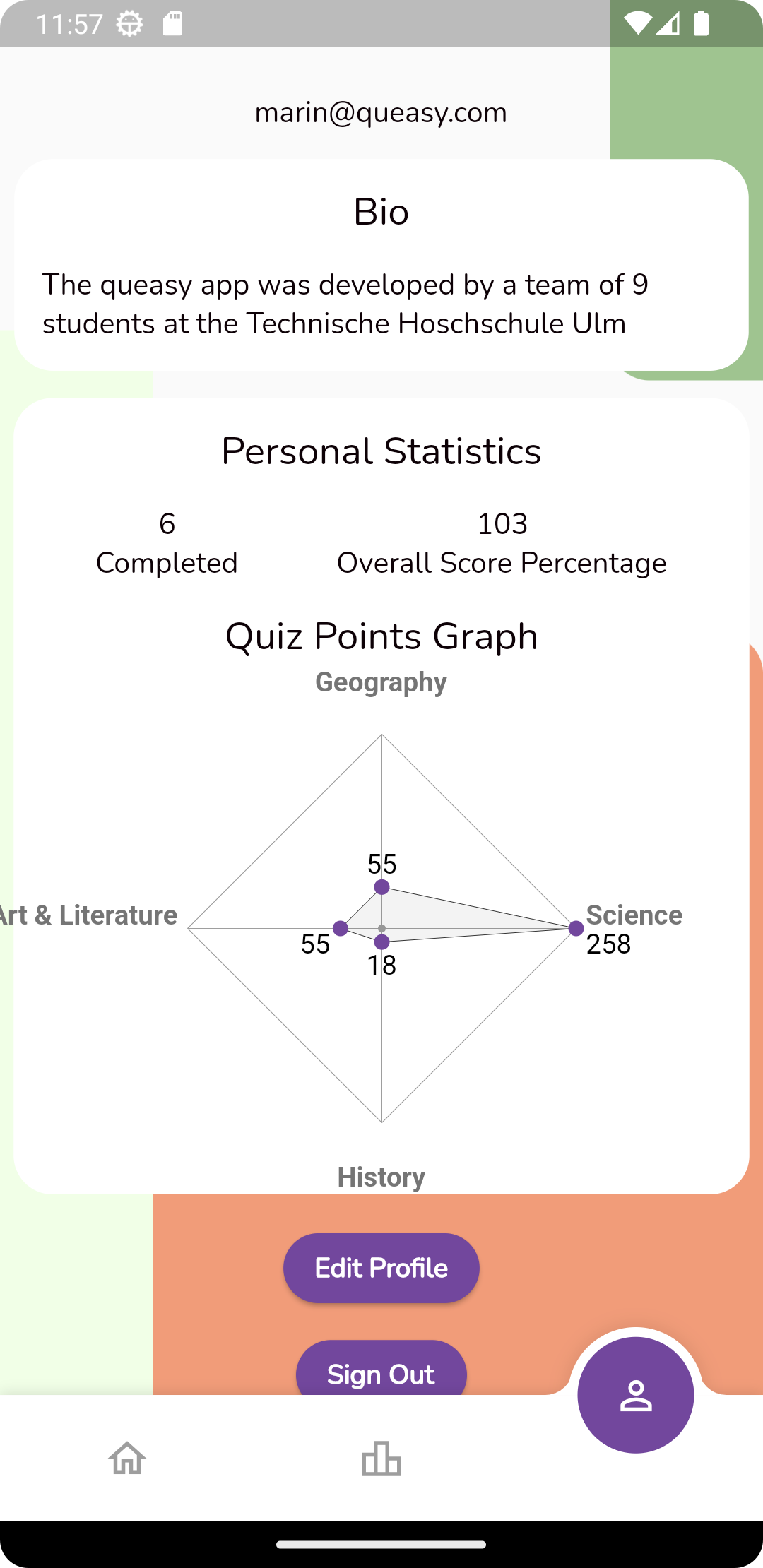
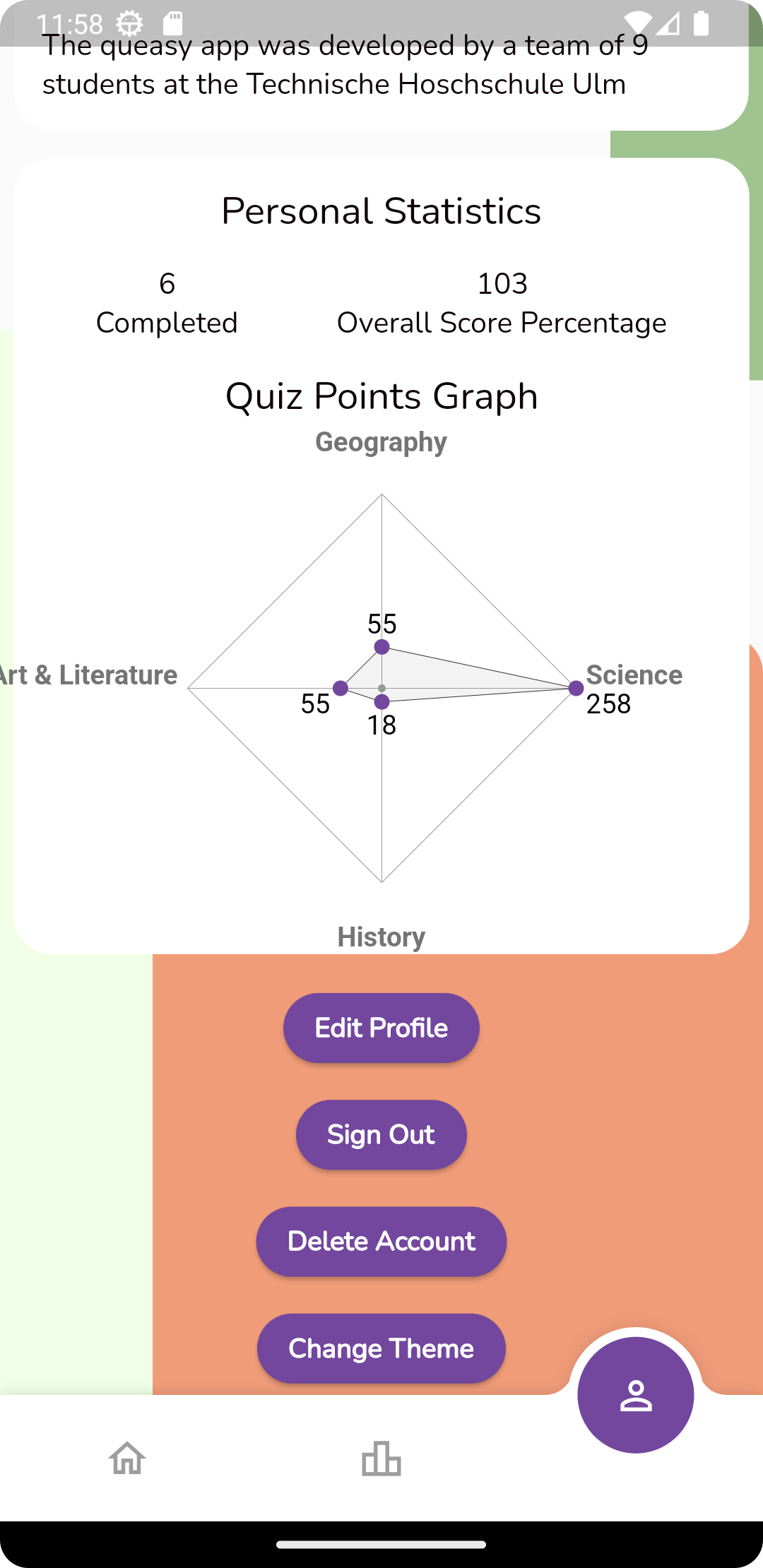
- The user can view their profile, bio, profile picture, statistics
- The user can change their profile picture, bio, email, password, First and Last name
- The user can change their theme to dark or light
- The user can delete the account
- Marin "Sule57" Sušić
- Savo "Rek27" Simeunović
- Stanislav "stani3" Dolapchev
- Endia "rhit-clarken" Clark
- Julia "parkoriann" Agüero
- Gullu "gullugasimova" Gasimova
- Endia "rhit-clarken" Clark
- Anika "anika-kraus" Kraus
- Nikol "nkreshpaj" Kreshpaj
- Sophia "sophiasoares" Soares
- Endia "rhit-clarken" Clark
- Nikol "nkreshpaj" Kreshpaj