

Fast terminal social media profile downloader and TUI.
Bulk download photos, videos, stories, and highlights from Instagram, TikTok, Facebook, and X.


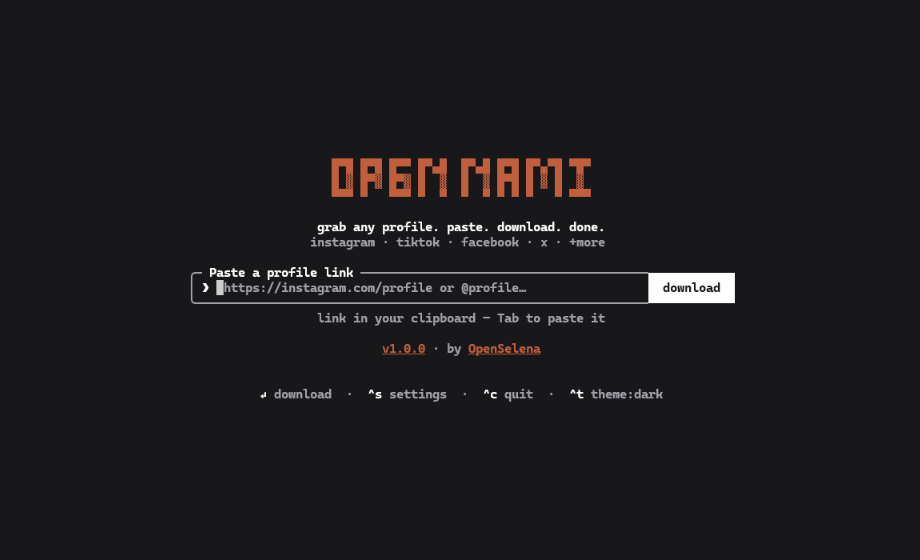
- Interactive Terminal UI: Keyboard-driven navigation with auto, dark, and light themes (
Ctrl+T). - Auto-Provisioned Engines: Automatically downloads standalone
gallery-dlandyt-dlpexecutables into~/.open-nami/bin/on first launch if not installed. - In-Place Scraper Updates: Run
nami -Uanytime to fetch the latest scraper engine releases. - Four Command Aliases:
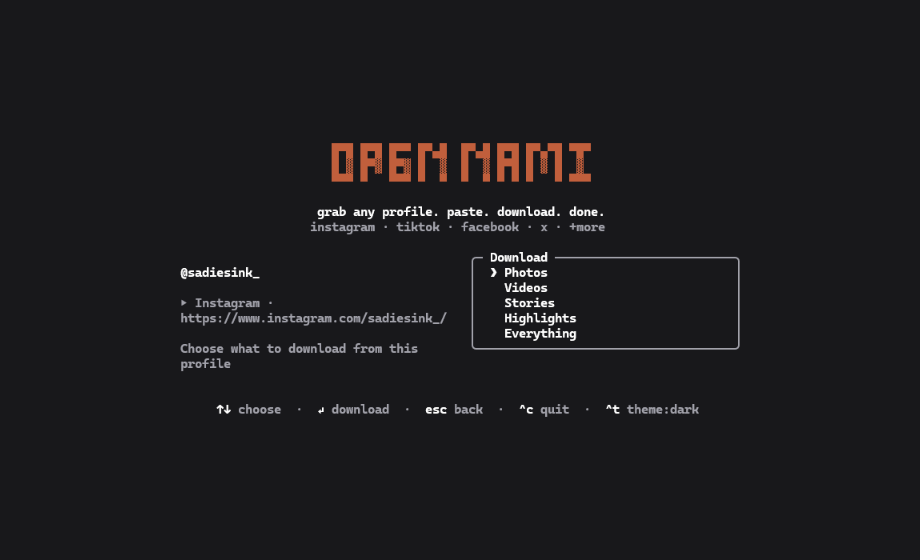
open-nami,opennami,nami, andon. - Targeted Category Extraction: Download photos, videos, stories, highlights, or complete profile archives.
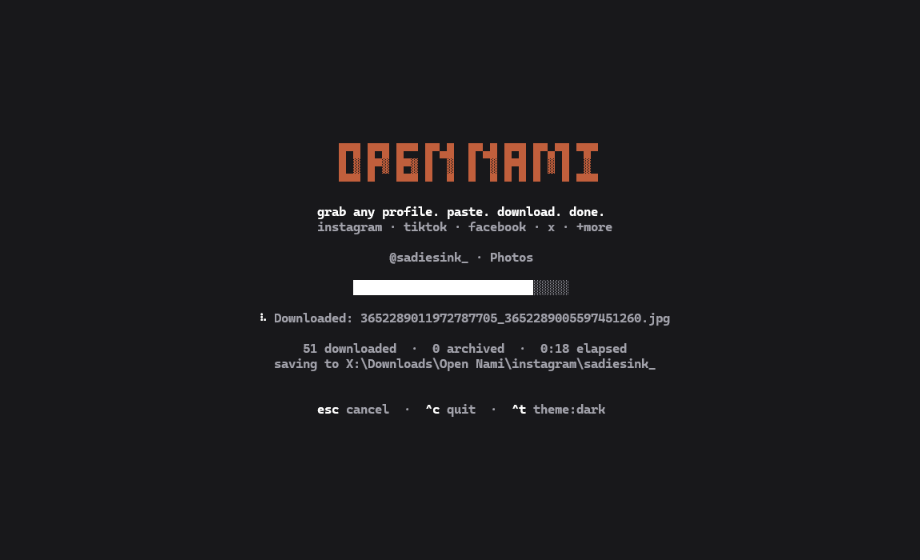
- Automatic Directory Sorting: Saves to your system Downloads folder under
<platform>/<username>/<category>/. Override anytime with-o, --output <dir>. - Anti-Bot & Anti-Ban Hardening:
- TikTok carousels: disables video extraction flags to prevent 403 errors on photo slides.
- TikTok videos: passes Chrome TLS impersonation (
--impersonate chrome) through yt-dlp to clear Akamai WAF challenges. - Instagram: throttles GraphQL pagination with jittered intervals (
2.0s–2.8s) and downloads directly from Meta CDN edges.
- Isolated Cookie Sessions: Clones Netscape cookie files to an ephemeral temporary directory (
chmod 0600) with automatic cleanup to prevent session corruption. - 100% Local & Private: Direct connections between your machine and platform servers. Zero telemetry, zero external tracking servers.
# npm (global)
npm install -g open-nami

# pip (Python)
pip install open-nami

# Homebrew (macOS & Linux)
brew install OpenSelena/tap/open-nami

# One-liner script (macOS & Linux)
curl -fsSL https://raw.githubusercontent.com/OpenSelena/open-nami/main/install.sh | sh

# Run without installing
npx open-nami [profile-or-url]Launch the interactive interface using any alias:
nami
# or
on
# or
open-nami
Jump straight to a profile:
nami https://www.instagram.com/natgeo/
on @taylorswift
nami tt:zachking
Direct headless downloads:
# Photos only
nami @creator --photos

# Videos only
nami tt:creator --videos

# Instagram stories
nami ig:username --stories

# Full profile archive
nami @username --all

# Update engines
nami -U| Key | Action |
|---|---|
[Tab] |
Paste URL from clipboard |
[Enter] |
Submit URL / Start download |
[↑ / ↓] |
Navigate format options |
[^s] (Ctrl+S) |
Settings (cookies & download directory) |
[^t] (Ctrl+T) |
Cycle theme (auto / light / dark) |
[o] |
Open destination folder in file manager |
[Esc] |
Back to URL input |
[^c] (Ctrl+C) |
Quit |
Full guides and technical specifications are available in the docs/ directory:
- CLI Reference: Command flags, options, exit codes, and non-interactive scripting.
- Configuration Guide:
~/.open-nami/config.jsonschema, settings menu, and environment variables. - Cookie Authentication: Authenticated downloads for stories, highlights, private profiles, and ephemeral isolation.
- Anti-Bot Hardening: WAF mitigations, TLS fingerprint impersonation, request jitter, and 429 backoff.
- Shell Autocompletion: Autocomplete configuration for Bash, Zsh, Fish, and PowerShell.
- Fair Use Notice: Section 107 copyright principles, personal archiving, and legal disclosures.
Open Nami is released under the MIT License.
- Organization: OpenSelena
- Email: igect@vk.com