Simpy's Styled Interface Icons for World of Warcraft
Last Update: November 30th 2024


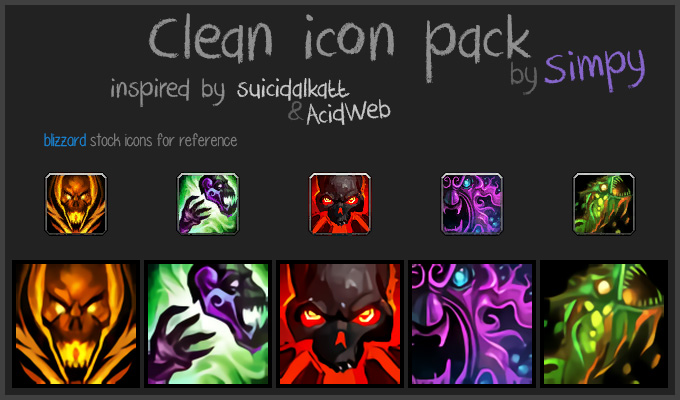
Clean: self made clone of Clean Icons - Mechagnome Edition by AcidWeb.
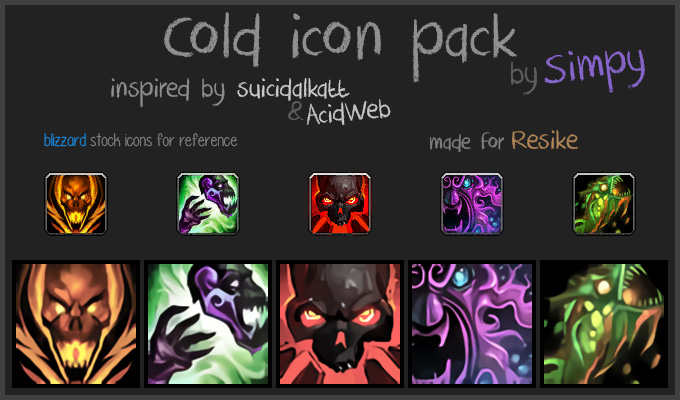
Cold: made for Resike.
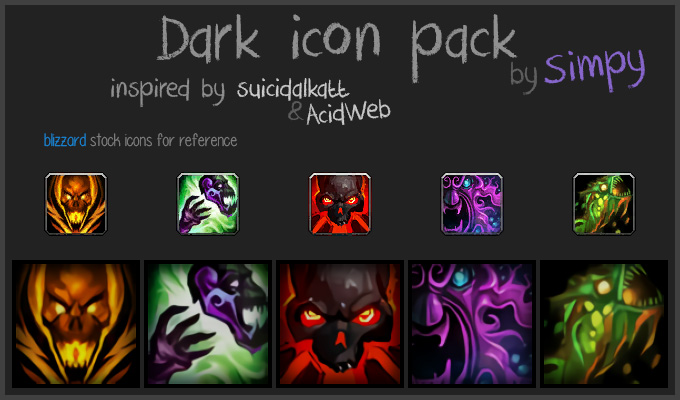
Dark: made for those who requested shadowed version.
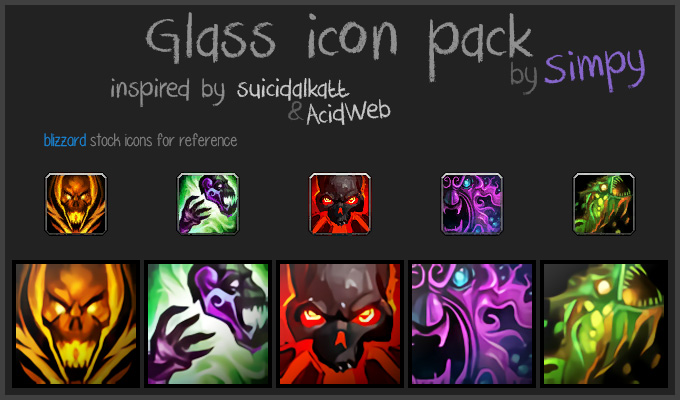
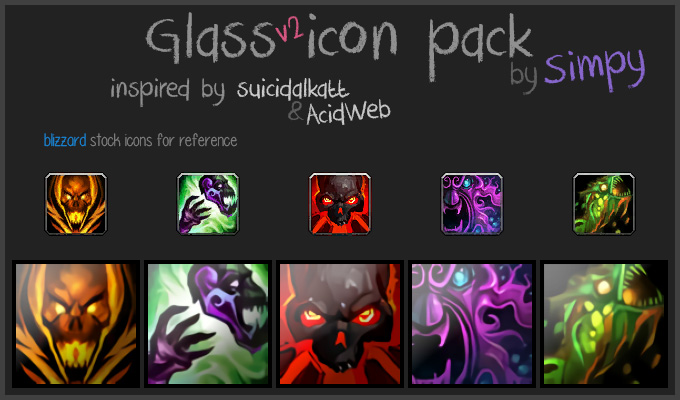
Glass: made for myself.
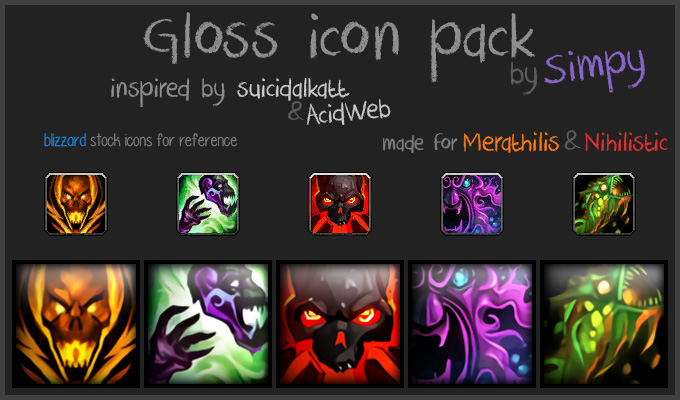
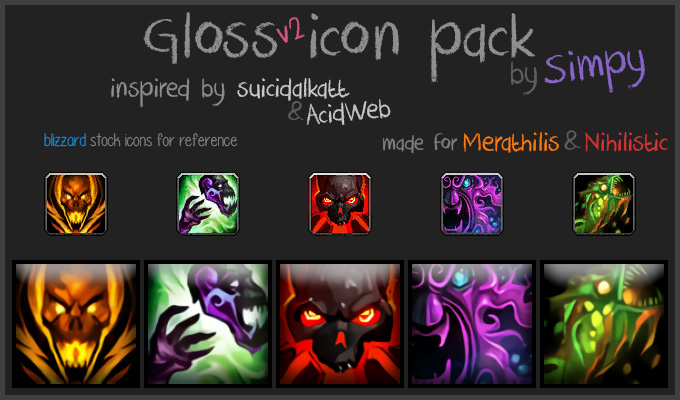
Gloss: made for Merathilis and Nihilistzsche.
Retail 11.0.5.57689 - PTR 11.0.7.57409 - Classic 1.15.5.57807 - Cataclysm 4.4.1.57564
Classic - Clean: zip Cold: zip Dark: zip
Cataclysm - Clean: zip Cold: zip Dark: zip
- Download: Click on the image of the Icon Pack you want.
- Installation:
- Extract the contents of the archive.
- Navigate to that location and you should see a new
IconPacks-*folder. - Move the contents inside of the folder into
World of Warcraft/_retail_/Interface/(on Classic use_classic_era_| on Cataclysm use_classic_).
- How should it look after?
- The icons should be inside of
World of Warcraft/_retail_/Interface/ICONS/. - With the expection of the
INV_OrderHall_*.tgafiles. Those should be inside of the Interface folder with theICONSfolder.
- The icons should be inside of
- Known issues: Might glitch equipment manager icons. That part of UI doesn't support icon replacements.