The ultimate workspace & asset directory for Android system boot animations.

BootAnimDeck is a premium, open-source Next.js application designed for Android theme developers and custom ROM enthusiasts. It allows you to browse 220+ boot screen presets, customize loop dynamics, simulate playback frame-by-frame, and convert MP4/WebM videos directly into flashable, root-ready installer ZIPs client-side.
- 220+ Preset Gallery: A curated directory of high-performance animations with instant visual hover previews.
- Dynamic Playback Simulator: Frame-by-frame Canvas simulator with speed configuration, scrubber control, and loop settings.
- Video to Boot Animation: Convert arbitrary video formats to Android boot animation ZIPs containing
desc.txtconfiguration entirely client-side. - WASM Compiler: Create Android installer ZIPs dynamically without any remote server rendering.
- PWA Capabilities: Fully installable as a progressive web app with progressive offline capabilities.
Here is a look at 9 of the best and most popular boot animation presets featured in the BootAnimDeck gallery (arranged in a symmetrical 3x3 collage):
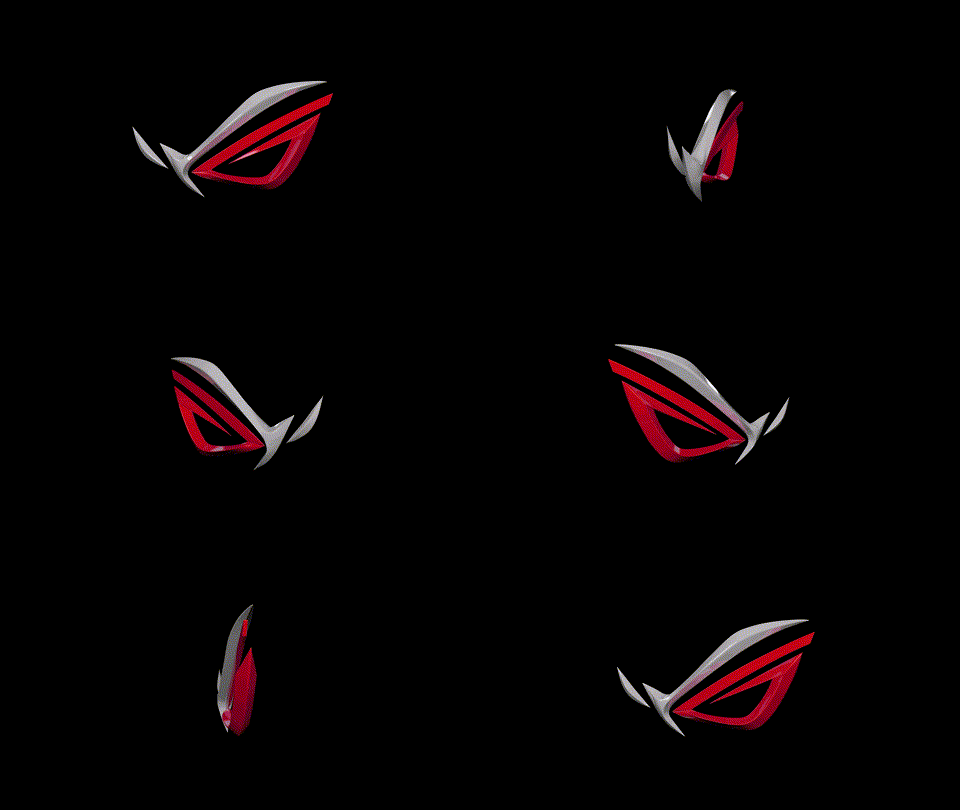 Asus ROG 3D |
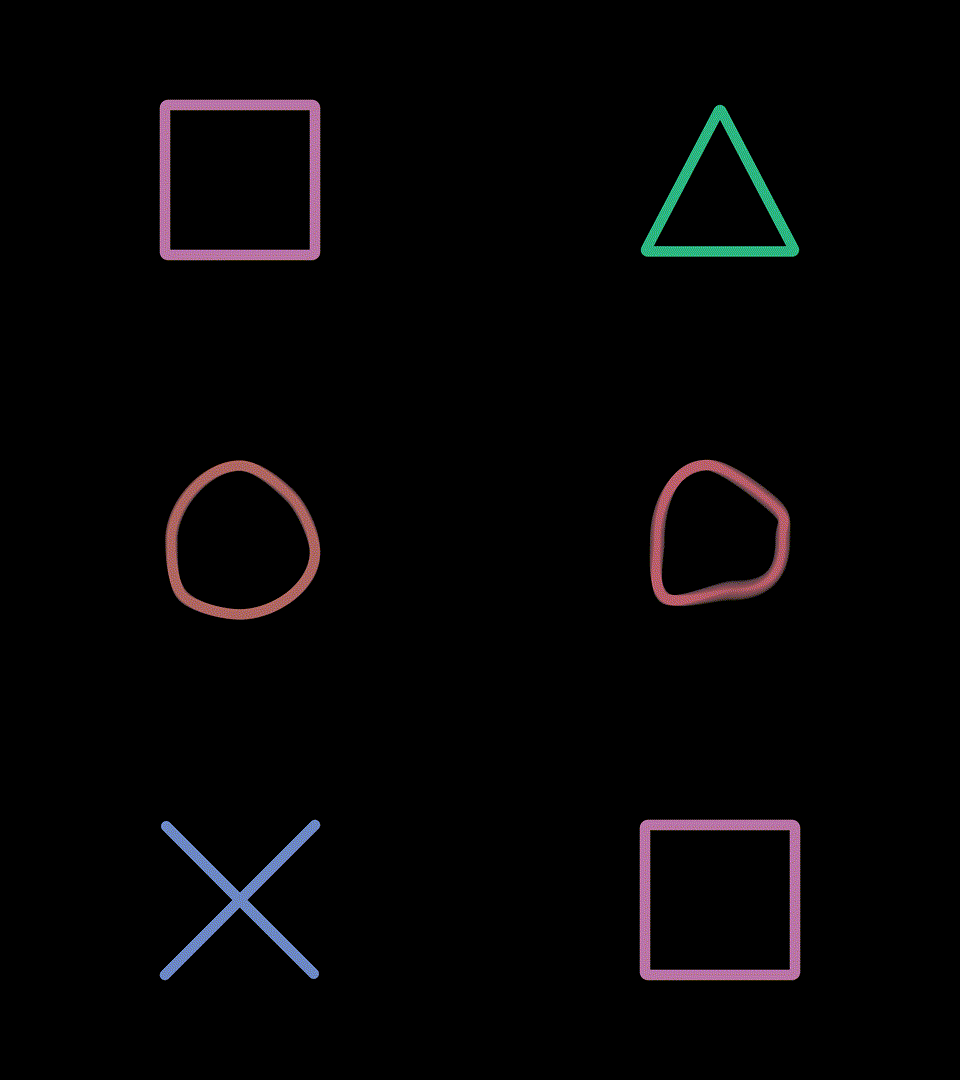 PSX |
 Watch Dogs |
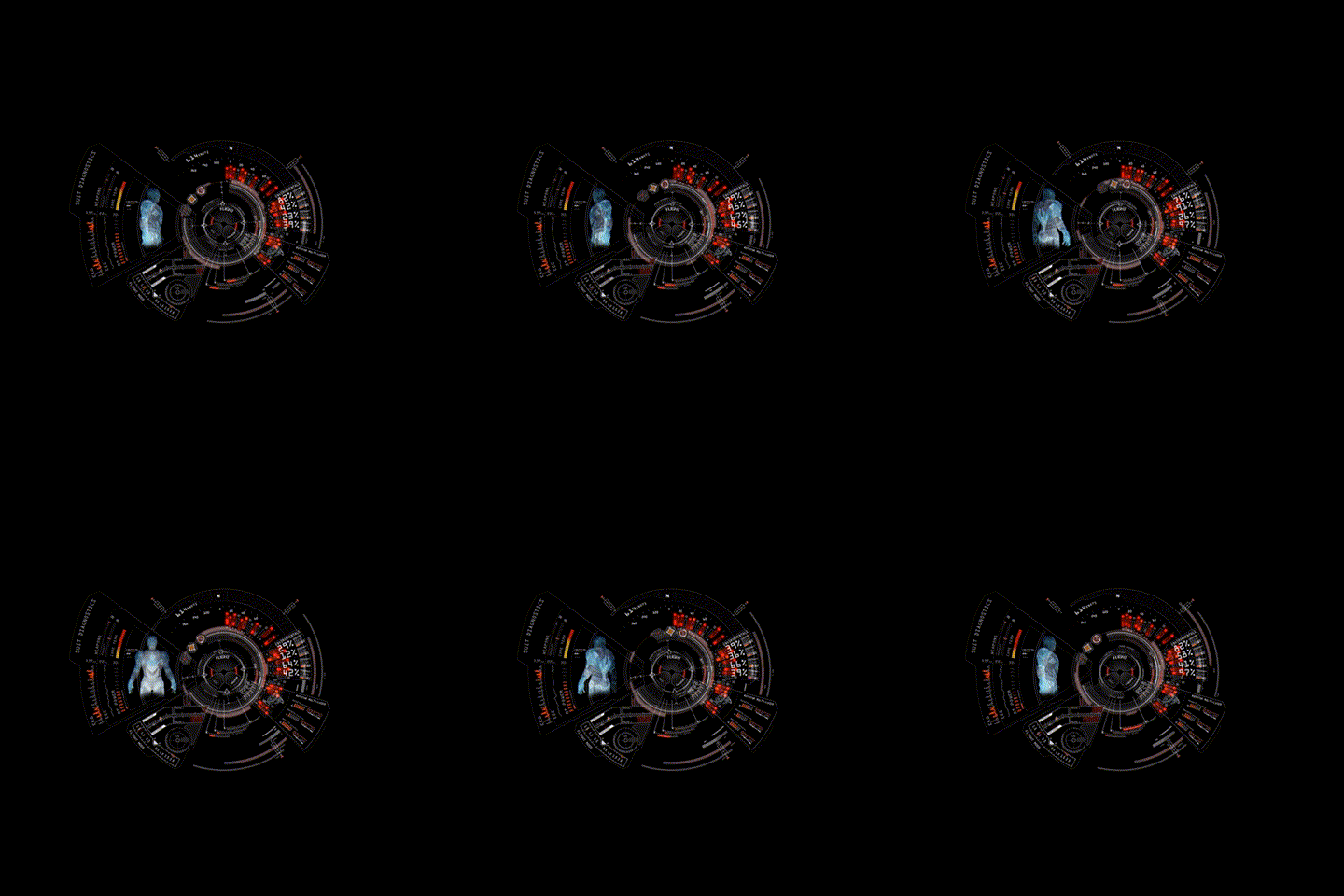 Iron Man HUD |
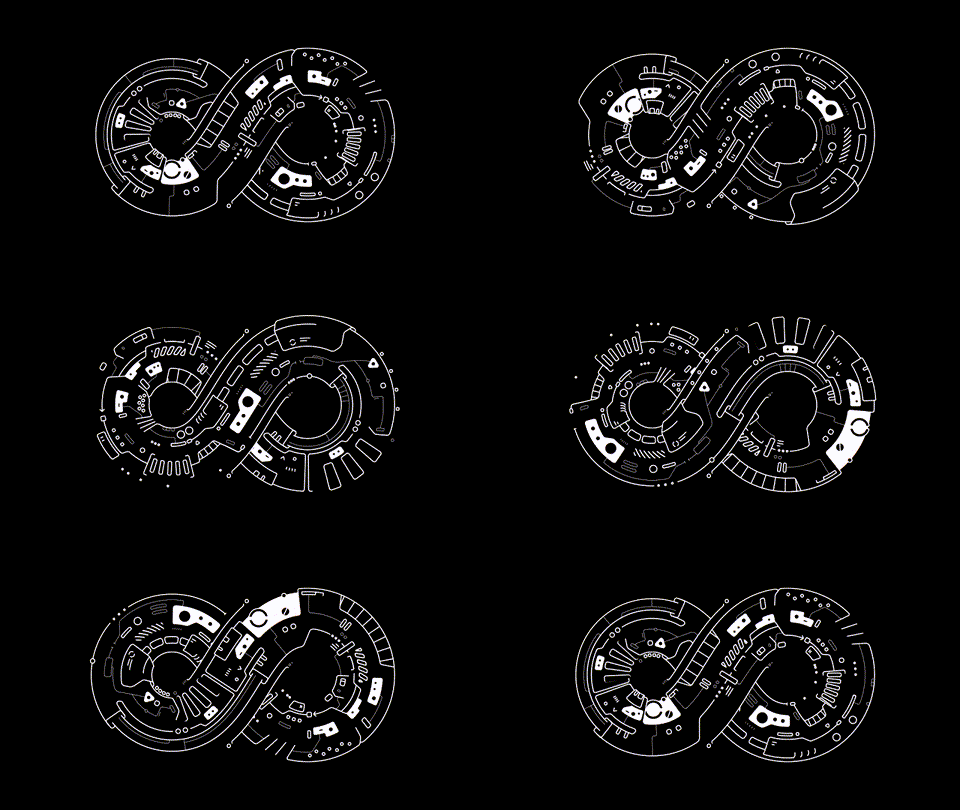 Infinite Seal |
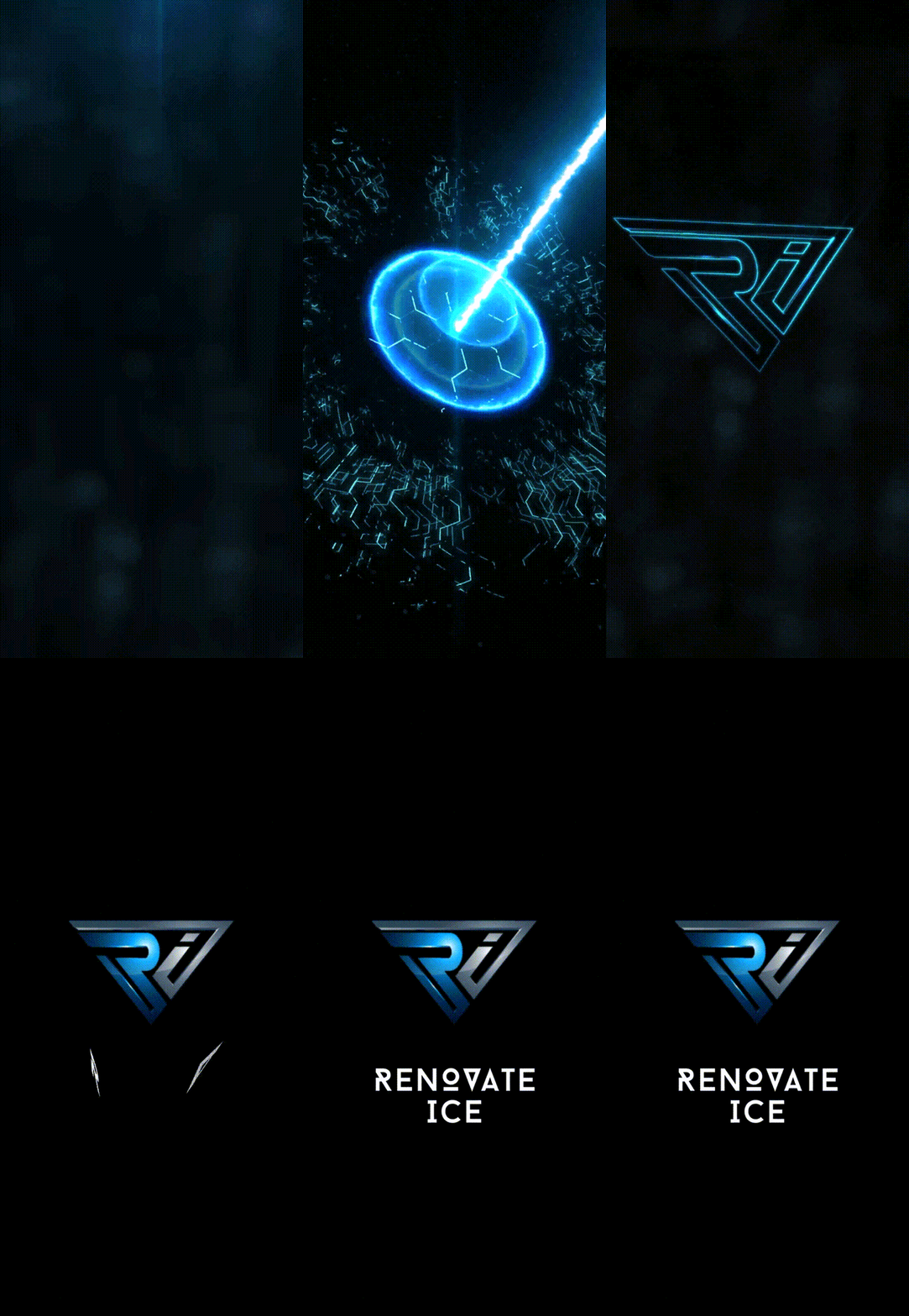 Renovate V2 (OP7P) |
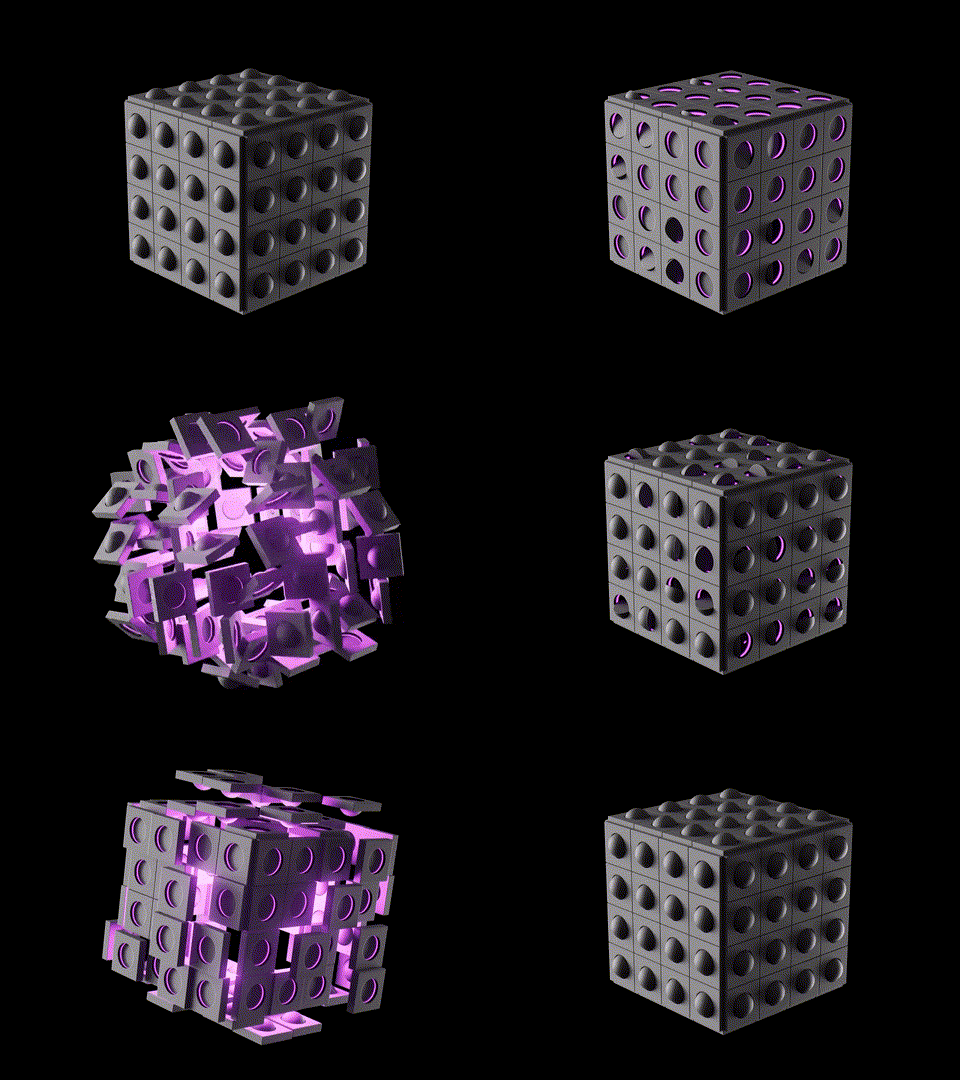 Cyber Cube |
 Google Pixel Rainbow |
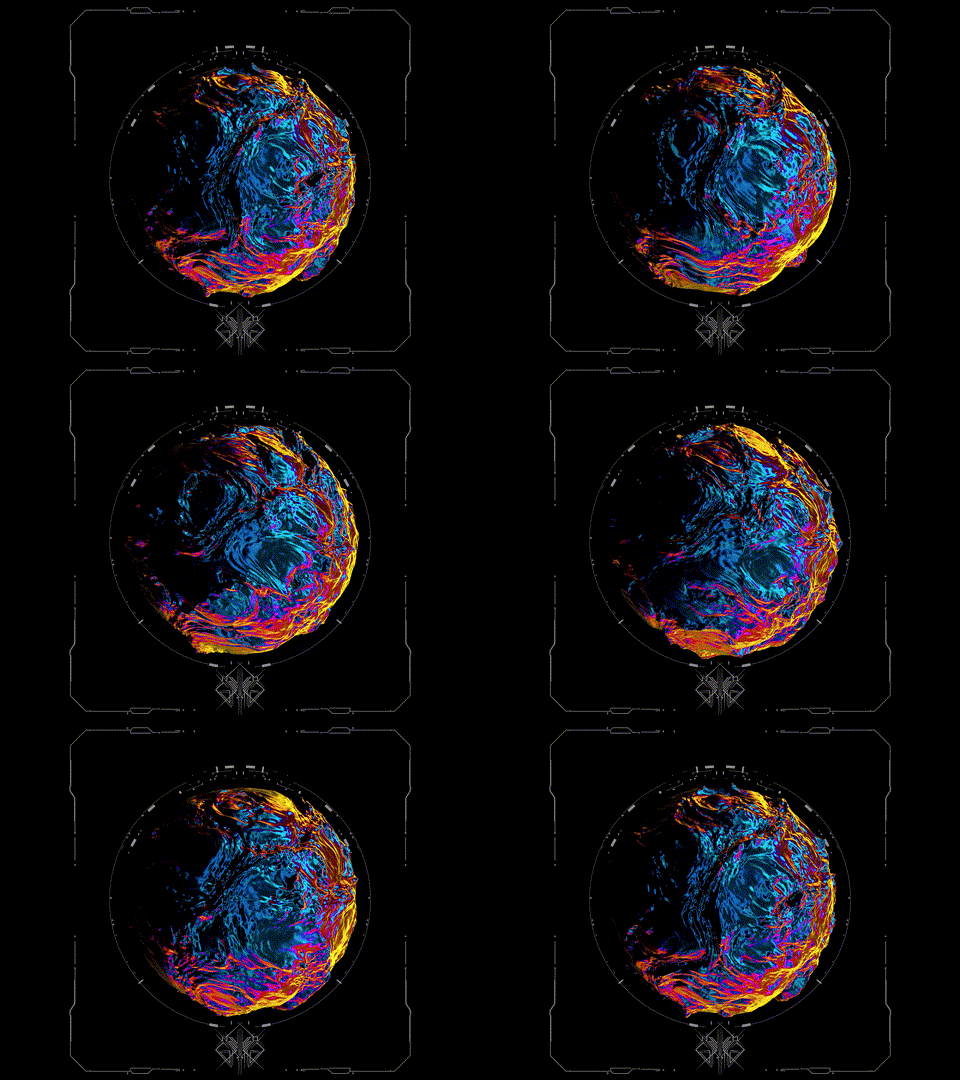 Solaris |
- Core Framework: Next.js 14 (App Router)
- Styling: Tailwind CSS & Vanilla CSS Transitions
- Client-Side Compression: JSZip
- CDN Storage: Cloudflare R2 Object Storage
- PWA Service Worker: next-pwa (Workbox caching layers)
- Deployment: Vercel
To achieve blazing-fast speeds globally, BootAnimDeck implements a 4-tier caching architecture:
- Vercel Edge Network Cache: pre-rendered HTML static pages served from the nearest edge node.
- Cloudflare CDN Cache: R2 assets (GIFs, PNGs, ZIPs) served with
public, max-age=31536000, immutableheaders. - PWA Service Worker Cache: Active caching policies (
CacheFirstfor static R2 assets,StaleWhileRevalidatefor pages & API endpoints) for offline playback. - Browser Cache: Pre-compiled Next.js chunks cached at the user browser.
git clone https://github.com/Mr-Hasan-Hamid/bootanimdeck.git
cd bootanimdeckCreate a .env.local file in the root of the project:
# Your Cloudflare R2 bucket public endpoint
NEXT_PUBLIC_R2_BASE_URL=https://pub-yourbucketid.r2.devnpm install
npm run devOpen http://localhost:3000 to see the application.
Large binary assets (previews, extracted frames, flashable ZIPs) are hosted on Cloudflare R2 to bypass deployment bundle limits and reduce hosting costs.
To sync assets:
- Create a bucket named
bootforge-assetsin Cloudflare R2. - Enable the Public Development URL in bucket settings.
- Generate an API Token with Object Read & Write permissions.
- Download the standalone
rclonebinary or install it globally. - Put credentials in
~/.config/rclone/rclone.conf:[r2] type = s3 provider = Cloudflare access_key_id = <YOUR_ACCESS_KEY_ID> secret_access_key = <YOUR_SECRET_ACCESS_KEY> endpoint = https://<YOUR_ACCOUNT_ID>.r2.cloudflarestorage.com
- Run the upload pipeline:
bash scripts/upload-to-r2.sh https://pub-yourbucketid.r2.dev
The script will automatically compile folder manifests, upload all assets, and rewrite animations.json references to use your R2 CDN.
Distributed under the MIT License. See LICENSE for details.