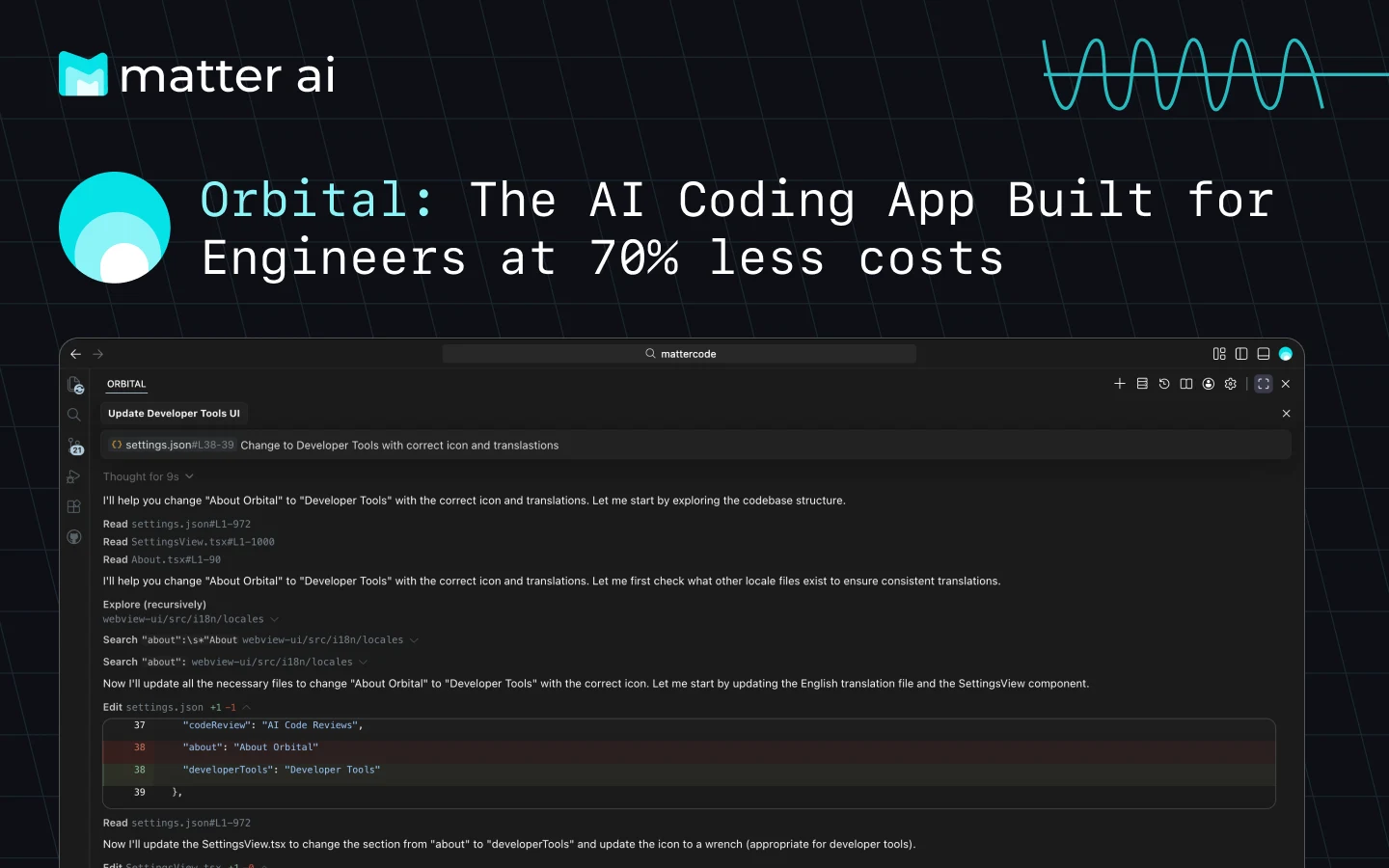
AI Coding Agent — Your AI-powered coding companion with its own IDE and extensions for VS Code, Cursor, Windsurf, and more.







Orbital delivers frontier model performance directly into your development environment, providing intelligent workflows, autonomous task execution, and deep codebase understanding. Built for enterprise-grade productivity with cutting-edge AI capabilities.

| Feature | Status | Description |
|---|---|---|
| Agent Mode | ✅ | Autonomous coding — let Orbital handle complex tasks independently |
| Plan Mode | ✅ | Strategic planning — generate comprehensive implementation plans |
| AI Code Reviews | ✅ | Automatic reviews of all local changes with 1-click fixes |
| Agentic Tool Calling | ✅ | Smart tool use — intelligent use of development tools and APIs |
| Advanced Reasoning | ✅ | Deep understanding of context, requirements, and trade-offs |
| Codebase Indexing | ✅ | Complete context — automatically indexes your entire codebase |
| Tab Auto-Complete | 🔄 | Lightning fast completions as you type (Coming Soon) |

- Orbital IDE — Dedicated AI-first IDE
- Visual Studio Code — Full extension support
- Cursor — Full extension support
- Windsurf — Full extension support
- JetBrains IDEs — Coming Soon
- Command Line Interface — Coming Soon
Orbital provides a comprehensive suite of intelligent tools:
fileEdit- Advanced diff-patch application systemexecuteCommand- Secure CLI command executionread_multi_file- Multi-file reading and analysiswriteToFile- Intelligent file creation and updatessearchFiles- Advanced file search capabilities
web_search- Comprehensive web searchweb_fetch- Targeted link data extraction
newTask- Create and manage complex tasksupdateTodoList- Dynamic todo list managementrunSlashCommand- Execute custom slash commands
listCodeDefinitionNames- Code structure analysislistFiles- Intelligent file system navigation
askFollowupQuestion- Interactive user engagementattemptCompletion- Task completion verificationfetchInstructions- Dynamic instruction retrieval
Choose the right model for your workflow — switch seamlessly between efficiency and power:
| Model | Credit Usage | Use Case | Capabilities |
|---|---|---|---|
axon-mini |
0.5x | Quick tasks | Lightweight, fast, cost-effective for high-volume usage |
axon-code |
0.8x | Daily coding tasks | High intelligence, balanced performance, best for regular coding |
axon-code-2 |
1x | Complex agentic tasks | Maximum intelligence, complex context harness, best for complex development |
- Open VS Code
- Navigate to Extensions (
Ctrl+Shift+X) - Search for "Orbital"
- Click Install
- Open JetBrains IDE
- Go to Settings/Preferences
- Navigate to Plugins
- Search for "Orbital"
- Install and restart IDE
npm install -g @matterai/axon-code- Install the extension for your preferred IDE
- Sign in with your MatterAI account
- Select your preferred model from settings
- Start coding with AI assistance
- Getting Started - Complete setup guide
- API Reference - Detailed API documentation
- Best Practices - Optimization tips
- Troubleshooting - Common issues and solutions
Simple, transparent pricing. All plans include access to all models.
| Plan | Monthly | Credits | Value | Best For |
|---|---|---|---|---|
| Free | $0 | $5 | — | Perfect for testing |
| Developer | $10 | $20 | 2x value | Great for side projects |
| Pro ⭐ | $20 | $50 | 2.5x value | Best for professionals |
| Max | $50 | $150 | 3x value | Power users & teams |
Visit our pricing page for detailed plans and enterprise solutions.
Track your coding productivity with powerful analytics:
- Credit Tracking — No budget surprises—monitor your credit usage as you code
- Daily Code Velocity — Visualize lines added, modified, and removed over time
- Net Time Saved — See exactly how much time Orbital saves you each day
- Granular Analytics — Team-Level, Engineer-Level, and Repo-Level breakdowns
- 50% faster code writing with intelligent completions
- Catch bugs early with real-time code analysis
- Learn faster with instant code explanations
- Better code quality with AI-powered suggestions
We welcome contributions! Please see our Contributing Guide for details.
# Clone the repository
git clone https://github.com/matterai/axon-code.git

# Install dependencies
pnpm installThis project is licensed under the MIT License - see the LICENSE file for details.
Join our growing community:
- Discord - Real-time chat and support
- Reddit - Community discussions
- Twitter - Updates and news
- Blog - Technical insights and tutorials
- Documentation: docs.matterai.so
- Issues: GitHub Issues
- Email: support@matterai.so
Built with ❤️ by the MatterAI Team
Universal AI Super Intelligence

