A Home Assistant rain radar card using the new tiled images from the Australian BOM





- Hayden Kliese hayden@kliese.net
- Simon Ratcliffe simon@makin-things.com
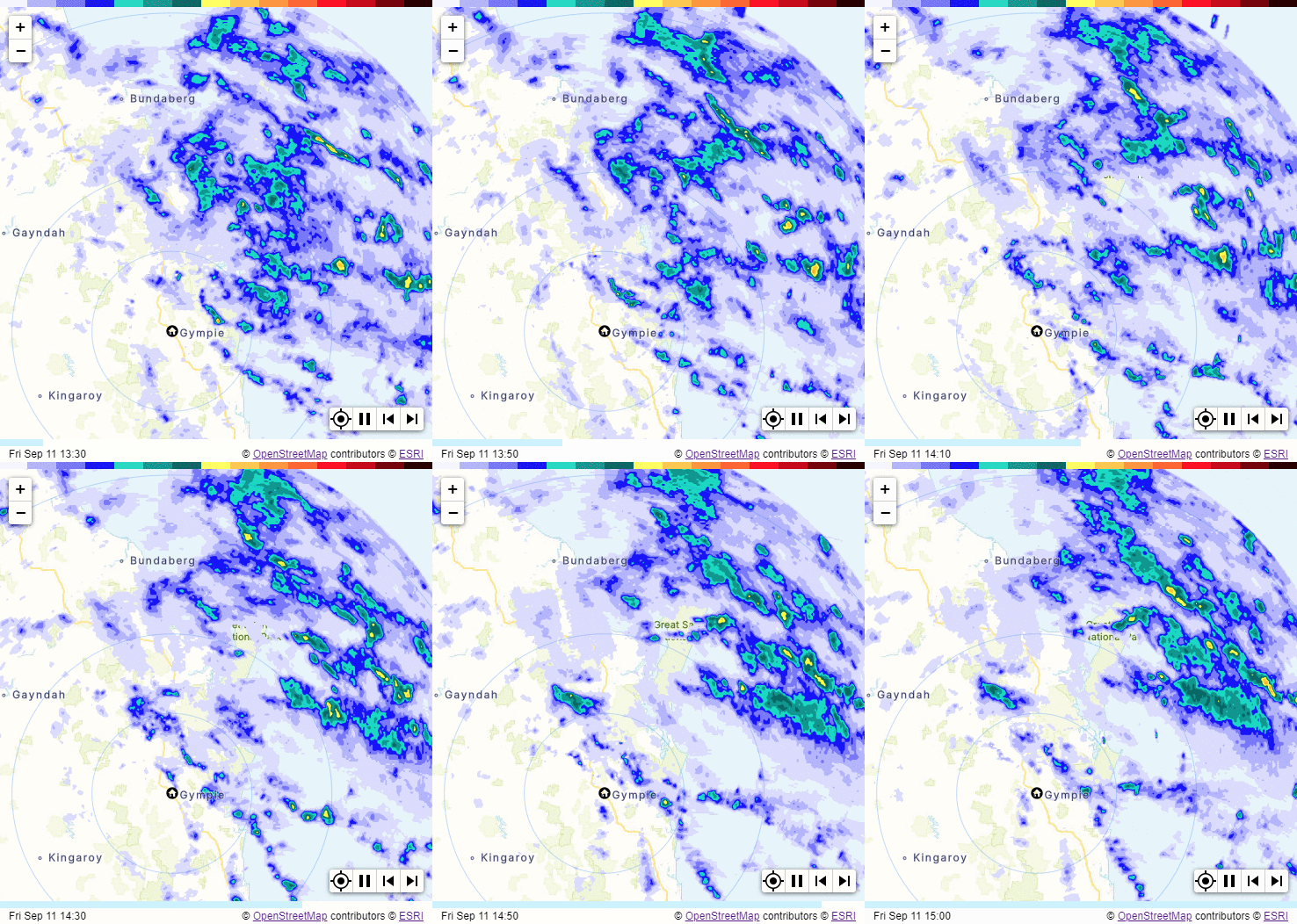
The new Austalian BOM radar products (mobile app and https://weather.bom.gov.au/) now use map tiles to distribute the radar images. This allows for one continous map that can be zoomed and panned seamlessly. This card allows this to be displayed within Home Assistant.
All of the options below can be selected using the GUI config editor, there is no need to edit the yaml config directly.
🏠 Tip: If you leave the location fields blank, the card will automatically use your Home Assistant default location for the map center and home marker.
| Name | Type | Requirement | Description | Default |
|---|---|---|---|---|
| type | string | Required | must be custom:bom-radar-card |
|
| card_title | string | Optional | The title to display on the card | no title displayed |
| map_style | string | Optional | Specifies the style for the map (Light, Dark) | 'Light' see section below for valid values |
| zoom_level | number | Optional | The initial zoom level, can be from 4 to 10 | 8 |
| center_latitude | number | Optional | The initial center latitude of the map | your HA default latitude |
| center_longitude | number | Optional | The initial center longitude of the map | your HA default longitude |
| marker_latitude | number | Optional | The latitude for the home icon if enabled | same as center_latitude |
| marker_longitude | number | Optional | The longitude for the home icon if enabled | same as center_longitude |
| frame_count | number | Optional | The number of frames to use in the loop | 7 |
| frame_delay | number | Optional | The number of milliseconds to show each frame | 250 |
| restart_delay | number | Optional | The additional number of milliseconds to show the last frame | 1000 |
| overlay_transparency | number | Optional | Percentage transparency (0–90%) applied to the radar overlay | 0 |
| show_zoom | boolean | Optional | Show the zoom controls in the top right corner | true |
| show_marker | boolean | Optional | Show the home icon at the marker position | true |
| show_recenter | boolean | Optional | Show the re-center control in the bottom right toolbar | true |
| show_scale | boolean | Optional | Show a scale in the bottom left corner | true |
This is the configuration used to generate the radar loop on this page.
type: custom:bom-radar-card
map_style: Light
zoom_level: 8
frame_count: 7
frame_delay: 250
restart_delay: 1000
show_zoom: true
show_marker: true
show_recenter: true
show_scale: trueIf you use HACS, the card is now part of the default HACS store.
If you don't use HACS (seriously you should as it makes life so much easier), you can download the required files from latest releases. Drop all of the files in www/community/bom-radar-card folder in your config directory. It should look like this:
    └── ...
    └── configuration.yaml
    └── www
        └── community
            └── bom-radar-card
                └── bom-radar-card.js
                └── compass.svg
                └── home-circle-dark.svg
                └── home-circle-light.svg
                └── radar-colour-bar.png
                └── recenter.png
                └── zoom-in.svg
                └── zoom-out.svg
Next add the following entry in lovelace configuration:
resources:
  - url: /local/community/bom-radar-card/bom-radar-card.js
type: module-
Marker drift after editing card settings Occasionally, after opening and saving changes in the card editor, the map marker may appear slightly offset or not align correctly on both the preview and live dashboard. This is a temporary visual issue and does not affect the radar data or map center position internally.
Fix: Refresh your browser or the Home Assistant app after editing the card to restore the correct marker position.
A major rewrite of this card has been provided by Hayden Kliese hayden@kliese.net many thanks for the effort.