
a small python script to combine several images into one
ezImageGrid requires the followings to work:
- Python 3
- Pillow
$ python3 combiner.py path_to_image_folder [general_options]... [-f|--files filename...]
$ python3 combiner.py -h|--help
-w, --width nrows number of images per row in the final grid
-s, --sort number|date sort the images in the grid either by the number in their filename or by the creation date of the file (for date, non zero-padded filename and zero-padding filename up to 4 digit are supported and can be mixed, filetypes can also be mixed)
-c, --center top|both|both-bottom|bottom if there is any incomplete row, centers it in the chosen location(s) (not centered by default)
-f, --files filename... files to be used (overrides -s and default file seeking)
-h, --help prints help message
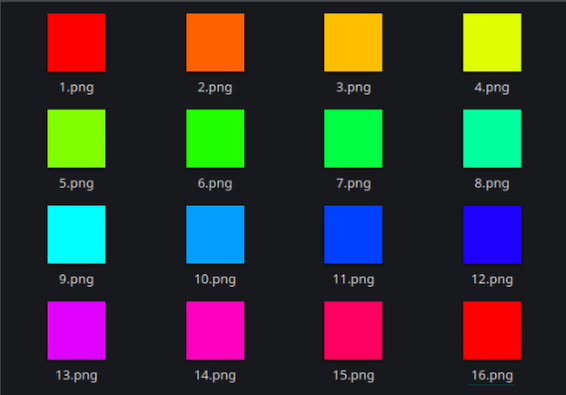

$ python3 combiner.py . -w 4written in Python 3.11.3