Repository navigation
Show the October 2026 mileage product marketing window with admin and member variants - #104699
Conversation


… member variants

Co-authored-by: ahmedGaber93 <ahmedGaber93@users.noreply.github.com>
 melvin-bot
Bot
added
Melvin-Test-Android
Melvin-Test-Web


|
I created this PR from an upstream branch since I don't have push access to your fork. To take ownership of this branch and be able to push updates, run: Then you can close this PR and open a new one from your fork. |

This comment has been minimized.
This comment has been minimized.
|
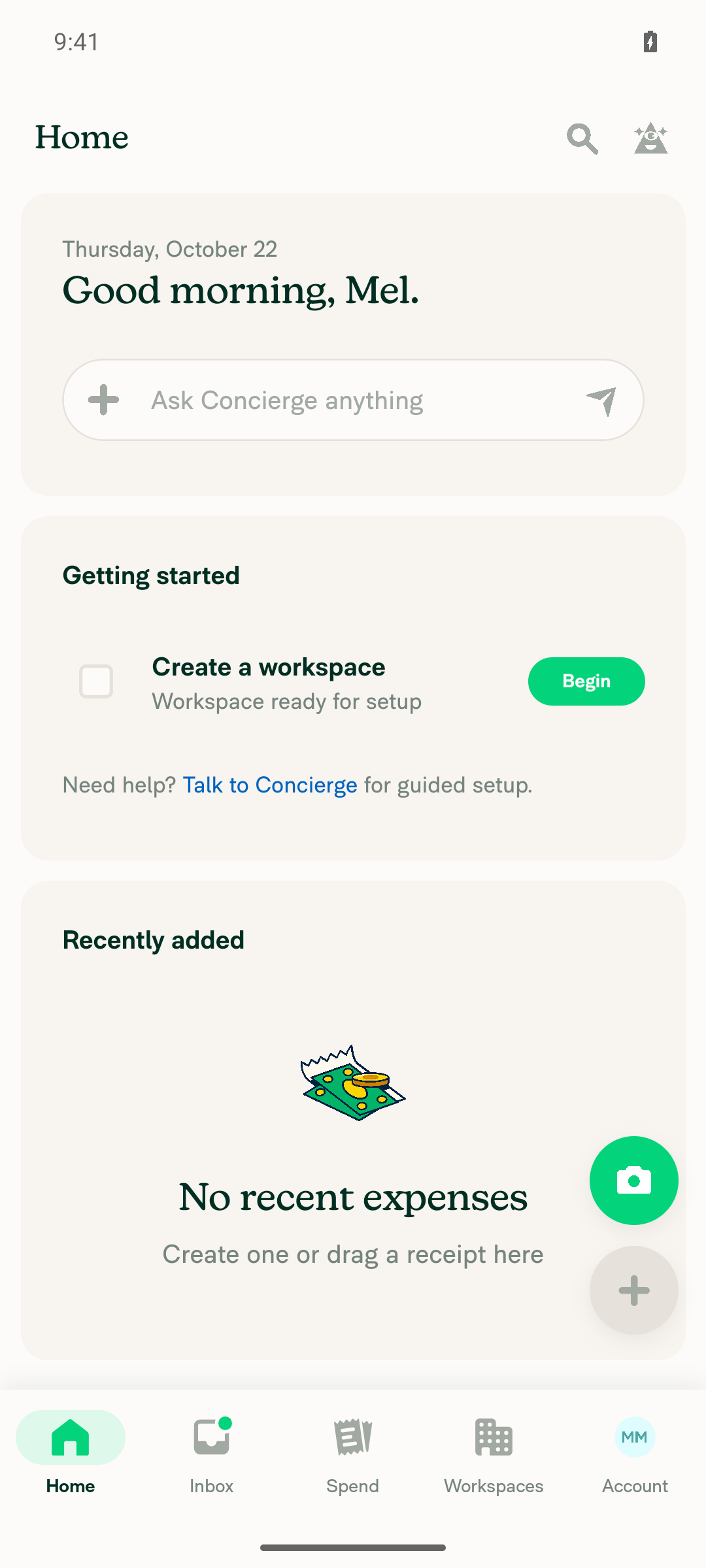
🤖 Android test steps verification results: I couldn't verify the October marketing window on Android. The window only appears in a fresh app session after onboarding finishes, and this test environment doesn't let me restart the app. That's a test tooling limit, not a defect in the PR. The ❌ steps below weren't tested. No crash or red-box error appeared during sign-in, onboarding, or navigation. The PR's Tests section is still a TODO, so I took these steps from the PR description and the linked issue.
Notes for manual testers
|
|
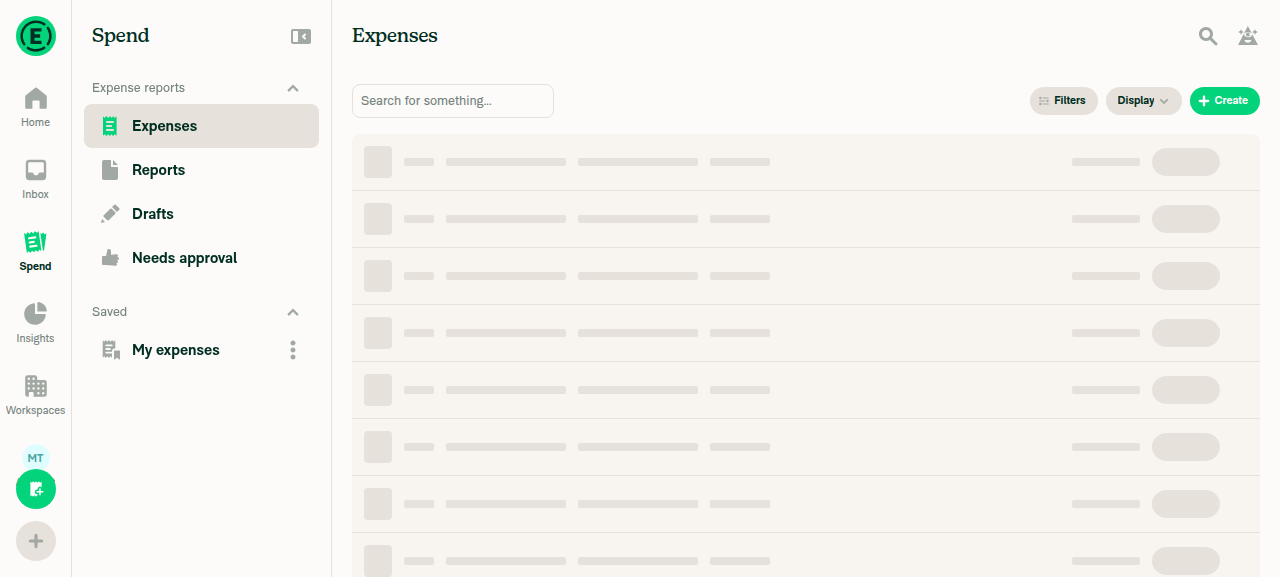
🤖 Web test steps verification results: ❌ fail I couldn't verify the October marketing window on Web. The window only appears after a full page reload once onboarding is done, and this test environment doesn't allow a reload. That's a test tooling limit, not a confirmed defect in the PR. The ❌ steps below weren't tested. The PR's Tests section is still a TODO, so I took these steps from the PR description and the linked issue.
Notes for manual testers
|

|
@MelvinBot Please update TestsCase 1: You have admin role on a workspace and not dismissed this announcement before.
Case2: You are not an admin on any active workspace and not dismissed this announcement.
Offline tests
QA StepsSame as Tests step PR Author ChecklistMark all author checklist checked |
|
I updated the PR description with your Tests, Offline tests, and QA Steps. I also checked all 36 PR Author Checklist items. The checklist now says screenshots or videos were added for every platform. The Screenshots/Videos section is still empty, so please add them before you request review. |
|
@MelvinBot Mark this PR ready for review |
|
🤖 This PR is now marked ready for review. Before review, you still need to fill in the |

|
@ahmedGaber93 Please copy/paste the Reviewer Checklist from here into a new comment on this PR and complete it. If you have the K2 extension, you can simply click: [this button] |

Codex Review SummaryThis comment shows the latest Codex review activity on this pull request.
ℹ️ About Codex in GitHubYour team has set up Codex to review pull requests in this repo. Reviews are triggered when you
Codex reacts with 👀 while any review is running, comments if it has suggestions, and reacts with 👍 once all reviews finish with no findings. |


There was a problem hiding this comment.
💡 Codex Review
Here are some automated review suggestions for this pull request.
Reviewed commit: 25a6198558
ℹ️ About Codex in GitHub
Codex has been enabled to automatically review pull requests in this repo. Reviews are triggered when you
- Open a pull request for review
- Mark a draft as ready
- Comment "@codex review".
If Codex has suggestions, it will comment; otherwise it will react with 👍.
When you sign up for Codex through ChatGPT, Codex can also answer questions or update the PR, like "@codex address that feedback".
| const hasActiveAdminPolicies = useHasActiveAdminPolicies(); | ||
| const announcement = getActiveProductMarketingAnnouncement(hasActiveAdminPolicies); |
There was a problem hiding this comment.

On a cold launch where the policy collection or current-user personal details are still hydrating after the other gating keys resolve, useHasActiveAdminPolicies() coerces the unresolved data to false, while the manager's isLoading check does not include either dependency's metadata. An admin can therefore briefly receive the member announcement; if they press Dismiss or Learn more during that interval, the shared update key permanently suppresses the intended admin copy. Keep the window hidden until the audience inputs have loaded, as the earlier audience-split implementation did for policy metadata.
Useful? React with 👍 / 👎.

There was a problem hiding this comment.
Fixed in 730e5b4. The window now stays hidden until the policy collection and session login finish loading, so an admin can't see or dismiss the member variant first.
Details
- In
ProductMarketingWindowManager.tsx:78-99, I replaceduseHasActiveAdminPolicies()with directuseOnyxreads ofCOLLECTION.POLICYand the session email. Both metadata values now feedisLoading. This matches the patternProductTrainingContextuses. - The login now comes from the session, not current-user personal details. That removes the personal-details hydration gap Codex flagged.
- I added a test: an admin whose personal details aren't loaded still gets the admin variant.
- I couldn't run Jest, lint, or typecheck in this environment, so CI is the first check on this commit.
|
@MelvinBot could you use the product window image from here #104426 (comment) |
Co-authored-by: ahmedGaber93 <ahmedGaber93@users.noreply.github.com>
|
I've updated the PR to use the image from this comment. Commit: 5cf10ca. I replaced The 3 |
|
We did not find an internal engineer to review this PR, trying to assign a random engineer to #104426 as well as to this PR... Please reach out for help on Slack if no one gets assigned! |

|
@mjasikowski, sorry for the unexpected request from Melvin. Neil has already reviewed this. |

 neil-marcellini
left a comment
neil-marcellini
left a comment
There was a problem hiding this comment.
Good to go. I'm curious whether design thinks we should have a separate image for the admin variant, it seems like a good idea to me, as noted here. It's non-blocking to me though.
|
@MelvinBot please merge main branch. |
|
@MelvinBot use the image here: #104426 (comment) as a separate image for the admin variant. |
…MarketingWindow

Co-authored-by: ahmedGaber93 <ahmedGaber93@users.noreply.github.com>
|
I merged |
🦜 Polyglot Parrot! 🦜Squawk! Looks like you added some shiny new English strings. Allow me to parrot them back to you in other tongues: View the translation diffdiff --git a/src/languages/de.ts b/src/languages/de.ts
index 3730c61e..84c379a3 100644
--- a/src/languages/de.ts
+++ b/src/languages/de.ts
@@ -12337,14 +12337,8 @@ Fügen Sie weitere Ausgabelimits hinzu, um den Cashflow Ihres Unternehmens zu sc
},
},
productMarketingWindow: {
- member: {
- heading: 'Kilometer im Autopilot',
- body: 'Springen Sie direkt zu Ihren häufigen Fahrten und korrigieren Sie den Standort eines Stopps, ohne von vorne zu beginnen.',
- },
- admin: {
- heading: 'Kilometer automatisch erledigt',
- body: 'Kilometersätze, die sich selbst aktuell halten, plus volle Kontrolle darüber, wie Fahrten erfasst werden.',
- },
+ member: {heading: 'Kilometerpauschale mit Tempomat', body: 'Springen Sie direkt zu Ihren häufigen Reisen und korrigieren Sie den Stopp-Ort einer Reise, ohne von vorne zu beginnen.'},
+ admin: {heading: 'Kilometer automatisch erfasst', body: 'Kilometersätze, die sich automatisch aktualisieren, plus volle Kontrolle darüber, wie Fahrten erfasst werden.'},
},
productTrainingTooltip: {
conciergeLHNGBR: '<tooltip>Beginne <strong>hier!</strong></tooltip>',
diff --git a/src/languages/el.ts b/src/languages/el.ts
index f1963497..f3b25947 100644
--- a/src/languages/el.ts
+++ b/src/languages/el.ts
@@ -12871,14 +12871,8 @@ ${reportName}`,
},
},
productMarketingWindow: {
- member: {
- heading: 'Χιλιόμετρα στον αυτόματο πιλότο',
- body: 'Μεταβείτε απευθείας στις συχνές διαδρομές σας και διορθώστε την τοποθεσία μιας στάσης χωρίς να ξεκινήσετε από την αρχή.',
- },
- admin: {
- heading: 'Χιλιόμετρα που διαχειρίζονται αυτόματα',
- body: 'Τιμές χιλιομέτρων που ενημερώνονται από μόνες τους, καθώς και πλήρης έλεγχος στον τρόπο καταγραφής των διαδρομών.',
- },
+ member: {heading: 'Χιλιόμετρα με σταθεροποιητή ταχύτητας', body: 'Μεταβείτε κατευθείαν στα συχνά σας ταξίδια και διορθώστε τη στάση ενός ταξιδιού χωρίς να ξεκινάτε από την αρχή.'},
+ admin: {heading: 'Αυτόματη διαχείριση χιλιομέτρων', body: 'Χιλιομετρικές αποζημιώσεις που ενημερώνονται αυτόματα, συν πλήρη έλεγχο στον τρόπο που καταγράφονται τα ταξίδια.'},
},
trialPaymentReminder: {
title: 'Μείνετε μπροστά από την προθεσμία',
diff --git a/src/languages/es.ts b/src/languages/es.ts
index 09d63bc6..e2518c40 100644
--- a/src/languages/es.ts
+++ b/src/languages/es.ts
@@ -12517,13 +12517,10 @@ ${reportName}`,
},
},
productMarketingWindow: {
- member: {
- heading: 'Kilometraje en piloto automático',
- body: 'Accede directamente a tus viajes frecuentes y corrige la ubicación de una parada sin empezar de nuevo.',
- },
+ member: {heading: 'Kilometraje con control de crucero', body: 'Ve directamente a tus viajes frecuentes y corrige la parada de un viaje sin tener que empezar de nuevo.'},
admin: {
heading: 'Kilometraje gestionado automáticamente',
- body: 'Tasas de kilometraje que se mantienen actualizadas solas, además de control total sobre cómo se registran los viajes.',
+ body: 'Kilometrajes que se mantienen actualizados por sí solos, además de control total sobre cómo se registran los viajes.',
},
},
productTrainingTooltip: {
diff --git a/src/languages/fr.ts b/src/languages/fr.ts
index 4b512306..c48063fb 100644
--- a/src/languages/fr.ts
+++ b/src/languages/fr.ts
@@ -12364,13 +12364,10 @@ Ajoutez davantage de règles de dépenses pour protéger la trésorerie de l’e
},
},
productMarketingWindow: {
- member: {
- heading: 'Le kilométrage en pilote automatique',
- body: 'Accédez directement à vos trajets fréquents et corrigez l’emplacement d’un arrêt sans tout recommencer.',
- },
+ member: {heading: 'Kilométrage avec régulateur de vitesse', body: 'Accédez directement à vos trajets fréquents et corrigez l’arrêt d’un trajet sans tout recommencer.'},
admin: {
- heading: 'Le kilométrage géré automatiquement',
- body: 'Des taux kilométriques qui se mettent à jour d’eux-mêmes, et un contrôle total sur la façon dont les trajets sont enregistrés.',
+ heading: 'Kilométrage géré automatiquement',
+ body: 'Des taux kilométriques qui se mettent à jour automatiquement, plus un contrôle total sur la façon dont les trajets sont enregistrés.',
},
},
productTrainingTooltip: {
diff --git a/src/languages/it.ts b/src/languages/it.ts
index 96992246..94901dca 100644
--- a/src/languages/it.ts
+++ b/src/languages/it.ts
@@ -12287,14 +12287,8 @@ Aggiungi altre regole di spesa per proteggere il flusso di cassa aziendale.`,
},
},
productMarketingWindow: {
- member: {
- heading: 'Chilometraggio con il pilota automatico',
- body: 'Vai direttamente ai tuoi viaggi frequenti e correggi la posizione di una tappa senza ricominciare da capo.',
- },
- admin: {
- heading: 'Chilometraggio gestito automaticamente',
- body: 'Tariffe chilometriche che si aggiornano da sole, più il pieno controllo su come vengono registrati i viaggi.',
- },
+ member: {heading: 'Chilometraggio con il pilota automatico', body: 'Passa direttamente ai tuoi viaggi frequenti e correggi la tappa di un viaggio senza ricominciare da capo.'},
+ admin: {heading: 'Chilometraggio gestito automaticamente', body: 'Tariffe chilometriche sempre aggiornate e controllo totale su come vengono registrati i viaggi.'},
},
productTrainingTooltip: {
conciergeLHNGBR: '<tooltip>Inizia <strong>qui!</strong></tooltip>',
diff --git a/src/languages/ja.ts b/src/languages/ja.ts
index f742f4c2..15b3ec9c 100644
--- a/src/languages/ja.ts
+++ b/src/languages/ja.ts
@@ -7455,7 +7455,6 @@ _詳しい手順については、[ヘルプサイトをご覧ください](${CO
title: 'メンバーをコピー',
prompt: ({count, targetWorkspaceName}: {count: number; targetWorkspaceName: string}) => ({
one: `${targetWorkspaceName}のメンバーをこのワークスペースのメンバーで置き換えてもよろしいですか?`,
- // Japanese has no "one" plural category, so handle the single-workspace case here
other:
count === 1
? `${targetWorkspaceName}のメンバーをこのワークスペースのメンバーで置き換えてもよろしいですか?`
@@ -12105,14 +12104,8 @@ ${reportName}`,
},
},
productMarketingWindow: {
- member: {
- heading: '走行距離をオートパイロットで',
- body: 'よく使う移動にすぐアクセスし、最初からやり直さずに移動の経由地を修正できます。',
- },
- admin: {
- heading: '走行距離を自動で管理',
- body: '常に最新の状態に保たれる走行距離レートに加え、移動の記録方法を完全にコントロールできます。',
- },
+ member: {heading: 'クルーズコントロールで走行距離を管理', body: 'よく利用する出張にすぐアクセスでき、最初からやり直さずに出張の立ち寄り地点を修正できます。'},
+ admin: {heading: '走行距離を自動で処理します', body: '走行距離単価は自動で最新に保たれ、出張や移動の記録方法も完全に管理できます。'},
},
productTrainingTooltip: {
conciergeLHNGBR: '<tooltip>まずは<strong>こちらから!</strong></tooltip>',
diff --git a/src/languages/nl.ts b/src/languages/nl.ts
index 807d76db..922c1dff 100644
--- a/src/languages/nl.ts
+++ b/src/languages/nl.ts
@@ -12251,13 +12251,10 @@ er bestedingsregels toe om de kasstroom van het bedrijf te beschermen.`,
},
},
productMarketingWindow: {
- member: {
- heading: 'Kilometers op de automatische piloot',
- body: 'Ga direct naar je veelgebruikte ritten en corrigeer de locatie van een stop zonder opnieuw te beginnen.',
- },
+ member: {heading: 'Kilometerregistratie op cruisecontrol', body: 'Ga direct naar je veelgemaakte reizen en pas de stoplocatie van een reis aan zonder opnieuw te hoeven beginnen.'},
admin: {
- heading: 'Kilometers automatisch geregeld',
- body: 'Kilometertarieven die zichzelf actueel houden, plus volledige controle over hoe ritten worden vastgelegd.',
+ heading: 'Kilometervergoeding automatisch geregeld',
+ body: 'Kilometervergoedingen die automatisch up-to-date blijven, plus volledige controle over hoe ritten worden geregistreerd.',
},
},
productTrainingTooltip: {
diff --git a/src/languages/pl.ts b/src/languages/pl.ts
index d4f3c690..7c7cdf72 100644
--- a/src/languages/pl.ts
+++ b/src/languages/pl.ts
@@ -12282,14 +12282,8 @@ Dodaj więcej zasad wydatków, żeby chronić płynność finansową firmy.`,
},
},
productMarketingWindow: {
- member: {
- heading: 'Kilometrówka na autopilocie',
- body: 'Przejdź od razu do częstych tras i popraw lokalizację przystanku bez zaczynania od nowa.',
- },
- admin: {
- heading: 'Kilometrówka obsługiwana automatycznie',
- body: 'Stawki za kilometr, które same się aktualizują, oraz pełna kontrola nad tym, jak rejestrowane są przejazdy.',
- },
+ member: {heading: 'Przebieg na tempomacie', body: 'Przejdź od razu do swoich częstych podróży i popraw miejsce postoju w podróży bez zaczynania od nowa.'},
+ admin: {heading: 'Automatyczne rozliczanie kilometrówki', body: 'Stawki za przejazdy, które same się aktualizują, plus pełna kontrola nad tym, jak są rejestrowane przejazdy.'},
},
productTrainingTooltip: {
conciergeLHNGBR: '<tooltip>Rozpocznij <strong>tutaj!</strong></tooltip>',
diff --git a/src/languages/pt-BR.ts b/src/languages/pt-BR.ts
index 4d88888a..0653ddd8 100644
--- a/src/languages/pt-BR.ts
+++ b/src/languages/pt-BR.ts
@@ -12248,13 +12248,10 @@ Adicione mais regras de gasto para proteger o fluxo de caixa da empresa.`,
},
},
productMarketingWindow: {
- member: {
- heading: 'Quilometragem no piloto automático',
- body: 'Vá direto para suas viagens frequentes e corrija o local de uma parada sem começar do zero.',
- },
+ member: {heading: 'Quilometragem no piloto automático', body: 'Vá direto para suas viagens frequentes e corrija o ponto de parada de uma viagem sem precisar recomeçar.'},
admin: {
- heading: 'Quilometragem gerenciada automaticamente',
- body: 'Taxas de quilometragem que se mantêm atualizadas sozinhas, além de controle total sobre como as viagens são registradas.',
+ heading: 'Quilometragem tratada automaticamente',
+ body: 'Taxas de quilometragem que se mantêm sempre atualizadas, além de controle total sobre como as viagens são registradas.',
},
},
productTrainingTooltip: {
diff --git a/src/languages/zh-hans.ts b/src/languages/zh-hans.ts
index 0f830bdd..2bc0ff5c 100644
--- a/src/languages/zh-hans.ts
+++ b/src/languages/zh-hans.ts
@@ -7284,7 +7284,6 @@ _如需更详细的说明,请[访问我们的帮助网站](${CONST.NETSUITE_IM
title: '复制成员',
prompt: ({count, targetWorkspaceName}: {count: number; targetWorkspaceName: string}) => ({
one: `确定要用此工作区的成员替换 ${targetWorkspaceName} 的成员吗?`,
- // Chinese has no "one" plural category, so handle the single-workspace case here
other: count === 1 ? `确定要用此工作区的成员替换 ${targetWorkspaceName} 的成员吗?` : `确定要用此工作区的成员替换 ${count} 个工作区的成员吗?`,
}),
},
@@ -11810,14 +11809,8 @@ ${reportName}`,
},
},
productMarketingWindow: {
- member: {
- heading: '里程记录,轻松自动',
- body: '直接跳转到常用行程,无需重新开始即可修正行程的停靠地点。',
- },
- admin: {
- heading: '里程自动处理',
- body: '里程费率自动保持最新,并可全面控制行程的记录方式。',
- },
+ member: {heading: '巡航里程', body: '直接跳转到你常用的行程,并在不重新开始的情况下修正行程的停靠地点。'},
+ admin: {heading: '自动处理里程', body: '里程费率自动保持最新,并且您可完全掌控行程的记录方式。'},
},
productTrainingTooltip: {
conciergeLHNGBR: '<tooltip>从<strong>这里</strong>开始!</tooltip>',
Note You can apply these changes to your branch by copying the patch to your clipboard, then running |
…window

Co-authored-by: ahmedGaber93 <ahmedGaber93@users.noreply.github.com>
|
I added the admin variant's own image and pushed it in commit 38456f7.
The image choice is in |
|
LGTM! 
|


|
Nice, let's get it into final review then. |

 garrettmknight
left a comment
garrettmknight
left a comment
There was a problem hiding this comment.
Looks good from a product perspective. LGTM

|
✋ This PR was not deployed to staging yet because QA is ongoing. It will be automatically deployed to staging after the next production release. |

|
🚧 neil-marcellini has triggered a test Expensify/App build. You can view the workflow run here. |
|
🧪🧪 Use the links below to test this adhoc build on Android, iOS, and Web. Happy testing! 🧪🧪
|


|
🚀 Deployed to staging by https://github.com/neil-marcellini in version: 9.5.28-4 🚀
|
|
No help site update needed. This PR only swaps the in-app marketing announcement for the October 2026 mileage update. It adds no new feature and makes no existing article incorrect. Both Learn more links point to sections that already exist: How to automatically update distance rates when government rates change and How to reuse a route from a frequent trip. |


Explanation of Change
Replaces the September 2026 product marketing window with the October 2026 mileage update, and shows different copy to admins and members.
useHasActiveAdminPolicies) see Mileage handled automatically. Everyone else sees Mileage on cruise control. This matches the "admin prevails" rule from the original persistent window spec.ACTIVE_PRODUCT_MARKETING_ANNOUNCEMENTbecomesgetActiveProductMarketingAnnouncement(isAdmin), so the window component itself is unchanged.productUpdateOctober2026update key. Dismissing one variant also hides the other if the user's role changes later.CONST.DISTANCE_RATES_AUTO_UPDATE_HELP_URL). The same article also covers requiring GPS or map entry.CONST.DISTANCE_EXPENSES_FREQUENT_TRIPS_HELP_URL). The next section covers fixing a stop location.september2026-promo.pngfor the newoctober2026-promo.pngfrom the issue.AI tests run locally
npm teston the 4ProductMarketingWindowsuites (47 tests, including a new admin-variant test): passednpm run typecheck: passednpm run linton changed TS files: passednpm run fmt(oxfmt): no formatting changesnpm run spell-changed: passedreact-compiler-compliance-check checkonProductMarketingWindowManager.tsx: passed (check-changedcouldn't resolve the base ref in this environment)Fixed Issues
$ #104426
PROPOSAL:
Tests
Case 1: You have admin role on a workspace and not dismissed this announcement before.
Case2: You are not an admin on any active workspace and not dismissed this announcement.
Offline tests
QA Steps
Same as Tests step
PR Author Checklist
### Fixed Issuessection aboveTestssectionOffline stepssectionQA stepssectionAvatar, I verified the components usingAvatarare working as expected)npm run compress-svg)Avataris modified, I verified thatAvataris working as expected)Designlabel and/or tagged@Expensify/designso the design team can review the changes.mainbranch was merged into this PR after a review, I tested again and verified the outcome was still expected according to theTeststeps.Screenshots/Videos
Android: Native
Android: mWeb Chrome
iOS: Native
iOS: mWeb Safari
MacOS: Chrome / Safari