The inspiration came from the CE and Reclass softwares. These softwares are really complex and it interests me if I can even learn how to do it. Today after half a year I share with you the first version of Lim Engine (currently SmScanner)
The goal is to build software that can control every process that runs on your computer. After an in-depth investigation on the subject I decided these were my next steps
- c : kernel driver that will provide me with a clean api to mess with memory
- c++ : dll who can communicate with the driver
- c++ : disassembler
- c# : disassembler wrapper for 32 bit process
- c# : gui
The software provides the user with a convenient and clear interface with a variety of options The software has 4 main windows
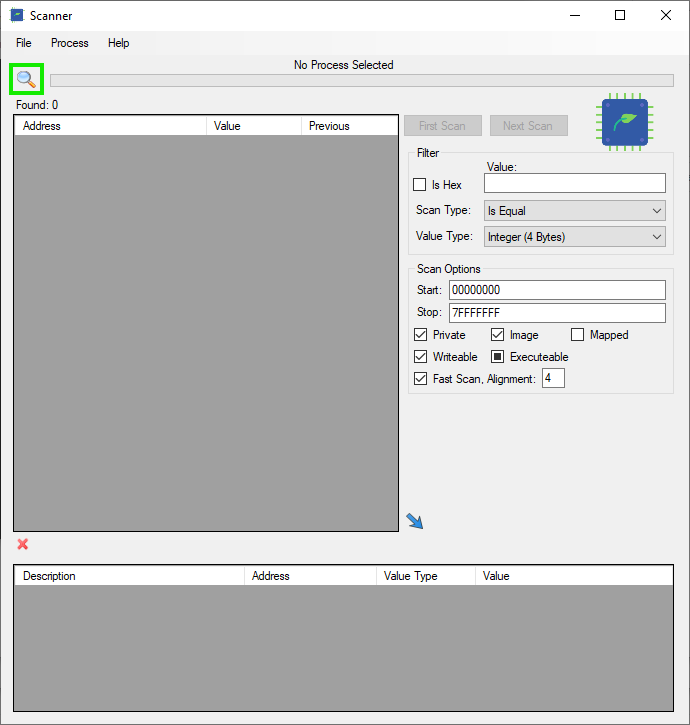
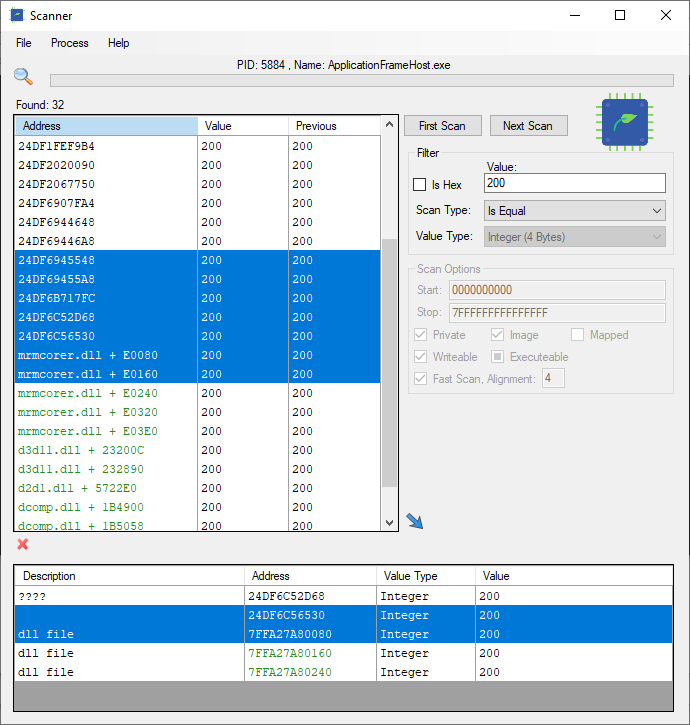
- Scanner : user can scan values in the process virtual memory
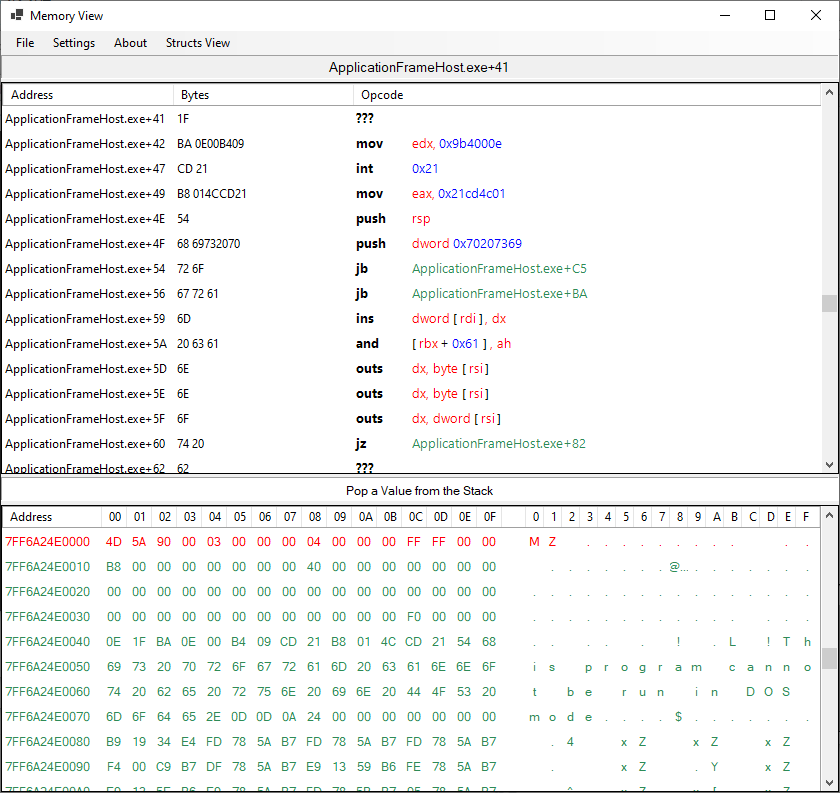
- Memory : user can navigate to different memory areas and see disassembly code or hex values
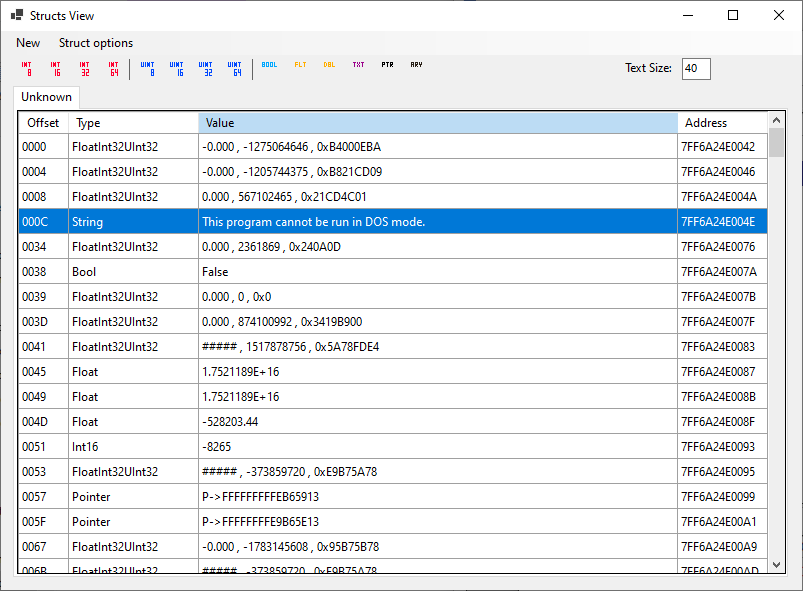
- Structs : user can scan a memory area and read it at whatever values are convenient for him
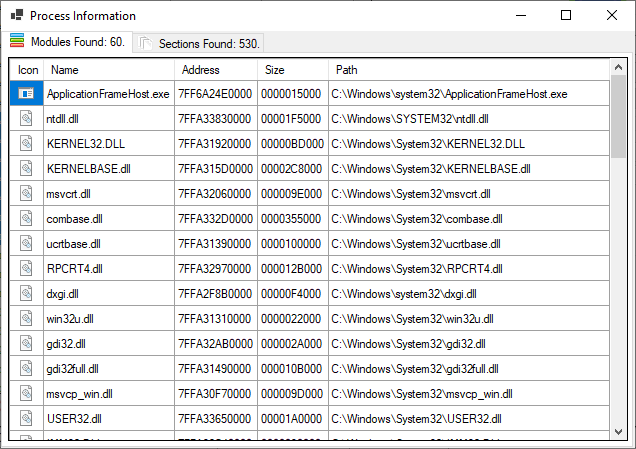
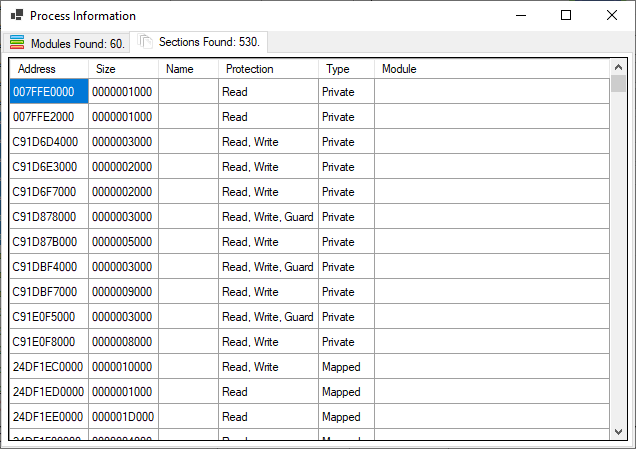
- Information : details of the selected process Each window has its own features.
you will need install
- visual studio 2019 https://visualstudio.microsoft.com/
- Windows Driver Kit (WDK) https://docs.microsoft.com/en-us/windows-hardware/drivers/download-the-wdk.
compile and build each separately. ( for now just use debug build not release ).
- driver as x64
- smdkd.dll as x64
- disassembler as x86
- disassembler as x64
- wrapper as any cpu ( x86 )
- scanner as any cpu ( x64 )
After the build done successfully
- move disassembler32.dll to wrapper bin folder
- move disassembler64.dll to scanner bin folder
- move smdkd.dll to scanner bin folder
- move wrapper files in the bin folder to scanner bin folder
- install/load the driver.
Open SmScanner.exe
- If you do not see any window repeat the steps again you may have missed a step
- if you see the windows but you get error message ( driver not loaded ) you need to load/install the driver
- if you see 2 console windows and one scanner you ready to go.!!!
- x64 Windows 10;
- Administrative privilege is required.
The driver is unsigned and unapproved is Your responsibility. !! To use the driver you need to either install manually or download and use KDU to load it into memory look at https://github.com/hfiref0x/KDU Kernel Driver Utility
Scanner
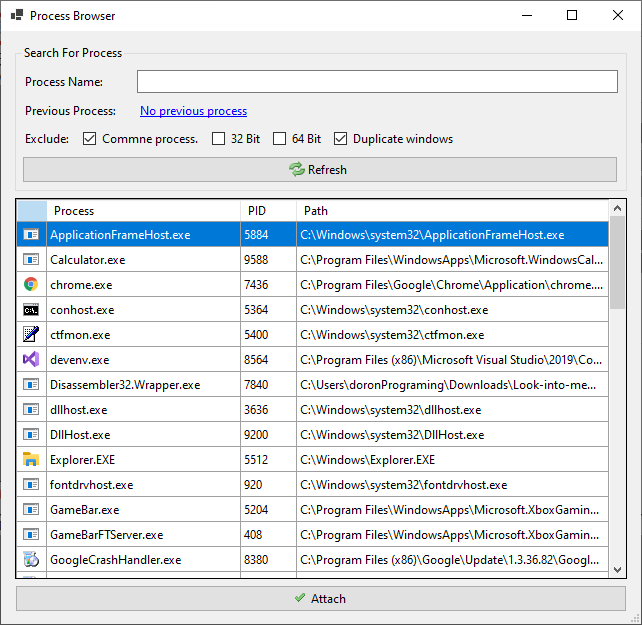
Process Browser
Process Information - Modules
Process Information - Sections
Scanner - Scan Values
Memory View
Structs View