scripting language build on dotnet core
- Mac
- Linux
- Windows
- only lim - run lim shell
- run - compile filename and execute
- build - compile and build filename
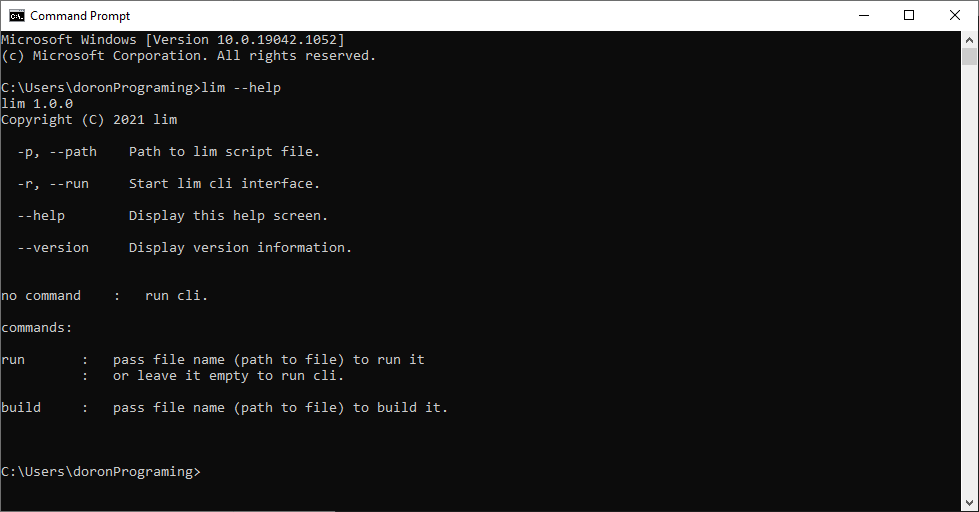
- --help - display help screend and options
- -version - display lim-shell version
print("Hello World.!") // print Hello World.!
func add(a,b)->a+b     // function definition
var x = 10 + 25        // x = 35
var b = add(x,x)       // b = 70
print(b) // print 70You will need install
- visual studio 2019 https://visualstudio.microsoft.com/
- dotnet core https://dotnet.microsoft.com/download
Compile and Build as any cpu ( x64 )
you can install lim as a global tool and use lim in any directory
- open cmd in main folder and run - dotnet tool install --global --add-source ./nupkg lim
Lim shell has a CLI for several options
- simple usage just run the exe file
- install the project as a tool and use cli lim is scripting language build on dotnet core ( c# ).
pass lim file or just write text to the cmd the system proccess the file / code to c# objects and execute it at run time
- proccess the lim file to c# objects
- generate cs files
- create new dotnet project
- copy the files
- compile and build
Using global tool - Help screen.
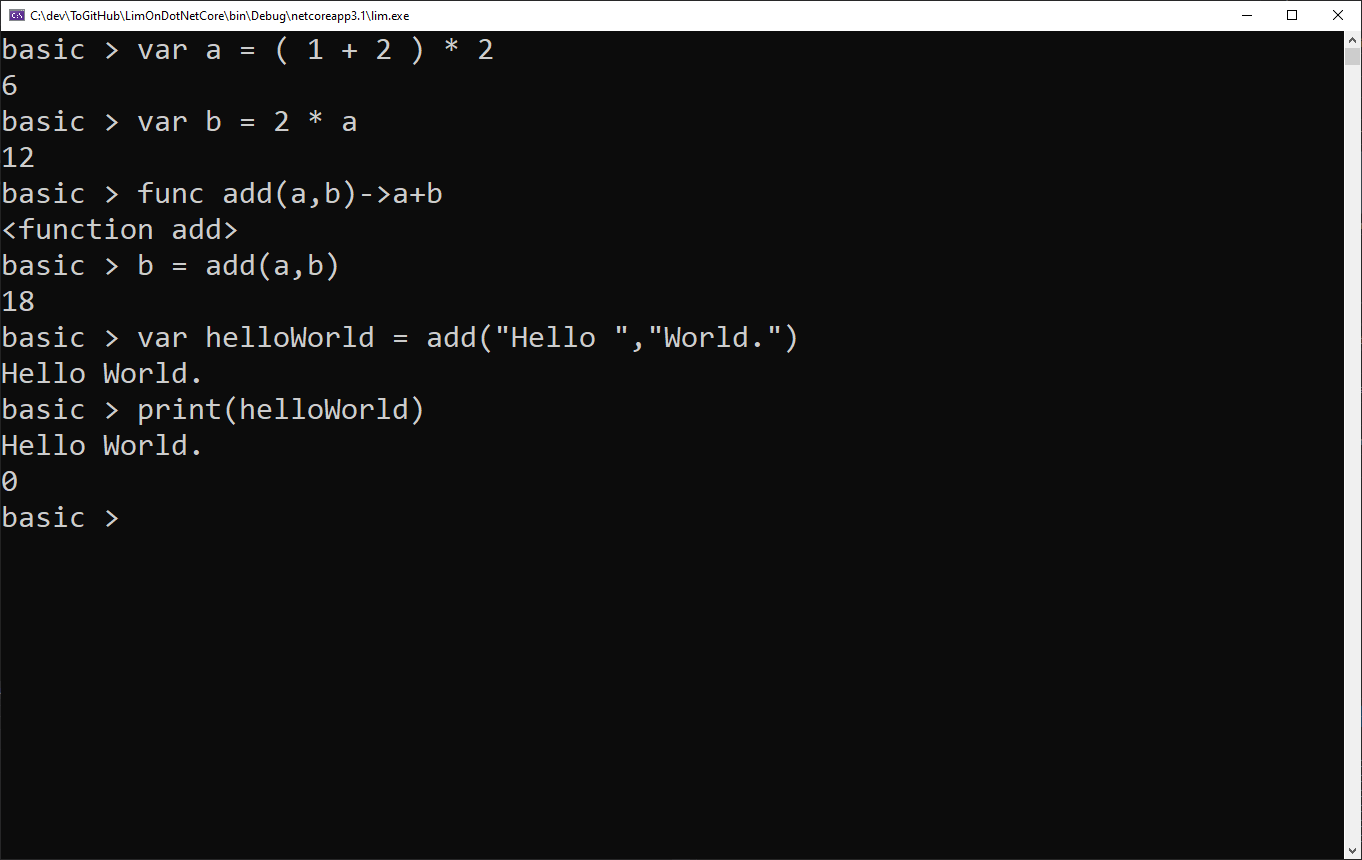
Using Variables and Functions.
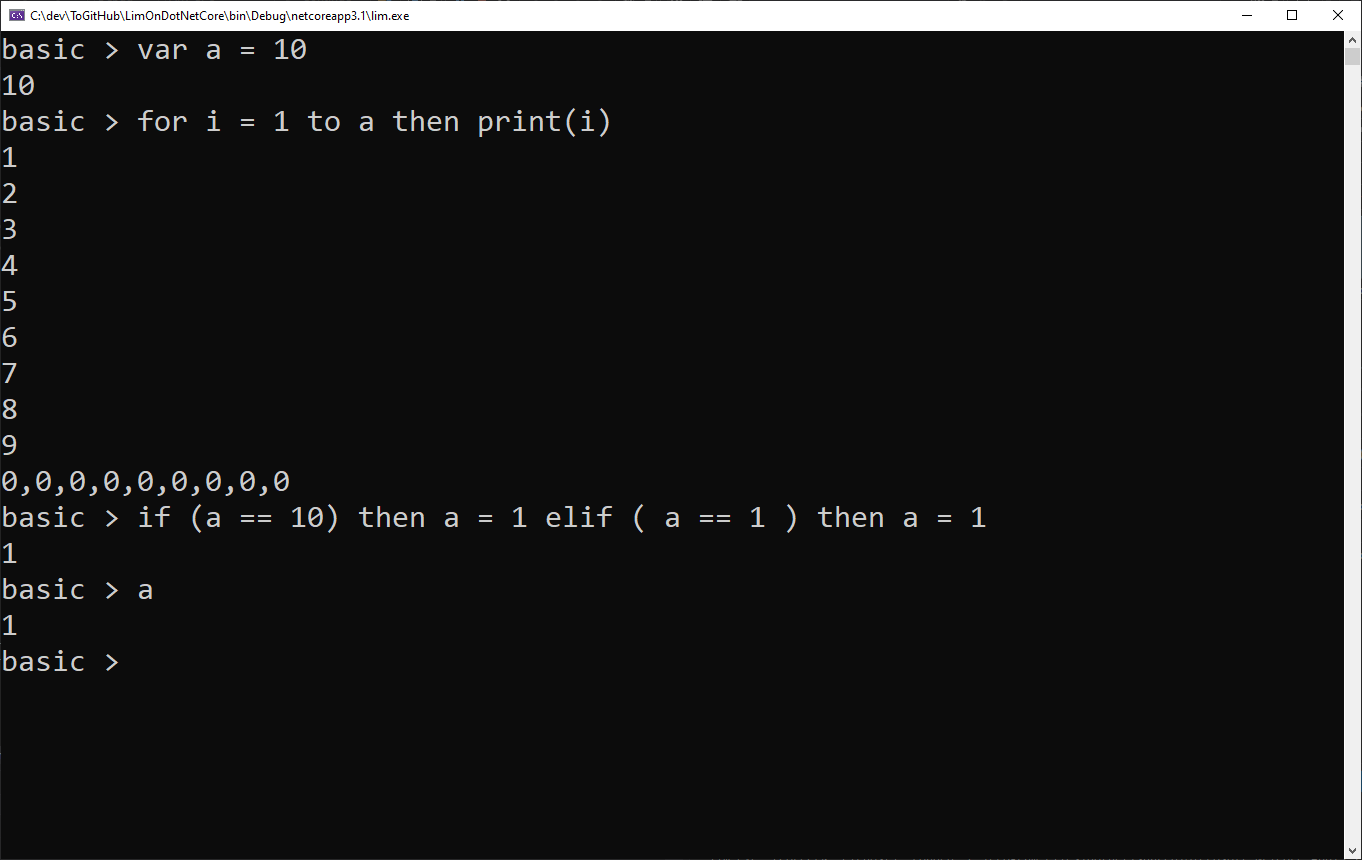
Using For loop and if statement.
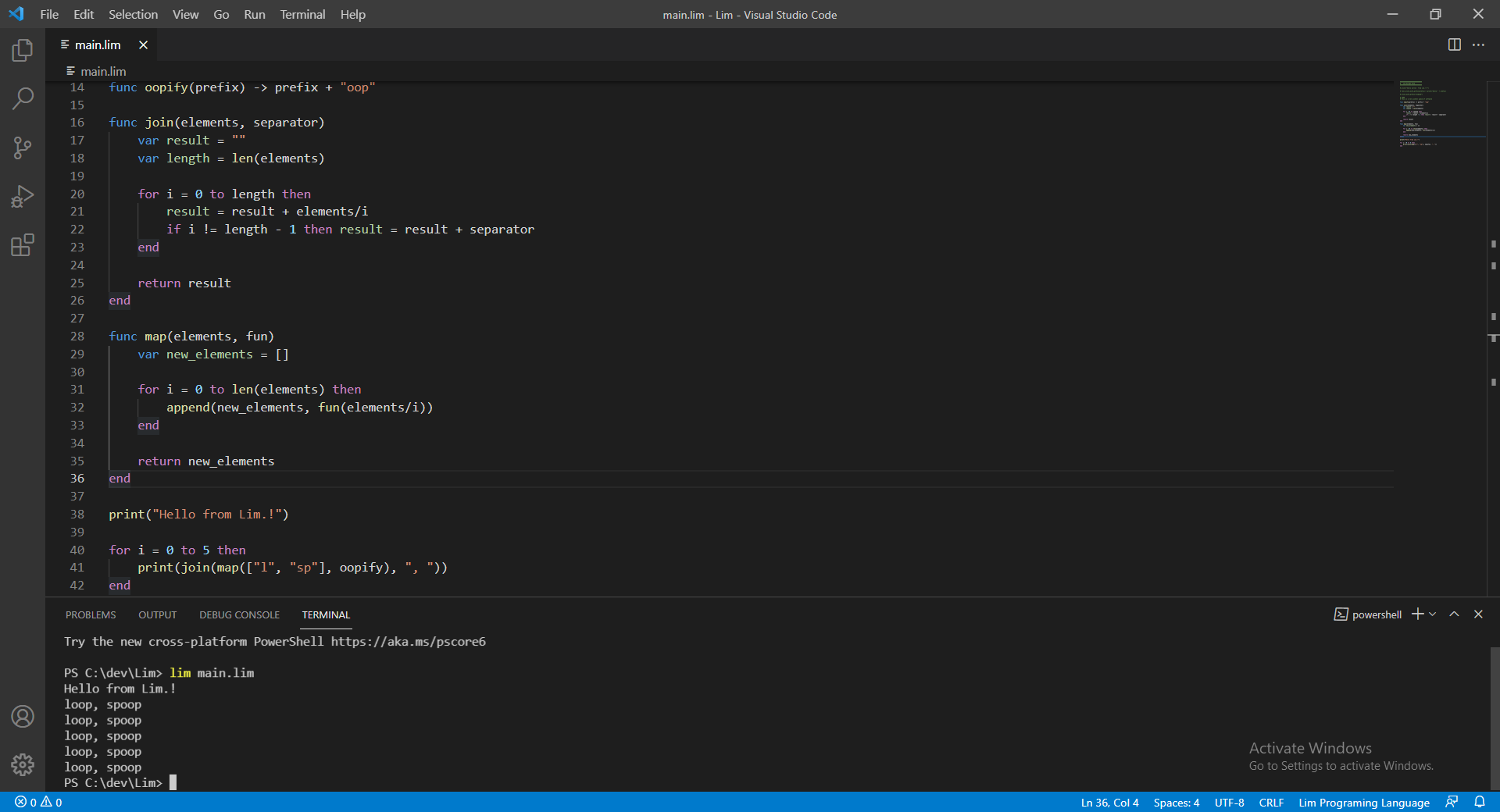
Visual studio code