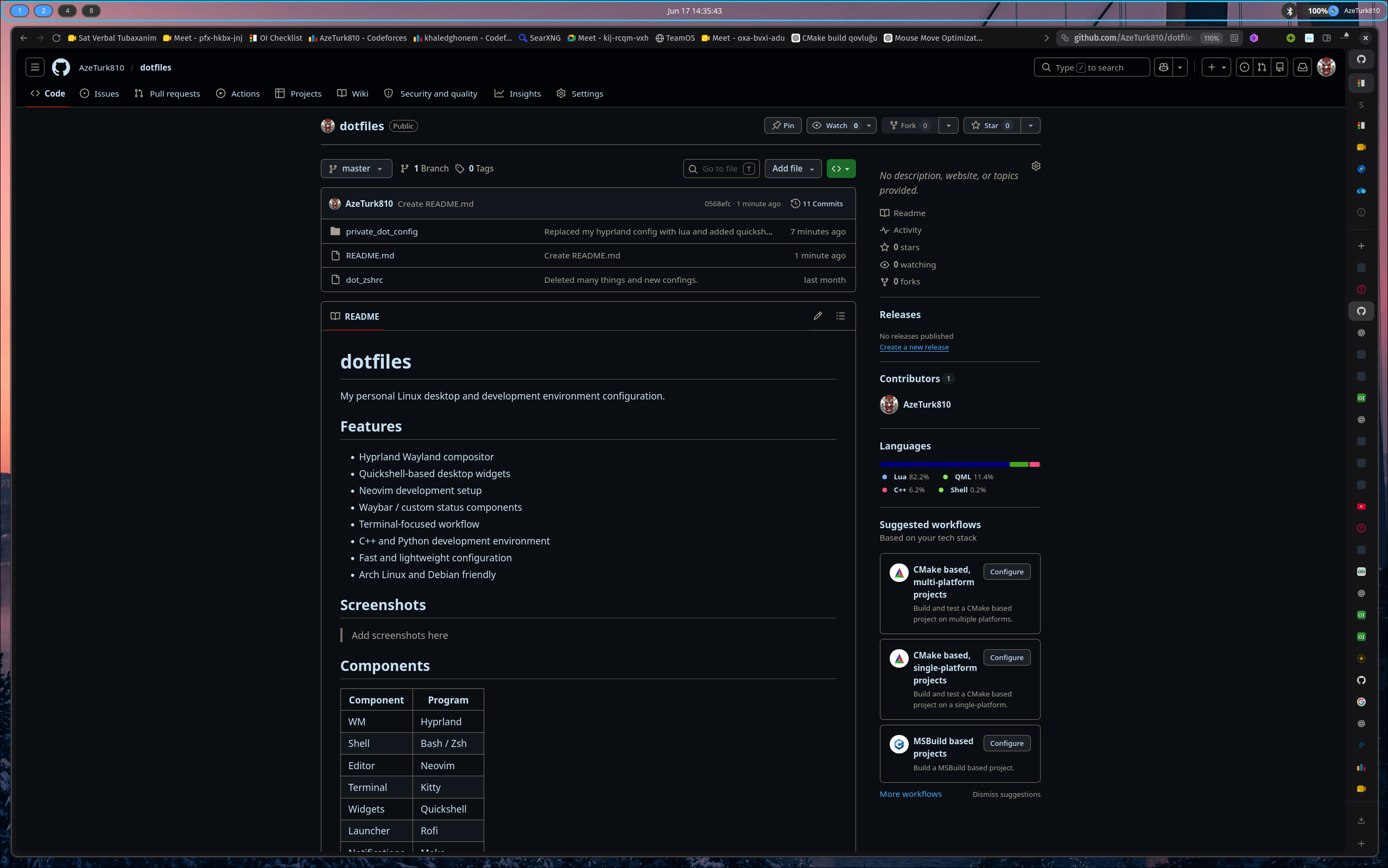
My personal Linux desktop and development environment configuration.
- Hyprland Wayland compositor
- Quickshell-based desktop widgets
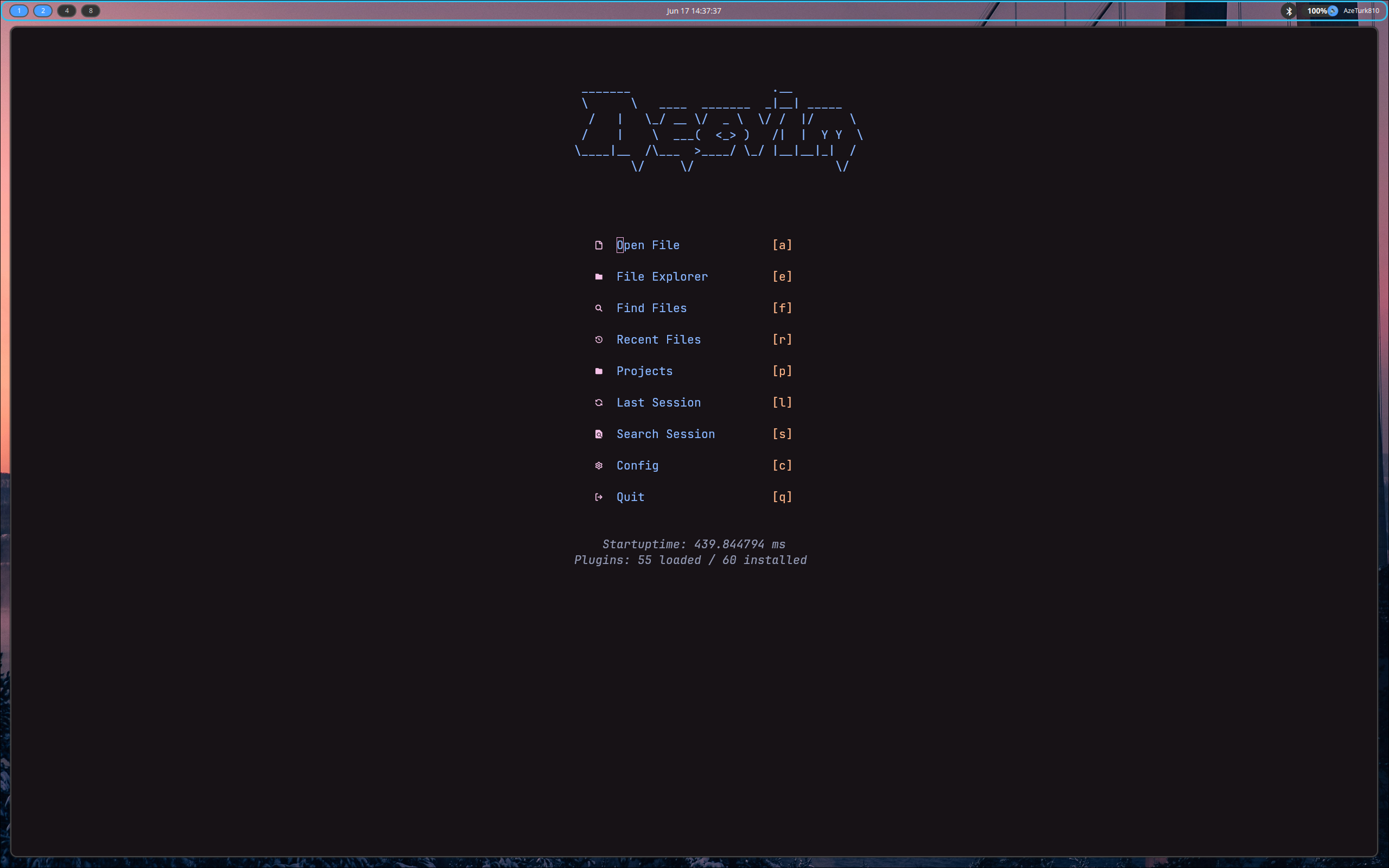
- Neovim development setup
- QuickShell bar
- Terminal-focused workflow
- C++ and Python development environment
- Fast and lightweight configuration
- Arch Linux friendly
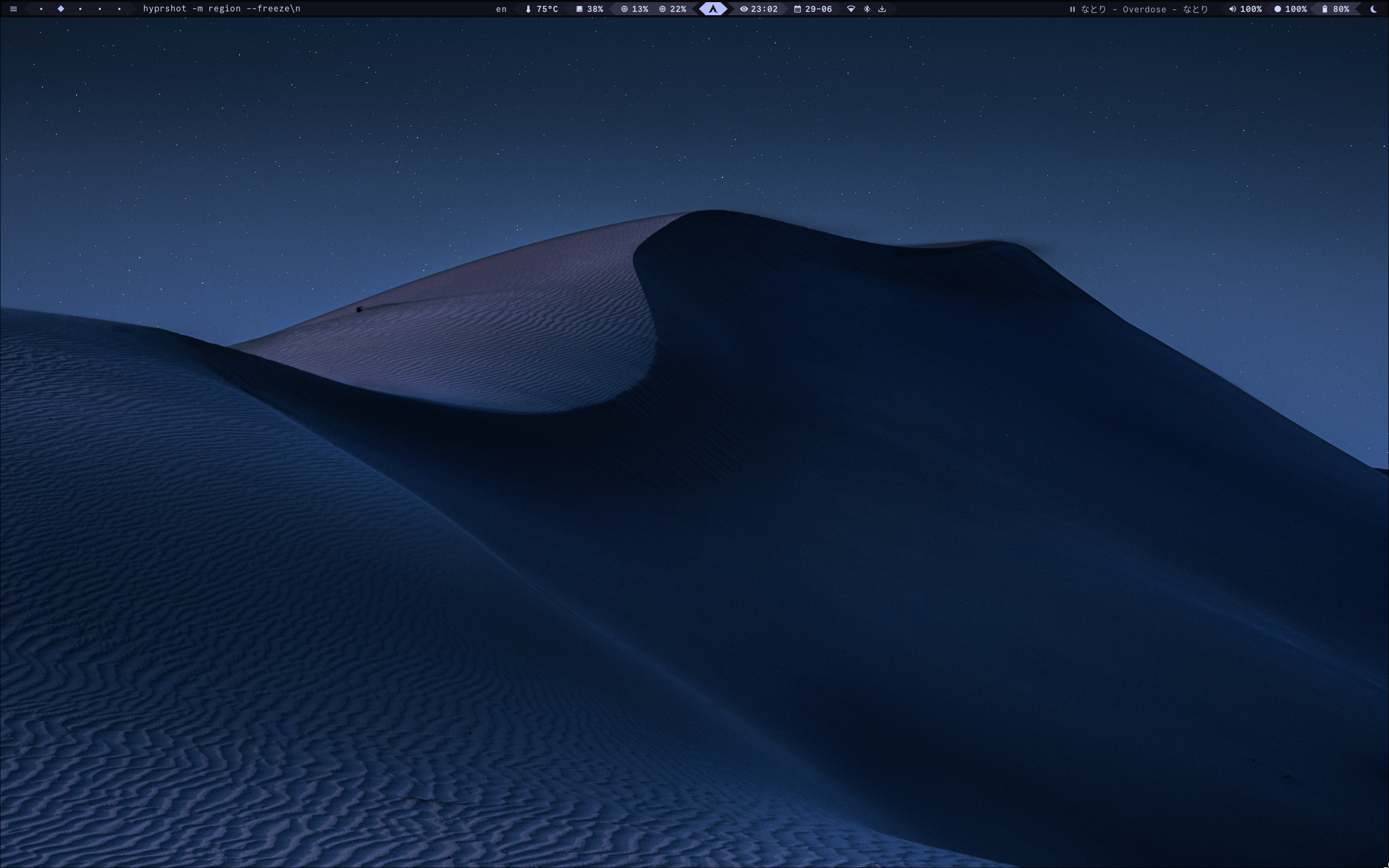 Desktop
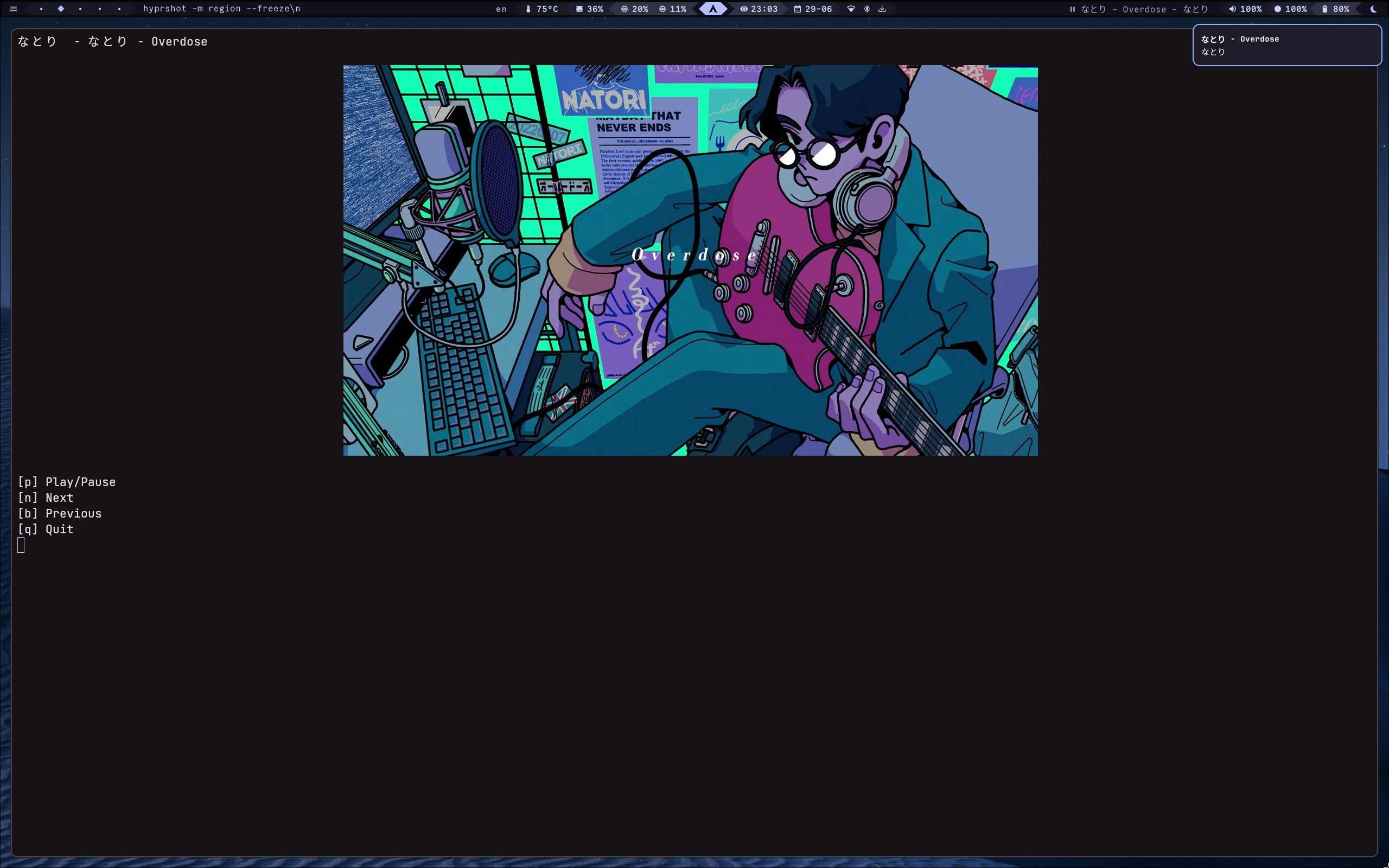 Media player/selector
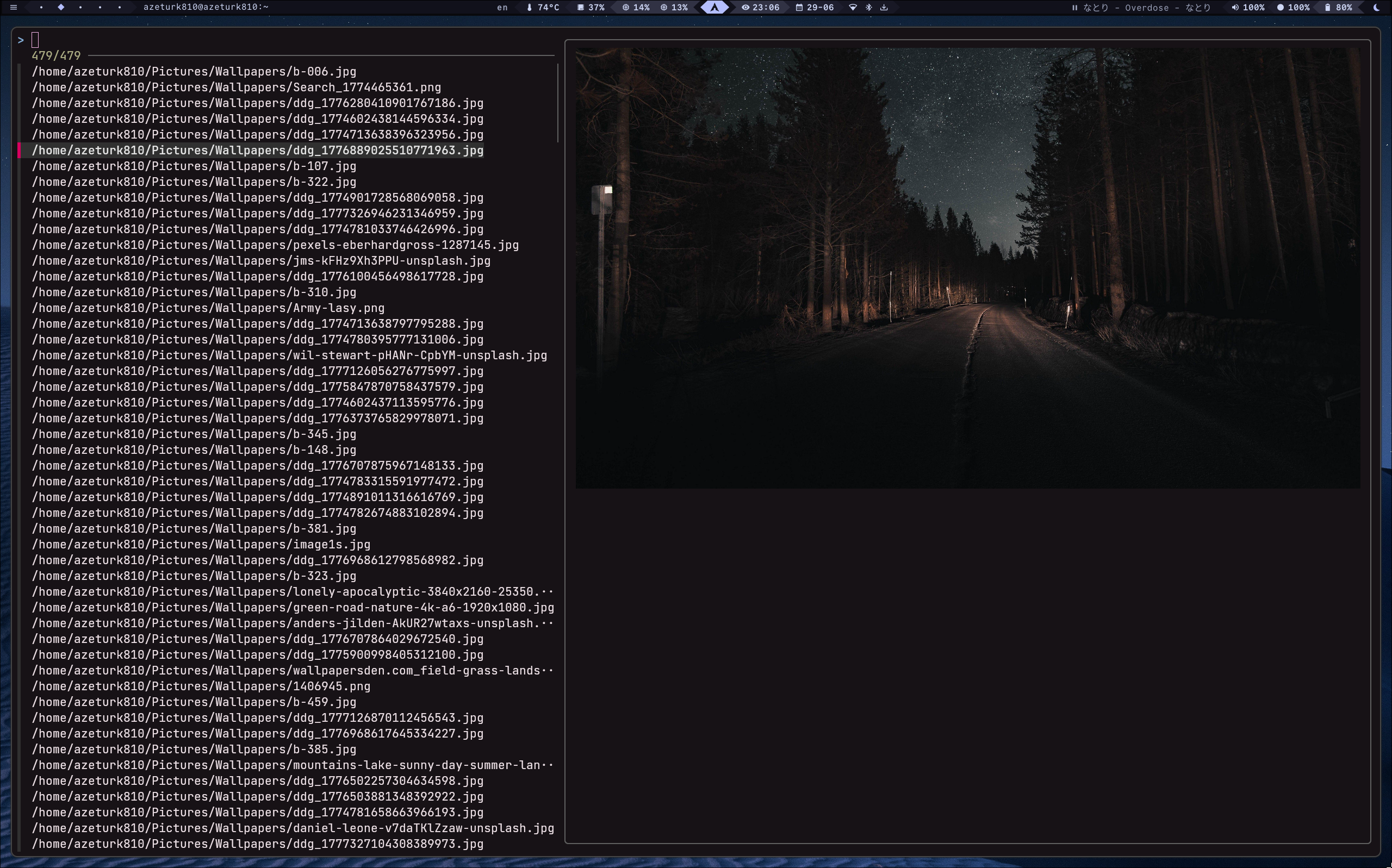
Wallpaper selector
| Component | Program |
|---|---|
| WM | Hyprland |
| Shell | Bash / Zsh |
| Editor | Neovim |
| Terminal | Kitty |
| Widgets | Quickshell/Waybar/Rofi |
| Launcher | Rofi |
| Notifications | Mako |
| Browser | Firefox / Zen |
Clone the repository:
git clone https://github.com/AzeTurk810/dotfiles.git
cd dotfiles
Backup your current configuration:
mkdir -p ~/dotfiles-backup
cp -r ~/.config ~/dotfiles-backup/
Install the configurations you need manually. You must change monitors.lua
This repository contains my Neovim configuration focused on:
- Competitive programming
- C++
- Python
- LSP support
- Autocompletion
- Treesitter
Features include:
- Custom keybinds
- Workspace management
- Animation tweaks
- Development-oriented workflow
Custom widgets and desktop components written using Quickshell.
- Fast startup
- Low resource usage(Except Nvim)
- Comfortable programming workflow
- Easy customization
- Waybar is modified version of this: https://github.com/sejjy/mechabar
These are personal dotfiles. Some paths, monitor settings, and hardware-specific options may need to be adjusted for your system.
- Do quickshell App launcher
- Add CheatSheet
- Design Beatifull Quickshell Bar
MIT License