
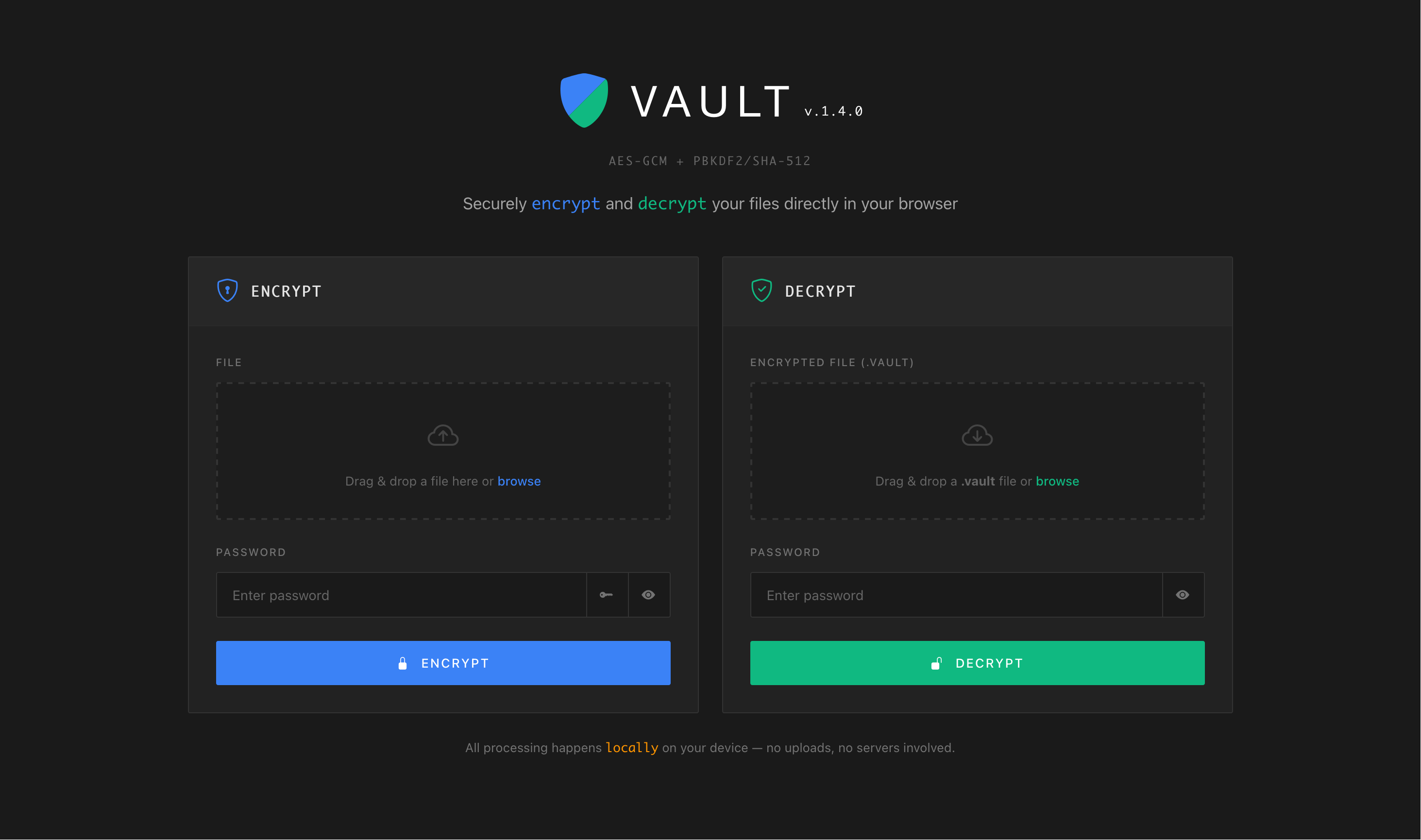
Securely encrypt and decrypt your files directly in your browser


All processing happens locally on your device — no uploads, no servers involved.
The recommended installation method is Docker.
docker run -d --name vault -p 80:80 poliuscorp/vaultservices:
vault:
image: poliuscorp/vault
container_name: vault
ports:
- "80:80"
restart: unless-stopped- Download both the
docker-compose.ymlandCaddyfilefrom the deploy folder. - Edit the
Caddyfileand replaceyourdomain.comto your actual domain name. - Start the stack:
docker-compose up -d
Caddy will automatically obtain and renew SSL certificates for your domain via Let's Encrypt.
- (Optional) To stop and remove the stack:
docker-compose down
Once deployed, open your web browser and visit:
- HTTP: http://localhost/
- HTTPS: https://yourdomain.com (if configured)