Skip to content

Latest commit


History

History
89 lines (84 loc) · 2.61 KB

File metadata and controls

89 lines (84 loc) · 2.61 KB
title AI Code Review CLI
icon terminal
description Installation Guide for AI Code Review CLI
og:title AI Code Reviews | MatterAI Documentation
og:description AI Code Reviews by MatterAI to ship better code faster with AI-powered reviews that understand your codebase
og:image https://res.cloudinary.com/dxvbskvxm/image/upload/v1761739316/code-reviews-og-img_xhyuqv.png

Installation

The MatterAI CLI is a command line tool that allows you to locally generate PR Description and Checklist. Official Link: [https://www.npmjs.com/package/matter-ai-cli](https://www.npmjs.com/package/matter-ai-cli) ```bash npm install -g matter-ai ``` Generate a new Github Personal Access Token here [https://github.com/settings/tokens](https://github.com/settings/tokens) with the following permissions:

MatterAI Github Connect

1. Go to the directory of the repository you want to analyze. 2. Run the CLI with the following command: ```bash matter ``` 3. Enter the Github Personal Access Token when prompted. Select the Pull Request you want to analyze from the list of Pull Requests.

MatterAI Github Connect

Select the AI Summary option from the list of options.

MatterAI Github Connect

Enter the OpenAI API Key when prompted. Or you can set the `OPENAI_API_KEY` environment variable.

MatterAI Github Connect

Your AI Generated Summary is ready in markdown format!

MatterAI Github Connect

Pro Features

The CLI is free to use, but you can upgrade to the Pro version to get more features:

  1. Automatic AI Summary Generation on every PR and commits
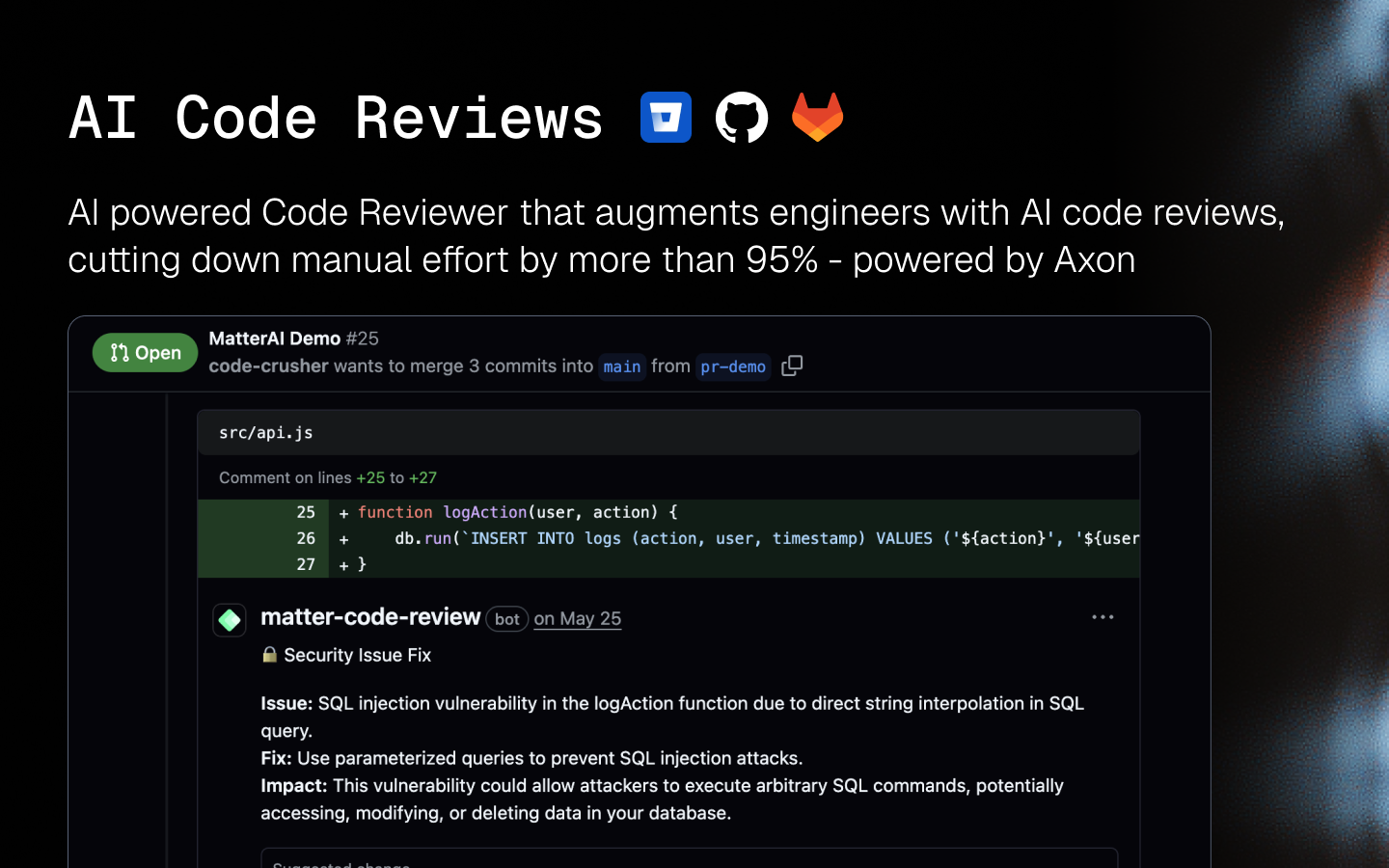
  2. AI Code Review on every PR and commits
  3. AI Explanation on every PR and commits
  4. Team-level analytics and insights

You can get started by visiting https://matterai.so