| title | Github Code Reviews |
|---|---|
| icon | github |
| description | Installation Guide for AI Code Review Github App |
| og:title | AI Code Reviews | MatterAI Documentation |
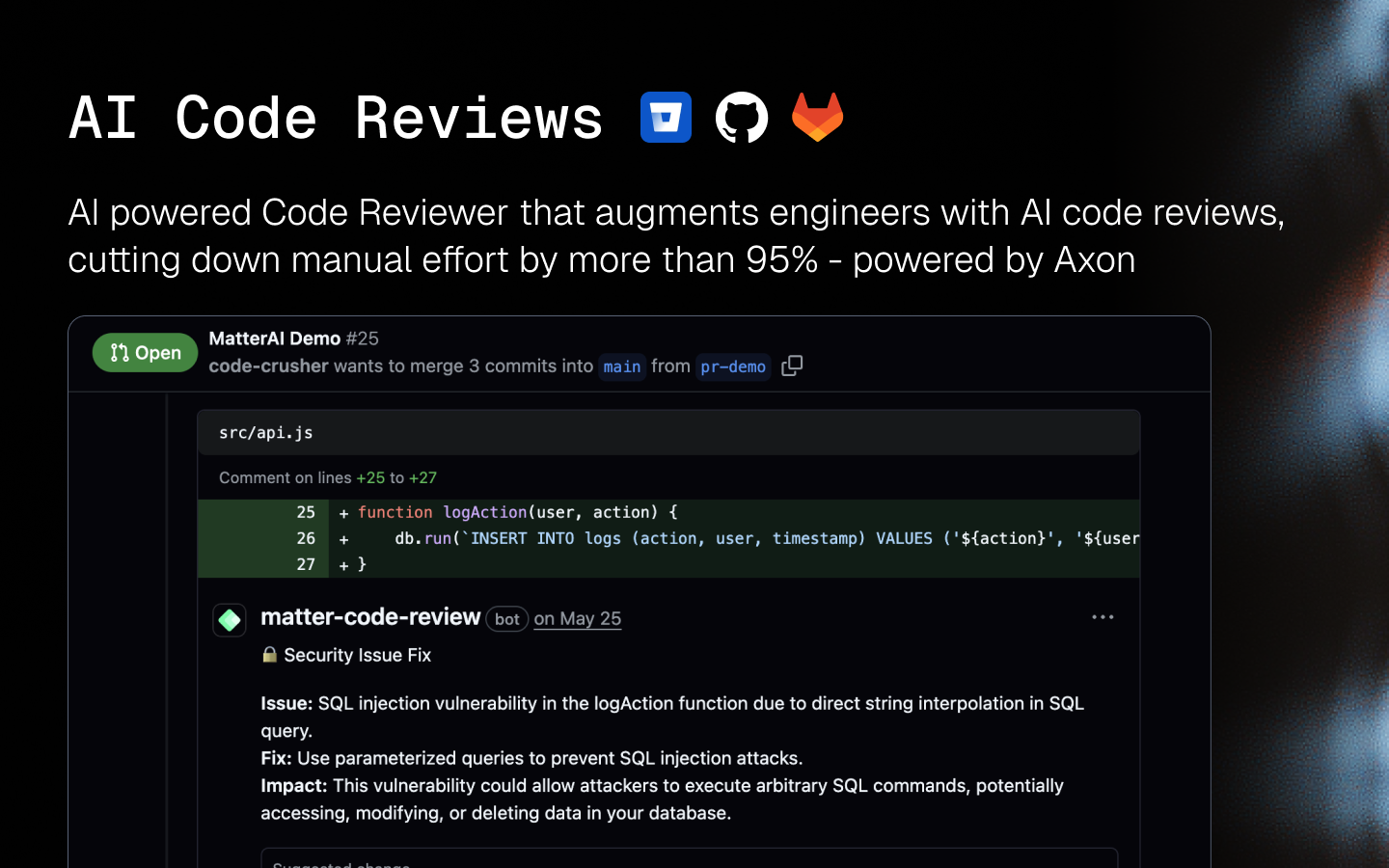
| og:description | AI Code Reviews by MatterAI to ship better code faster with AI-powered reviews that understand your codebase |
| og:image | https://res.cloudinary.com/dxvbskvxm/image/upload/v1761739316/code-reviews-og-img_xhyuqv.png |
Here's a quickstart video (1 min):
<iframe width="100%" height="400px" src="https://www.youtube.com/embed/Vm0At6mP8Tw" title="YouTube video player" frameborder="0" allow="accelerometer; autoplay; clipboard-write; encrypted-media; gyroscope; picture-in-picture; web-share" referrerpolicy="strict-origin-when-cross-origin" allowfullscreen ></iframe> Sign up on MatterAI here: [https://app.matterai.so](https://app.matterai.so) Connect your Github account at Get Started

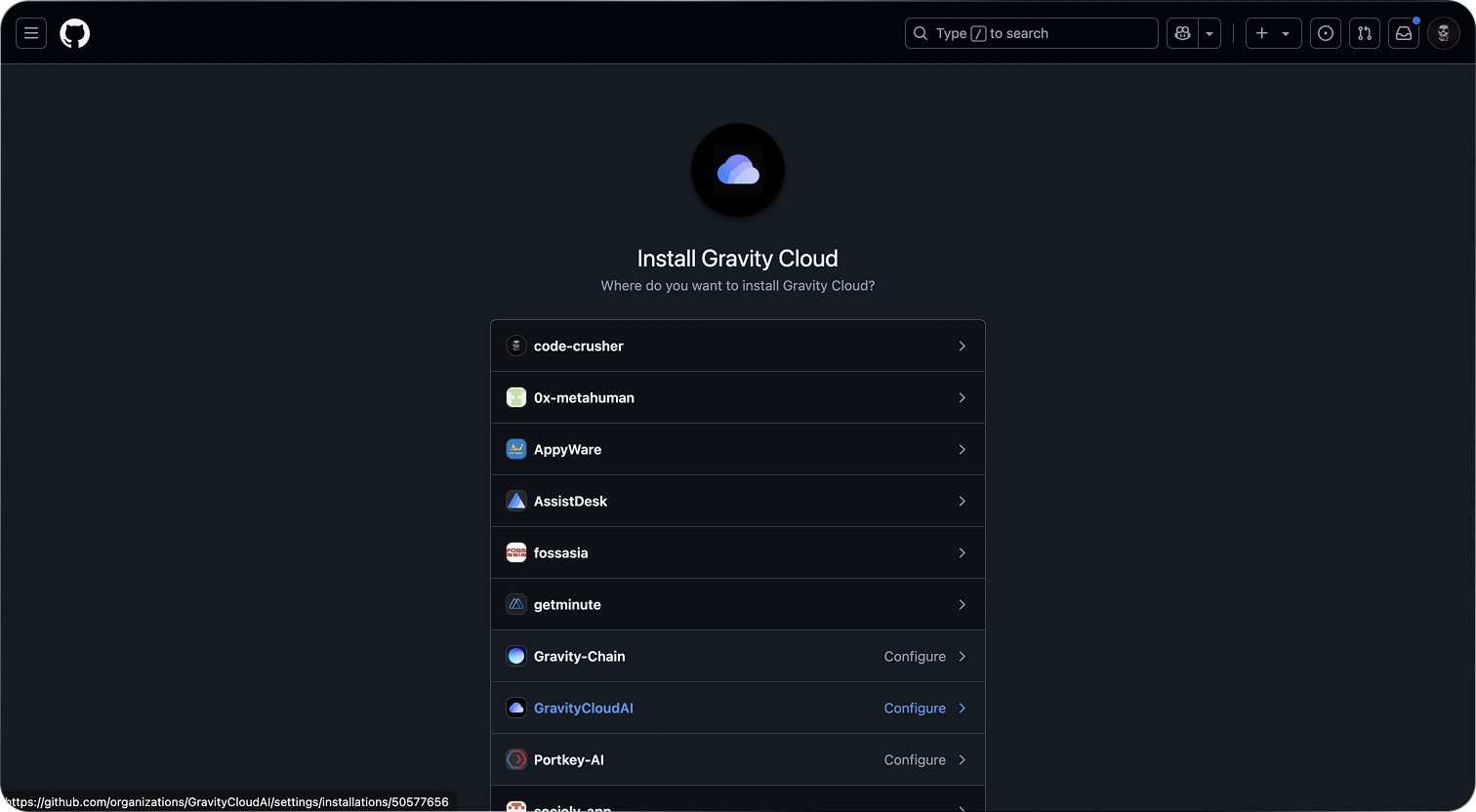

You can self host the Github App to comply with your security policies using our Open Source Integrator and install the Helm Chart in your Kubernetes cluster: https://github.com/MatterAIOrg/wave