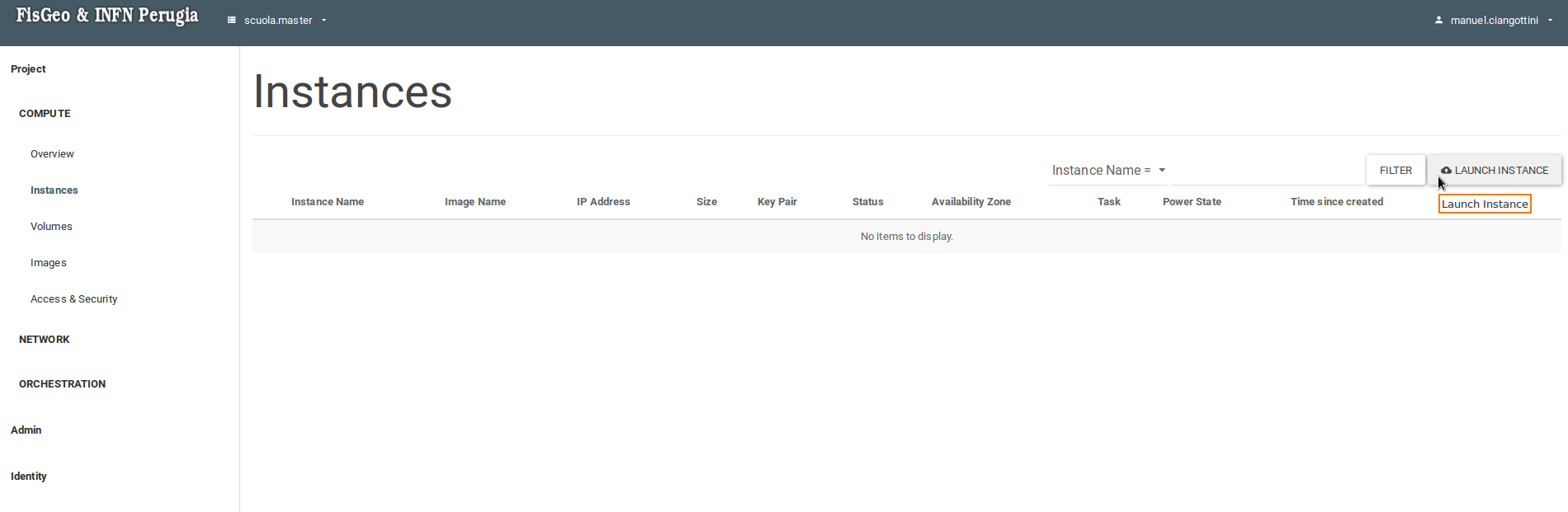
Section Compute -> Instances -> Launch Instance.
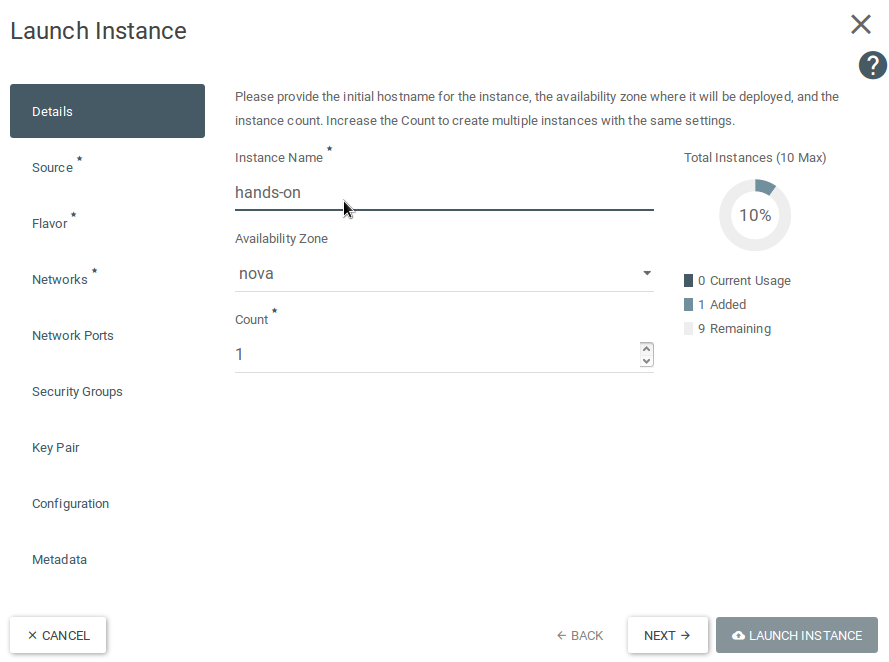
Choose a name for your instance.
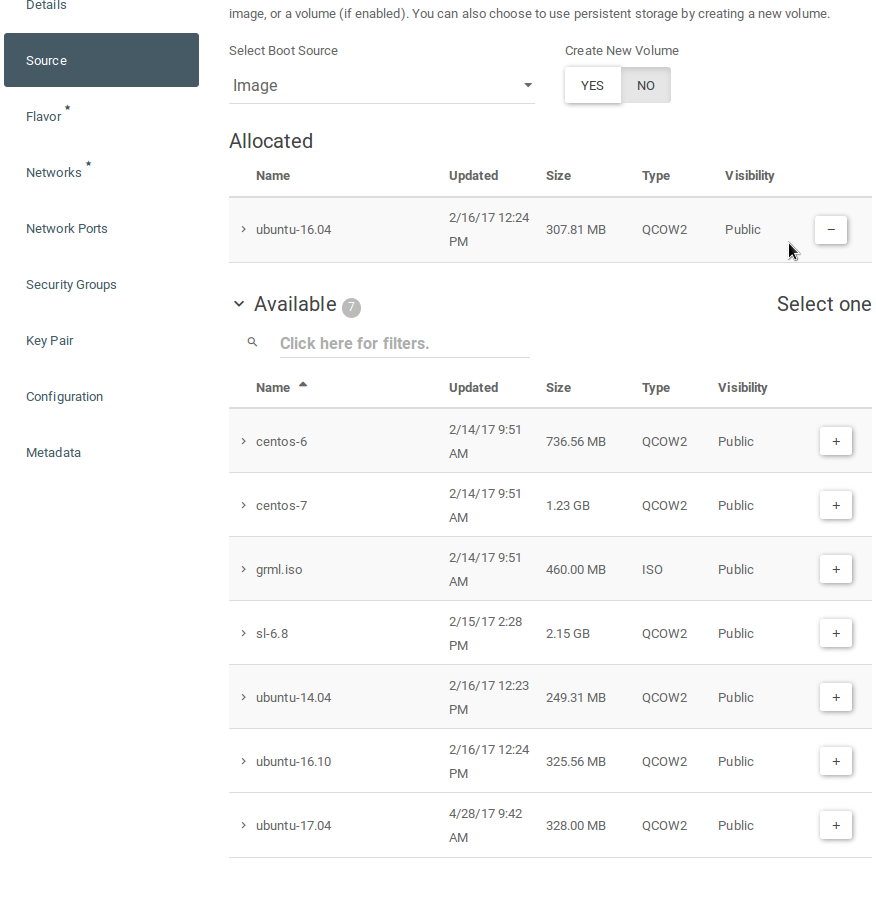
Choose the image you want to create the instance from (in this case ubuntu-16.04).
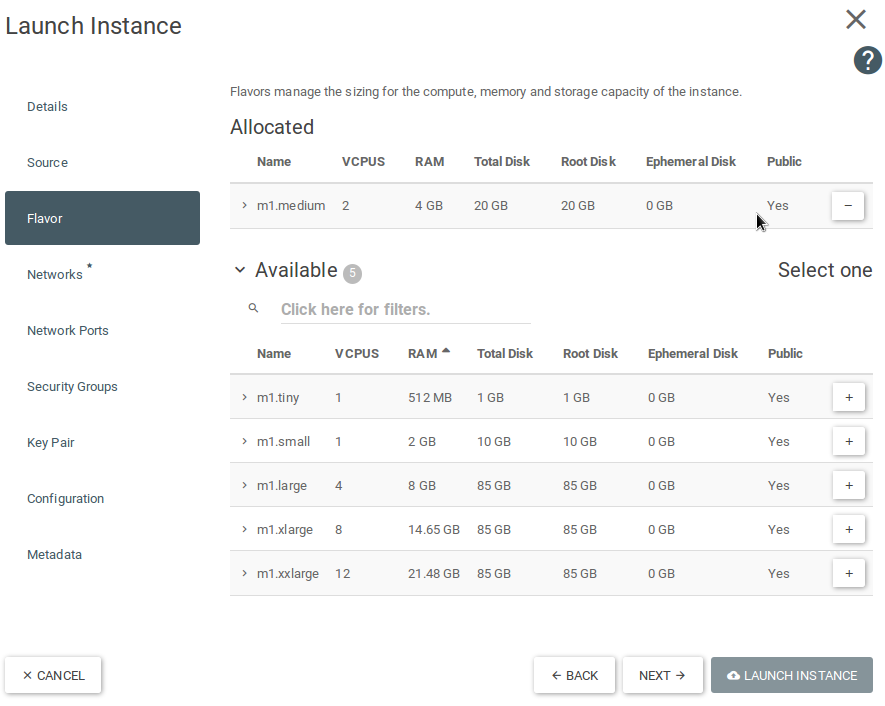
Choose the size of your instance.
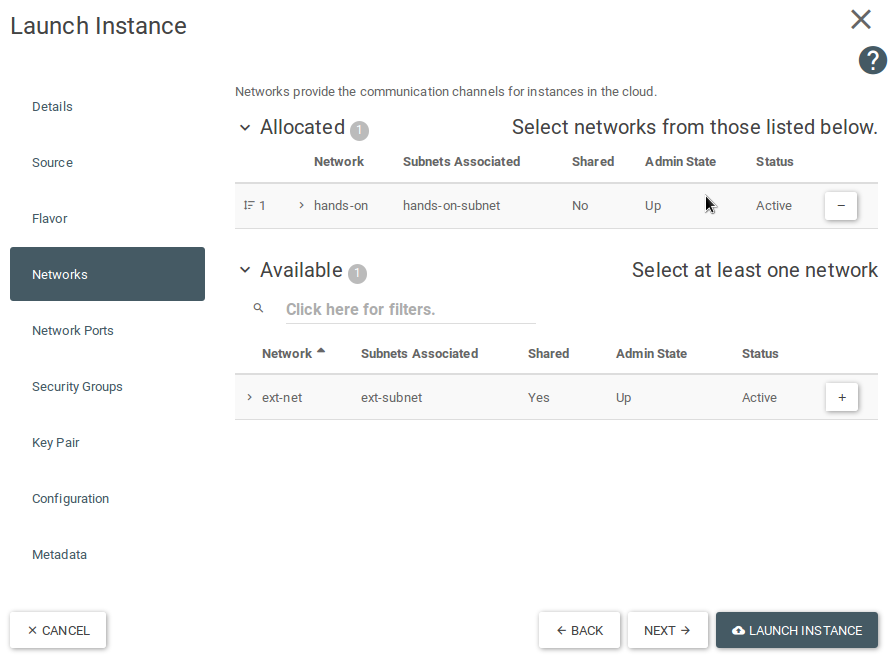
Choose the previously created network.
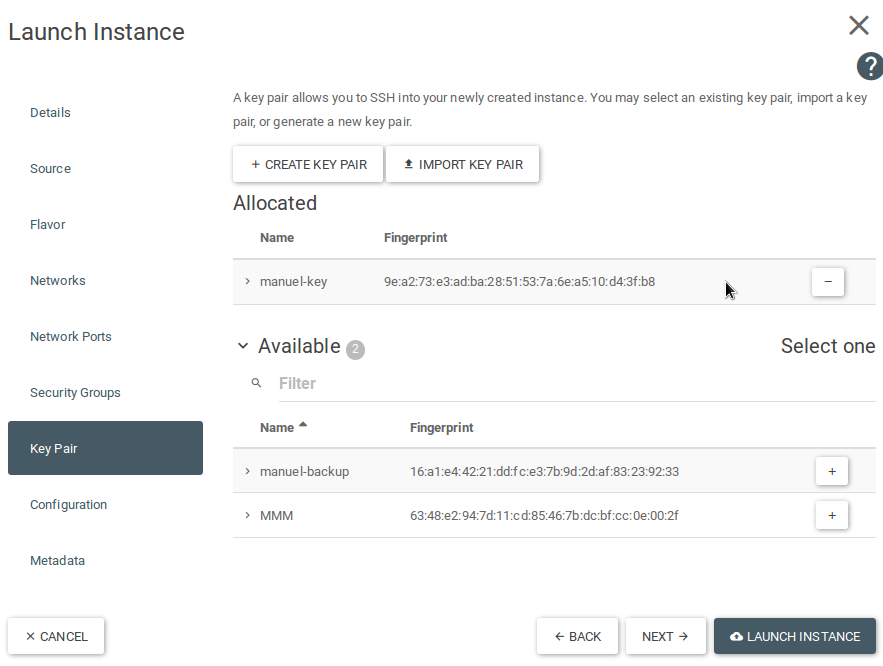
Create or import a key-pair and then choose it. You will launch the instance with that key, used to get access to the Virtual Machine. If you have to generate a key-pair you can follow these steps:
- Windows: download PuTTYgen to create a new key-pair. If you have problems follow these instructions: [Using PuTTYgen];
- Linux and Mac: open the terminal and use this command:
If you have problems you can read this guide
ssh-keygen -t rsa -b 4096 -C "your_email@example.com"
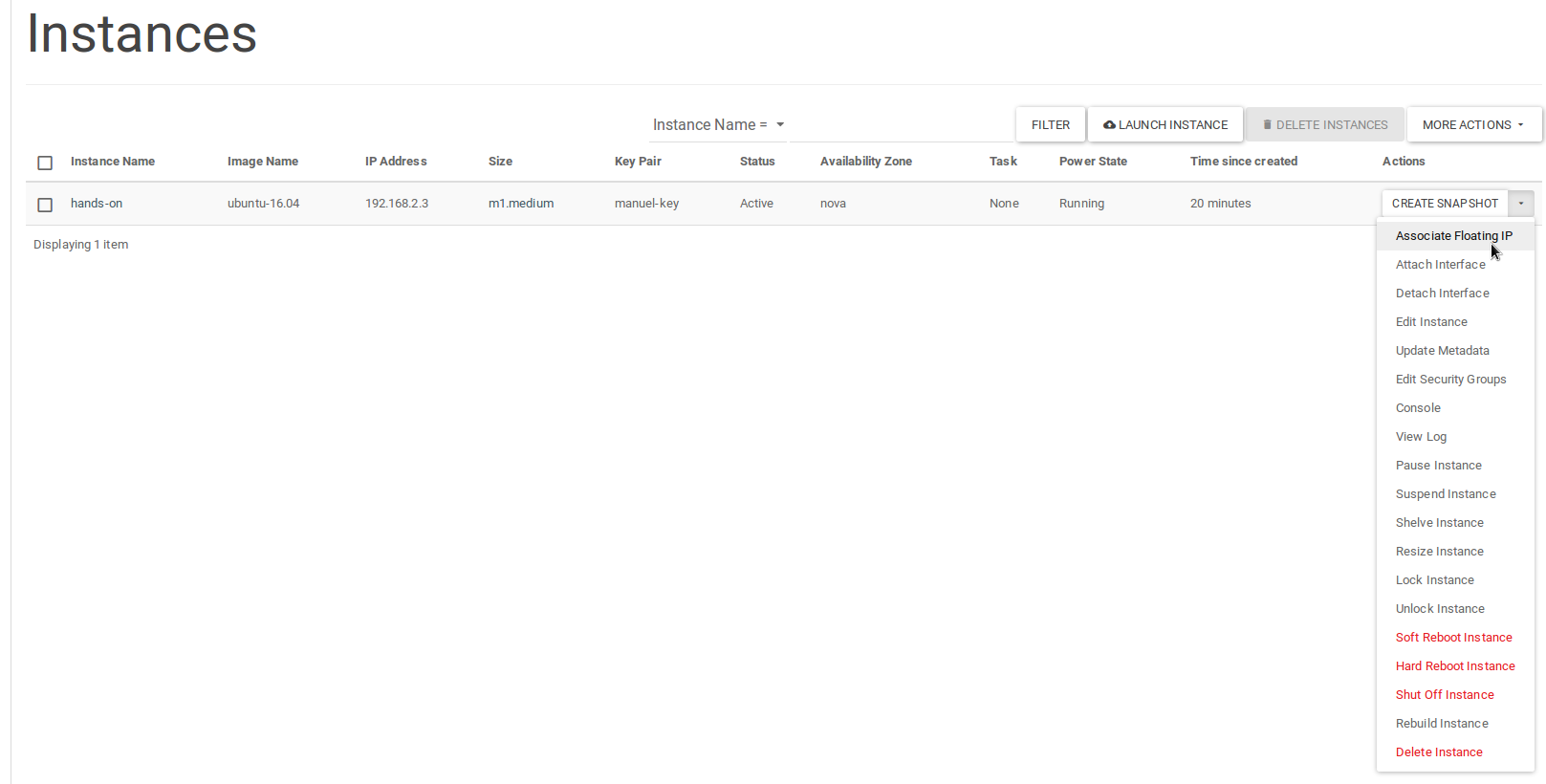
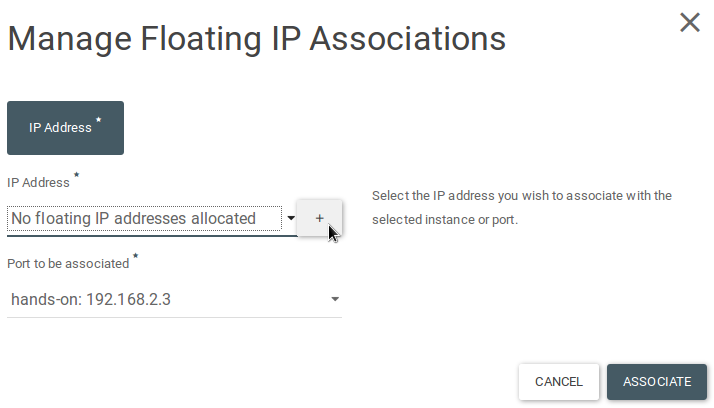
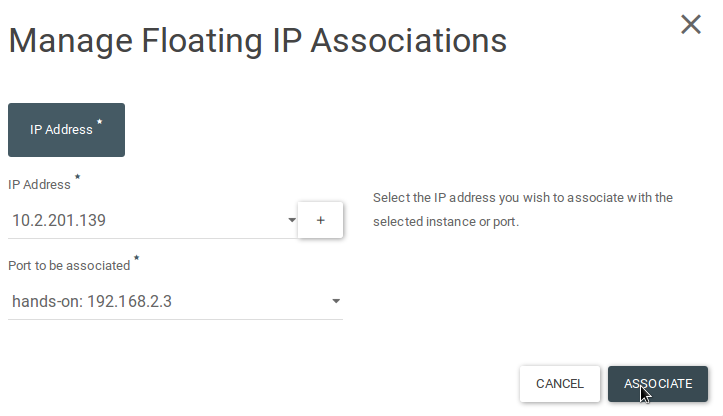
Add a floating IP to the instance.
Next section: Port mapping